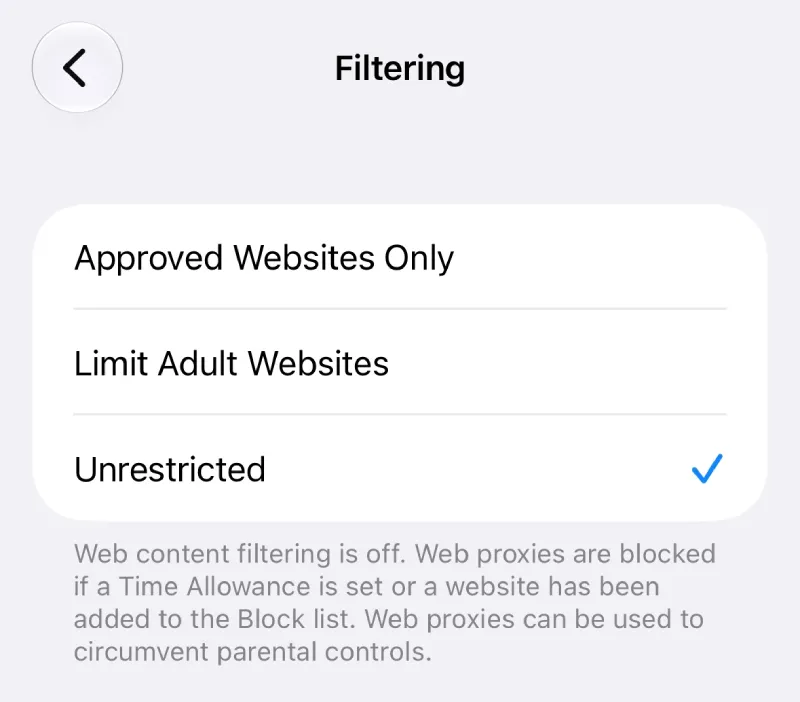
If you rely on Apple’s Screen Time to keep yourself from doomscrolling social media or getting lost in forums during work, you probably know third-party browsers have always been a sneaky workaround. Unless the browser actually connects with Apple’s Screen Time, your custom domain limits just get ignored.
Perplexity is finally closing that loophole for Comet on iPhone. With the latest 26.36.0 update hitting the App Store, the browser now actually respects iOS Screen Time rules. According to App Store details, the update went live a few days ago.
It’s kind of funny to see how much steady attention the mobile app gets, especially after Perplexity locked browser control behind credits on desktop and left subscribers annoyed. Meanwhile, mobile users just keep getting useful tweaks.
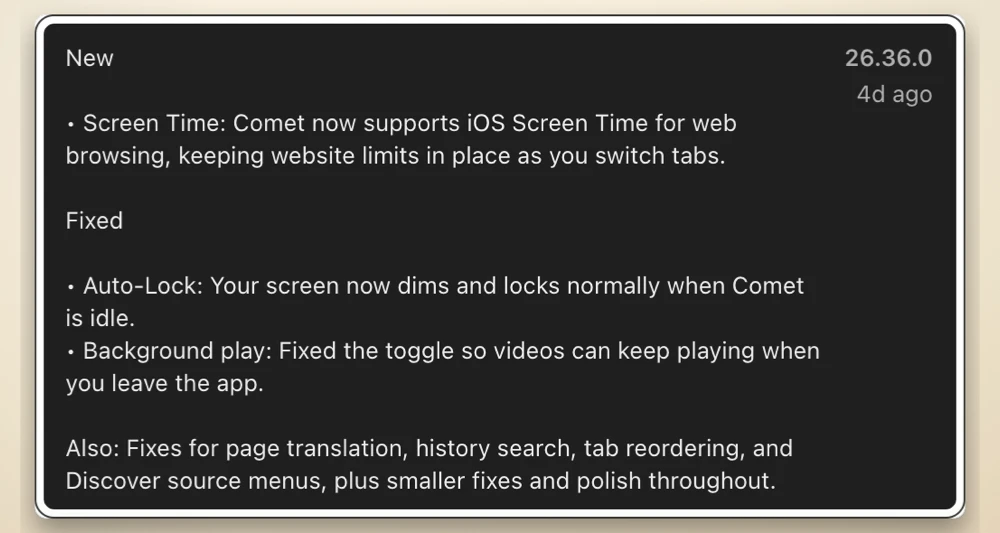
According to the update notes, Comet now actually enforces your web limits and makes sure they stick as you jump between pages, even “keeping website limits in place as you switch tabs.” So if you set a daily limit on a website in your iOS settings, Comet will really cut you off instead of letting you dodge the timer by opening a new tab.
This update follows another one where Perplexity tackled those annoying anti-adblock popups to clean up messy websites. It’s clear the team wants Comet to be a real daily driver on iOS, not just a quick AI search tool.
Besides Screen Time support, this update also patches a couple of annoying bugs. If you’ve ever left Comet open on your desk and wondered why your iPhone battery was draining, it turns out the app wasn’t idling properly. It also finally fixes that auto-lock issue, so your display will dim and lock as it should if you’re not using it.
They also fixed video playback, so now the background play switch actually works and “videos can keep playing when you leave the app.” That’s great news if you like listening to video podcasts while doing other stuff on your phone.
There are also smaller fixes for history search, tab reordering, and translation glitches. Here’s a screenshot of the official release notes for reference:
If your iPhone hasn’t automatically pulled Comet version 26.36.0 yet, you can grab it from the App Store.


Dwayne Cubbins
3146 Posts
I cover fast-moving stories across apps, online platforms, and everyday tech — phones, wearables, consoles, and whatever else people are fighting with this week. Bugs, rollouts, scams, policy enforcement, and the occasional internet-culture rabbit hole are all fair game. My goal is simple — make confusing tech news readable. When I'm not working, I'm working out or chilling with my dog. Got a tip? You can find me on X @dcubbins.
Next article View Article