Microsoft seems to have quietly removed the Natural Voices from the Read Aloud feature on Edge for iOS. Read Aloud is a built-in text-to-speech tool that converts text on web pages into spoken audio. Earlier, there were several options labeled “…Natural,” which are now unavailable.
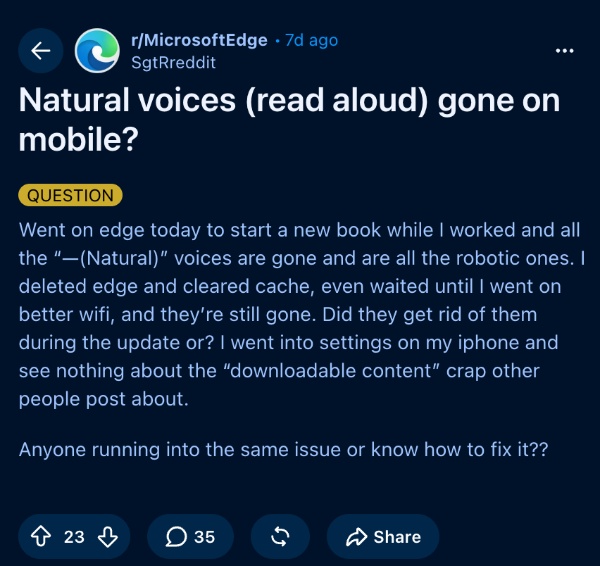
People were quick to notice the missing voice options, and they voiced their complaints on Reddit under r/MicrosoftEdge. A screenshot attached below shows one such complaint from a user.
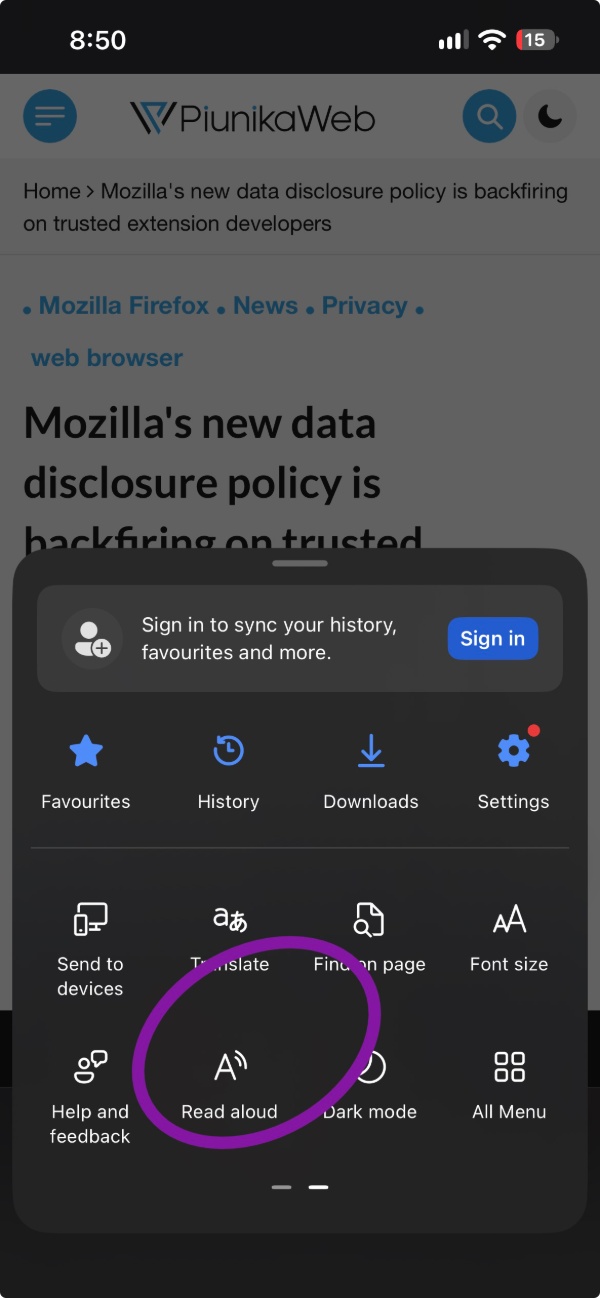
To confirm this, I’ve inspected the feature on Microsoft Edge myself. After updating Edge to the latest available version at the time of writing, I opened one of the articles on PiunikaWeb and selected “Read Aloud.” By default, it’s available on the second page of the swipeable menu, which you can access by tapping the three-line/hamburger menu in the bottom-right corner.
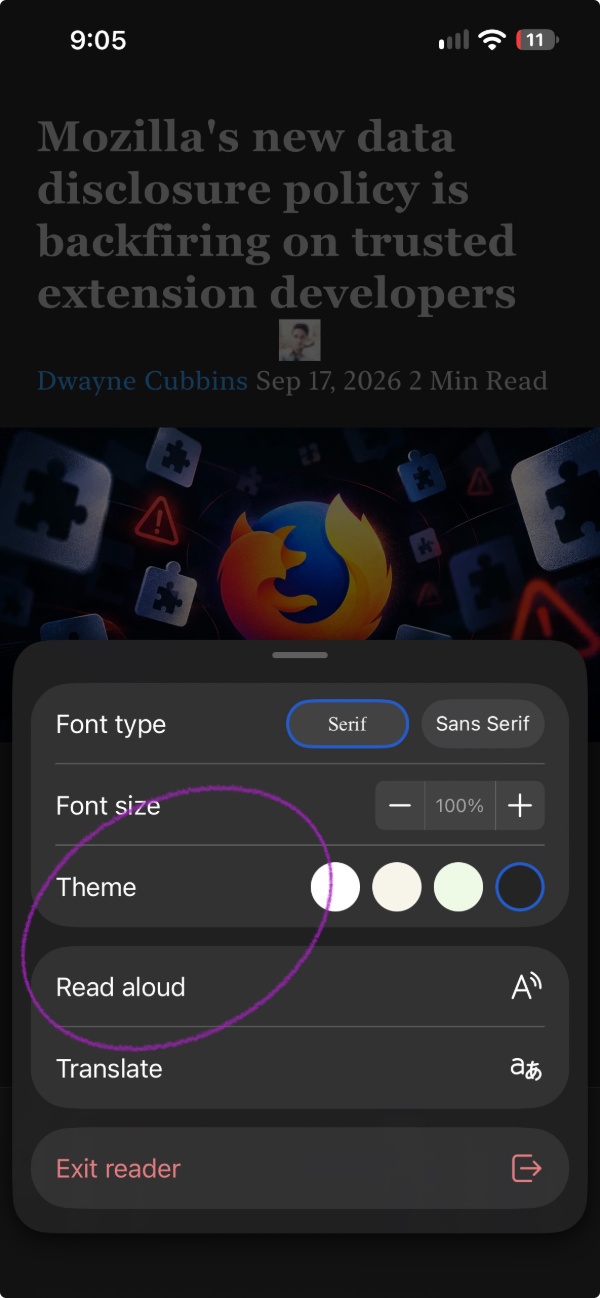
Another way to access the feature: Enter Reading Mode (tap on the icon that looks like a book in the address bar).
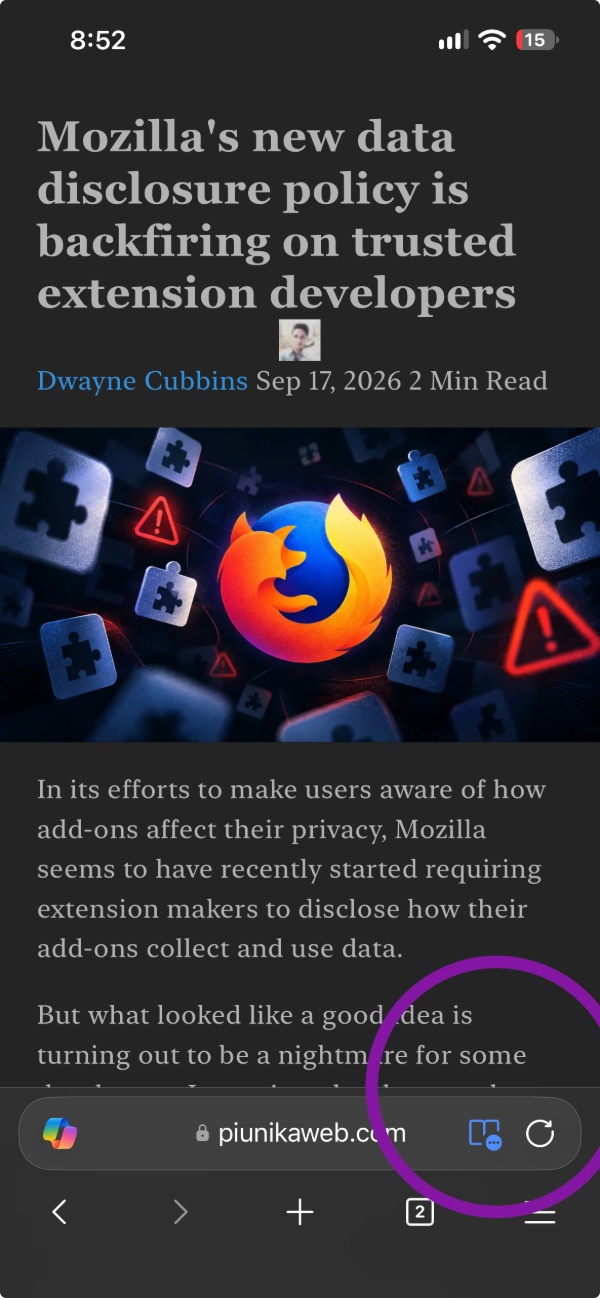
Tap on the book again, and you’ll find various options, including “Read Aloud.”
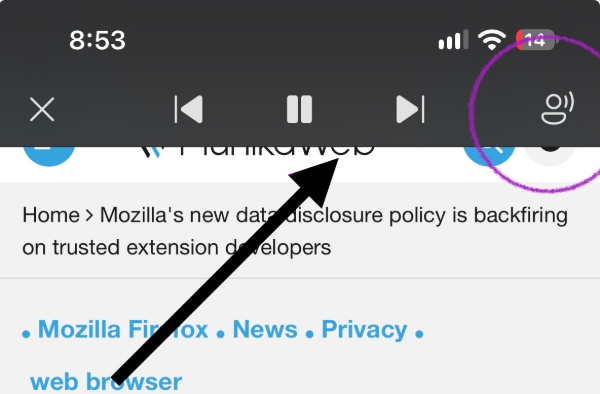
Finally, the browser will open a media player at the very top. At the top-right, you’ll find an option for changing the settings of the voice-over. The speed, as well as the voice selection, are adjustable from here.

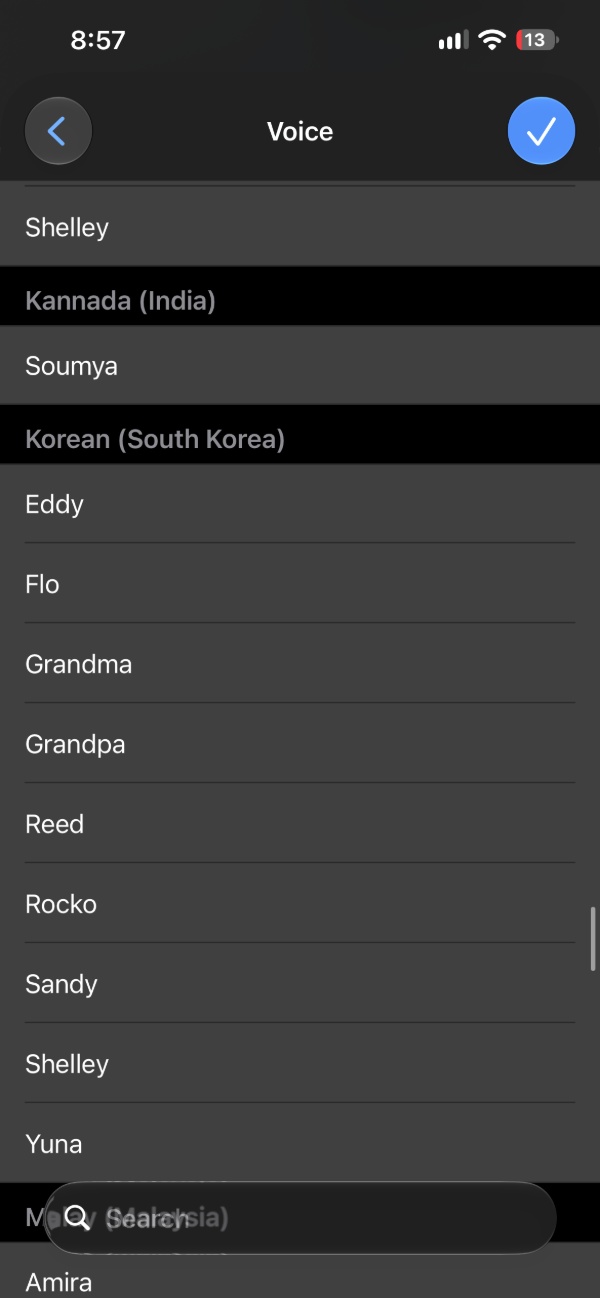
Under this, you have several options for names, countries, accent choices, and more.
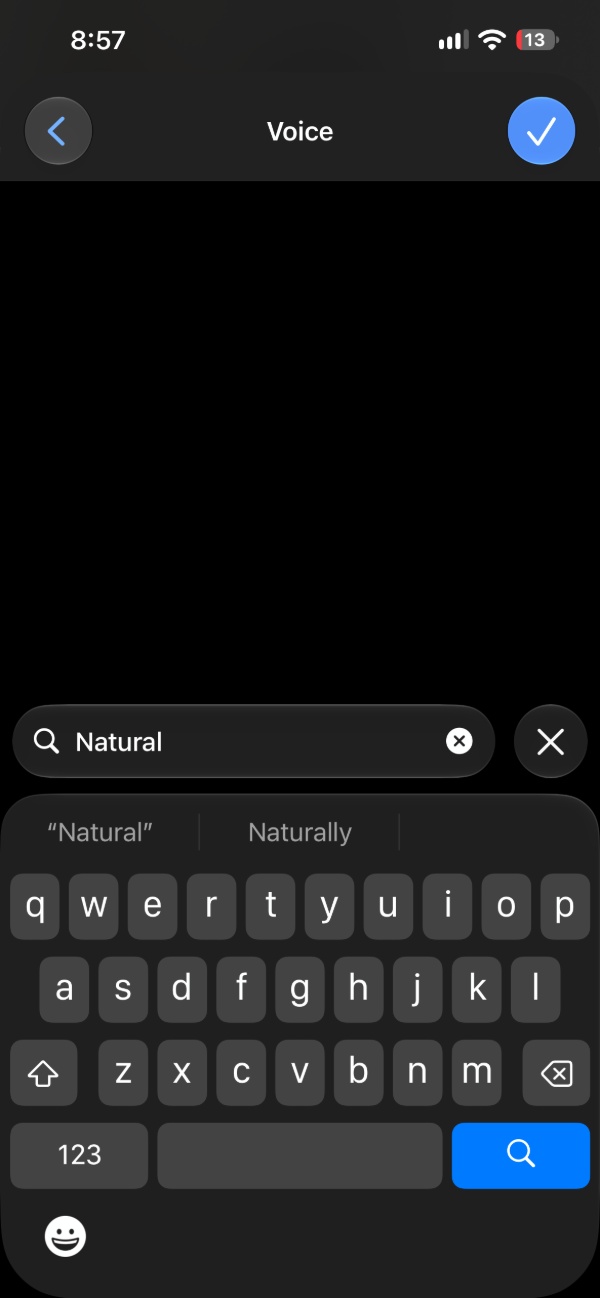
However, typing the keyword “Natural” in the search box returns zero results. This is exactly what was removed recently — you won’t find any of the “Natural” options in the entire list.
Expectedly, people are upset about losing these options. A lot of users find the existing options weird or robotic in tone and have stopped using the feature altogether.
Will Microsoft add the options back? There’s a tiny glimmer of hope. A comment on Reddit suggests that the issue has happened before, and that it might just be an error. If that is genuinely the case, the company could restore the missing voice options in a future update. Don’t treat this as confirmed information, since Microsoft hasn’t issued any clarifications regarding the situation.

I also spotted a suggestion online that helps restore the voices, and that’s downloading an older version of Edge via TestFlight. However, this isn’t really worth the hassle for most people, since the workaround is temporary and older versions carry security risks.
In more positive Edge news, Microsoft is planning to simplify form-filling further. AI bots can help fill out some fields and also click buttons so you don’t have to. More on that here.


Sudhanshu K
341 Posts
I have been a consumer technology enthusiast for over 5 years. Thanks to my experience in software beta testing and product reviews, I've understood and learnt a lot about what bugs and issues bother people, and I spend time trying to simplify their solutions. I cover smartphones, software, social media, apps, AI, and most consumer tech gadgets. Actively pursuing a Computer Science bachelor’s degree. I'm mostly active on Twitter/X (@TechWhirlUlt), drop a DM or tag me if you want to share info or connect!
Next article View Article