Firefox is currently going through a design transition period, where Mozilla is constantly introducing glow effects, rounded corners, and more “modernized” UI elements throughout the browser. The entire package, which is part of the Nova redesign, remains in beta. Now, the company is testing a minor UI change for the Private Browsing mode in Nightly.
When I say it’s a minor change, it actually is a really tiny difference — perhaps imperceptible to many people with a simple cursory glance.
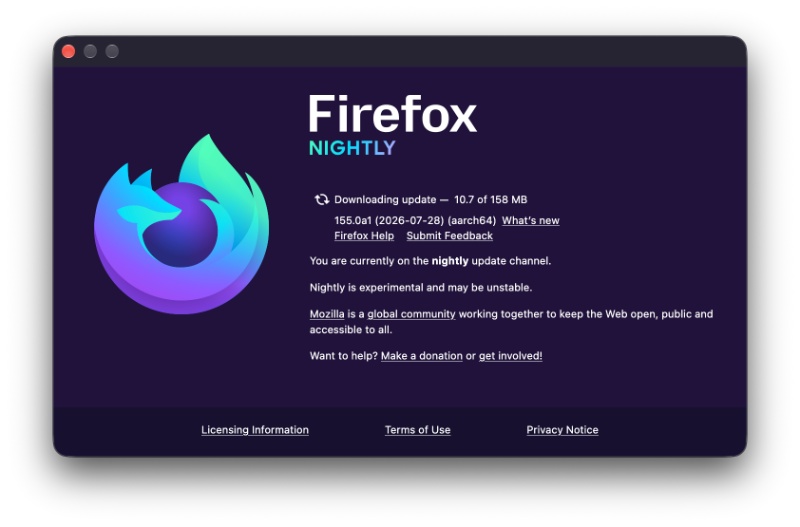
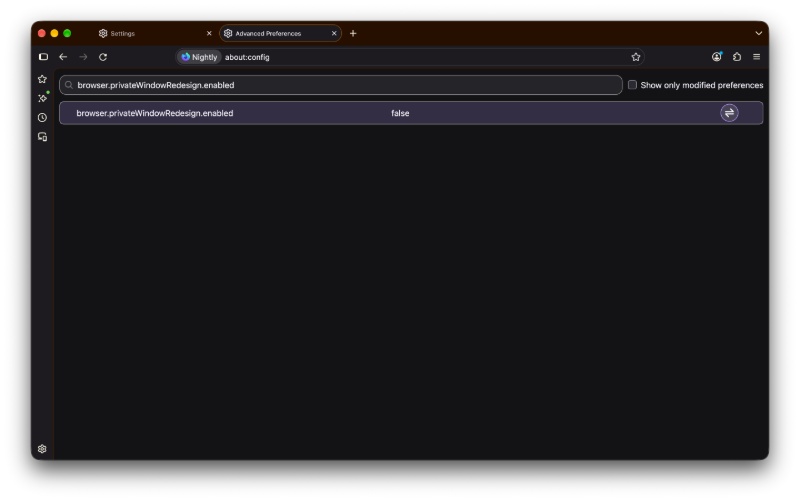
To enable the updated UI design, you’ll need to hop on Firefox Nightly. At the time of writing, the latest version is v158.0a1. The design tweak isn’t directly available on Nightly either. Opening Private Browsing still shows you the old UI if you don’t enable a specific preference in about:config.
You have to enable “browser.privateWindowRedesign.enabled” and then set that toggle to “true.” By default, it’s “false,” which means the design update is disabled by default for now.
After this, you can head over to Private Browsing mode and view the design difference. I have attached two images below, where the first one represents the old design. The second image, directly below, shows the updated design.
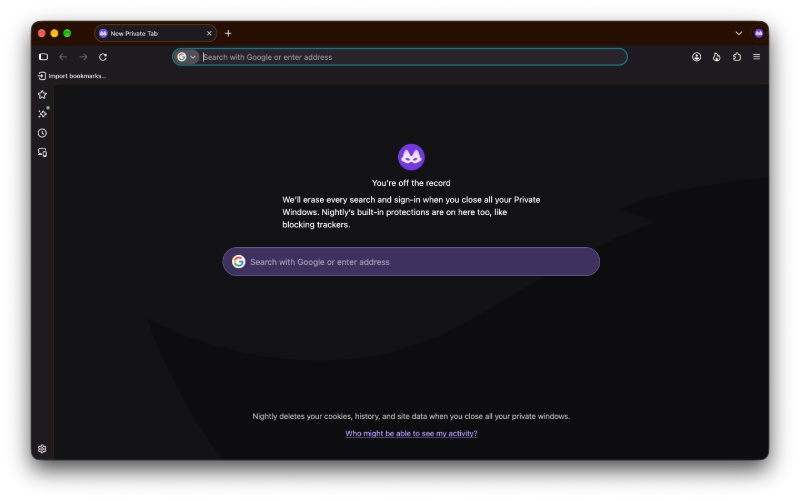
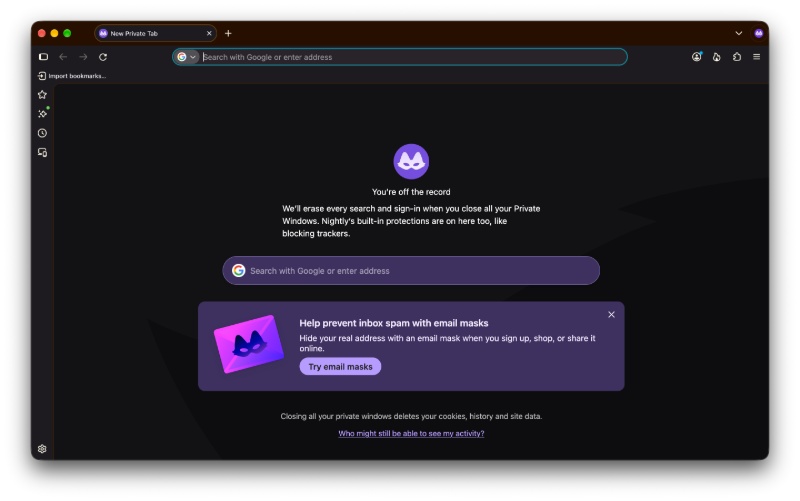
As I said, it’s quite subtle. The pop-up asking you to try email masks aside, the stylized fox with a mask (the image that appears in Private Browsing) has gotten bigger. While the text for “You’re off the record” and the paragraph below it remain the same, they’ve been pushed down, and the font size has also been increased.
The line at the bottom now says “Closing all your private windows deletes your cookies, history, and site data” instead of “Nightly deletes your cookies…”
That’s about it for the design tweak. A font size change, some elements pushed down, and a change to the footer text. We don’t know if or when these changes will make it to the stable version, since it’s still behind a “preference” in the Nightly version of Firefox.
In other Mozilla news, the company’s data policies are backfiring on trusted extension developers. More on that here.
Mistral AI has also partnered with Mozilla to power the Smart Window feature on Firefox. We covered that here.


Sudhanshu K
326 Posts
I have been a consumer technology enthusiast for over 5 years. Thanks to my experience in software beta testing and product reviews, I've understood and learnt a lot about what bugs and issues bother people, and I spend time trying to simplify their solutions. I cover smartphones, software, social media, apps, AI, and most consumer tech gadgets. Actively pursuing a Computer Science bachelor’s degree. I'm mostly active on Twitter/X (@TechWhirlUlt), drop a DM or tag me if you want to share info or connect!
Next article View Article