The latest version of the Edge browser on iOS adds one new feature: A Shortcuts widget that you can add to the home screen.
After several weeks of just bug fixes and stability improvements, we finally have a feature drop this time. For your reference, I’ve attached a screenshot of the changelog below. It mentions the addition of a new widget on iOS. The latest version that includes this feature is v153.4234.32.
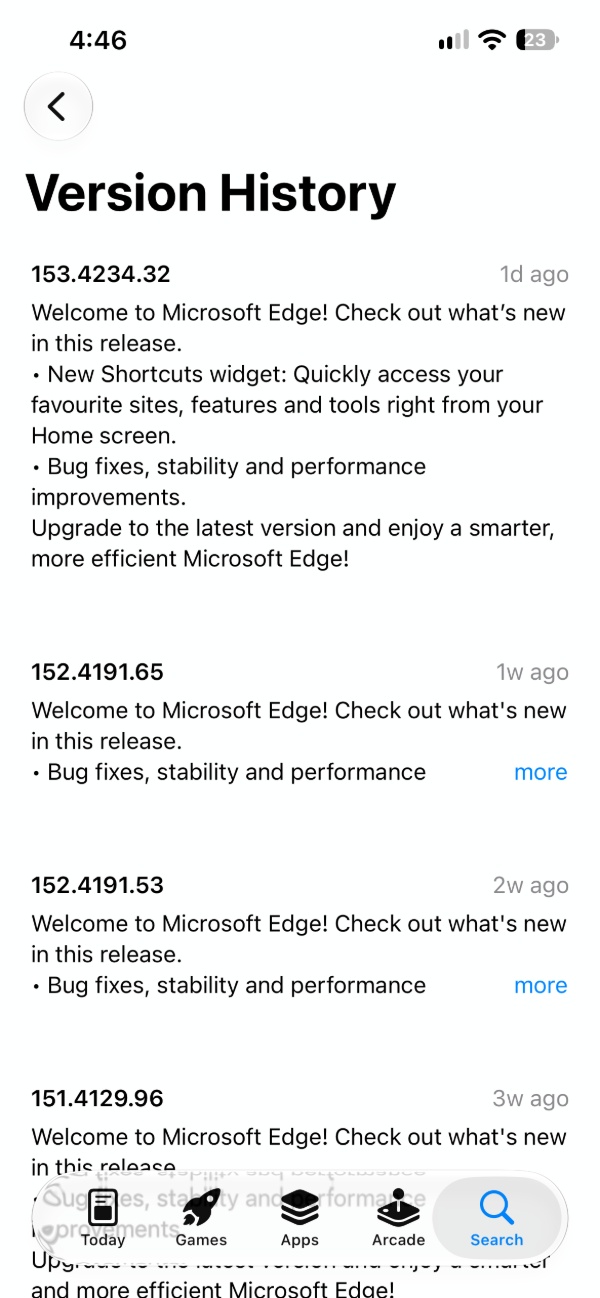
Earlier, if you wanted to access your favorite sites and features, you had to specifically open the Edge app. There was no way to do it from the home screen because the Shortcuts widget was missing entirely. Now, you have the ability to add Edge shortcuts on the home screen.
Here are the steps to enable the new widget:
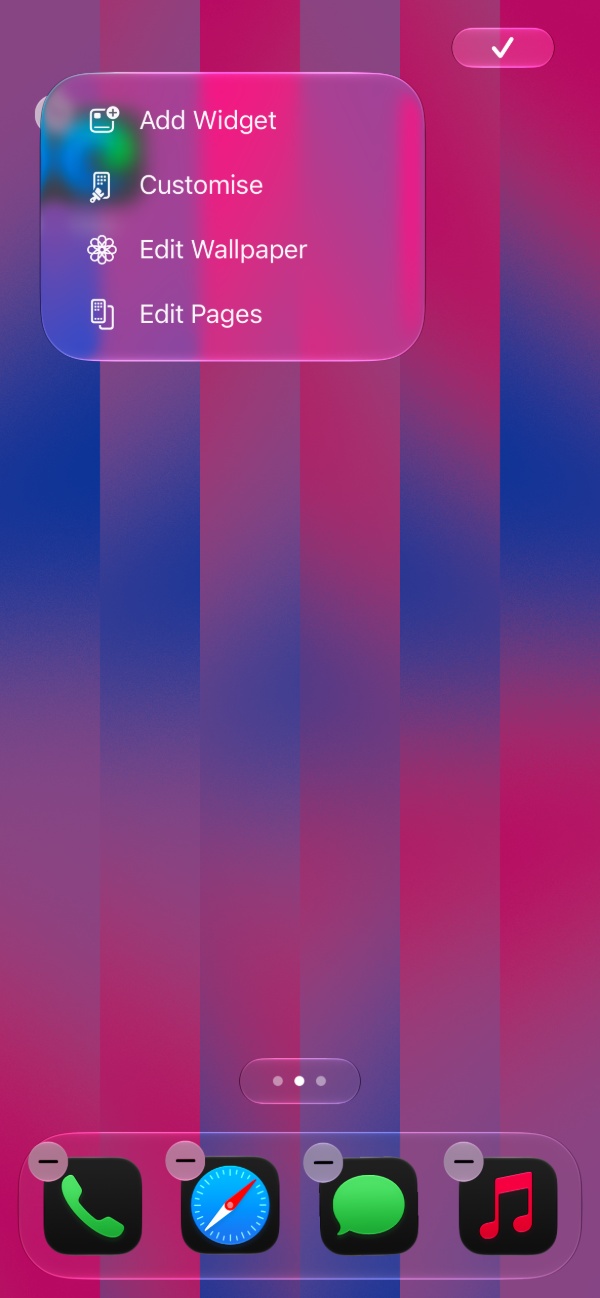
- Long-press on any empty spot on the home screen, and tap on the Brush icon at the top left. Select “Add Widget.”
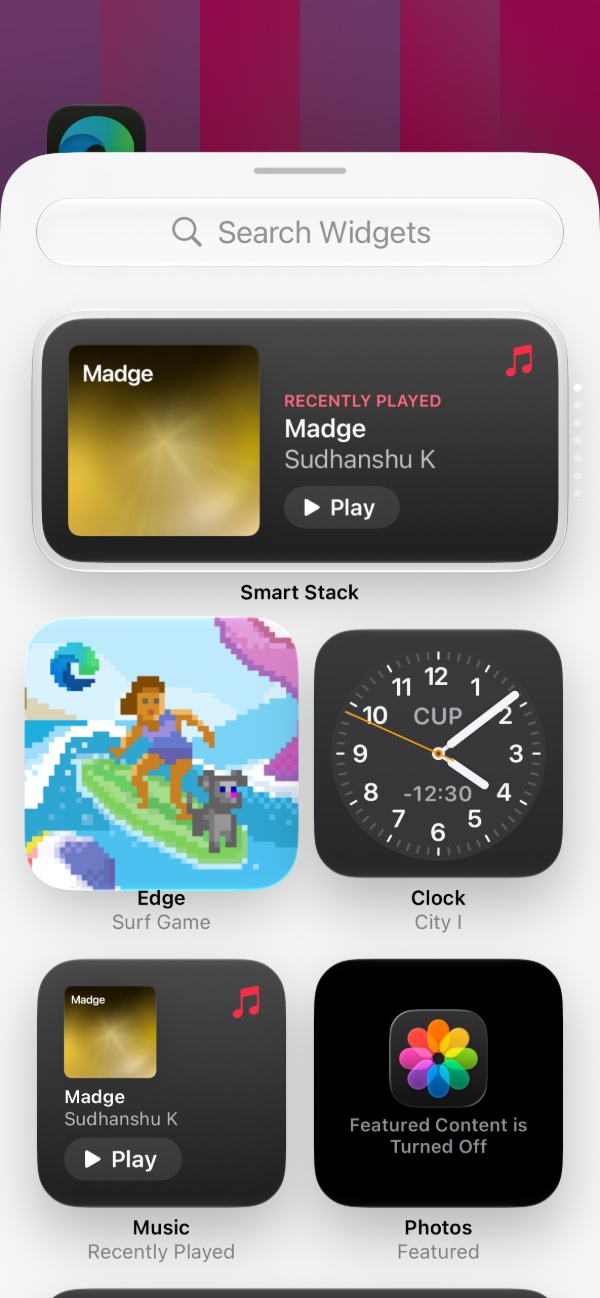
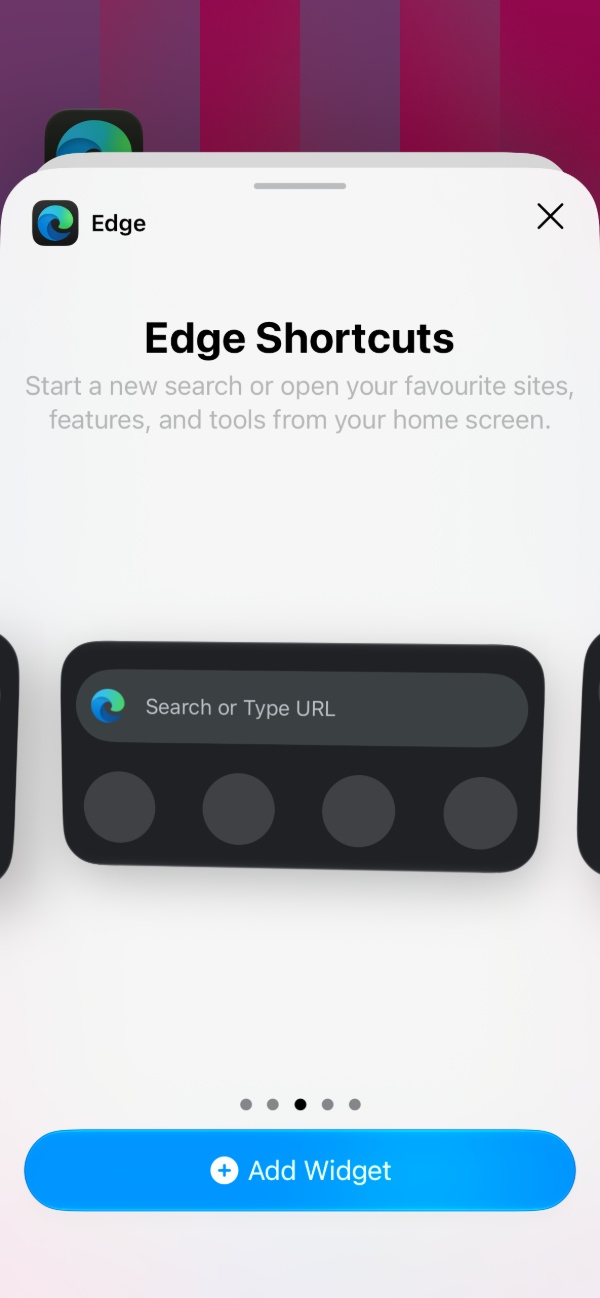
- Edge should show up in the list of available widgets. Tap on “Edge” to reveal the catalogue of widgets it offers. It includes Surf Game, Password Manager, Search, Quick Actions, and now, “Edge Shortcuts.”
- Select the “Add Widget” button after you find Edge Shortcuts. It should be added to your home screen.
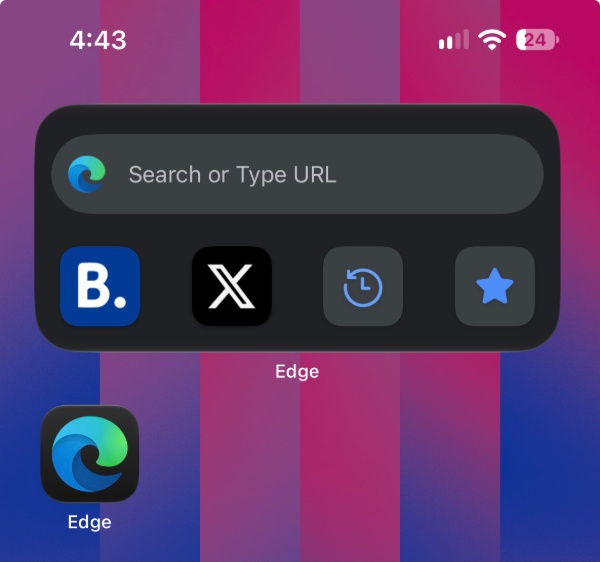
As you can see in the image below, it combines search with your favorite websites.
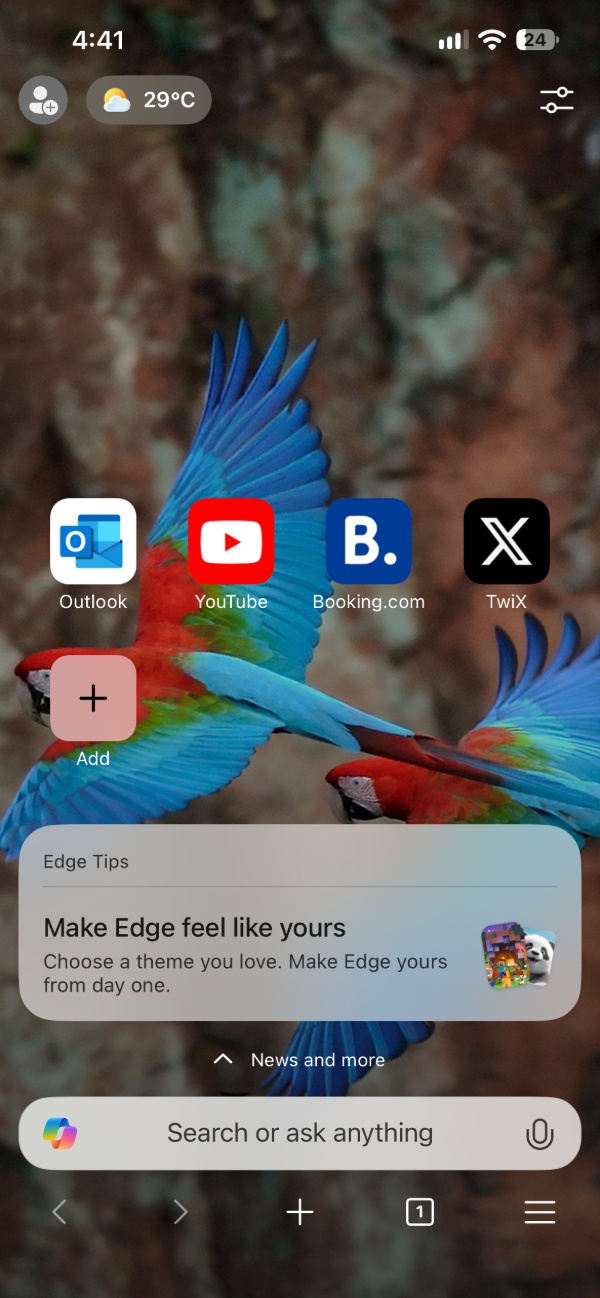
The same pinned websites show up on your browser’s New Tab page.
Furthermore, you also have the option to select Feature shortcuts such as Favorites, History, Recent tabs, and more.
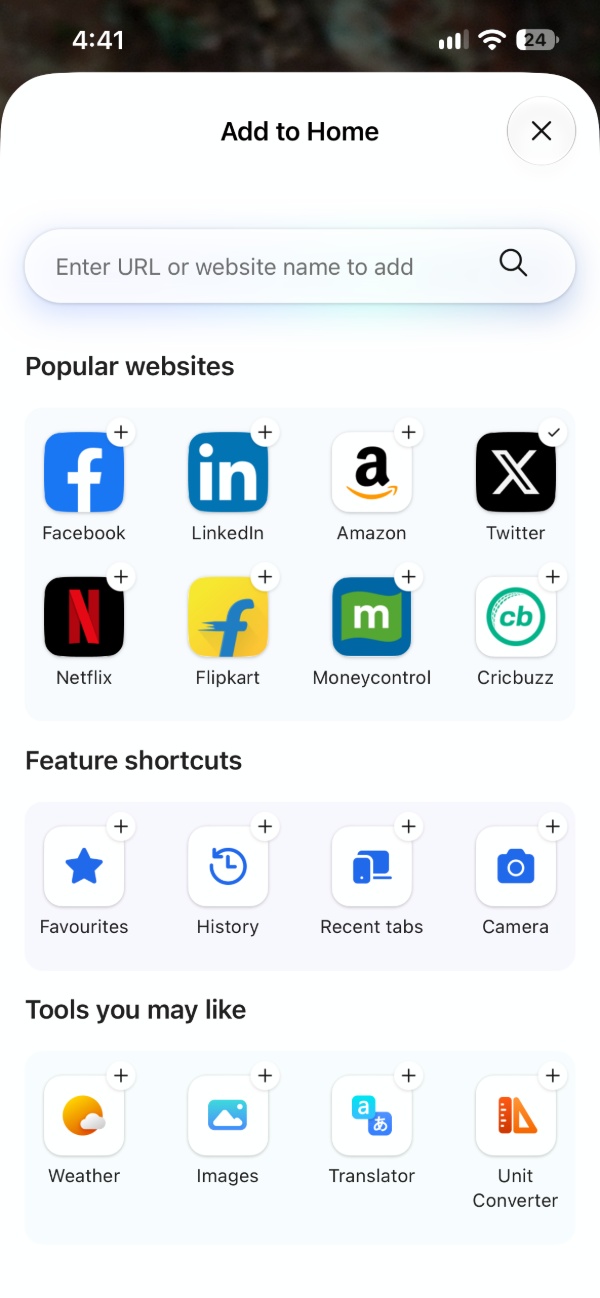
However, the widget only displays four shortcuts at a maximum — only the first four that appear on the New Tab page of Edge will show up on the home screen widget. The shortcuts also refresh/update with the latest information immediately after you make the change on the New Tab page. So, you can add/delete/reorder directly from the Edge app.
If you haven’t installed the update yet, you can do it from the App Store. The changelog is available under the Release Notes section.
In other Edge news, Microsoft has recently turned to automated approvals for Edge extensions after being swamped by AI submissions. More on that here. Funnily enough, Microsoft Edge recently won an antitrust pass by proving that it’s too unpopular. We covered that here.


Sudhanshu K
328 Posts
I have been a consumer technology enthusiast for over 5 years. Thanks to my experience in software beta testing and product reviews, I've understood and learnt a lot about what bugs and issues bother people, and I spend time trying to simplify their solutions. I cover smartphones, software, social media, apps, AI, and most consumer tech gadgets. Actively pursuing a Computer Science bachelor’s degree. I'm mostly active on Twitter/X (@TechWhirlUlt), drop a DM or tag me if you want to share info or connect!
Next article View Article