






Brave for Android v1.95 is out!
— Brave (@brave) September 15, 2026
This update introduces dynamic color support. When enabled, the browser's theme will match your device's color palette. 🎨
Go to Settings -> Appearance and enable "Dynamic colors" to get started. pic.twitter.com/LWuugovtMa
The latest v1.95 update for the Brave browser on Android finally brings a design enhancement. It incorporates the Material You color palette into the browser.
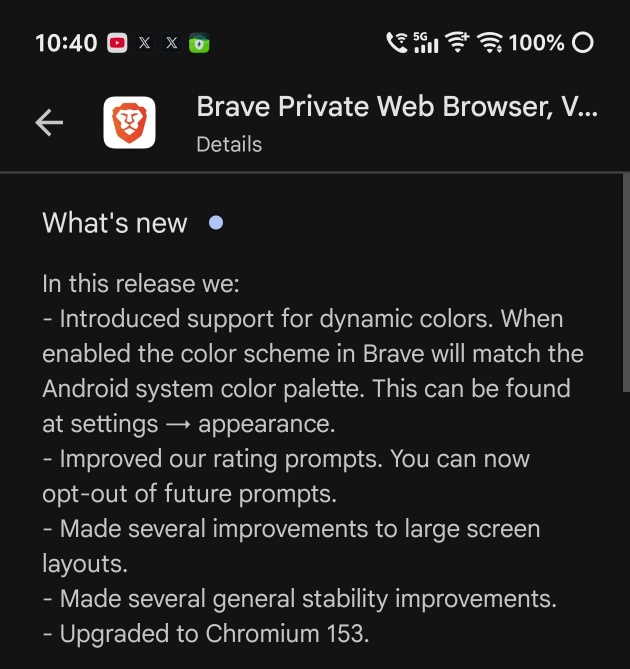
This update also brings some overall stability improvements, though the headline user-facing feature is the addition of the color palette. I have attached a screenshot of the changelog below for your reference.
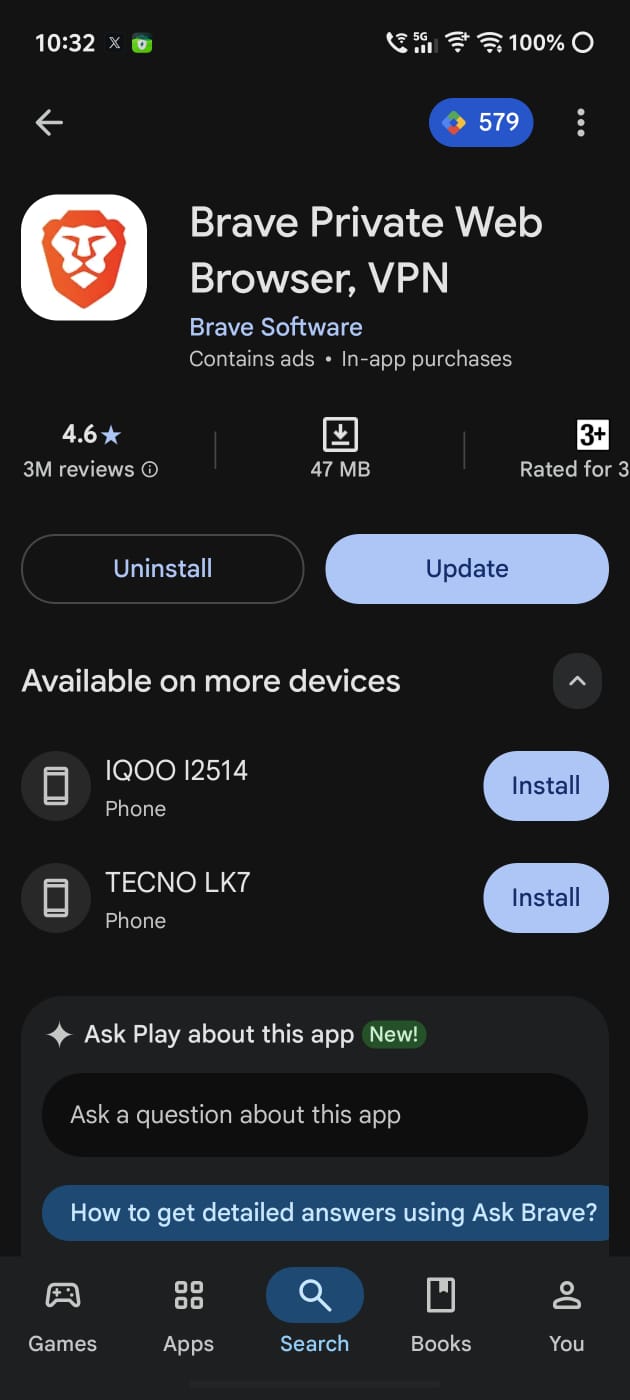
After opening the Play Store for the Brave browser, I was immediately greeted with the “Update” button, as expected. v1.95 is the app version that adds this feature.
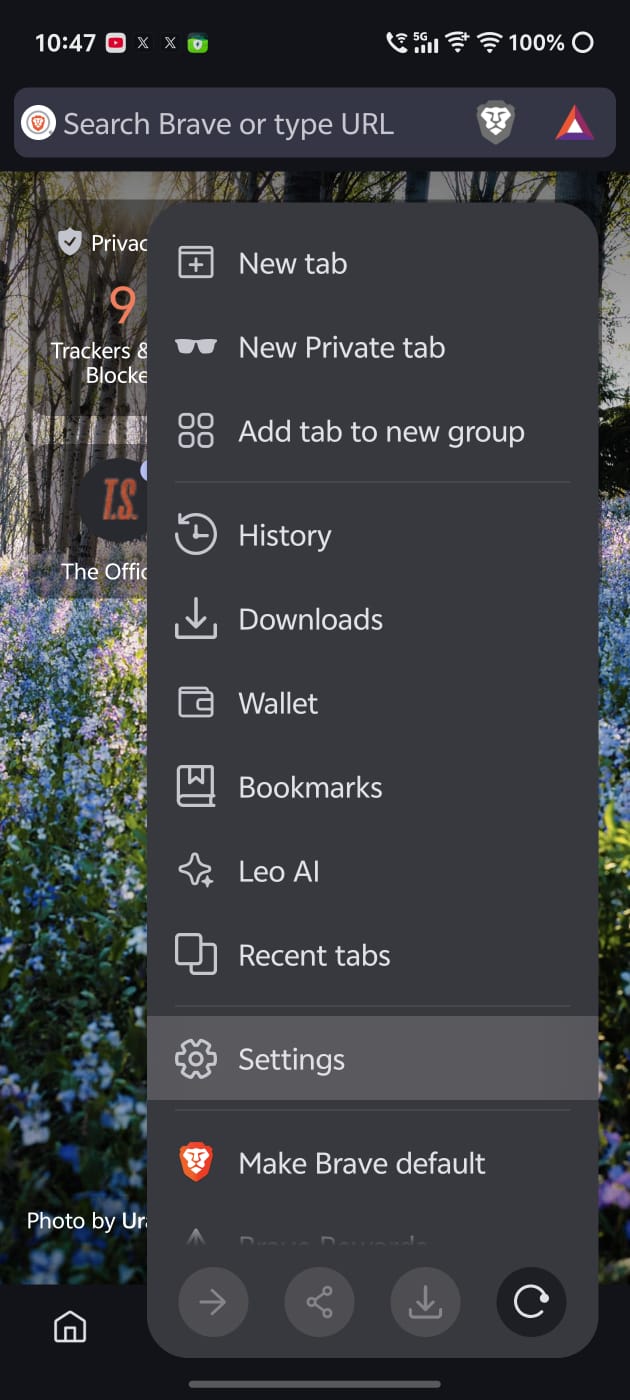
Here’s how it works:
- Open the Brave browser after finishing the update, and navigate to Settings (you can find it in the three-dot menu at the bottom right).
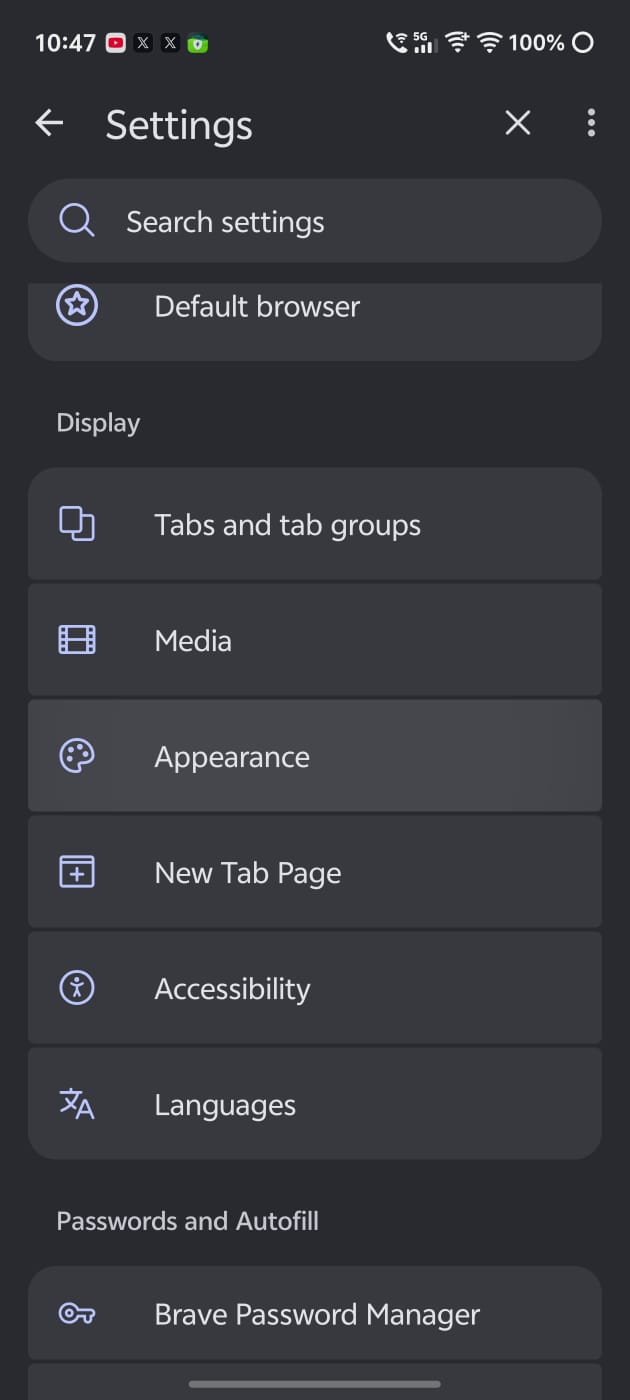
- Scroll down and tap on “Appearance.”
- Make sure “Dynamic colors” is enabled.
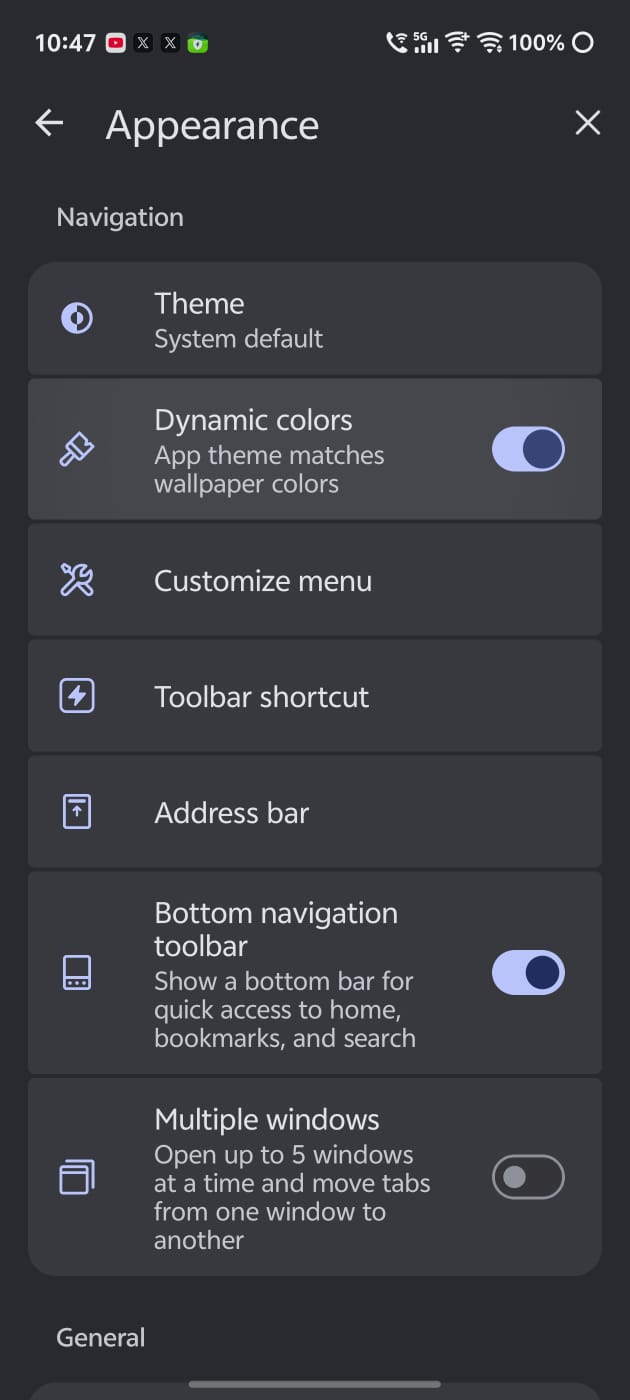
Basically, the overall theme of the app will now match your wallpaper’s colors. The screenshot below shows the design with the toggle turned off. It’s a plain design, without any color in the settings page. The icons look basic as well.
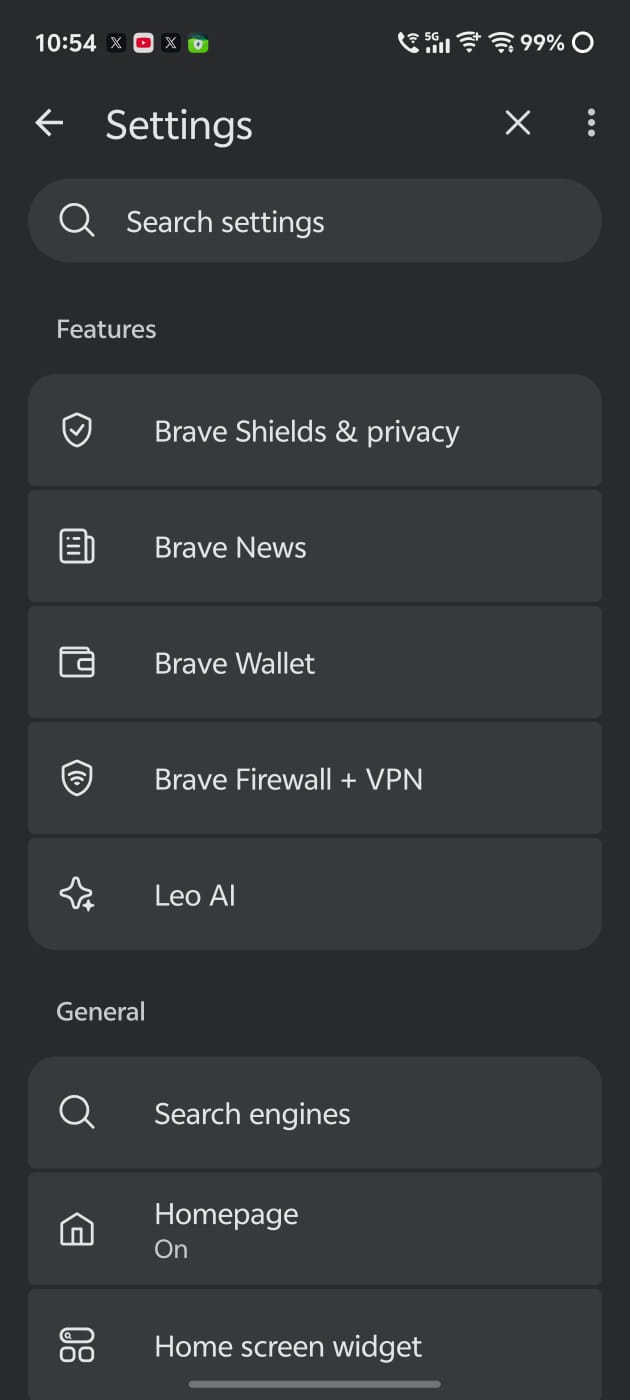
After enabling it and restarting Brave, you’ll notice a clear difference. The icons have now changed color according to your wallpaper, and the background color has also been updated. We’ve tried it on multiple Android devices, and it does work even on skins that don’t have full implementation of Material You.
The company also posted a demo of the feature in action on X. I have attached it below.
While this is the headline feature, there are some other minor additions with this update. If you want to, you can now opt out of future rating prompts. Furthermore, there are improvements to large-screen layouts and some general stability improvements. Finally, there’s a bump to Chromium v153, which brings security patches.
If you also use an iPhone, the design team at Brave is also refining the iOS version of the app. An update picked up a partial Liquid Glass UI, hinting at a full-fledged implementation in the future. More on that here.
You can grab the update from the Play Store, and the changelog is available in the “What’s new” section.
It’s not just the Android version of Brave that got an update recently. Brave v1.95.101 rolled out with various new features recently. We covered that here.

We stand out from the tech-media crowd because we break news stories; we mainly bring you stuff that you won’t find anywhere in the mainstream tech media. Our stories have been picked up by some of the world’s most popular websites and media outlets—more info is available here.

Sudhanshu K
328 Posts
I have been a consumer technology enthusiast for over 5 years. Thanks to my experience in software beta testing and product reviews, I've understood and learnt a lot about what bugs and issues bother people, and I spend time trying to simplify their solutions. I cover smartphones, software, social media, apps, AI, and most consumer tech gadgets. Actively pursuing a Computer Science bachelor’s degree. I'm mostly active on Twitter/X (@TechWhirlUlt), drop a DM or tag me if you want to share info or connect!
Next article View Article
Brave ships v1.96.59 with math support in Leo, a wallet popup and plenty of fixes
Brave browser is picking up a fresh update to version 1.96.59. You won't find any major new features or UI changes, but the release notes suggest it...
Sep 25, 2026 2 Min Read