





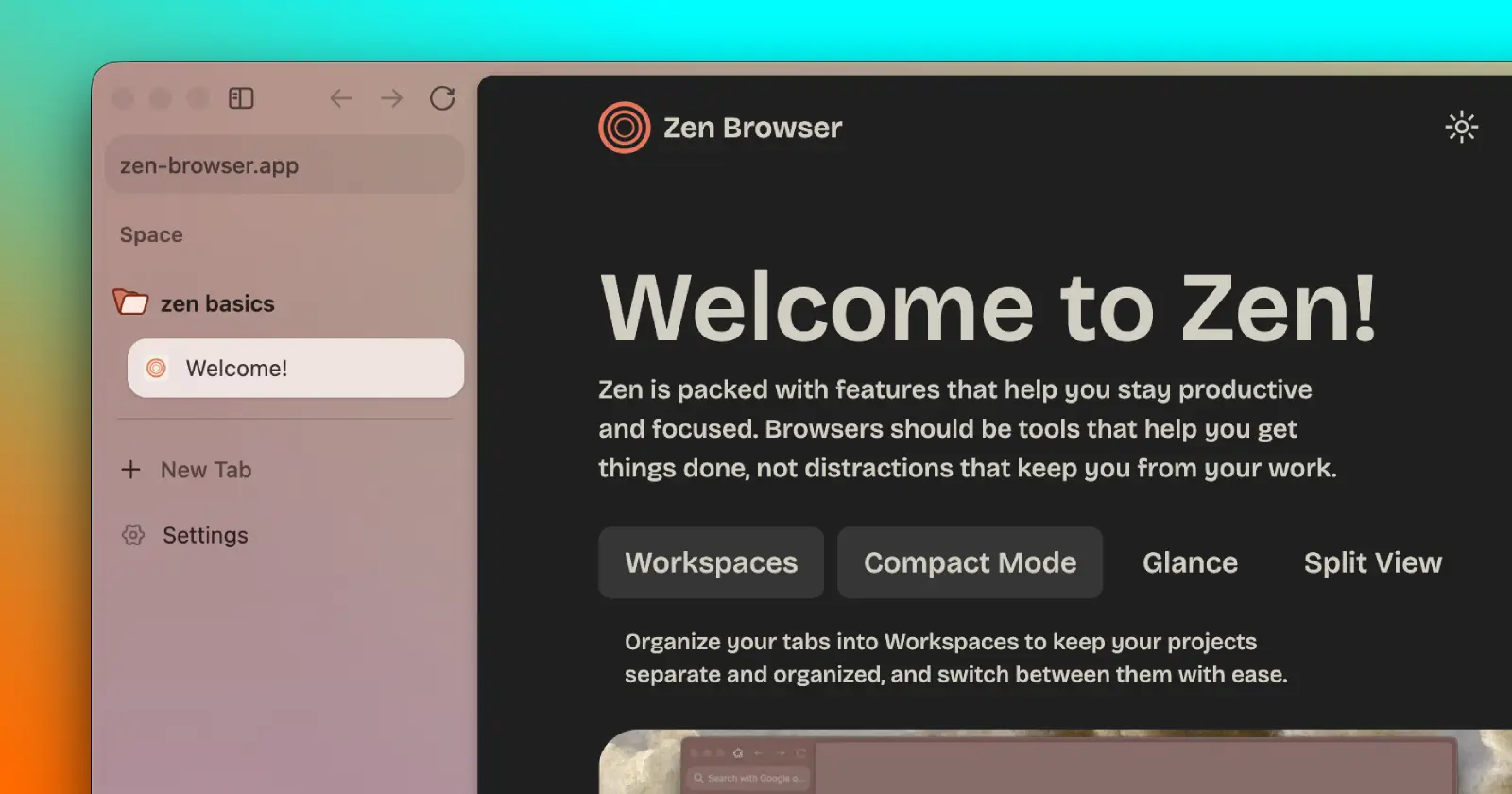
Zen browser users recently got a new feature that they had been asking for a long time: the ability to sync Spaces across devices. Many had assumed that their entire setup would just carry over to the next device, but that wasn’t the case.
The update only allowed users to sync folders, pinned tabs, and split views. However, regular tabs were not being synced across devices. This limitation breaks the overall sync experience for users who switch between devices frequently.
As expected, some are already asking the Zen team about it. In a recent post on X, someone asked the team if regular tabs were supposed to be synced and if custom page modifications, known as Boosts, would ever join the party.
As it turns out, the missing tab sync is not a bug, nor was it overlooked.
The Zen team clarified that leaving out open tabs right now is completely intentional.

In their response, they said, “We feared that this kind of behaviour could annoy some users.”
This does make sense if you think about it. Imagine you open your browser on your work laptop, only to then have it flooded with tabs from your home desktop. You’d have to start by closing the unwanted tabs instead of focusing on what’s more important. Still, it’s nothing that an option toggle can’t fix.
This is why the team also noted that “if we receive enough requests, we might introduce regular tab sync as well!”
The better news from the exchange is that Zen did give a firm yes to syncing Boosts (mods), confirming that support is actively planned.
For those unfamiliar with Boosts, they let you customize websites to look and feel the way you want them to. So if Zen adds support for syncing Boosts across devices, you won’t have to manually repeat the process on every device.
TL;DR: Sync support for regular tabs is on hold for now, but sync for Boosts will be added soon.


Dwayne Cubbins
3013 Posts
I cover fast-moving stories across apps, online platforms, and everyday tech — phones, wearables, consoles, and whatever else people are fighting with this week. Bugs, rollouts, scams, policy enforcement, and the occasional internet-culture rabbit hole are all fair game. My goal is simple — make confusing tech news readable. When I'm not working, I'm working out or chilling with my dog. Got a tip? You can find me on X @dcubbins.