






Life sometimes happens to be out of sync. Zen isn't.
— Zen (@zen_browser) September 5, 2026
Whether you are at home or on a trip, with our newest addition of improvements we have introduced a complete synchronisation of your Spaces across multiple devices. pic.twitter.com/rPVThX2UMU
Spaces are really helpful if you want to keep your browsing experience organized and decluttered. The team at the Zen browser is further improving this feature by finally adding sync across multiple devices.
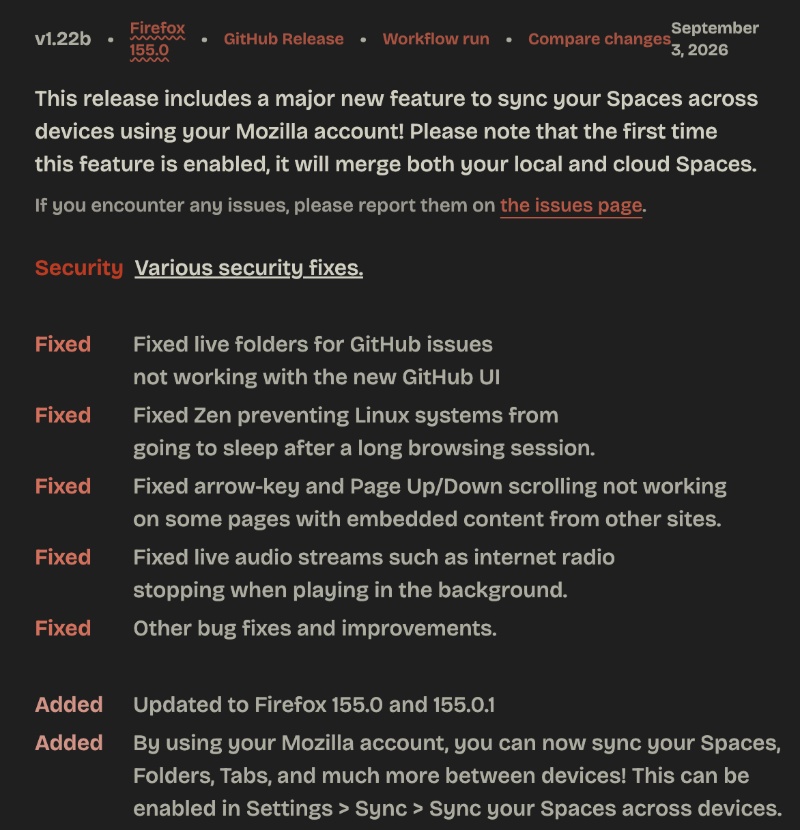
Sync for Spaces is the headline feature of the latest v1.22b update on Zen. You can view a snippet of the list of changes added with this update below.
Furthermore, the official Zen account shared a video demo that explains the new feature that syncs Spaces.
The browser greeted me with the Release Notes, and the update automatically downloaded in the background. All I had to do was restart. If you haven’t yet updated, you can do so from “About Zen.”
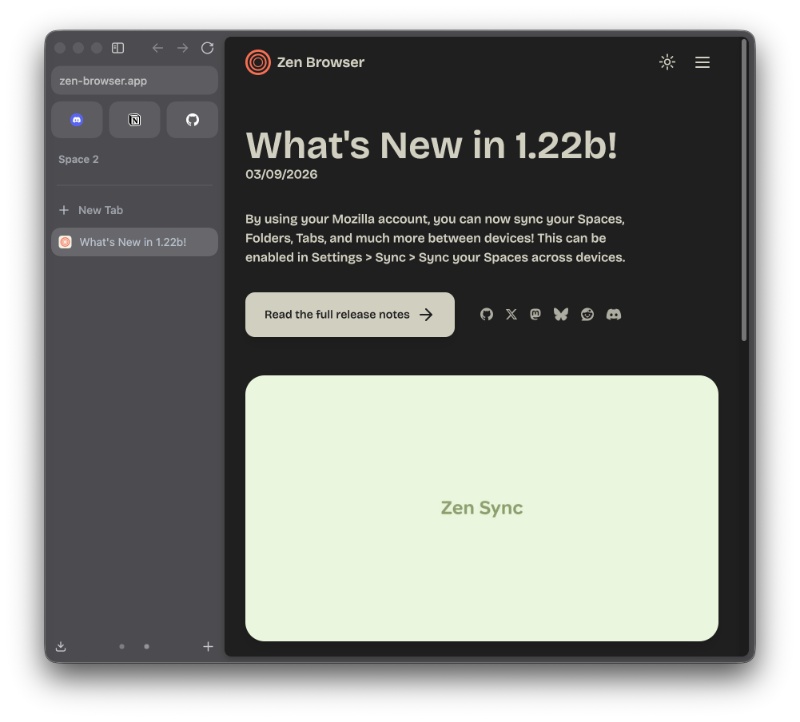
Here’s a simplified list of the important changes:
- Sync spaces, folders, and tabs across devices: You can now keep the same Spaces on more than one computer. However, you need to sign in with a Mozilla account. All you have to do is open Settings, head over to Sync, and then turn on “Sync your Spaces across devices.”
- The browser has some design changes: There are now squircles in more areas. The toolbar, sidebar, and other areas got a slight visual refresh.
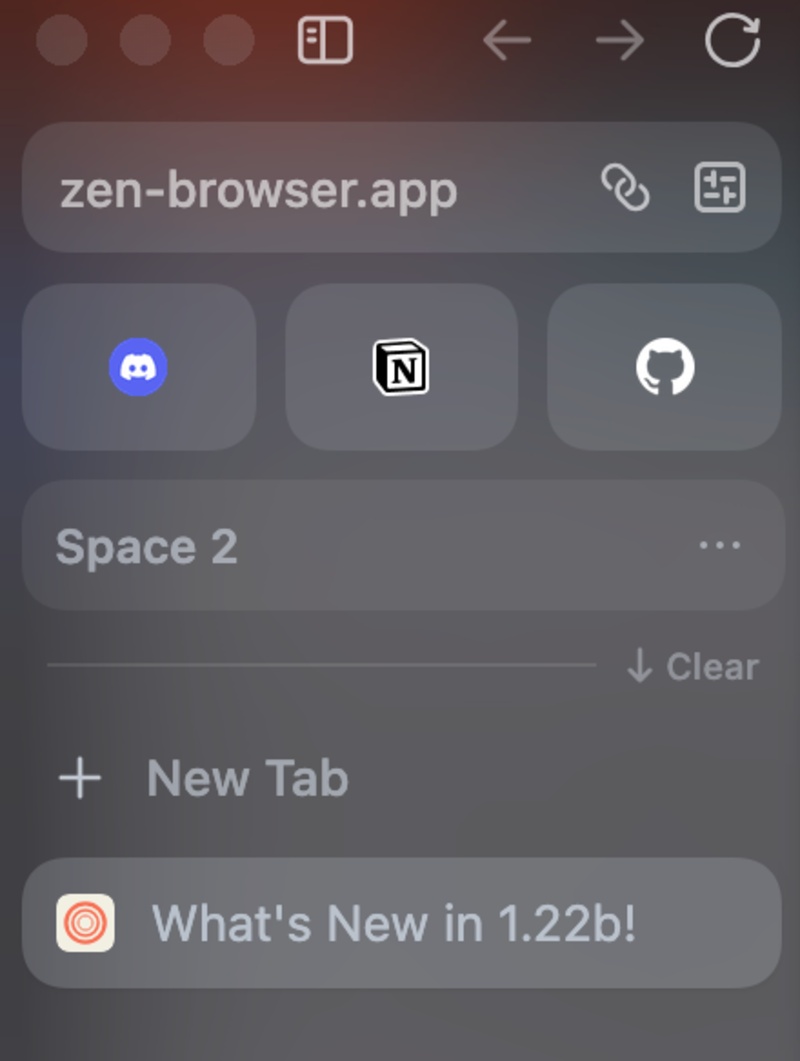
- Creating a new Space is faster now, and you don’t have to wait for the animation to complete.
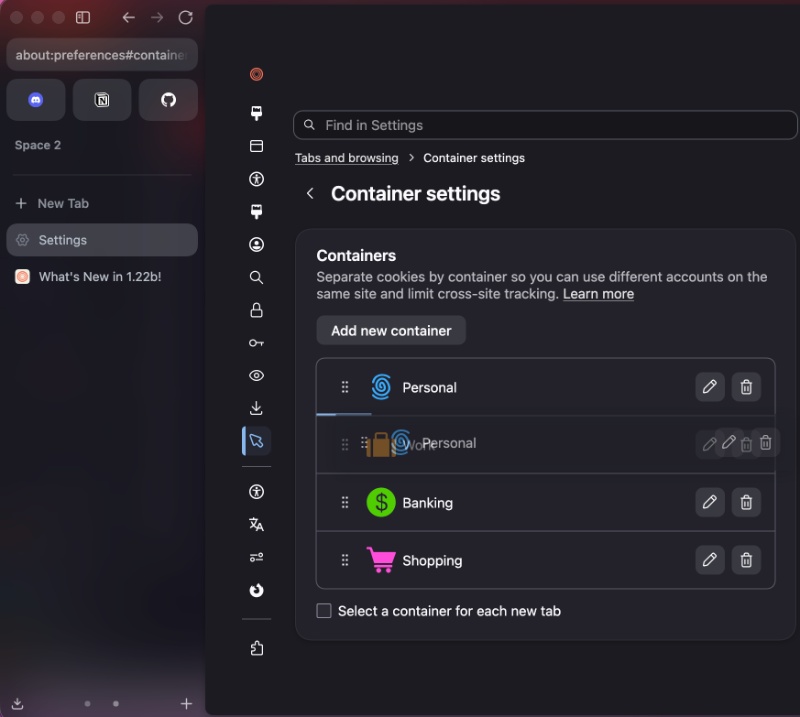
- You can now reorder containers in Settings. They’re no longer fixed in one position.
- Text in the sidebar is now larger.
- Small PDFs can now be printed at larger than 100% magnification.
- The walkthrough/onboarding for first-time users now has some improvements.
- Some bug fixes on Linux, internet radio fixes, and other issues related to arrow keys were solved.
- Security updates carried over from Firefox 155.
You can view the entire changelog here.
Zen’s feature suite is expanding at a rapid pace, and there have been several notable improvements lately. In fact, once my primary browser, Arc, begins causing too many problems, Zen is the first browser I’m considering switching over to. To read about why I’m still on Arc despite the discontinuation, you can head over here.

We stand out from the tech-media crowd because we break news stories; we mainly bring you stuff that you won’t find anywhere in the mainstream tech media. Our stories have been picked up by some of the world’s most popular websites and media outlets—more info is available here.

Sudhanshu K
312 Posts
I have been a consumer technology enthusiast for over 5 years. Thanks to my experience in software beta testing and product reviews, I've understood and learnt a lot about what bugs and issues bother people, and I spend time trying to simplify their solutions. I cover smartphones, software, social media, apps, AI, and most consumer tech gadgets. Actively pursuing a Computer Science bachelor’s degree. I'm mostly active on Twitter/X (@TechWhirlUlt), drop a DM or tag me if you want to share info or connect!
Next article View Article
Google Chrome makes vertical tabs way better with hover expansion rollout
Roughly a week ago, I reported that Google might be getting ready to roll out the hover-to-expand vertical tabs feature in Chrome. Back then, the functionality showed up...
Sep 07, 2026 2 Min Read