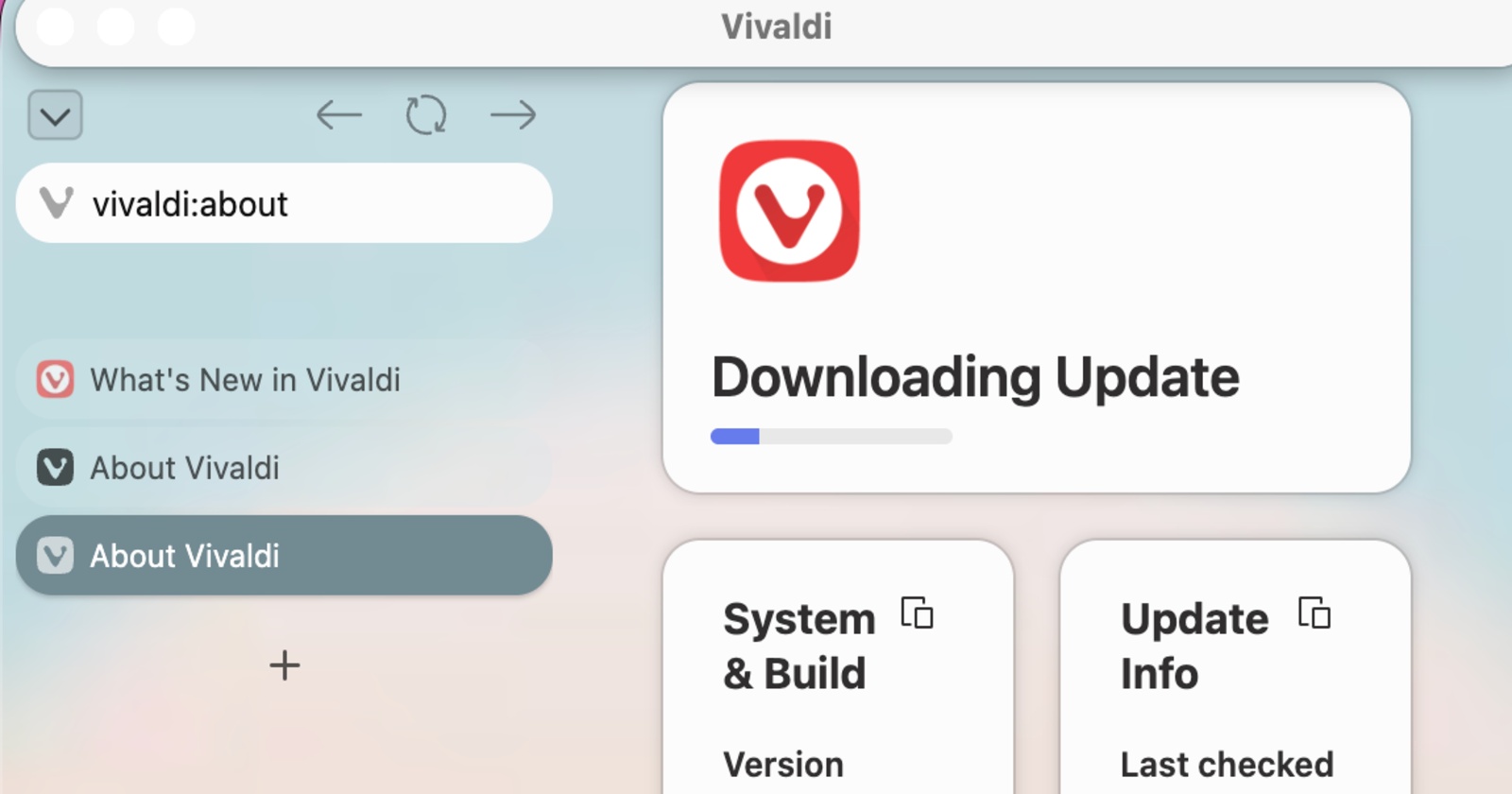
Among mainstream browsers on Android, very few of them have full support for extensions. These include Firefox, Kiwi Browser, and Edge (Canary). Now, Vivaldi, which is based on Chromium, has finally joined the list, officially supporting extensions on Android.
This version isn’t a tiny increment or the usual security/bug fix update. It adds two major user-facing features, and you can view a snippet of the blog post that Vivaldi posted, attached in the image below.
While the iOS version doesn’t support extensions, there’s one other feature addition — a built-in calculator in the address bar. Of course, the Android version also has this feature now.
Summing up the major changes that Vivaldi has added with the v8.2 update:
Feature 1: Support for extensions on Android: You’ll find a new “Extensions” icon in the address bar, and you can tap it to enter the Chrome Web Store.
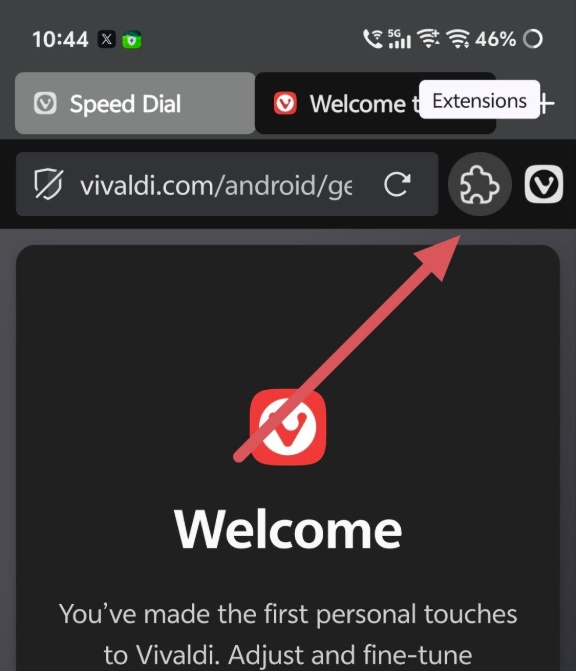
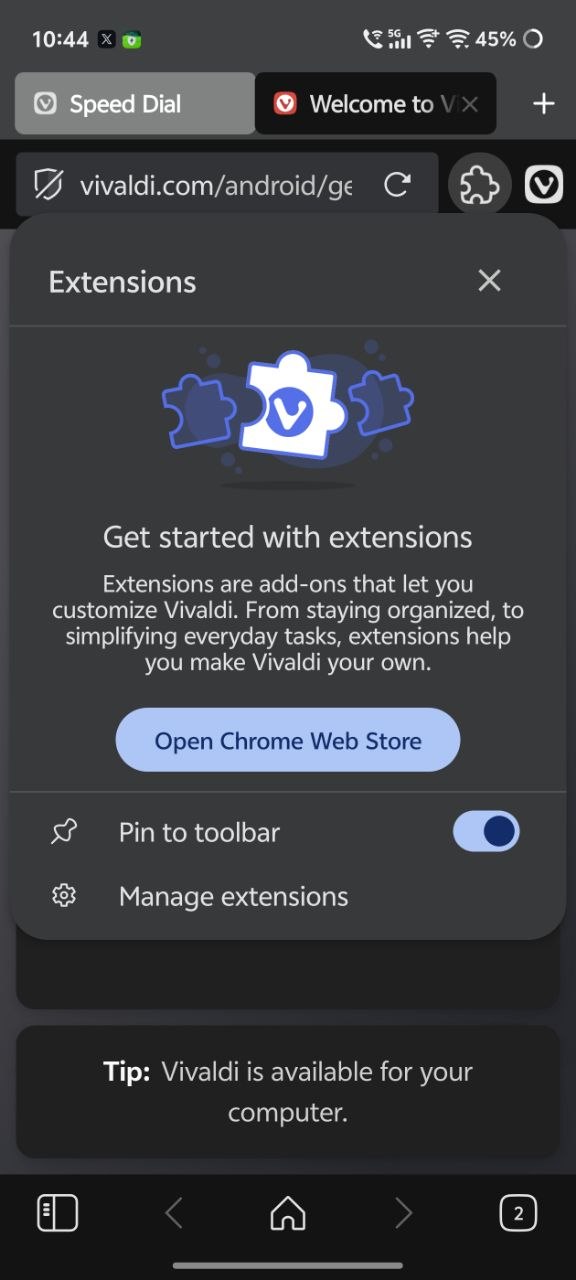
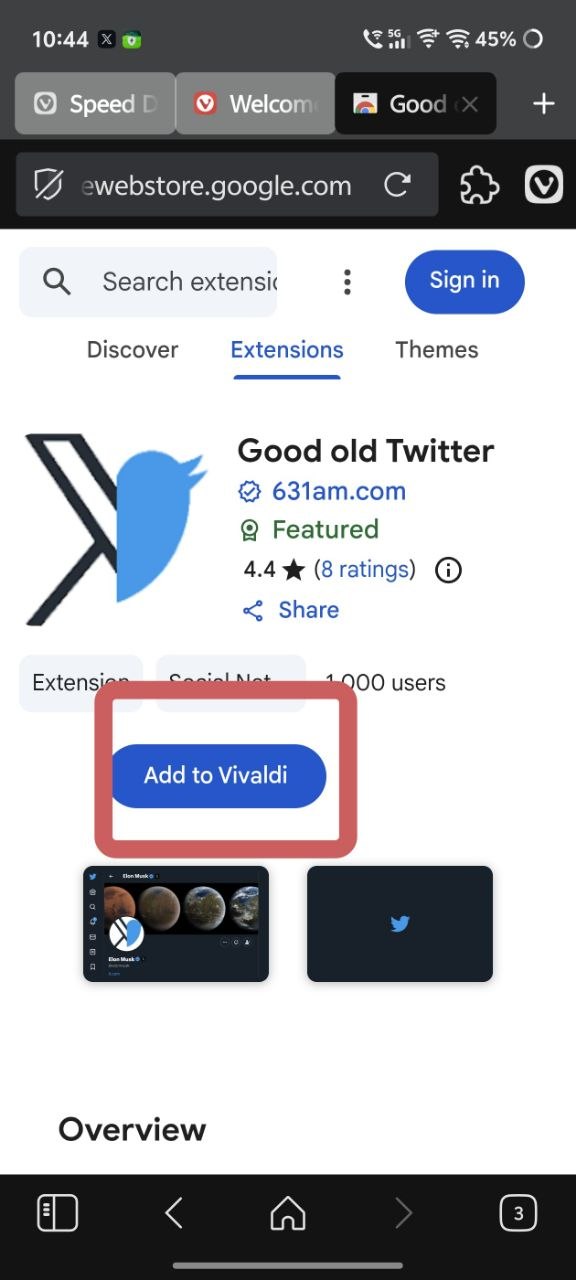
From there, you can search for your desired extension and select “Add to Vivaldi.” It’s fairly similar in operation to how you add extensions on the desktop version.
Furthermore, if you don’t want to see the Extensions icon on the address bar, you have the option to remove it from view. That’s not all. You can choose to pin specific extensions to the Address bar, and also reorder them by drag-and-drop.
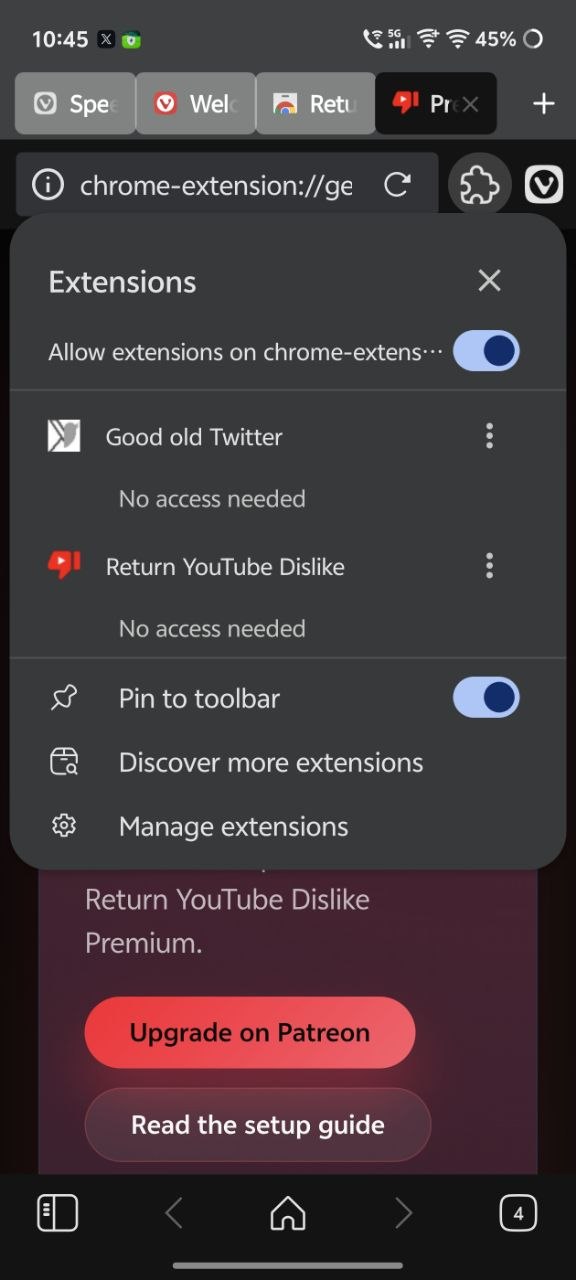
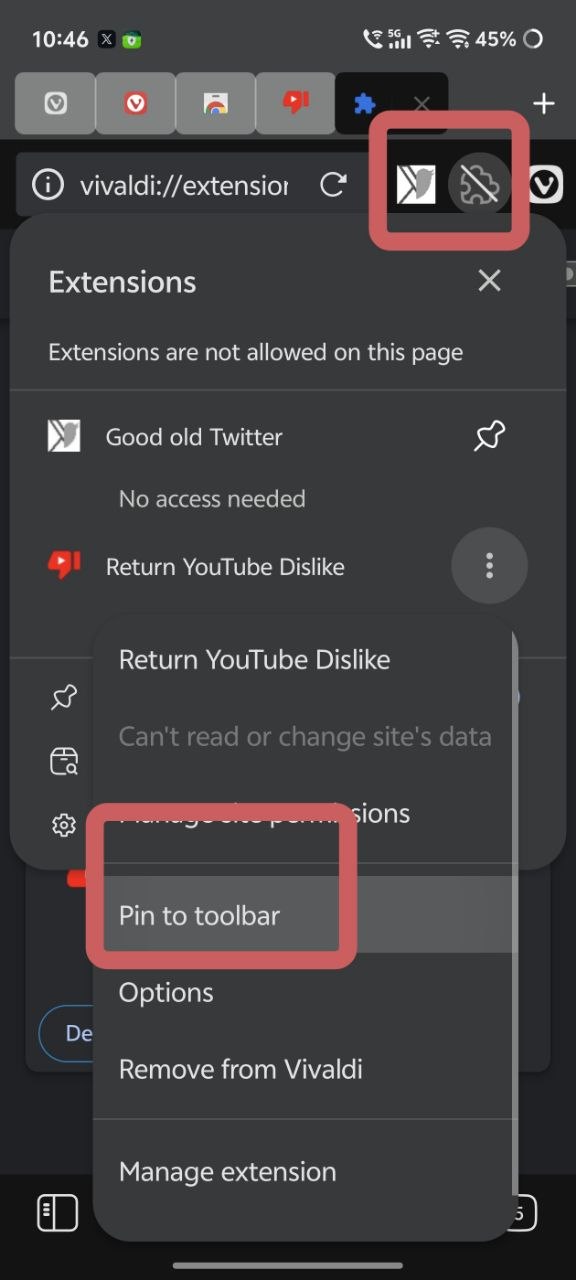
It’s clear that Vivaldi has left almost no stone unturned with the feature, because the list of features keeps going. The downloaded extensions will auto-enable on all websites you visit, and you get the option to set exceptions for specific websites as well. You can also sync extension data between Android and desktop.
Disclaimer: Not all extensions will sync between both; all extensions on desktop won’t be available on mobile. It depends on compatibility, optimization, and developer support.
Feature 2: There’s a local address bar calculator now. You can just type mathematical calculations like “34+35” in the address bar and get the result.
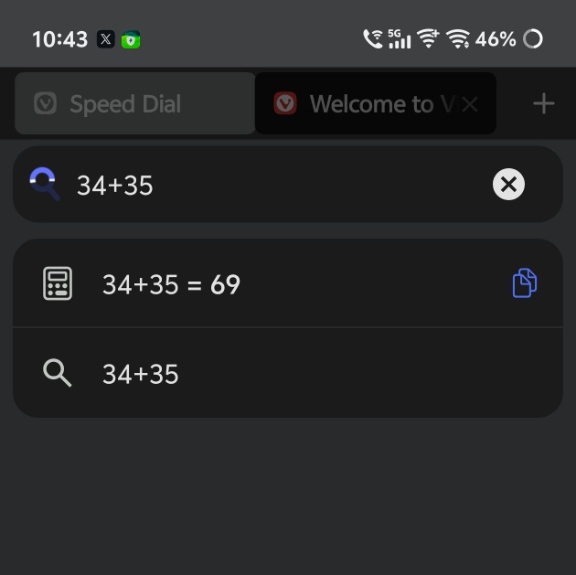
The address bar previously appeared in a Snapshot version last month, and it’s now finally available to the public.
To those who have been following our coverage on Vivaldi, the addition of these features isn’t going to surprise you. A previous Snapshot on Android has added support for extensions, and we have detailed that here.
While the v8.2 update just came out for Android and iOS, the desktop version got it around a week ago. That included the address bar calculator as well. More on that here.
You can view the official blog from Vivaldi describing the update here.


Sudhanshu K
321 Posts
I have been a consumer technology enthusiast for over 5 years. Thanks to my experience in software beta testing and product reviews, I've understood and learnt a lot about what bugs and issues bother people, and I spend time trying to simplify their solutions. I cover smartphones, software, social media, apps, AI, and most consumer tech gadgets. Actively pursuing a Computer Science bachelor’s degree. I'm mostly active on Twitter/X (@TechWhirlUlt), drop a DM or tag me if you want to share info or connect!
Next article View Article