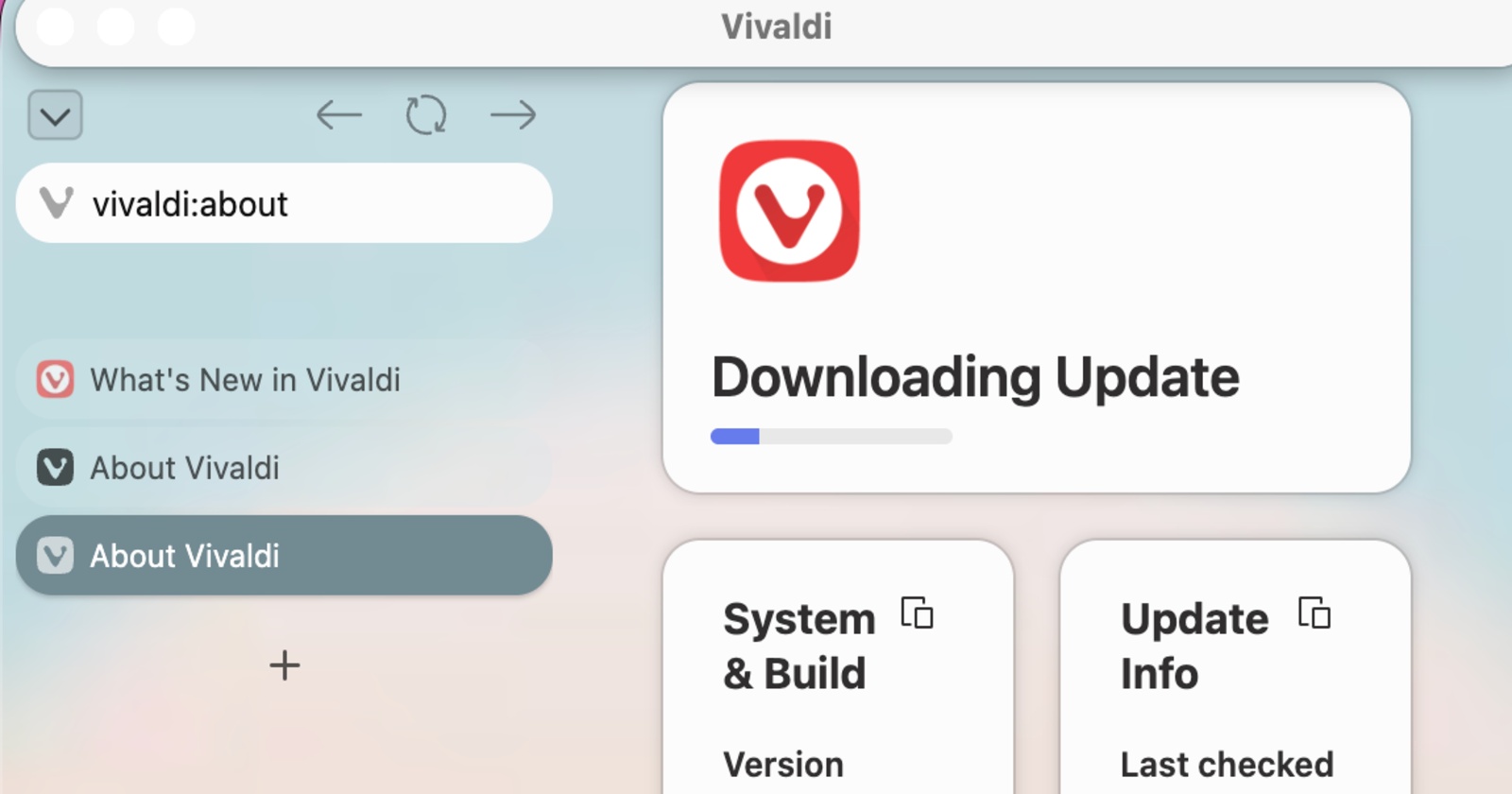
Vivaldi is continuing refinement of the vertical tabs feature in the latest snapshot (preview) release. It also includes a lot of bug fixes and some user-facing changes. It’s worth noting that this snapshot (v4157.3) is for desktop, and not for phones.
The entire changelog is quite vast this time, and includes various stability improvements and bug fixes. You can view a snippet below.
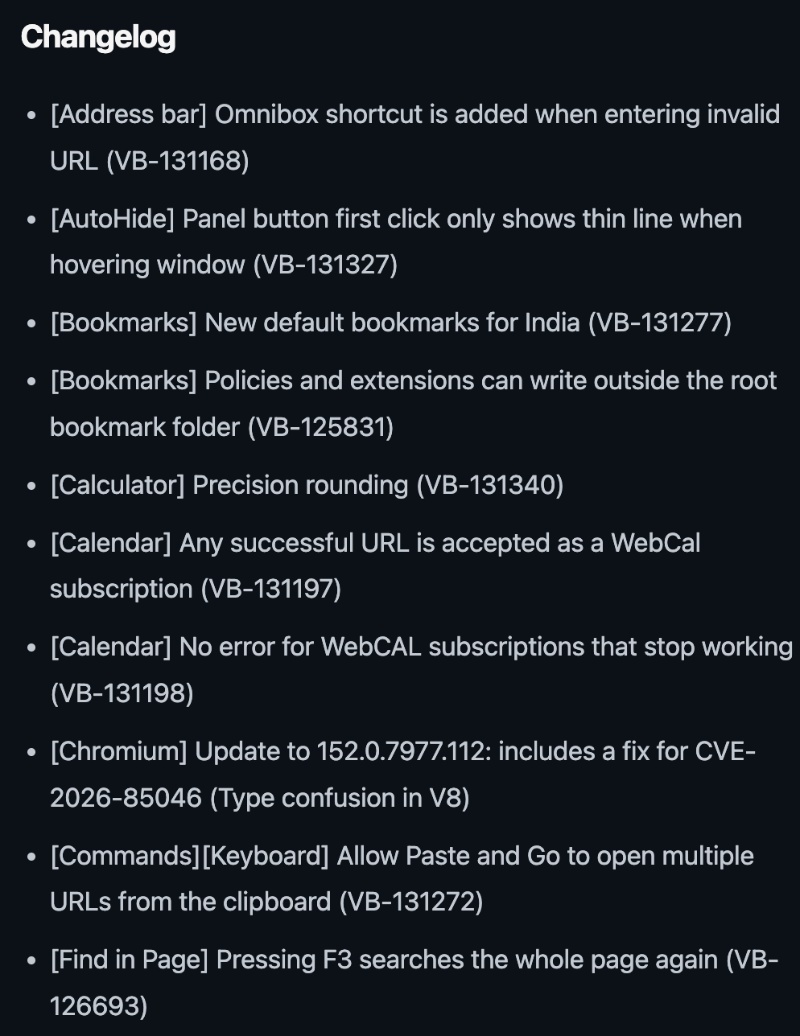
Here’s a simplified summary of the important additions/fixes:
- Vertical tabs expand when you hover: When you hover your mouse over a vertical tab, the title becomes more readable and expands. When you move away, it goes back to the previous state.
- Show/Hide titles on pinned vertical tabs: If you have vertical tabs enabled, you now have the option to either show or hide the titles.
- Vertical tabs actually use the window’s height: Earlier, there was a lot of waste of space when you had multiple tabs open. The sidebar will no longer look awkward.
- Paste and Go: It can now open several links at once. Just copy a few full links, click the address, and then hit the “Paste and Go” shortcut. Multiple tabs will now open.
- Start Page date for Calendar: The date widget on the Start Page is no longer just decoration. Clicking it will open the Vivaldi calendar.
- Improvements to Reader Mode: It now removes ads, menus, and other junk. You only see the article.
- Find in Page: Pressing the F3 key after you find a word now works more reliably.
- Chromium version update and other crash fixes.
Note: Snapshot versions are meant for developers/testers, and they offer an early preview of changes. It’s not meant to be used as a daily browser, since it’s prone to bugs and issues.
While this is what’s going on with the snapshot version, v8.2 remains the latest available version for desktop. It added a handy calculator in the address bar, and one-click web apps. More on that here.
As detailed in recent coverage, the latest version for Android and iOS, v8.2 is the latest version. The Android version finally got full-fledged support for extensions, and the address bar calculator feature was added for both Android and iOS.
You can find the official blog post here, which also includes the download links if you’re interested in trying out the snapshot version.


Sudhanshu K
321 Posts
I have been a consumer technology enthusiast for over 5 years. Thanks to my experience in software beta testing and product reviews, I've understood and learnt a lot about what bugs and issues bother people, and I spend time trying to simplify their solutions. I cover smartphones, software, social media, apps, AI, and most consumer tech gadgets. Actively pursuing a Computer Science bachelor’s degree. I'm mostly active on Twitter/X (@TechWhirlUlt), drop a DM or tag me if you want to share info or connect!
Next article View Article