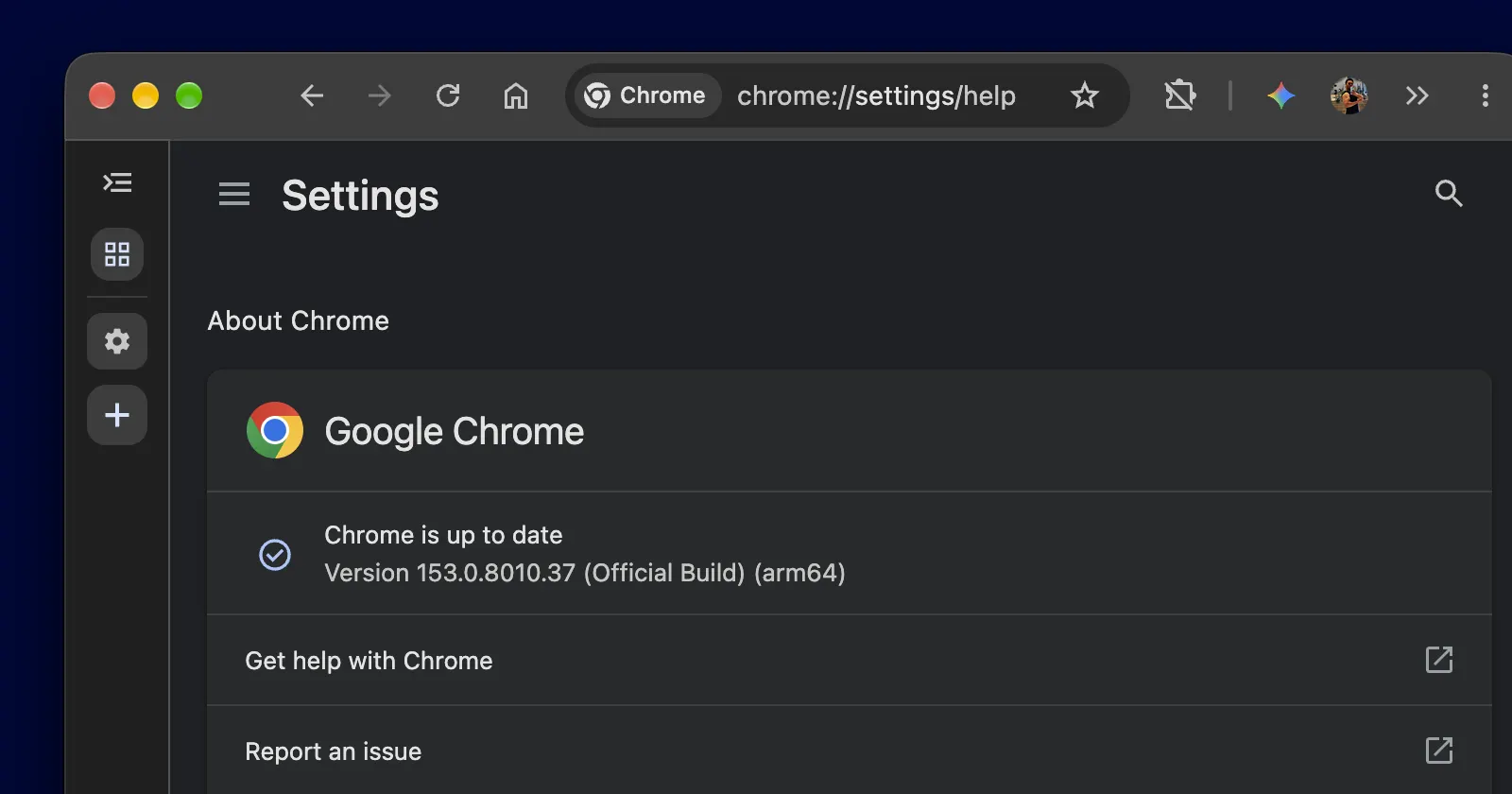
If you use Google Chrome, then get ready to install fresh updates more often. The company has officially kicked off its two-week release era with the launch of Chrome 153. The update is live on all supported platforms right now.
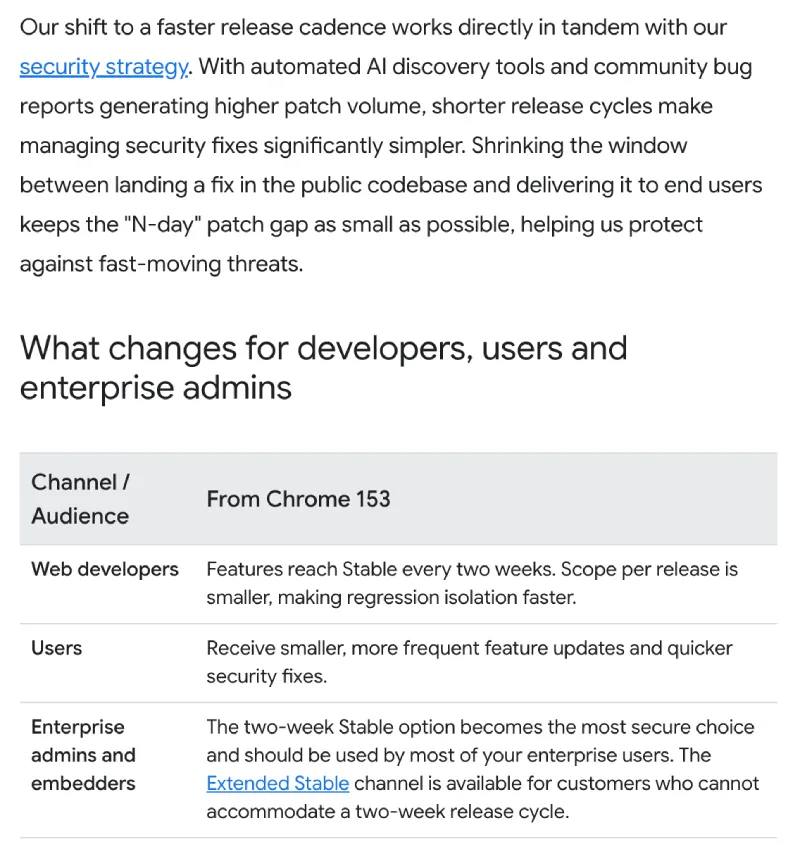
Before this change in cadence, Google would release new major Chrome versions roughly every four weeks or so. But with more people having access to powerful AI tools that can spot loopholes in existing code at a faster pace, Google decided it was time to speed up the pace at which it releases new versions to stay on top of security threats.
This rapid release cycle is also helped by the fact that Google is now using AI to fix bugs.
That said, this release first made an appearance a few days ago when Google announced the early stable preview of Chrome 153. Back then, the update went out to a small group of users to make sure there were no major issues before sending it out to the masses. That preview phase is now wrapping up, and Google is pushing the build out widely to everyone on Windows, Mac, and Linux over the next few days.
In a blog post, Chrome engineers pointed out that shrinking the release windows helps keep the “N-day patch gap as small as possible, helping us protect against fast-moving threats.”
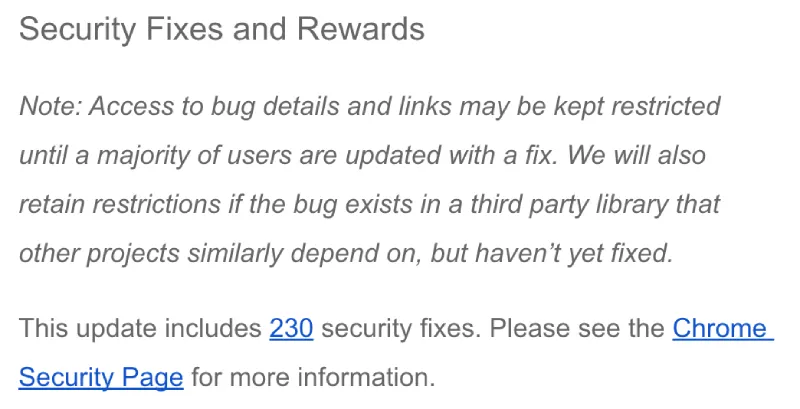
And speaking of protecting against fast-moving threats, the list of security fixes with Chrome 153 is also pretty hefty. It carries a total of 230 fixes, following a recent release that fixed 26 vulnerabilities. Two were rated critical.
The most urgent fix in the bundle addresses an active zero-day flaw, logged as CVE-2026-87491. Google confirmed the threat in its desktop release announcement, stating that “an exploit for CVE-2026-87491 exists in the wild.”
The issue lives inside the V8 JavaScript engine and involves memory corruption. Attackers were already using this to bypass safeguards. On top of that zero-day, the update fixes five critical flaws across WebGL graphics and Cast components that could allow arbitrary code execution.
Despite being a major version bump, Chrome 153 doesn’t bring any big new features or UI changes. Still, it’s worth updating just to get the latest security fixes.
If Chrome has not automatically updated itself yet, you can trigger it manually by clicking the three-dot menu, opening Help, and selecting About Google Chrome.


Dwayne Cubbins
3100 Posts
I cover fast-moving stories across apps, online platforms, and everyday tech — phones, wearables, consoles, and whatever else people are fighting with this week. Bugs, rollouts, scams, policy enforcement, and the occasional internet-culture rabbit hole are all fair game. My goal is simple — make confusing tech news readable. When I'm not working, I'm working out or chilling with my dog. Got a tip? You can find me on X @dcubbins.
Next article View Article