





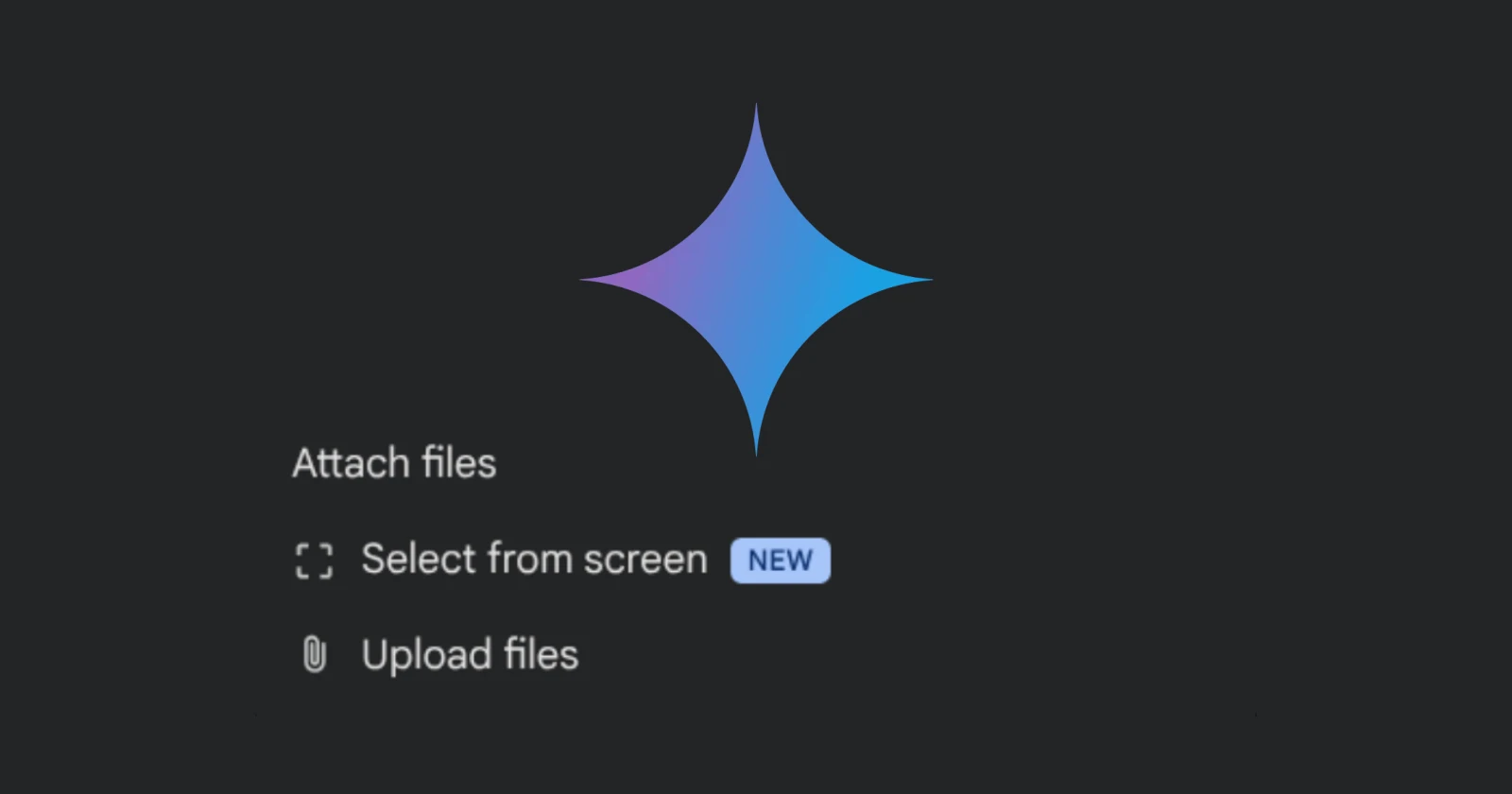
Google began rolling out its Gemini AI chatbot in Chrome late last year. It first arrived for Chrome users in the US and gradually started expanding to users around the world. More recently, the AI-powered assistant went live for users in the UK. However, since the initial release, it has always felt that the Ask Gemini side panel was missing a major feature: file uploads.
Until now, users had to rely on Gemini’s ability to read their tabs or use the recently added option to select a portion of their Chrome window that was automatically attached to the side panel as an image file. Now, Chrome finally gives users the option to upload files from their computers.
The rollout was first spotted by browser sleuth Leopeva64, who shared a video recording of the feature in action on X:
Google has finally added the option to upload files to the Gemini side panel in Chrome. You can find this option in the “Add attachments” menu. I always wondered why such a basic feature was missing, especially since it has been available for years in the Copilot pane in Edge 🤷: pic.twitter.com/m5Qrn8hbVS
— Leopeva64 (@Leopeva64) September 3, 2026
In my testing, I found it on Windows, Mac, and Linux. If you’ve got a recent Chrome version, you should see the ‘Upload files’ option appear when you click on the ‘+’ icon in the bottom-left corner of the Gemini side panel. You can attach PDFs, documents, images, and even video files.
So now, instead of having to open the Gemini website and then get the AI bot to summarize your PDFs or documents, you can open up the Ask Gemini panel and upload the file right there.
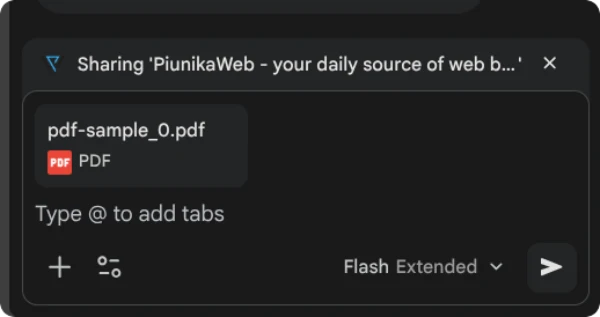
While this is a useful new addition, it’s worth pointing out that Edge users have already been able to upload files in the Copilot side panel in the browser for a long time. So this is just Google playing catch-up to Edge and several other browsers that offer an AI chatbot in the side panel. Either way, we’re just glad it’s finally here.
Google is also working on other Gemini-related features in the browser, including a dedicated history tab to audit the AI’s actions. And with Chrome’s new boss focused on its AI experience, we can expect to see many more refinements and tweaks in the near future.


Dwayne Cubbins
2993 Posts
I cover fast-moving stories across apps, online platforms, and everyday tech — phones, wearables, consoles, and whatever else people are fighting with this week. Bugs, rollouts, scams, policy enforcement, and the occasional internet-culture rabbit hole are all fair game. My goal is simple — make confusing tech news readable. When I'm not working, I'm working out or chilling with my dog. Got a tip? You can find me on X @dcubbins.