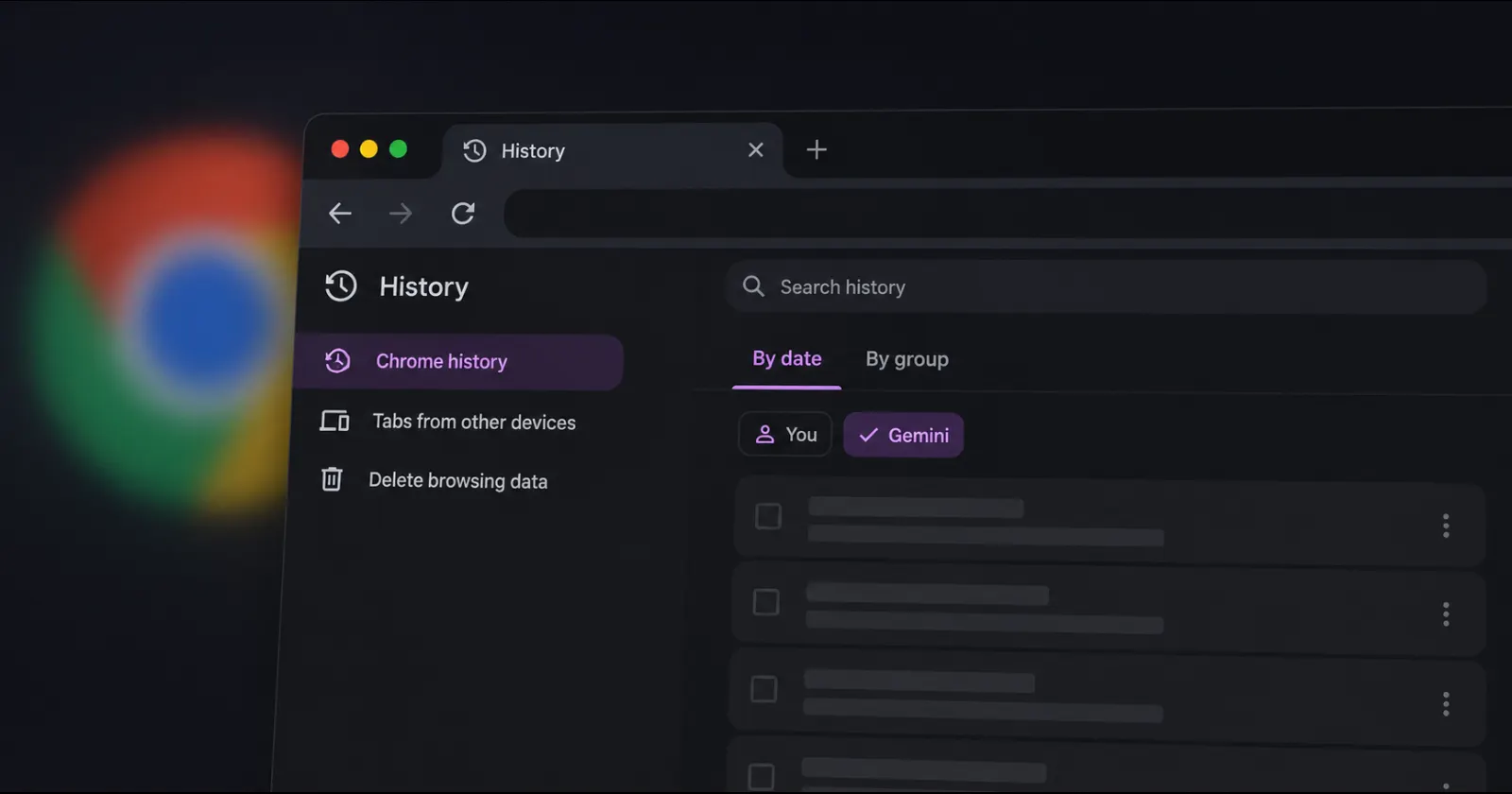
Google is set to introduce a Chrome feature that will allow you to track everything its Gemini AI assistant does while it browses the web for you. With Google’s emphasis on building Chrome as an automated workspace, the company has begun testing a dedicated Gemini tab inside your browser history to store all the actions performed by the AI agent.
The feature flag and what it does surfaced online yesterday, following Google’s launch of Gemini inside Chrome on Android and the hiring of a new product chief to transform Chrome into an AI workspace.
Dubbed Critical Actions in History, this Chrome feature aims to separate the browsing history of the user from the automated tasks performed by Gemini when the user delegates tasks to the AI assistant.
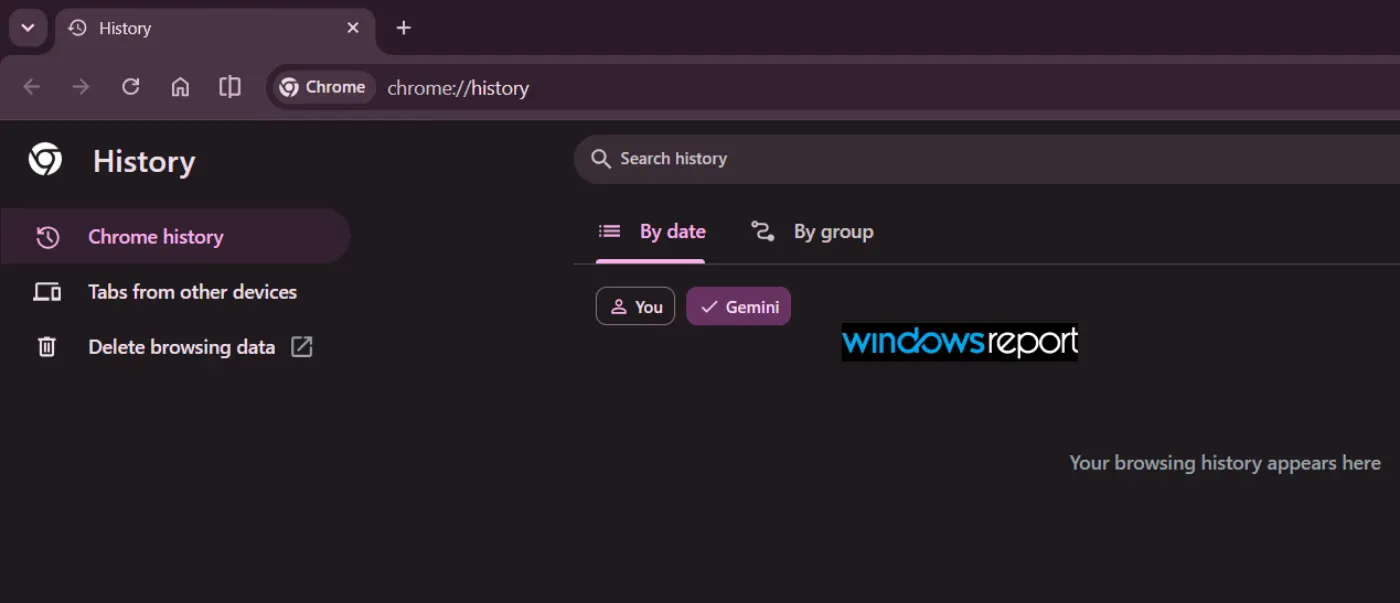
In addition to the tab labeled You in Chrome’s history page, users can now see a filter for Gemini. Google has added a note saying that “In Chrome history, you can see the key actions that Gemini has performed while browsing for you,” with a context menu option to see the tasks performed by Gemini.
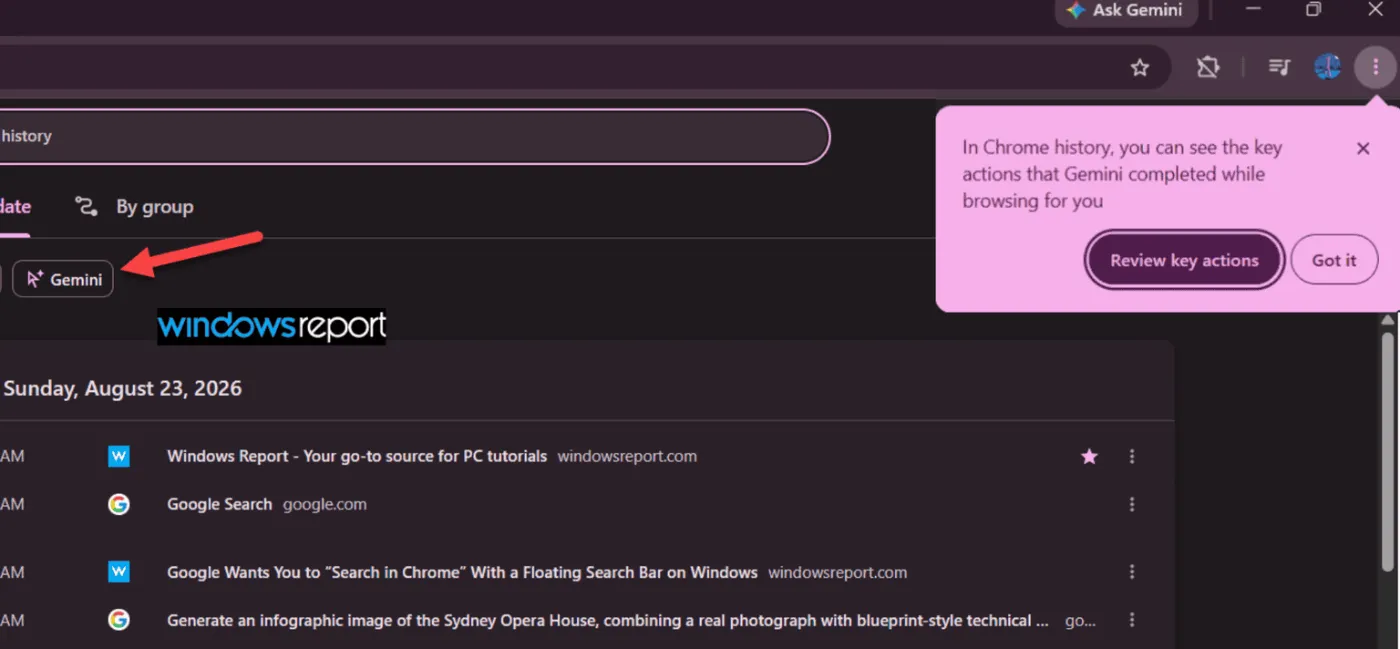
As expected, Chrome would show URLs visited by Gemini while performing tasks for the user; instead, the list shows critical actions the AI performed while visiting those links.
This includes actions such as downloading files, saving passwords in the browser, filling out contact forms, or entering two-factor authentication codes on websites. On top of that, Chrome provides a context menu option to review Gemini activities, which takes you to your Google account’s activity dashboard, where you can delete or manage your Gemini browsing history.
That said, we first noticed the flag after installing Chrome Canary v153.0.8009.0 a few days ago.

However, when we tried the feature on a Mac, it appears that the flag has no effect, and it did not enable the Gemini browsing history tab in the latest Chrome Canary v154.0.8020.2 update either.
Perhaps the feature doesn’t yet work on Mac, since Windows Report has shared images of the new Chrome Canary build on Windows, showing the Gemini browsing history tab.
With Google’s focus on stuffing AI into Chrome everywhere, it makes sense that they’d give users some oversight over what their AI assistant does behind the scenes. After all, you do not want an AI agent to go rogue and perform undesirable actions on your behalf, such as downloading malicious files or filling out forms unintentionally.
Of course, there’s always a slight chance that the feature doesn’t make it to the stable release of Chrome, but from where things stand, it looks like this will indeed go live in the near future. Keep an eye out for our coverage once the feature is available.


Dwayne Cubbins
3146 Posts
I cover fast-moving stories across apps, online platforms, and everyday tech — phones, wearables, consoles, and whatever else people are fighting with this week. Bugs, rollouts, scams, policy enforcement, and the occasional internet-culture rabbit hole are all fair game. My goal is simple — make confusing tech news readable. When I'm not working, I'm working out or chilling with my dog. Got a tip? You can find me on X @dcubbins.
Next article View Article