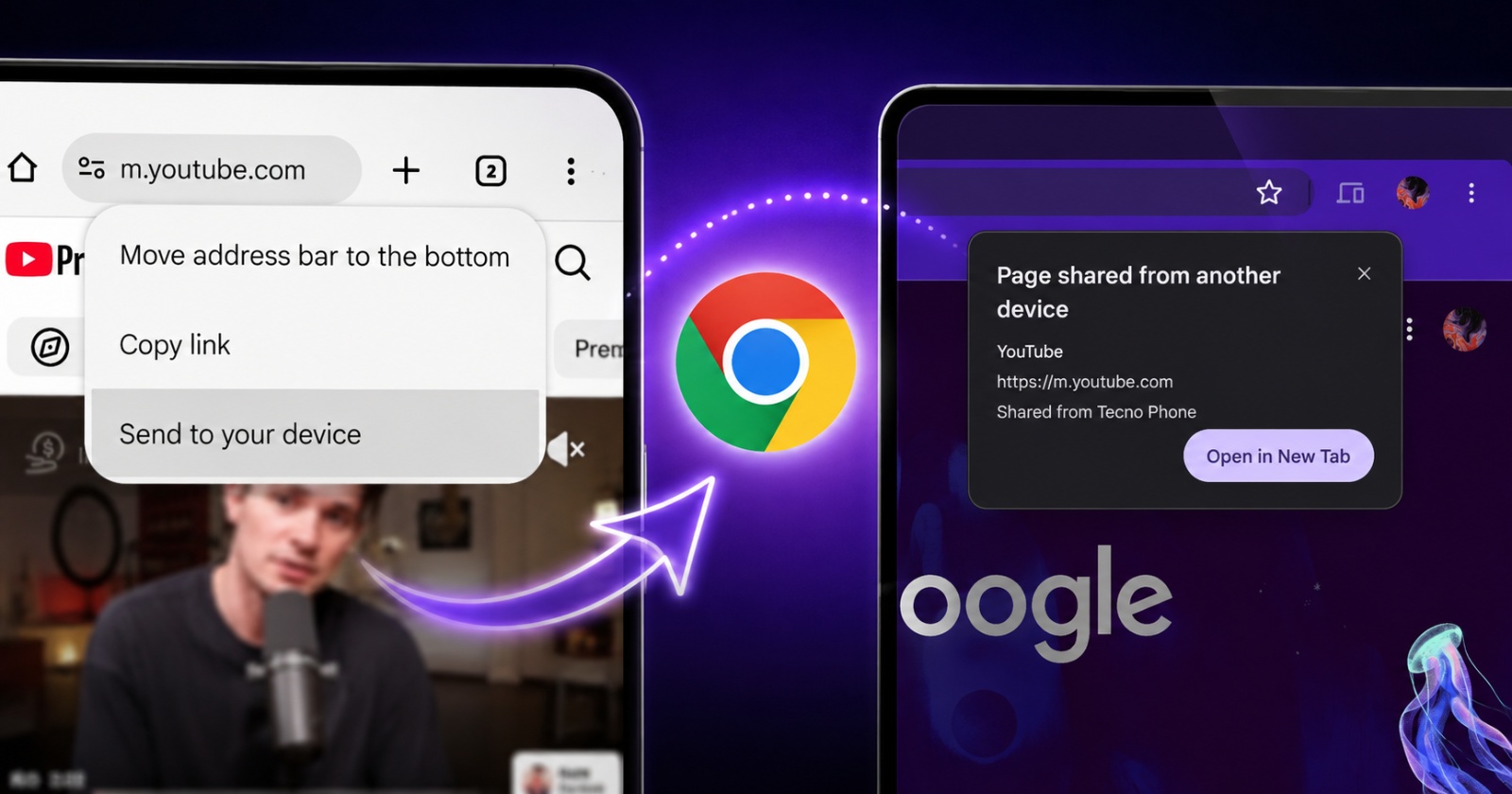
Provided you’ve logged in with the same Google account, Chrome has a feature that lets you share tabs between all your devices. Now, there’s a shortcut that makes the process of sharing tabs even simpler — on Android.
Earlier, if you wanted to share your active Chrome tab to another device, you had to tap on the three-dot menu at the top right and then select the “Share” option. Then, you’ll get a list of your devices. Pick which one you want to send it to, and the tab will be shared there. It works cross-platform, so you can share it from Android to macOS or iPhone as well.
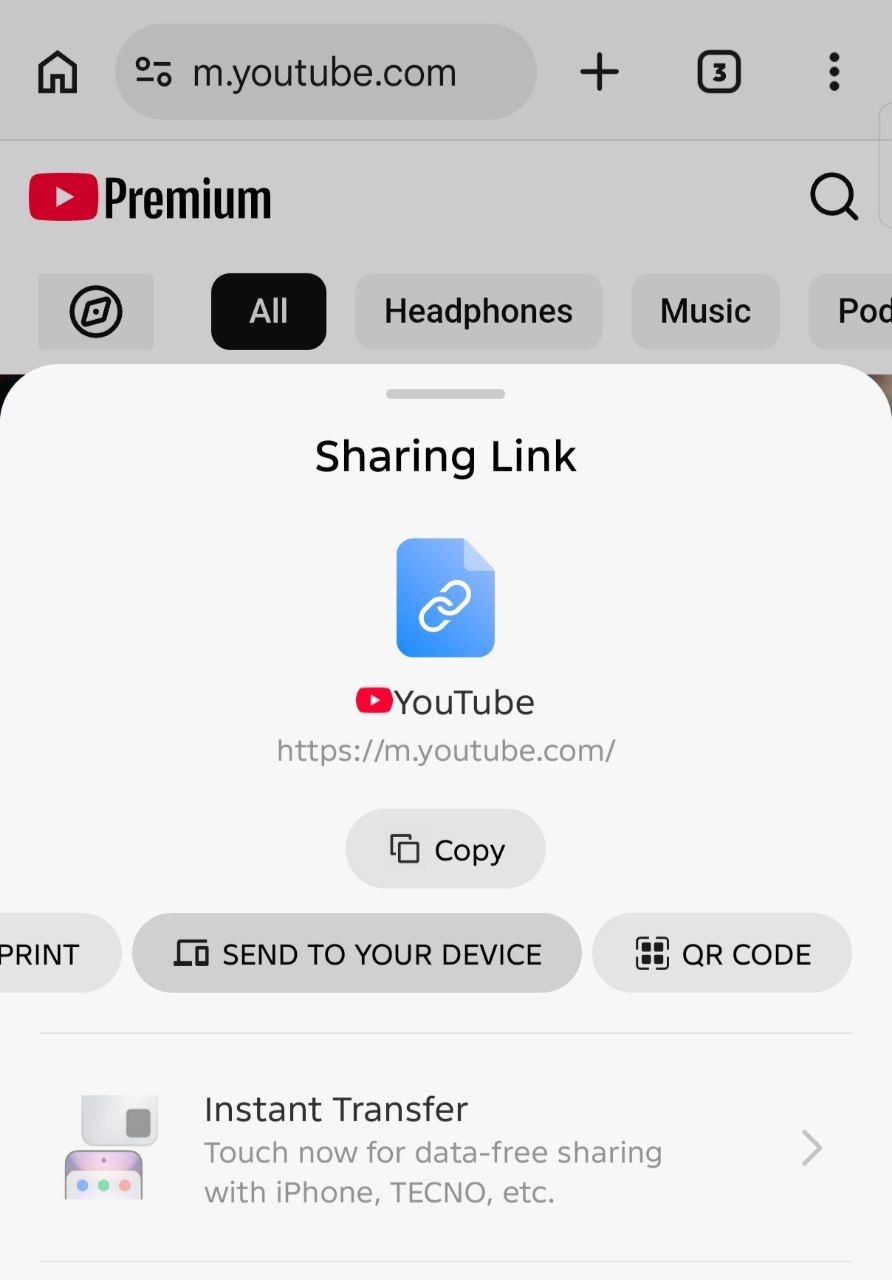
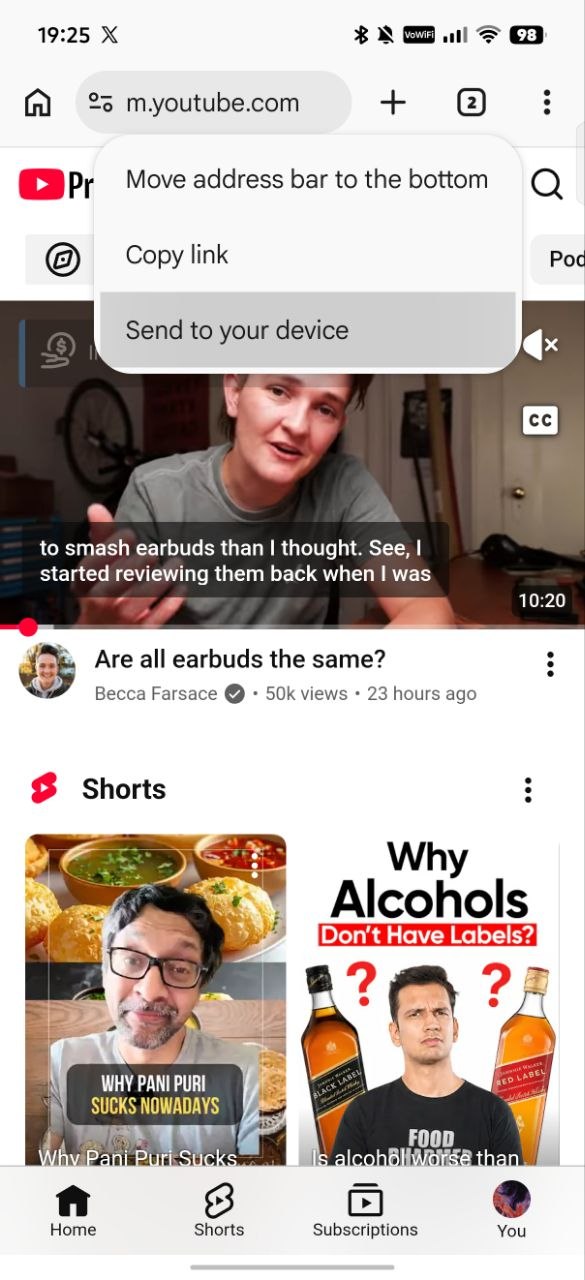
While this feature itself isn’t new, Google is testing a simpler, easier way to access it on Chrome. Instead of needing to use the Share button from the three-dot menu, you can just long-press the address bar and then hit “Send to your device.” A list of your signed-in devices will then appear.
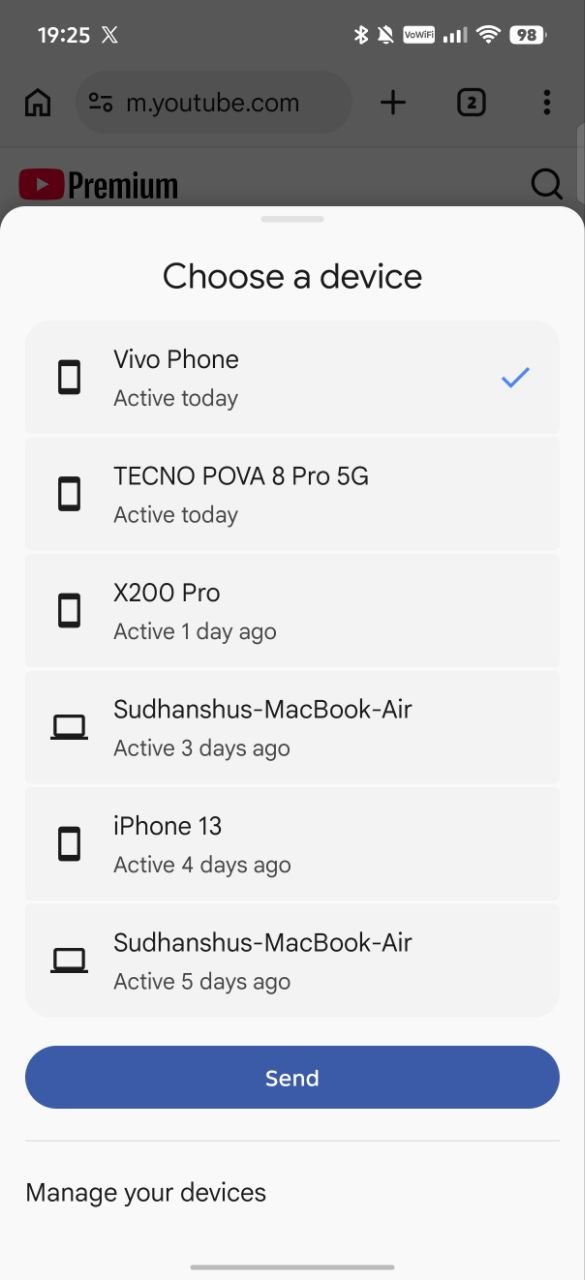
It goes without saying, but you need to log in to multiple devices with the same Google account in order for this to work.
It’s worth noting that the feature isn’t available without enabling the flag right now. Even on Chrome Beta/Canary, you’ll need to specifically enable the flag for it to work.
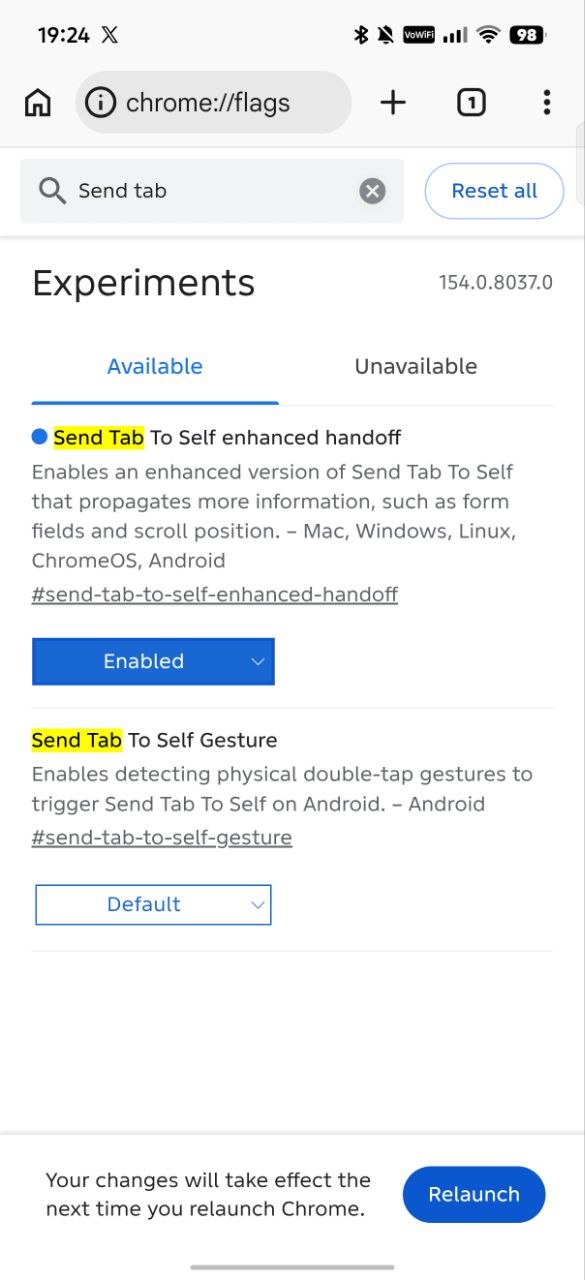
If you’re interested in trying this feature out, head over to Chrome and enter chrome://flags in the address bar. In the search bar, type “Send tab to self…” and you’ll find the flag disabled by default.
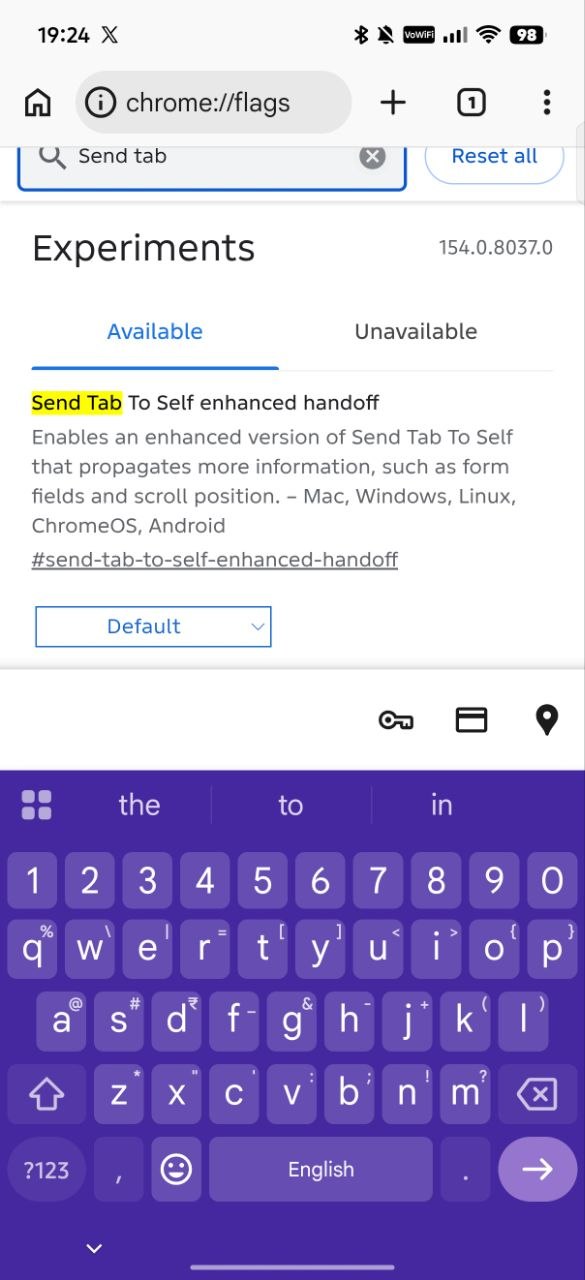
Enable it, and restart the browser.
Once this is done, you can simply long-press the address bar and select the device you want to share the tab with. We’ve tested this feature by sharing a tab to a MacBook, and it works perfectly. Chrome doesn’t even need to be open on the other device. Even if it’s not currently open, a pop-up will appear with the shared tab.
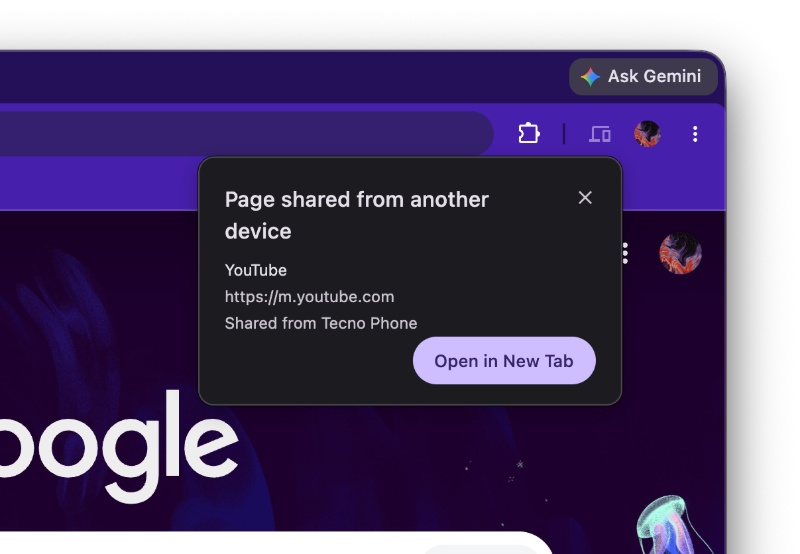
Since the feature is technically still in beta, it could take a while before Google promotes it from its current “flag” status to a proper feature. There’s no direct changelog update or ETA for the release, but it should be soon since it’s already functional.
This flag was initially discovered by the folks at Windows Report.
In other Chrome news, the latest update (to the stable version) patches various security flaws. More on that here. Furthermore, the v154 beta is targeted at improving the CAPTCHA experience in Incognito. We covered that here.


Sudhanshu K
351 Posts
I have been a consumer technology enthusiast for over 5 years. Thanks to my experience in software beta testing and product reviews, I've understood and learnt a lot about what bugs and issues bother people, and I spend time trying to simplify their solutions. I cover smartphones, software, social media, apps, AI, and most consumer tech gadgets. Actively pursuing a Computer Science bachelor’s degree. I'm mostly active on Twitter/X (@TechWhirlUlt), drop a DM or tag me if you want to share info or connect!
Next article View Article