Chrome 154 has now entered beta testing on desktop and mobile. For the most part, there are no major changes that users will notice right away, which is pretty usual. That said, Chrome 154 does have a couple of interesting changes that should make life a little easier for users.
One of the biggest improvements here might be fewer robot checks when you use Incognito mode. Typically, when you open an Incognito tab, you might run into more CAPTCHA screens asking you to click buses and traffic lights. This is because websites cannot tell whether you are a real person or a bot since they cannot access any existing cookies on your device.
To combat this, Google is testing something called Private Verification Tokens in Chrome 154. Google explains that the feature works to “transfer the trust that users have established in regular browsing into private browsing mode, reducing user friction from CAPTCHAs and challenges”.
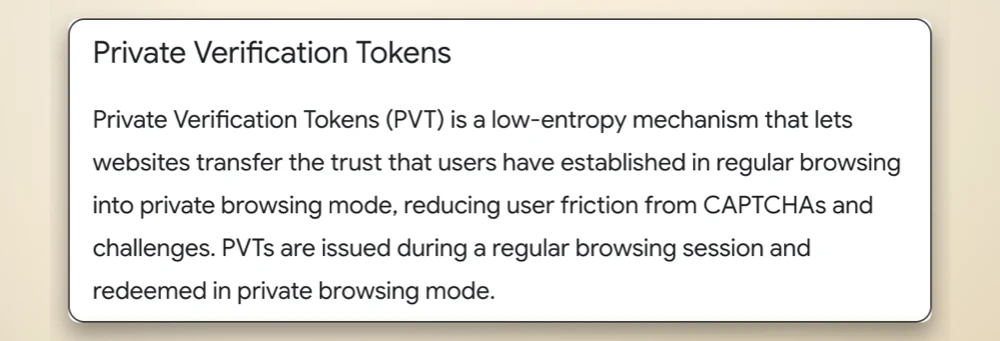
What this means for you is that if you already proved you are human in your regular browser session, then you won’t have to go through the same CAPTCHA process when you open a private tab. At least that’s the goal here.
But that’s not the only annoying thing that Google is addressing with this release. We have all had that moment on a phone or laptop where an open menu suddenly disappears because you accidentally right-clicked or tried to scroll past it, forcing you to tap around and open it all over again.
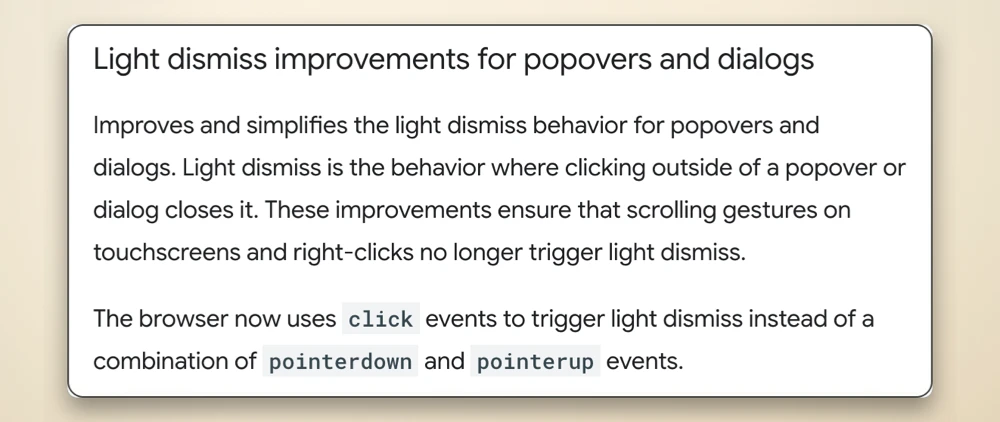
Well, that problem will hopefully be a thing of the past thanks to how Google is changing the way the browser handles what developers call light dismiss.
Accidental right-clicks and touchscreen scrolling gestures will no longer shut down those dialog boxes or popups out of nowhere, meaning menus should finally stay open until you actually tap outside of them.
This release follows the recent Chrome security update that fixed 26 vulnerabilities on the stable channel. While that one was more about critical bugs fixed behind the scenes, the 154 beta is a fun sneak peek at what changes to expect in the browser soon.
For more technical details, check out the official developer’s blog post.


Dwayne Cubbins
3078 Posts
I cover fast-moving stories across apps, online platforms, and everyday tech — phones, wearables, consoles, and whatever else people are fighting with this week. Bugs, rollouts, scams, policy enforcement, and the occasional internet-culture rabbit hole are all fair game. My goal is simple — make confusing tech news readable. When I'm not working, I'm working out or chilling with my dog. Got a tip? You can find me on X @dcubbins.
Next article View Article