





We're back with another Windows Wednesday 🪟
— Dia (@diabrowser) August 26, 2026
We sweat every detail so Dia for Windows runs fast and smooth. This week, Renato shows how beta testers can help us chase down anything that isn't quite up to performance standards.
Come help us set the bar: https://t.co/0QLQEtcB5E pic.twitter.com/XXWTROHtqJ
Dia’s Windows Wednesdays episode for this week is a peculiar one. It’s the first episode where they don’t really detail any major features or progress made. Instead, the focus seems to have been on optimization, animations, and fluidity.
For those unaware, Dia kicked off a series recently that details the progress made on the Windows version of the browser. A new episode premieres every Wednesday. You can view this week’s full episode (in video format); it was posted on X.
The episode’s theme centers on asking testers to help The Browser Company make Dia faster and more responsive. It shows off the ‘well-crafted’ animations throughout the browser which make it feel fluid. However, if any of the animations seem off-putting or slow, the company has asked users to share a feedback report.
The video also includes precise steps on how you can share a detailed yet straightforward feedback report. Just enter the “Help” menu, and you’ll find an option that says “Record the issue.”
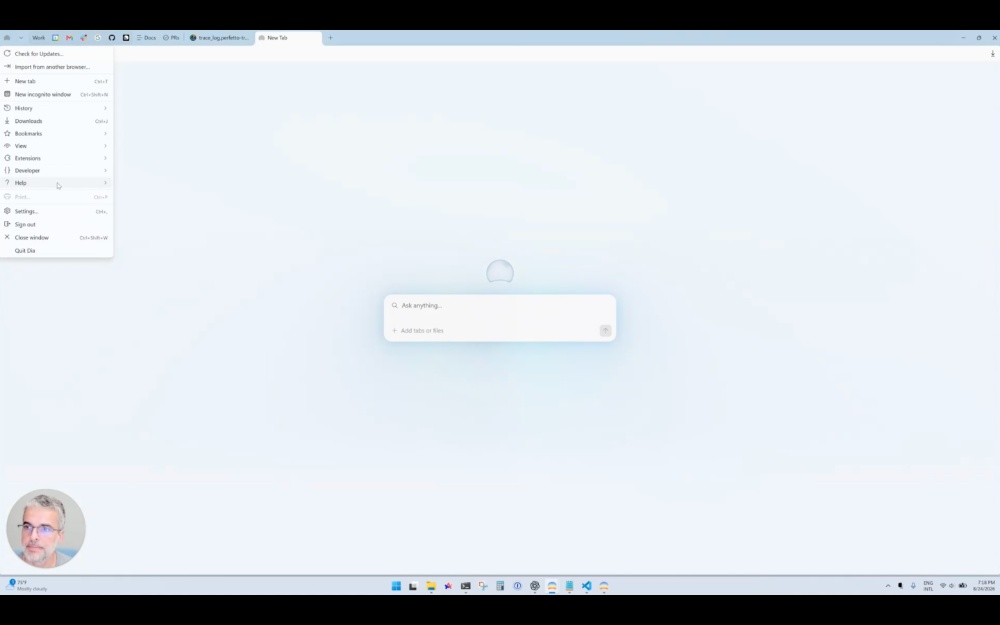
They’ve advised testers to reproduce the issue while the screen is being recorded. The video clarifies that the screen recorder doesn’t capture anything else on the screen, and captures begin and end accordingly. Nothing before and after your capture is recorded or shared with the company. You’ll have to describe your issue and select a specific time frame for the screen recording.
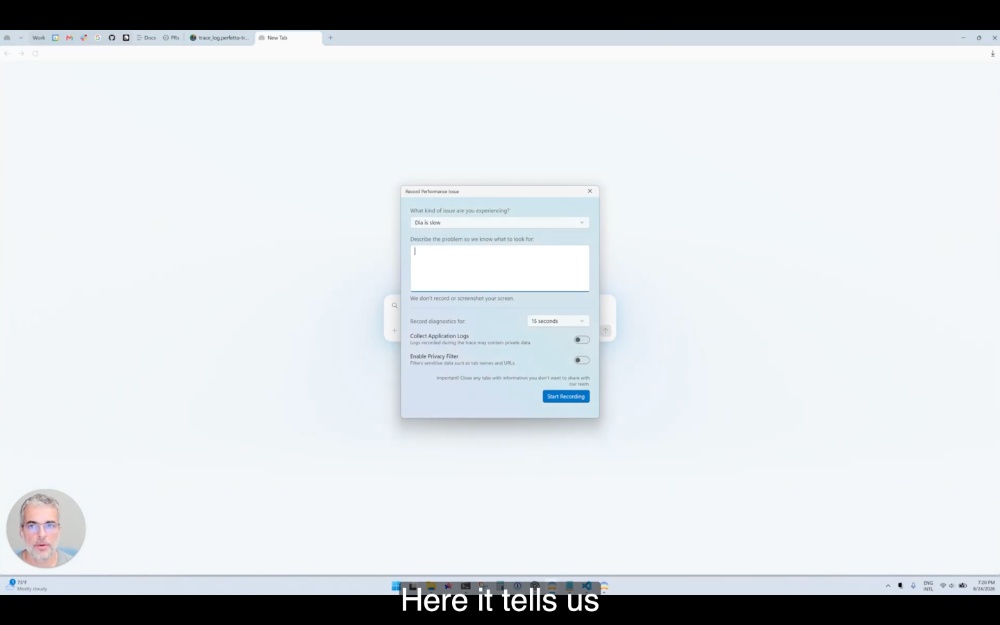
After you record the screen share, the company obtains a ZIP file, and they’ll try to resolve the issue and check whether they can reproduce it. The goal is to make Dia the ‘fastest browser ever.’
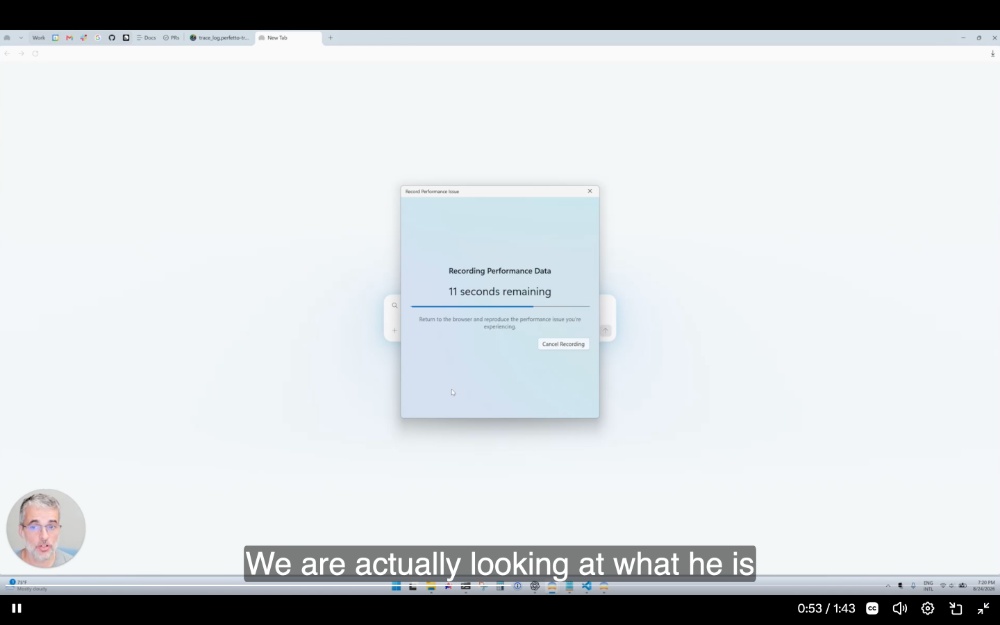
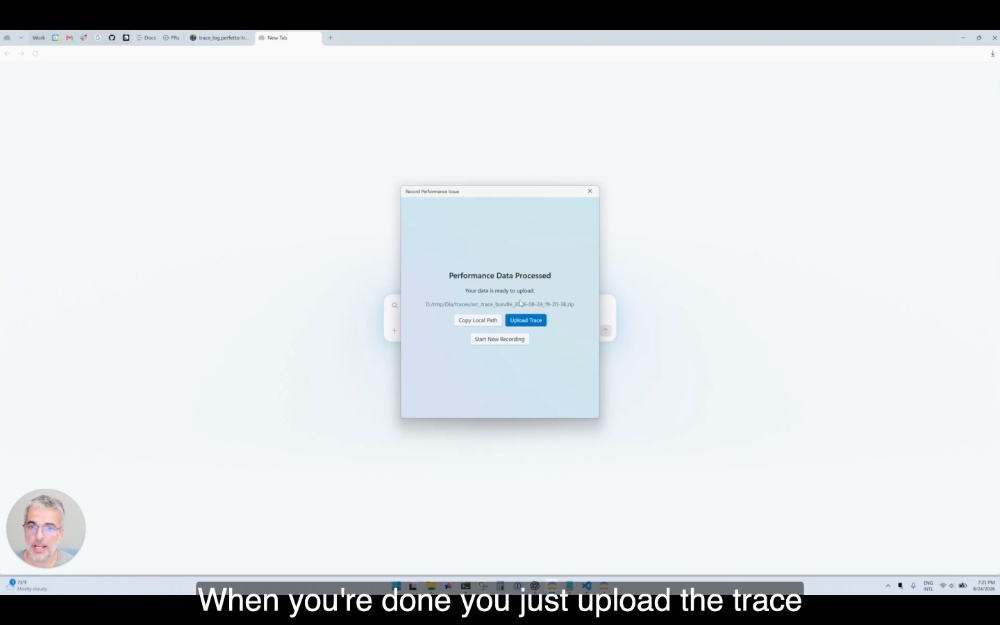
Once the screen recording ends, you’ll see this pop, shown in the image attached below.
Nothing new was shown in terms of features this time around. For instance, the previous episode detailed an expansion to the users in the program. If you’re interested in joining the waitlist, you can do so from this link.
In case you missed it, Dia for Windows is officially slated to release for public use in the fall of 2026. We can estimate that in the final week of September.
The Windows version isn’t the only thing the company has been working on lately. There’s a lot of whisper about an iOS app, and we covered that here. The team is also working on an ‘agentic’ Dia, which is also coming later this fall.
Unfortunately, it’s not all sunshine and rainbows. The worst news: On macOS, all of the AI features on Dia will be locked behind subscriptions, and the free version will soon no longer include a single AI feature. More on that here.

We stand out from the tech-media crowd because we break news stories; we mainly bring you stuff that you won’t find anywhere in the mainstream tech media. Our stories have been picked up by some of the world’s most popular websites and media outlets—more info is available here.

Sudhanshu K
293 Posts
I have been a consumer technology enthusiast for over 5 years. Thanks to my experience in software beta testing and product reviews, I've understood and learnt a lot about what bugs and issues bother people, and I spend time trying to simplify their solutions. I cover smartphones, software, social media, apps, AI, and most consumer tech gadgets. Actively pursuing a Computer Science bachelor’s degree. I'm mostly active on Twitter/X (@TechWhirlUlt), drop a DM or tag me if you want to share info or connect!
Next article View Article
Dia 1.46.0 makes PiP mode less sticky and improves Live Calendar
A new update has just landed on Dia, and it brings some usability improvements. PiP (Picture-in-Picture mode) is now less sticky, and there are some improvements to how...
Aug 28, 2026 2 Min Read