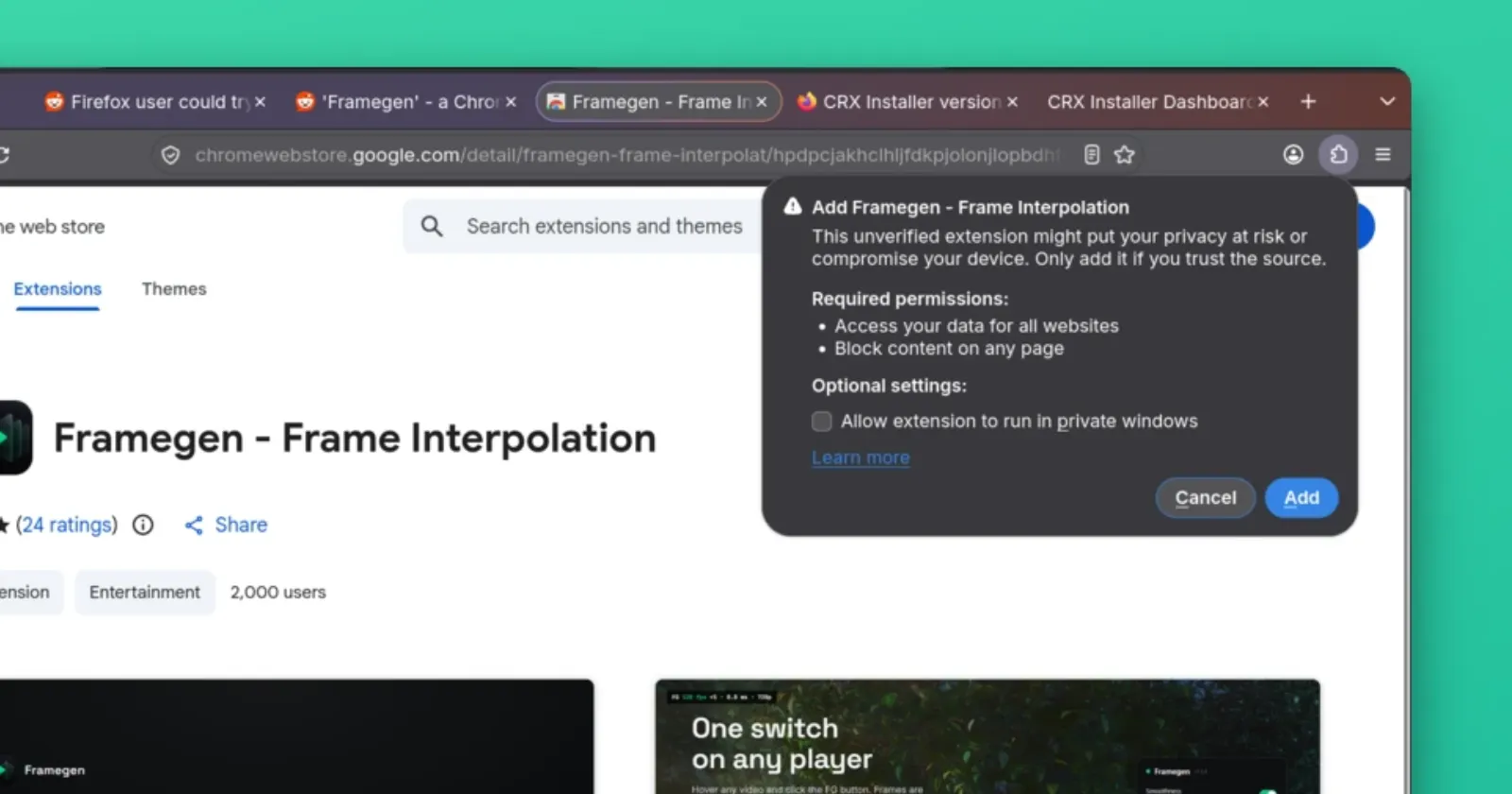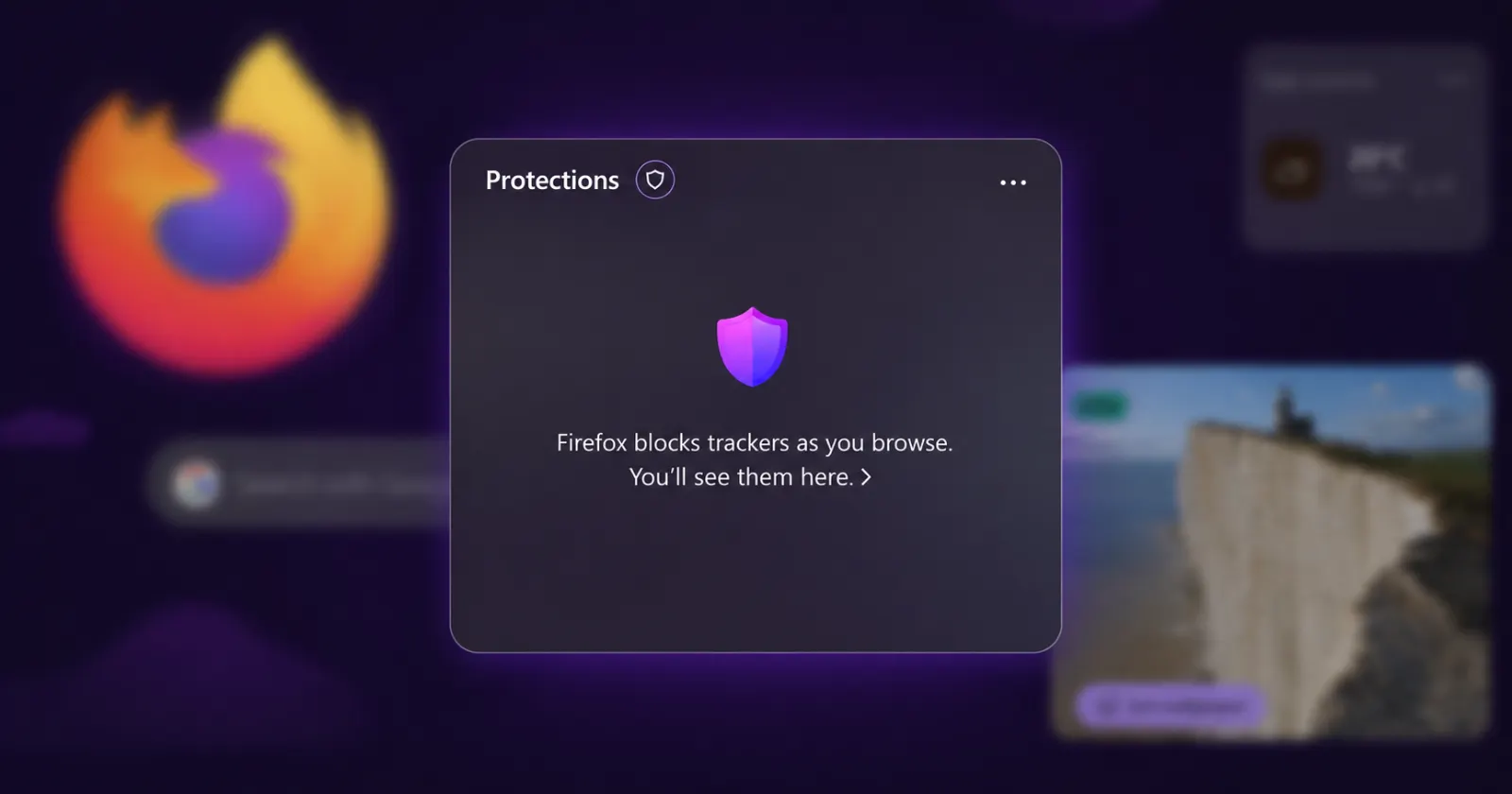
It looks like Mozilla is quietly testing a new ‘Protections’ widget in Firefox. This new addition has started showing up for some desktop users.
When turned on, you’ll see it on the new tab page alongside other widgets (if enabled). The widget should let you quickly glance at everything that Mozilla is blocking in the background. So details like blocked trackers, fingerprinting attempts, and cross-site cookies will be visible to you without having to dig through the about:protections page.
That being said, the Protections widget is not yet available for everyone. YouTuber BrenTech noticed it appear on one of his systems and posted a video showing it off. However, he did mention that it wasn’t showing up on other systems. Plus, while the widget itself is visible, it still wasn’t showing the tracking data.
I, however, haven’t been lucky enough to see it even on one system. I checked Firefox on both my Mac and Linux desktop to see if the Firefox overlords would be kind enough to give me access to the widget, but it was nowhere to be found.
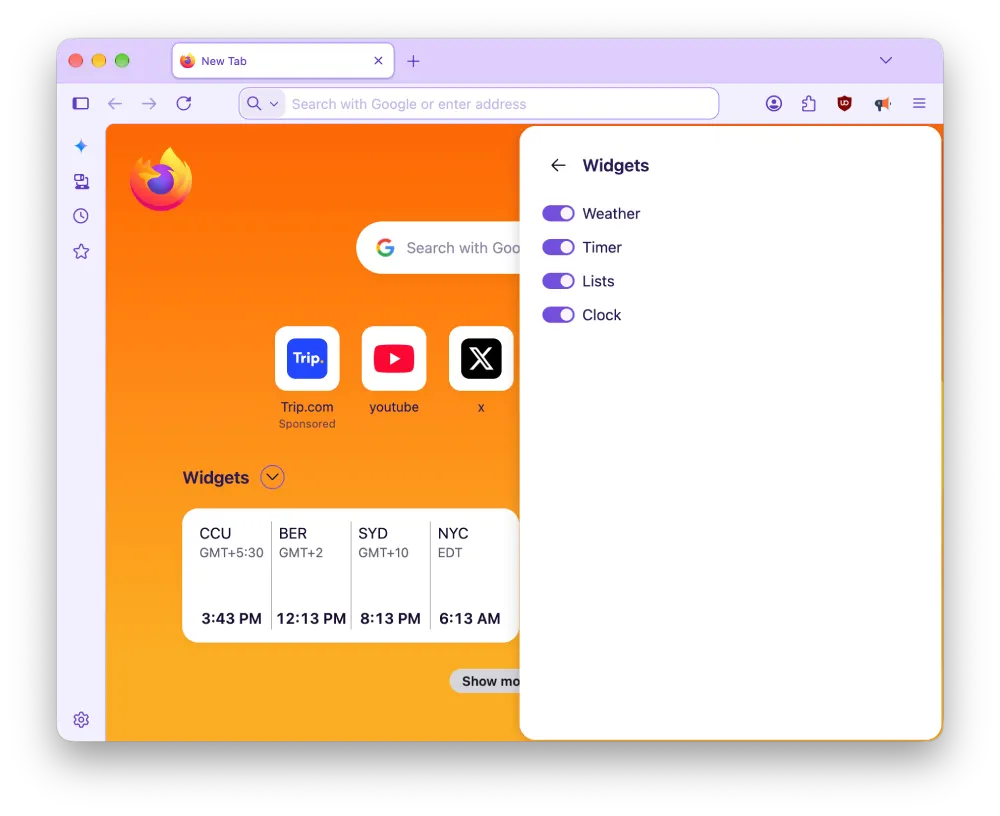
For context, I have the latest Firefox 154.0.1 update installed on both systems. So it seems like Mozilla might be running a server-side A/B test or a gradual rollout of this widget. That means getting the feature is mostly down to luck rather than downloading a fresh installation package.
While the Protections widget is not readily available for everyone, we can expect to see it being added to the growing list of Firefox widgets really soon.
This release fits in well with Mozilla’s plans to double down on privacy while also not compromising on useful AI features. The goal here seems to be giving people quick visual feedback on their privacy status without making them wade through complex technical menus.
Right now, there does not appear to be any sort of manual setting to enable the Protections tab widget; users either have it and can see what it displays, or they do not.


Dwayne Cubbins
3073 Posts
I cover fast-moving stories across apps, online platforms, and everyday tech — phones, wearables, consoles, and whatever else people are fighting with this week. Bugs, rollouts, scams, policy enforcement, and the occasional internet-culture rabbit hole are all fair game. My goal is simple — make confusing tech news readable. When I'm not working, I'm working out or chilling with my dog. Got a tip? You can find me on X @dcubbins.
Next article View Article