The Chrome 153 update is a useful one for developers. It’s available for testing right now across all common platforms, and it brings various bug fixes and patches. There’s no headline user-facing feature this time around.
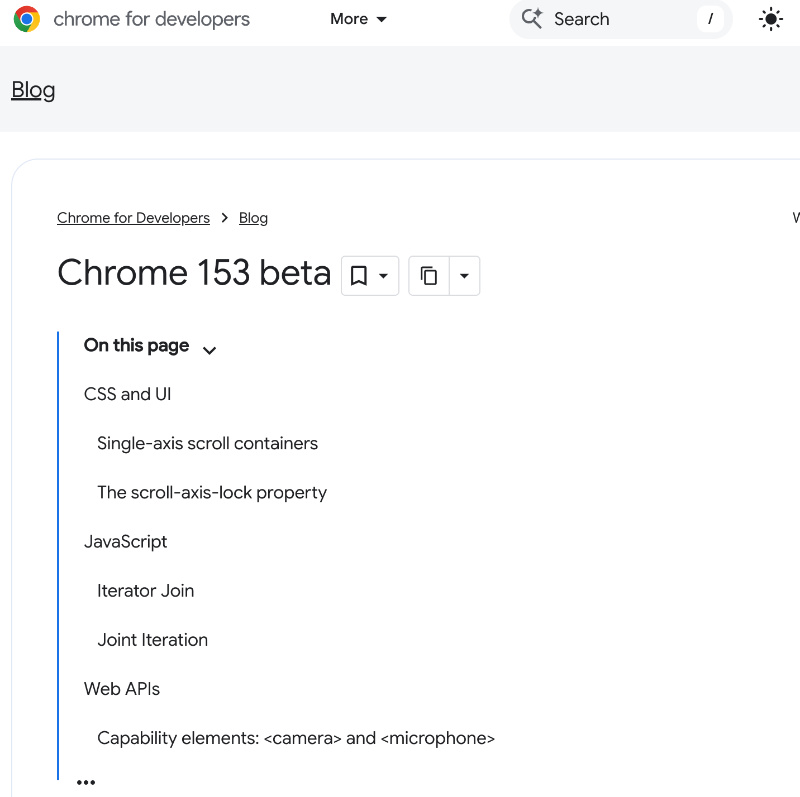
Google officially posted the changes for developers on the “chrome for developers” blog, and also noted that it’s the first release of the new two-week release cycle.
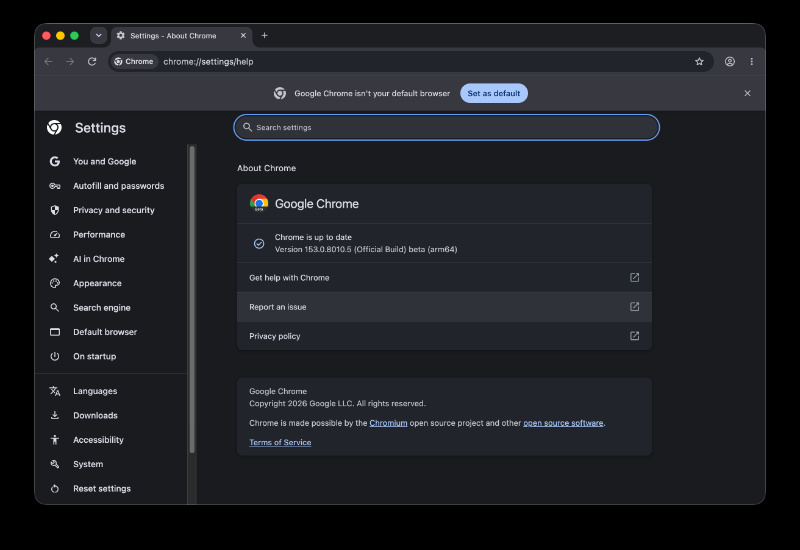
After firing up Chrome Beta on macOS, the v153 update was immediately available. Google Git includes the partial list of changes.
The Git isn’t directly readable; here’s a summary of some changes marked as [M153]:
- WebView search fix: There was a regression where the web search context menu didn’t work properly. That’s fixed now.
- APK issues have been addressed.
- Bookmarks bar: A third visibility option has been added called “Only show on New Tab page.”
- Vertical tab colors: Tab group color changes apply immediately.
- You can now hide the iOS app bar in fullscreen even while the floating window of Gemini is still open.
- Fixes an iOS keyboard input mode deadlock.
Below is a list that simplifies some of the developer changes. Users won’t notice much.
- Scrolling: A box can now scroll in one direction and clip in the other. Sites can turn off axis lock.
- New <camera> and <microphone> tags.
- JavaScript: Improvements to iterators.
- Audio/graphics: Chrome can play IAMF spatial audio.
- CSS transition and media query events fire at the same point as Firefox or Safari.
- `target=”_current”` has been removed.
- Other security fixes.
In other Chrome news, Google is quietly bringing back the browser’s tab scrolling feature after removing it earlier. More on that here.
Want to read about Google giving back total control over Search, Discover, and audio news? More on that here.


Sudhanshu K
308 Posts
I have been a consumer technology enthusiast for over 5 years. Thanks to my experience in software beta testing and product reviews, I've understood and learnt a lot about what bugs and issues bother people, and I spend time trying to simplify their solutions. I cover smartphones, software, social media, apps, AI, and most consumer tech gadgets. Actively pursuing a Computer Science bachelor’s degree. I'm mostly active on Twitter/X (@TechWhirlUlt), drop a DM or tag me if you want to share info or connect!
Next article View Article