A new update to DuckDuckGo has just landed on iOS, and it brings more shortcut options to the browser. It makes various actions within DuckDuckGo easier.
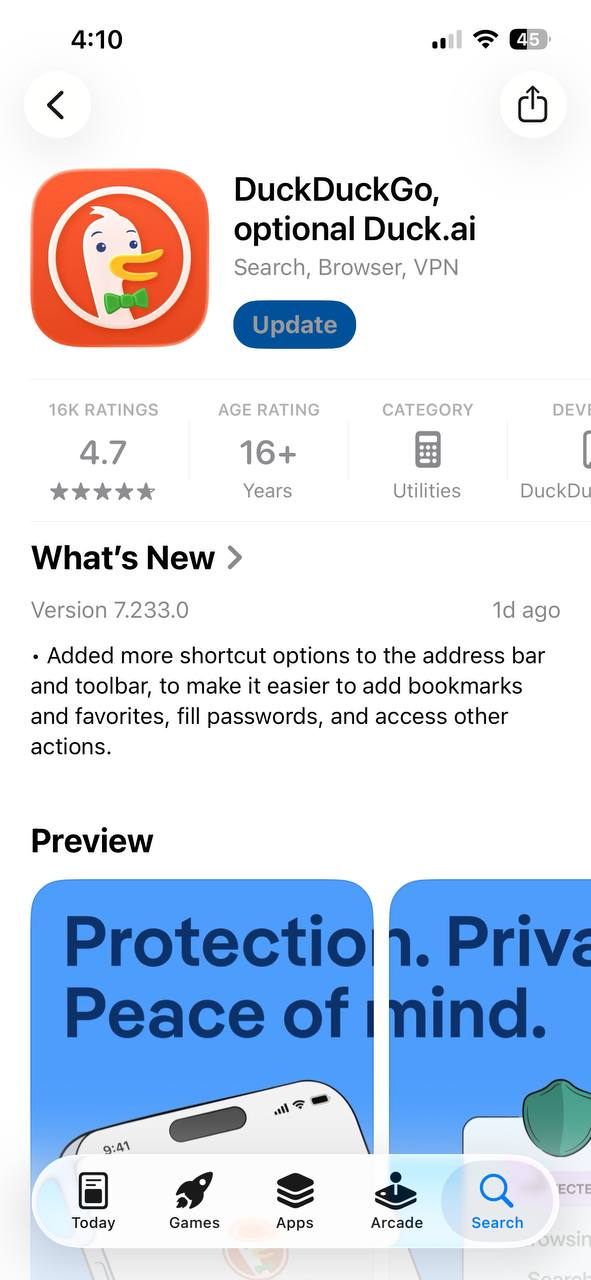
The changelog was mentioned in the App Store’s Release Notes, and you can view a screenshot of it below. The version number for this update is v7.233.0. Comparing it to the previous two updates, this is in fact more feature-rich. It includes an excellent quality-of-life change. The previous ones were mere “bug fixes.”
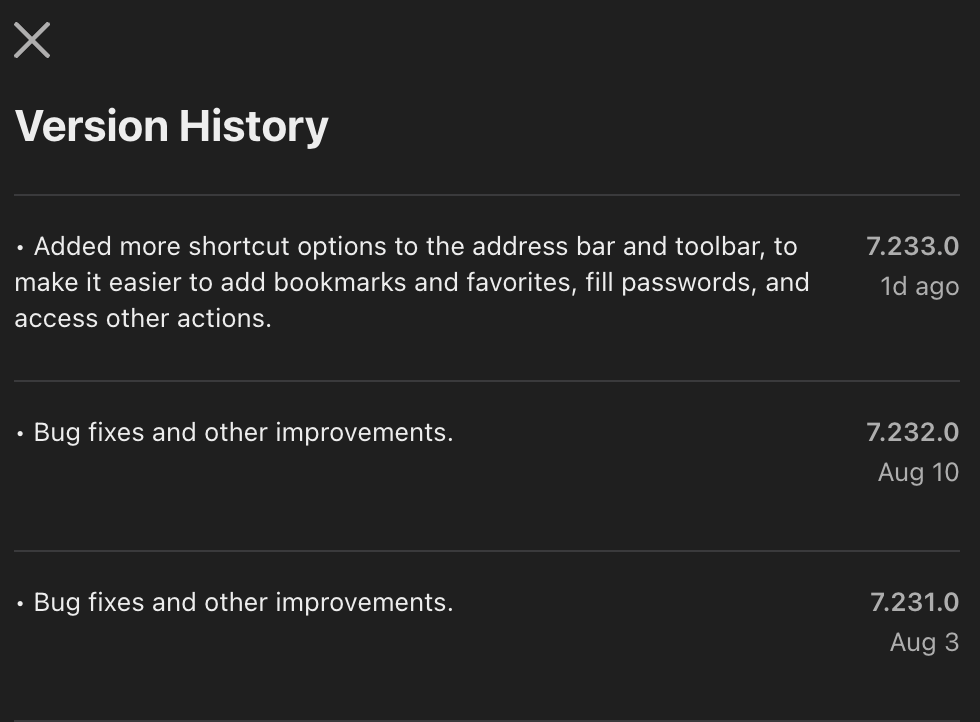
The main change with this update is more shortcut options for the address bar and toolbar. It’s now easier to add bookmarks, favorites, and more directly into the address bar and toolbar.
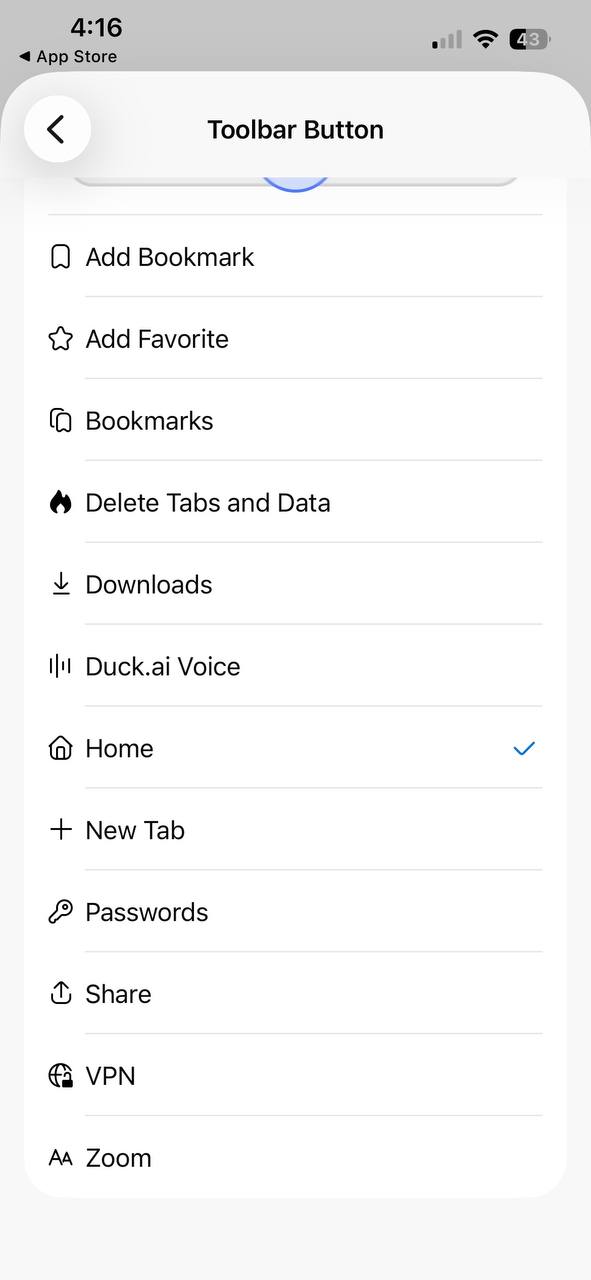
For the address bar: Basically, this option in the middle is now customizable. You can pick from a list of several options, including Bookmark, Favorite, Delete tabs, Downloads, Duck.ai voice, Home, New Tab, and a lot more. If you don’t want to see this button in the middle at all, you also have the option to set “Hide this button.” That way, it won’t be visible at all.
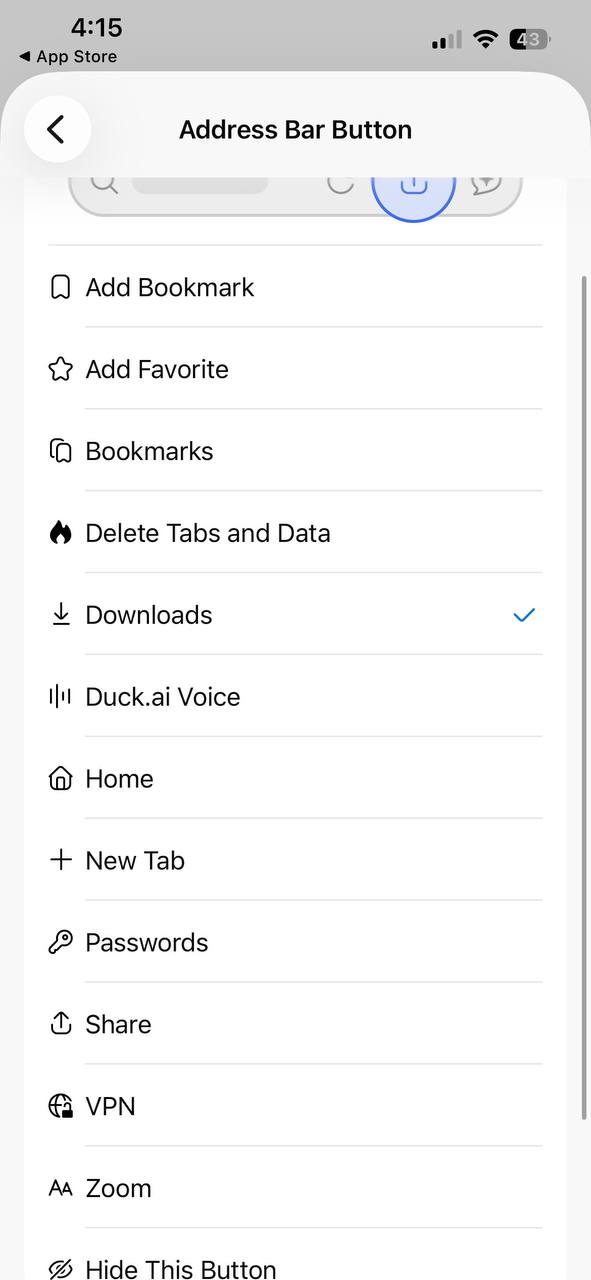
However, there’s still no way to add more than one shortcut. Even if you disable Duck.ai, you can only customize this button in the middle. There’s no way to add four buttons or replace the AI button with something else at the moment. Adding a feature like this would vastly improve the functionality.
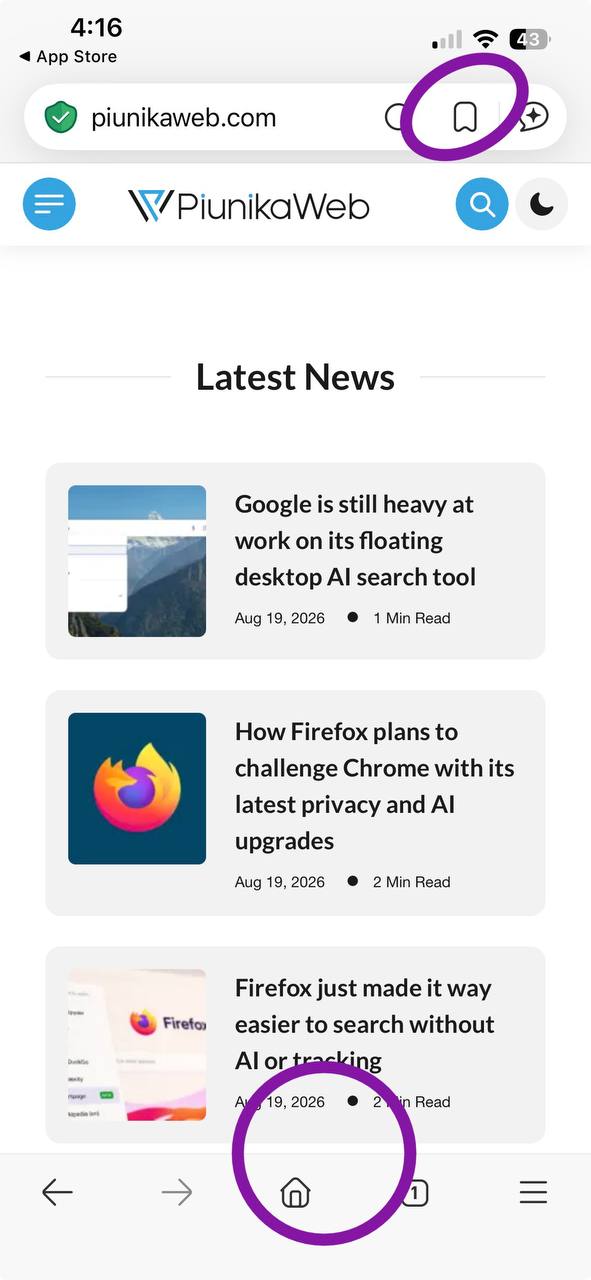
If you want to access more options, you’re still stuck with that three-line menu at the bottom right corner.
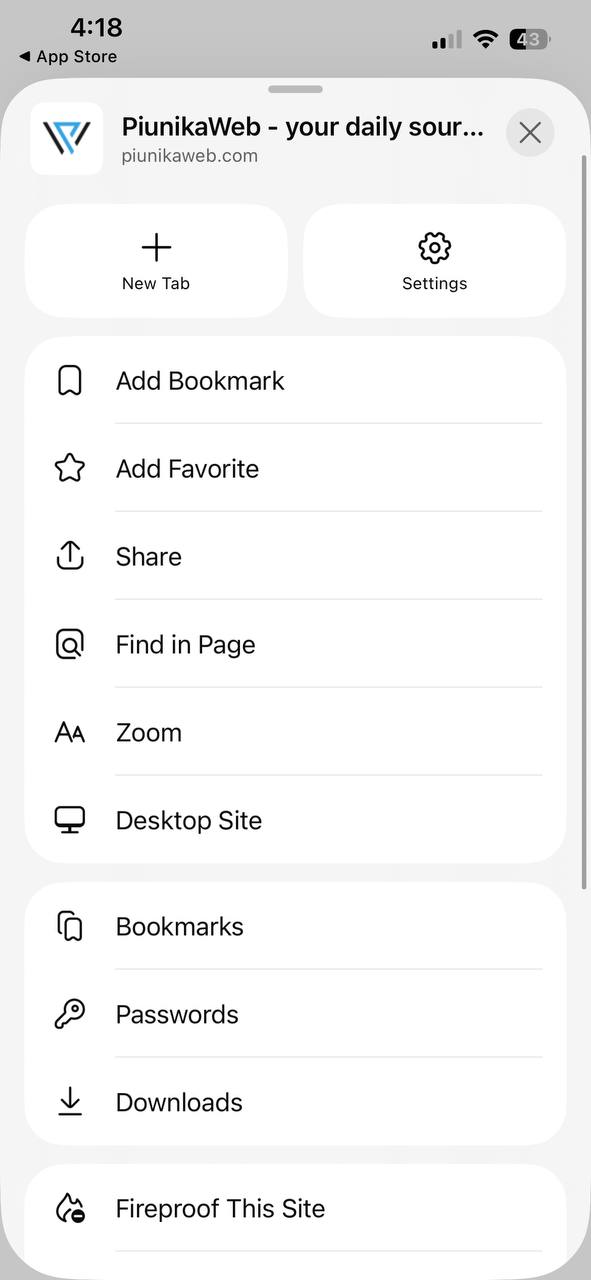
For the toolbar: Similar to the address bar, the toolbar now has various options as well. It’s located at the bottom, to the left of the tab switcher. However, you can’t add another option to the toolbar; you can just customize the existing one. I’ve shown the list of available options below. Interestingly, there’s no option to hide this button.
You can check the App Store for this update from here. And in case you missed it, DuckDuckGo now has a copy clean link feature. More on that here.


Sudhanshu K
332 Posts
I have been a consumer technology enthusiast for over 5 years. Thanks to my experience in software beta testing and product reviews, I've understood and learnt a lot about what bugs and issues bother people, and I spend time trying to simplify their solutions. I cover smartphones, software, social media, apps, AI, and most consumer tech gadgets. Actively pursuing a Computer Science bachelor’s degree. I'm mostly active on Twitter/X (@TechWhirlUlt), drop a DM or tag me if you want to share info or connect!
Next article View Article