The DuckDuckGo browser gets updates roughly every week. While browsing through the changelog, we’ve noticed that a recent update has added the “Copy clean link” option on iOS.
The update dropped on July 27, and copying a clean link was the headline user-facing change for that particular release. Another update came out today, but it doesn’t include any new features; it’s just a generic bug fixes/stability update.
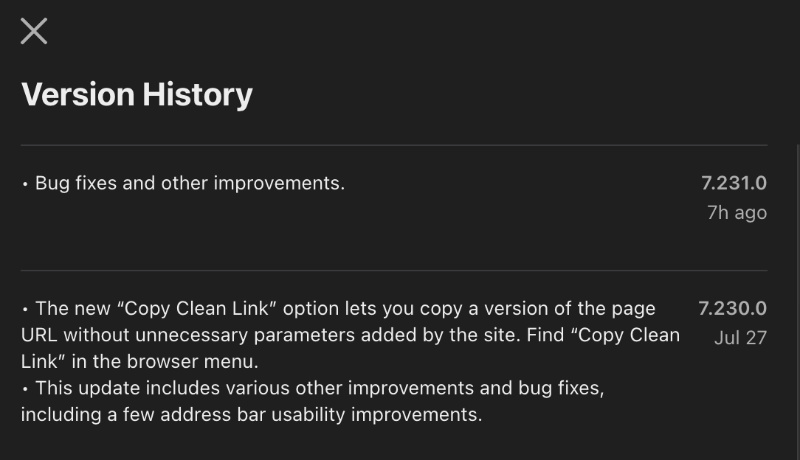
So, what is “Copy clean link?”
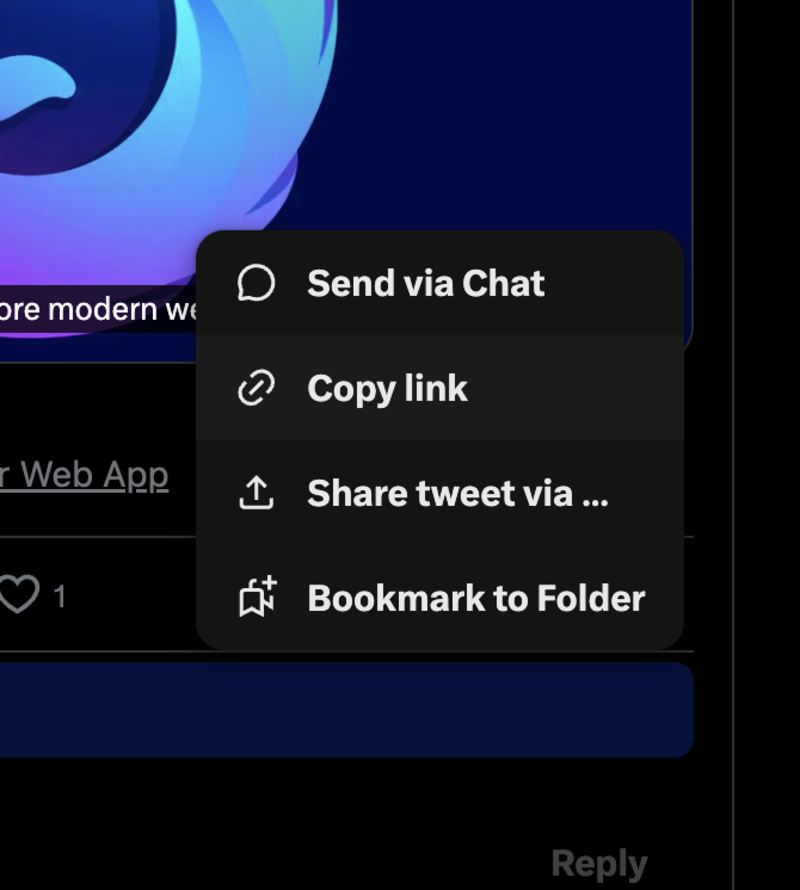
For example, let’s take X: If I directly copy a link using the first-party share button, it copies the link, as expected… however, it adds a weird string of characters at the end. You can notice something like “?s=20” at the end of the URL.
Other websites make it much worse. For example, the image below shows the extra text that Reddit adds whenever you copy a comment. Such tracking junk/annoying add-ons also occur on YouTube and various other platforms.

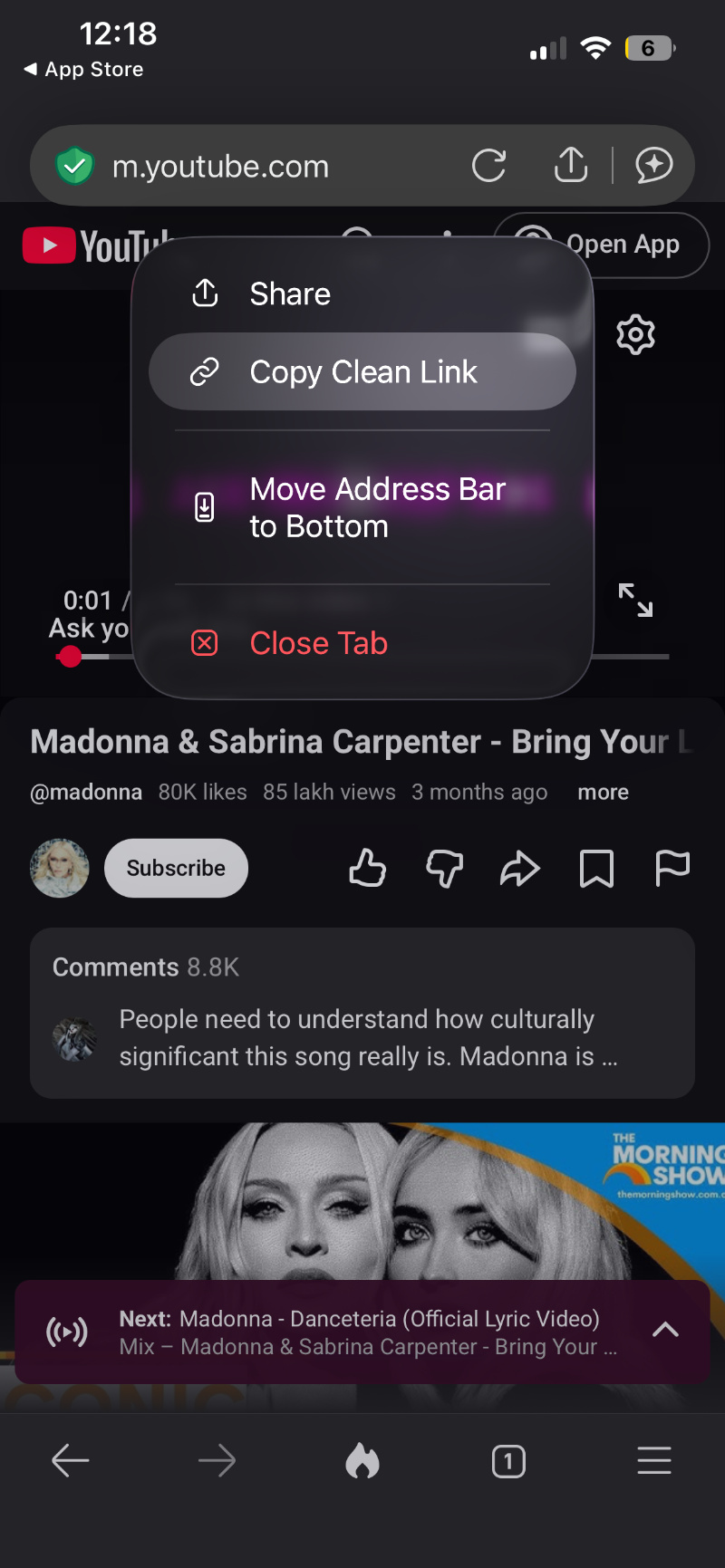
To check for this feature, I’ve updated DuckDuckGo to the latest version, which is v7.231.0 on iOS. It works in a fairly straightforward way.
Whether you’re using YouTube, Reddit, or X, don’t use the “Share” button and copy the link. Instead, just long-press on the address bar. Along with the usual “Share” option, you’ll see the “Copy Clean Link” option right below it. Just tap on that, and it’ll copy the link without any of the extras.
At the time of writing, it’s unclear whether DuckDuckGo will bring this feature to the other platforms.
Of course, DuckDuckGo is not the first to implement this feature. Brave has had it for a while, and we covered the topic here.
In other DuckDuckGo news, the company recently built the anti-Meta glasses, and they’re gloriously dumb. More on that here.


Sudhanshu K
336 Posts
I have been a consumer technology enthusiast for over 5 years. Thanks to my experience in software beta testing and product reviews, I've understood and learnt a lot about what bugs and issues bother people, and I spend time trying to simplify their solutions. I cover smartphones, software, social media, apps, AI, and most consumer tech gadgets. Actively pursuing a Computer Science bachelor’s degree. I'm mostly active on Twitter/X (@TechWhirlUlt), drop a DM or tag me if you want to share info or connect!
Next article View Article