





Google is now testing a third location for the Gemini button on the Chrome toolbar in Canary; it now appears to the right of the three-dots menu, at the very end of the toolbar. This is exactly the same location as the Copilot button in Microsoft Edge: https://t.co/PKQBKaDMAd pic.twitter.com/jzCX4dp2bp
— Leopeva64 (@Leopeva64) August 14, 2026
Google is currently testing multiple interface updates for its Gemini AI feature inside Chrome Canary. The company is trying out a… third possible location for the Gemini button on the toolbar.
Information about all the UI changes was shared by @Leopeva64 on X. You can view the relevant media attached below.
Coincidentally, Ask Gemini is now in the same place as the Copilot button in Microsoft Edge. The button appears to the right of the three-dots menu, which is at the end of the toolbar.
Alongside the button shift, Google is also testing a refreshed animation for the side Gemini panel. The video demonstration attached below captures the new animation.
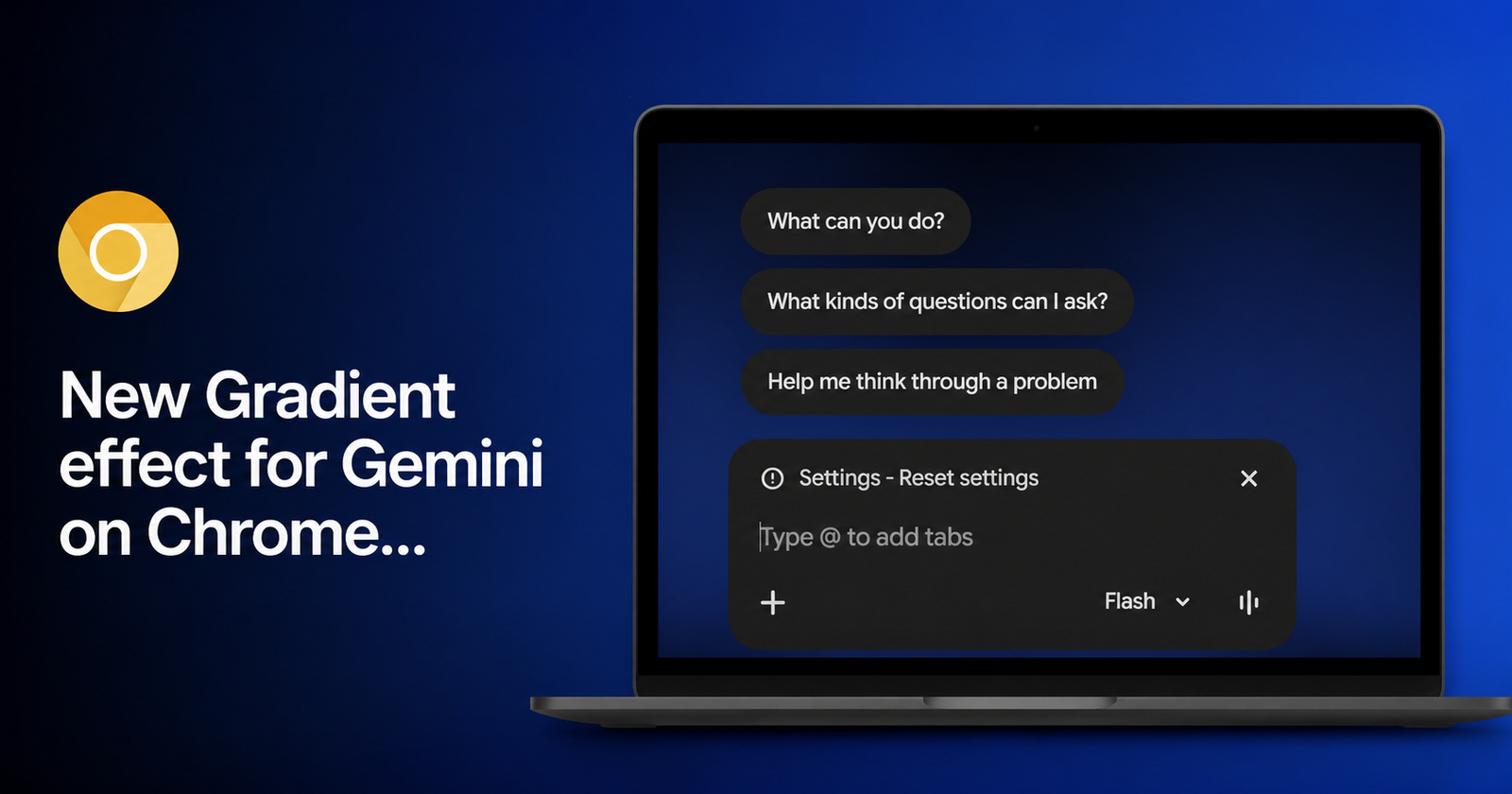
Google is also testing a new opening animation for the Gemini side panel, and a dark blue gradient background instead of a solid color. The input box has also been redesigned, it is now darker and no longer has the inner outline: https://t.co/kAucdoAPbn pic.twitter.com/BJmfD5OhZD
— Leopeva64 (@Leopeva64) August 15, 2026
Moreover, you’ll find that the background has also changed. It went from a normal black color to a dark blue gradient effect. The input box is also different, with a darker color scheme. The greetings from the AI chatbot also appear to be different.
I’ve checked for this change on the latest version of Chrome Canary. However, I still see the old black background and input box, without any gradient effect, so these changes have not reached me yet. It’s possible that Google sends them out in batches, so not all testers of Chrome Canary will receive them simultaneously. Furthermore, the position of Ask Gemini is the same as the stable version for me. There’s no change to the greetings either.
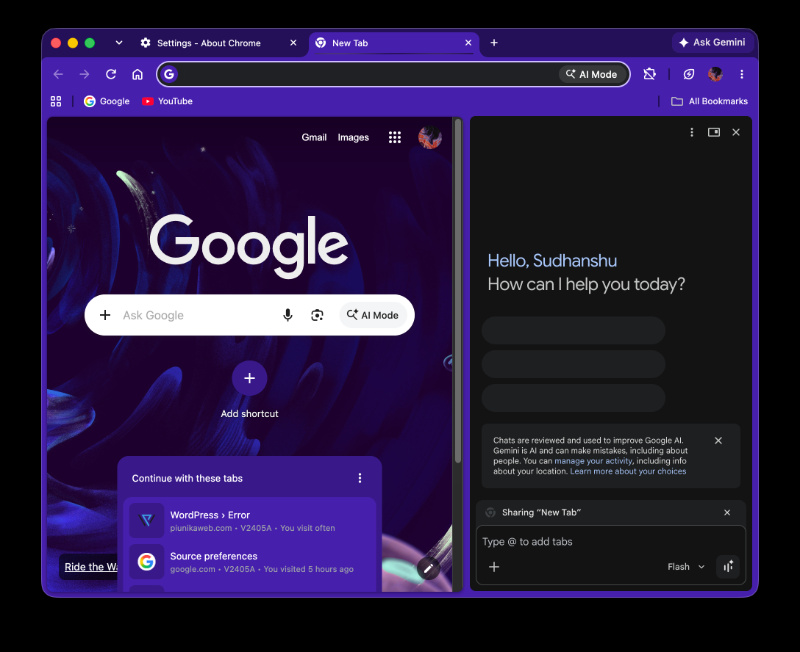
According to the original source, these changes are present in both the Canary and Dev channels, though the screenshot seems to be from a Windows system. Since I’m on macOS, none of these changes have shown up yet.
Sometimes, Google could push Gemini-related side panel updates to the stable channel without tying them to a specific version number. If that’s the case again, users could see it on the stable version of Chrome soon. There’s no ETA at the moment.
It’s worth noting that this is just a visual upgrade with more design flair; there’s no added functionality.
In other Chrome news, the browser could automatically hide your Bookmarks bar soon if you don’t use it frequently. More on that here.
Featured image: AI

We stand out from the tech-media crowd because we break news stories; we mainly bring you stuff that you won’t find anywhere in the mainstream tech media. Our stories have been picked up by some of the world’s most popular websites and media outlets—more info is available here.

Sudhanshu K
293 Posts
I have been a consumer technology enthusiast for over 5 years. Thanks to my experience in software beta testing and product reviews, I've understood and learnt a lot about what bugs and issues bother people, and I spend time trying to simplify their solutions. I cover smartphones, software, social media, apps, AI, and most consumer tech gadgets. Actively pursuing a Computer Science bachelor’s degree. I'm mostly active on Twitter/X (@TechWhirlUlt), drop a DM or tag me if you want to share info or connect!
Next article View Article
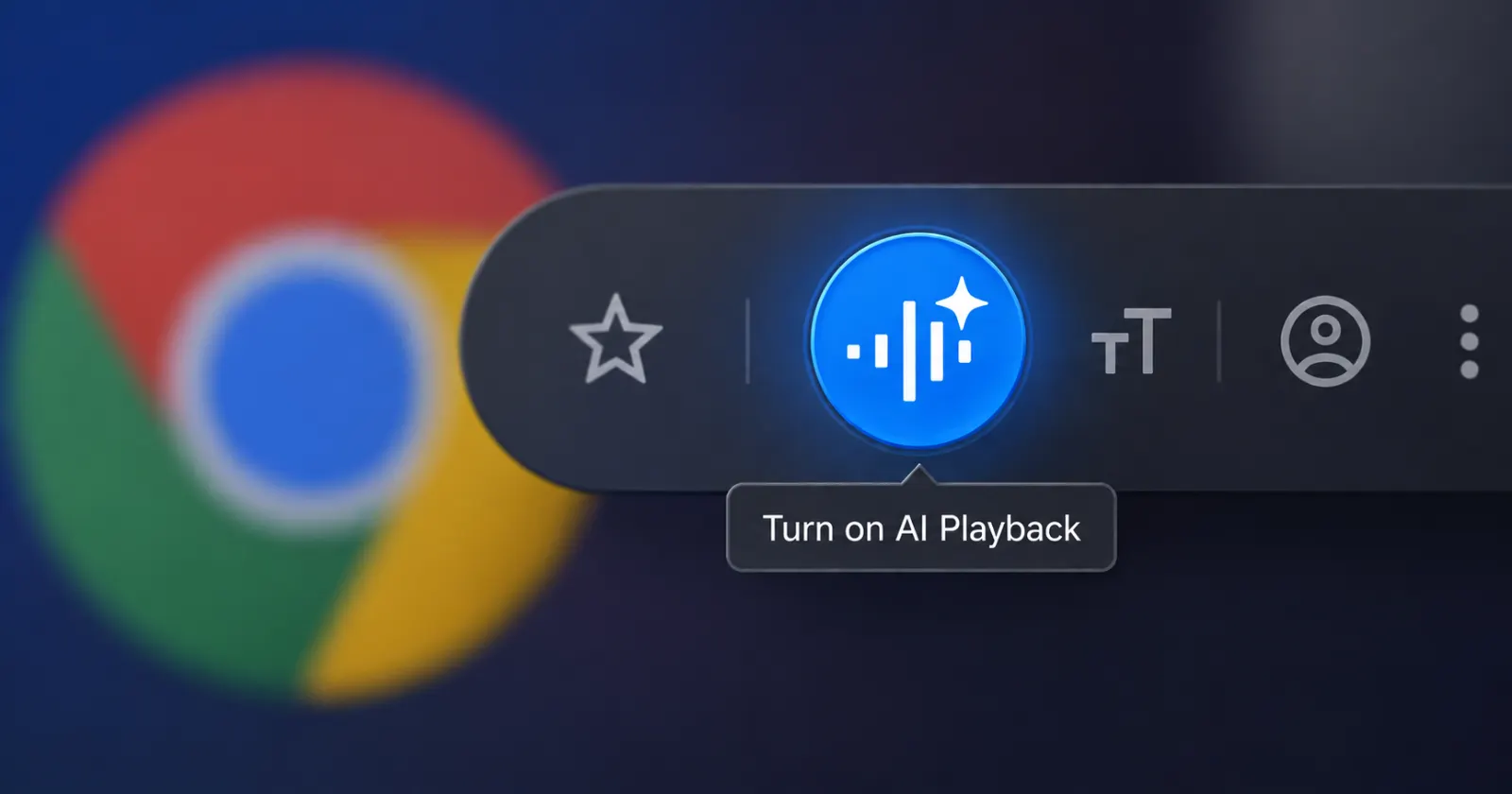
Soon your Chrome browser could turn articles into podcasts
For a while now, Google has been silently improving the listening experience in Chrome. And the latest trick that's in development takes things up a notch.
Over on the...
Aug 17, 2026 1 Min Read