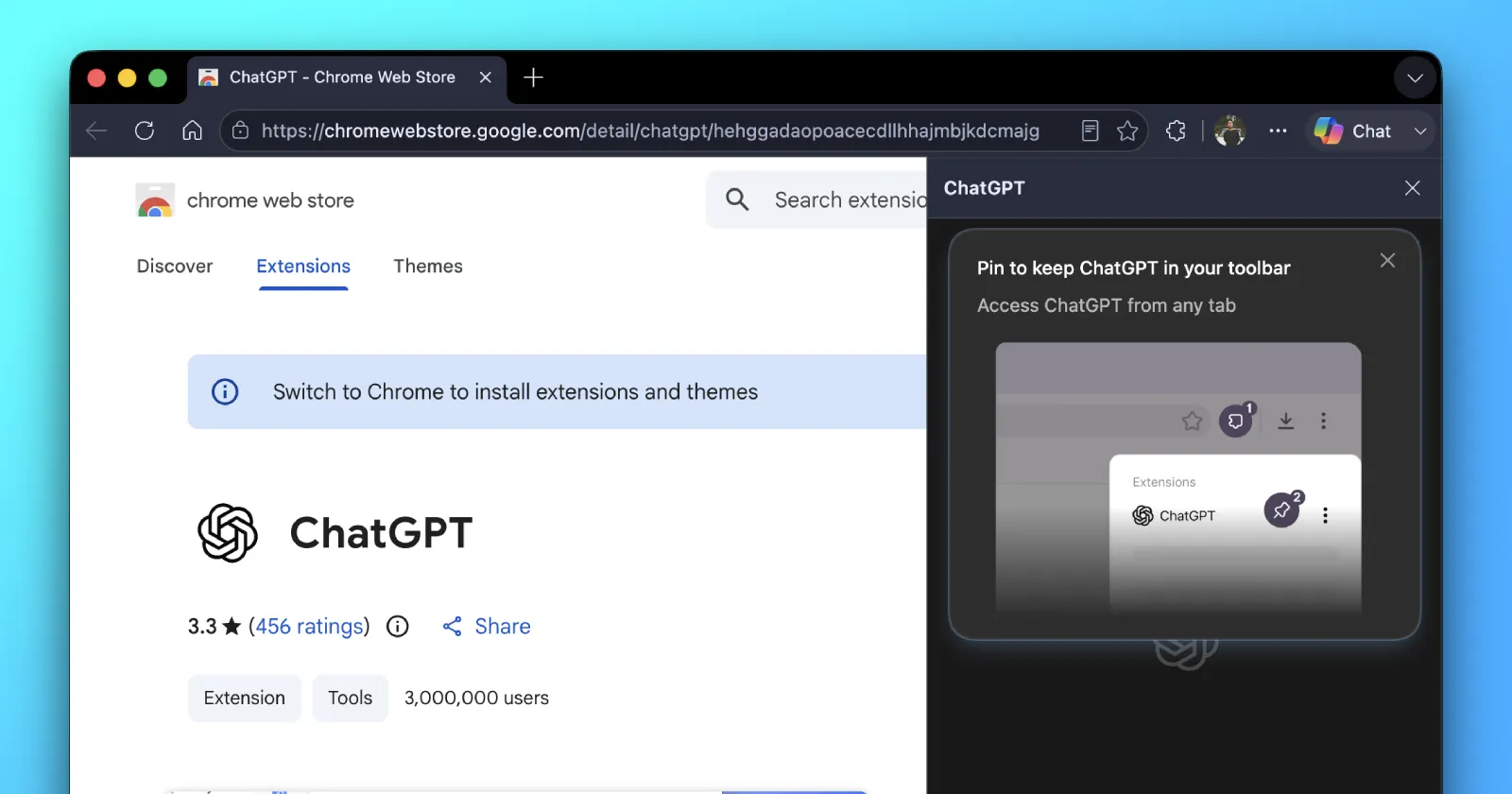
OpenAI is picking up the pace with trying to get ChatGPT and Codex to play nice with other browsers, now that Atlas is being deprecated this week. We covered all you need to know about that shutdown here, including the fact that your bookmarks won’t move over on their own, so you’ll want to back them up before Monday.
But moving on from that, the latest push to get ChatGPT into other browsers showed up on my end.
In version 26.730.61639 of the new ChatGPT and Codex app, there’s a fresh way to let the AI take control of a second browser. Up until now, Chrome was the only browser you could hook up for Computer Use, which is the feature that lets ChatGPT actually click around and do things inside a browser for you. Now Microsoft Edge is in the mix too.
To set it up, you’ll have to head into the app’s settings and open the Computer Use section. There, you’ll spot a new option called “More browsers.” Expand it, and Edge is sitting right there with an Install button next to it, ready to set up the browser extension.
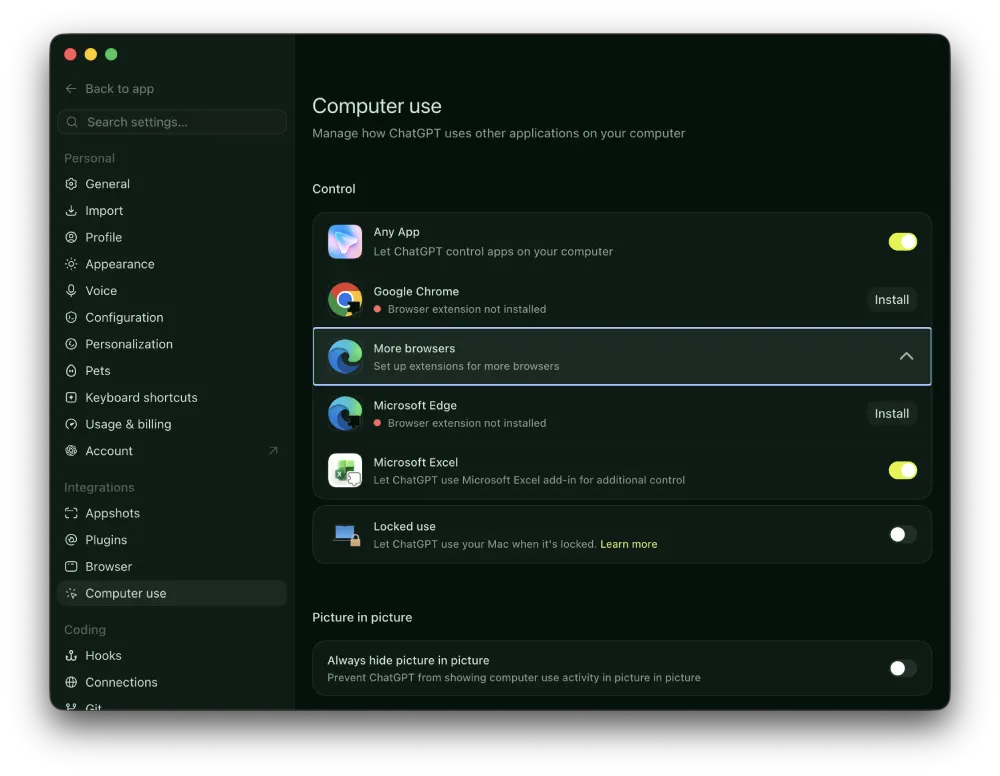
Once that’s done, ChatGPT can work inside Edge the same way it already does in Chrome.
While Edge is currently the only other browser that’s on the list, since it’s labeled “More browsers,” I suspect that we’ll see more names added soon. And hopefully that’ll include Firefox too.
If you’ve been following our coverage, none of this should feel surprising. OpenAI has been steadily moving Atlas’s ideas into the ChatGPT app and its browser extensions rather than keeping them locked inside a standalone browser. It even asked Atlas users which features they wanted to keep before making those calls. And just last week, the Chrome extension picked up the ability to read YouTube videos and your open tabs.
This fits neatly into the original plan OpenAI laid out when it announced that Atlas would be shutting down.
Instead of asking people to download yet another browser, OpenAI is meeting them in the ones they already use. Edge running on Windows out of the box also gives OpenAI an easy way onto a lot of machines without much effort from the user.
So if Edge is your daily driver, it’s worth poking around that Computer Use menu to see the new option for yourself.


Dwayne Cubbins
3179 Posts
I cover fast-moving stories across apps, online platforms, and everyday tech — phones, wearables, consoles, and whatever else people are fighting with this week. Bugs, rollouts, scams, policy enforcement, and the occasional internet-culture rabbit hole are all fair game. My goal is simple — make confusing tech news readable. When I'm not working, I'm working out or chilling with my dog. Got a tip? You can find me on X @dcubbins.
Next article View Article