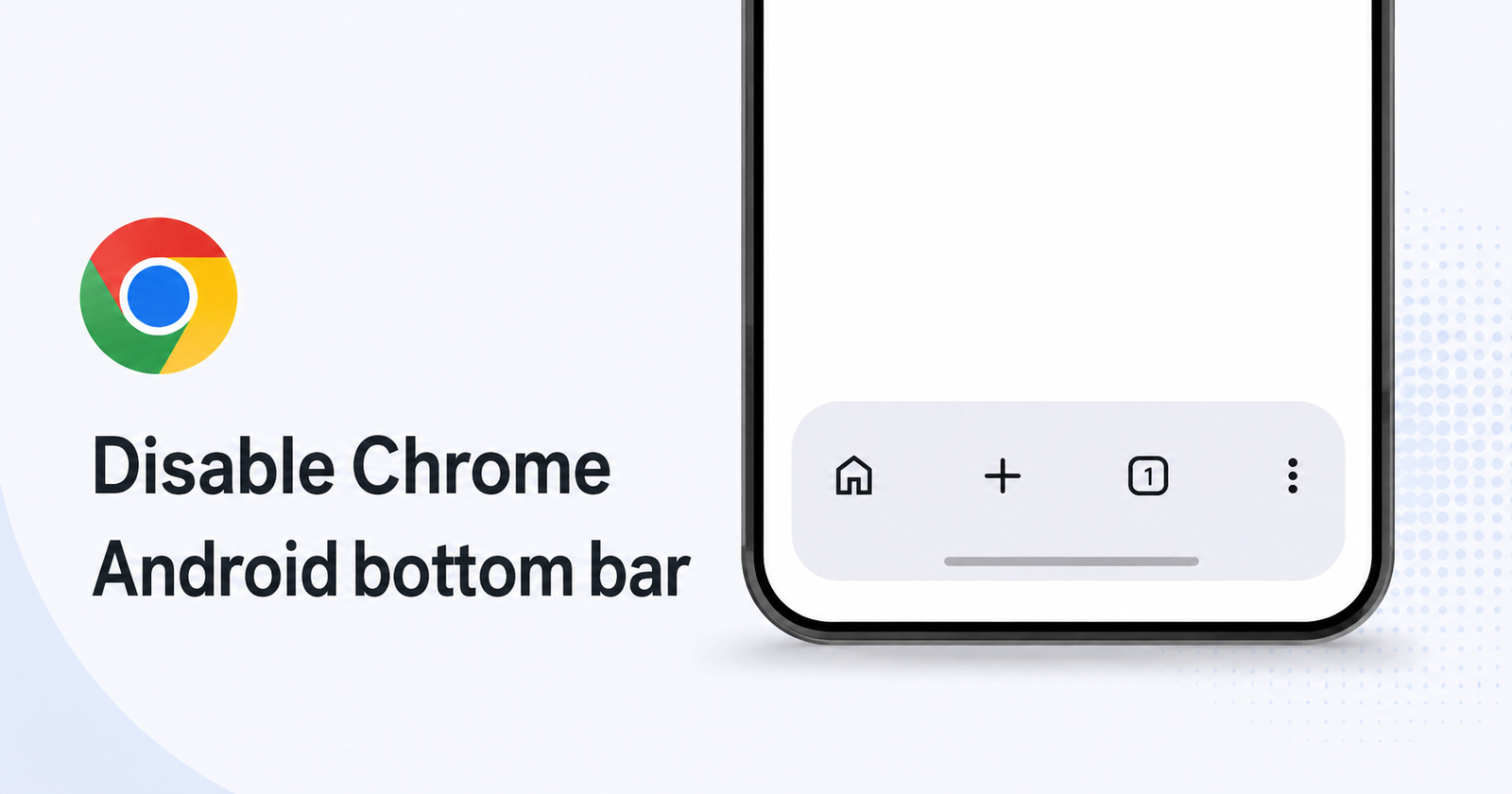
Alongside Gemini for Chrome, Google recently updated the UI of the bottom bar as well on Android. However, it drew mixed reactions; a lot of people want to turn it off because they find it bothersome.
You can view a photo of the design below. Do note that some users may see the Gemini button as well in the bottom bar.
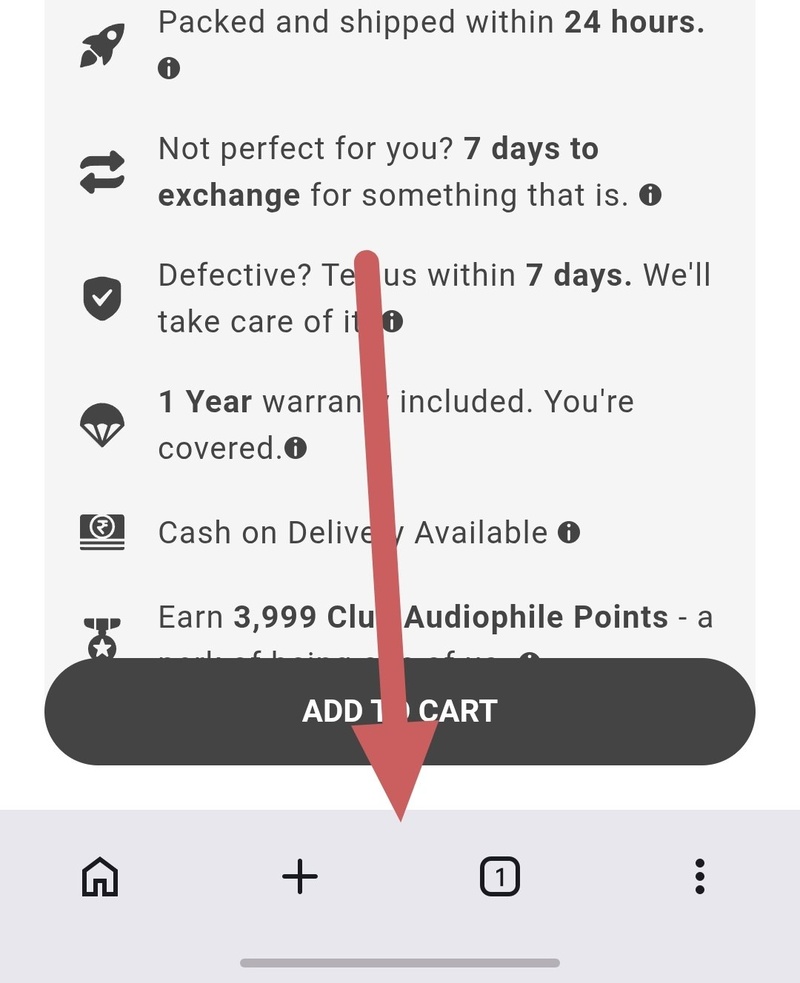
A lot of people dislike how Gemini is being shoehorned into the browsing experience, and that’s one reason why they want to get rid of the bottom bar entirely.
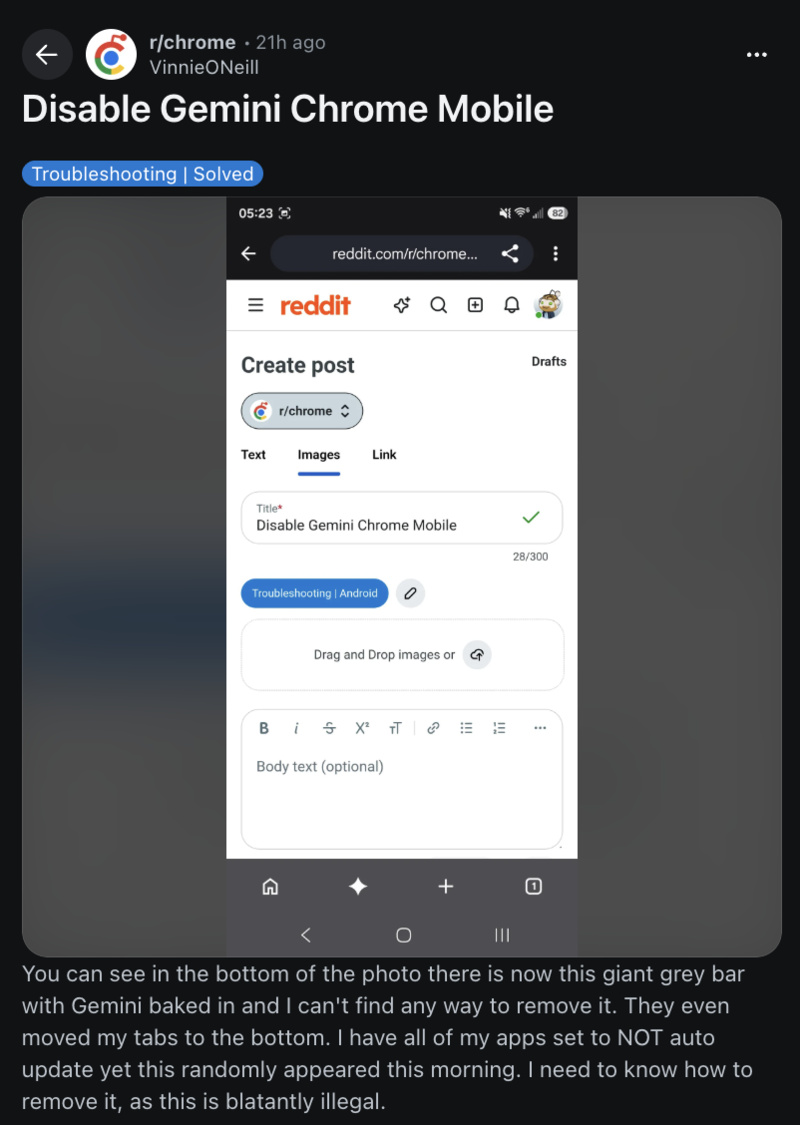
If you want to disable the new bottom bar and revert to the previous design, here’s how you can do it:
- Open Google Chrome and type chrome://flags/ in the address bar.
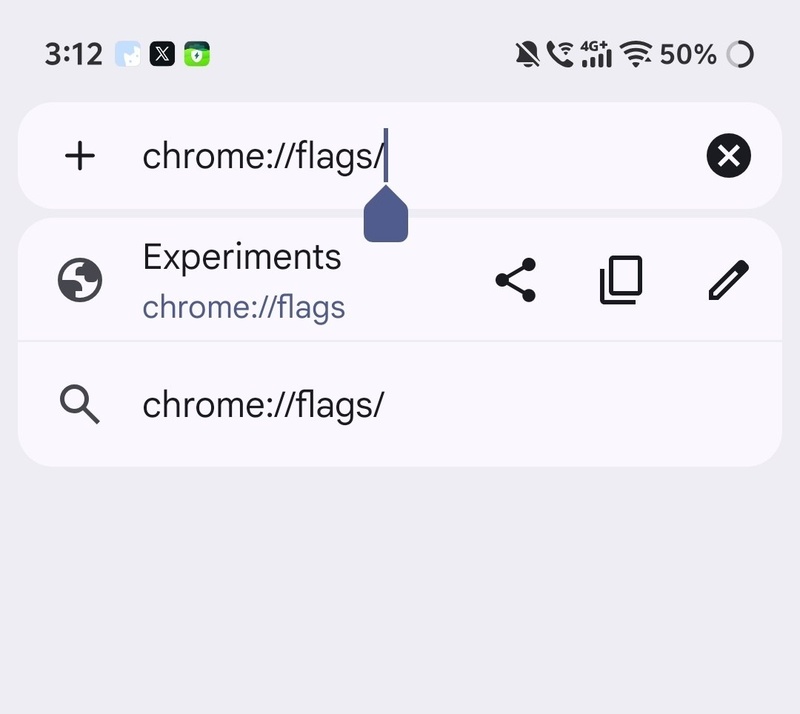
- Search for “Bottom bar.”
- You’ll find a flag that says “Android Bottom bar.” It should also show the status of the flag.
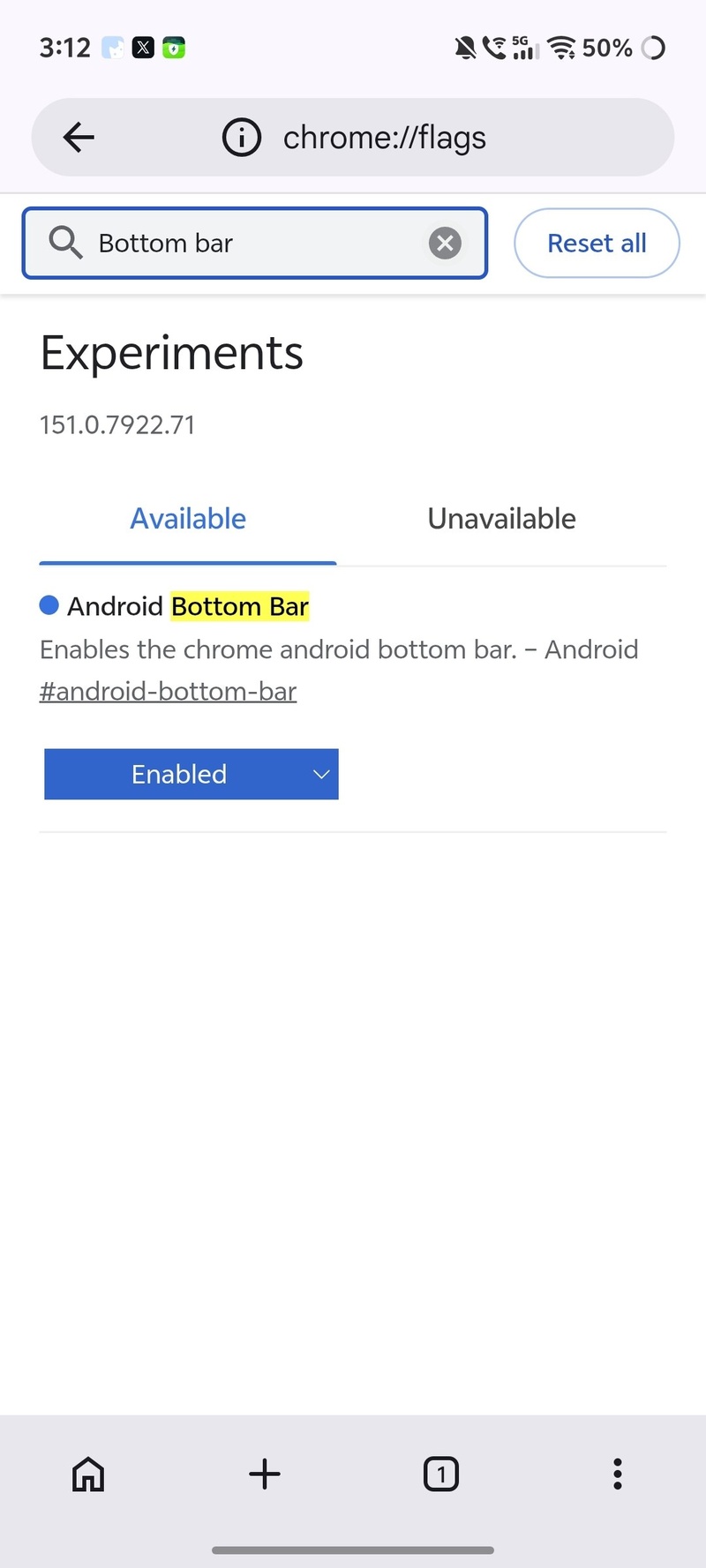
- Tap on the flag’s current status (Default), and it should open a dropdown menu.
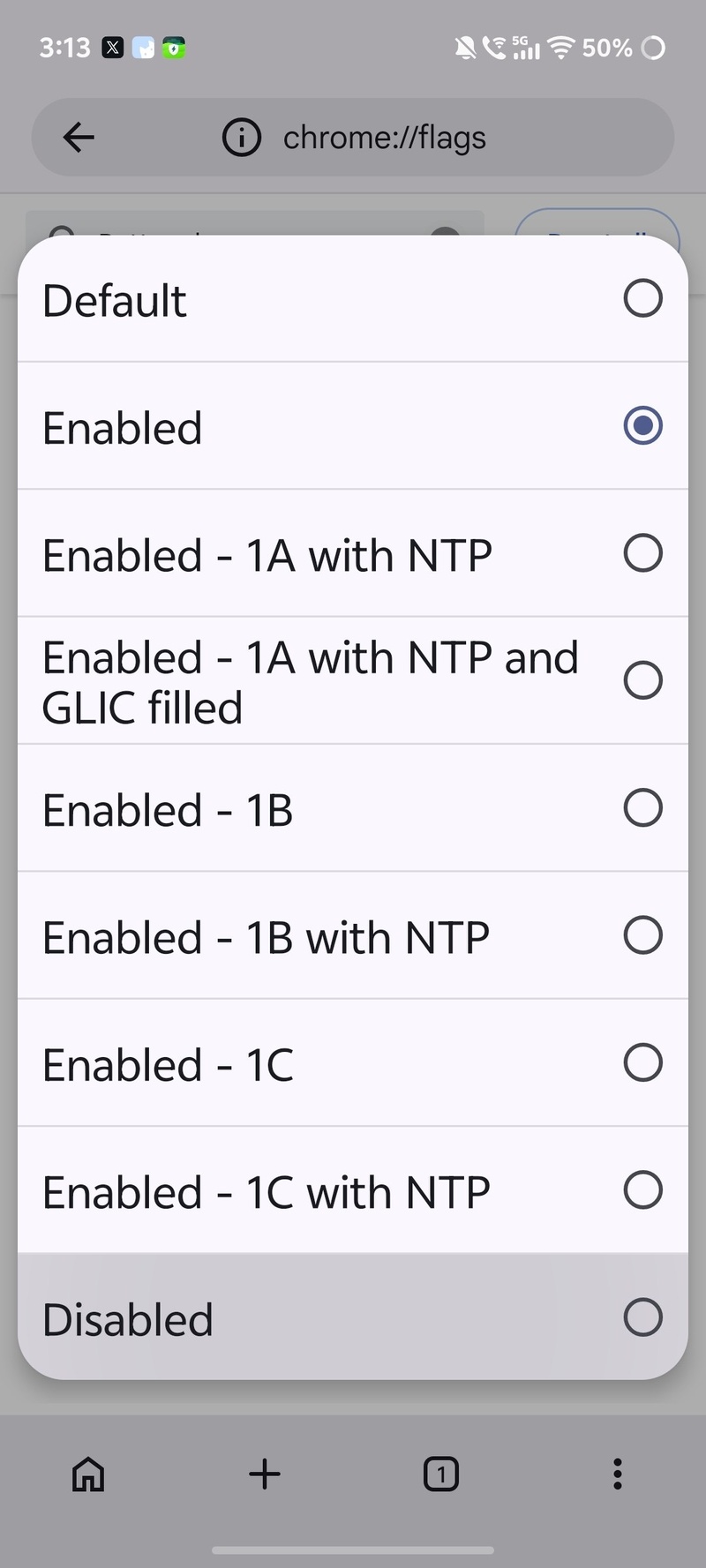
- Select “Disabled” from the list of options.
- Relaunch Chrome. The bottom bar should disappear entirely.
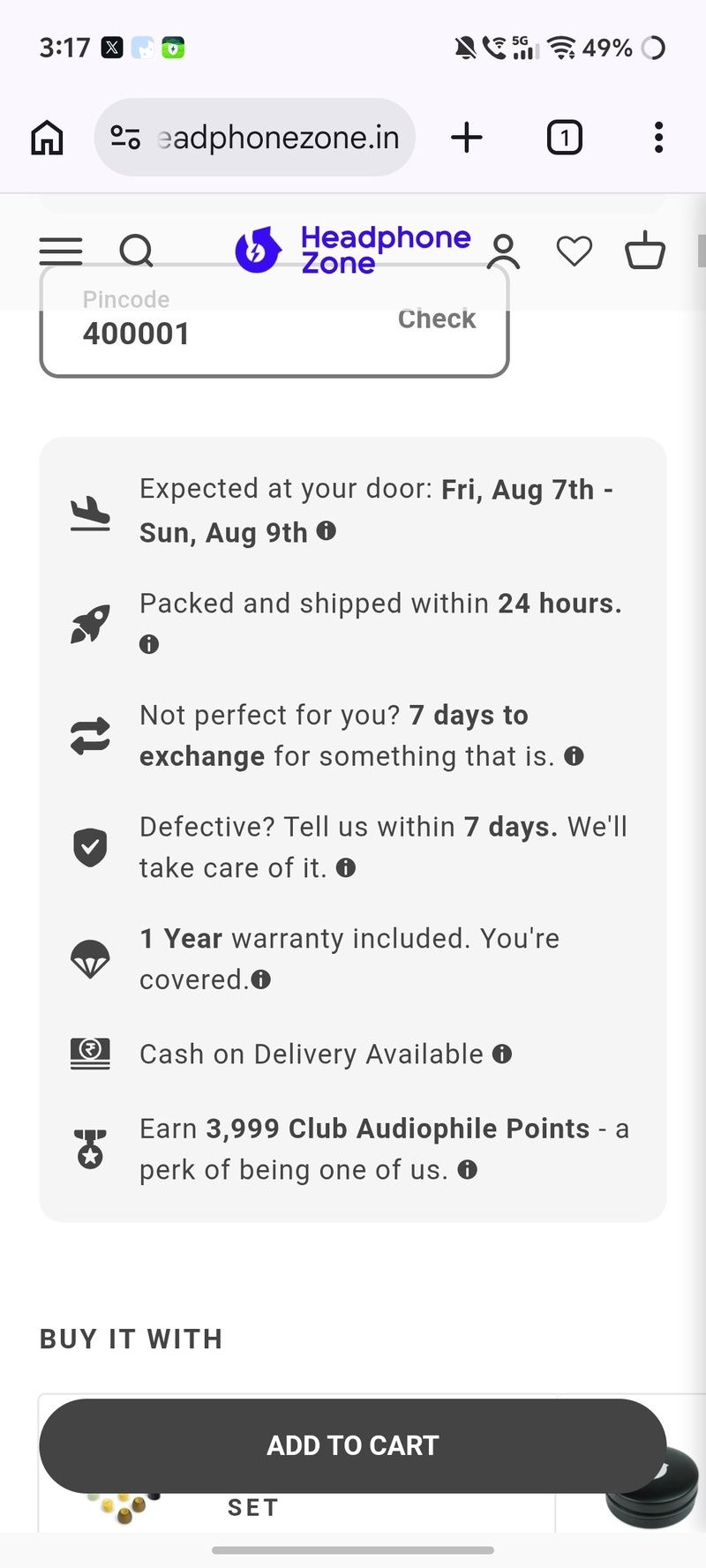
- If you want the bottom bar back (or if you’ve changed your mind), you can just return to the same page and choose “Enabled” from the list of options and restart the browser. The other “NTP,” “GLIC,” etc are various design options for the bottom bar.
It’s worth noting that the workaround for disabling the bottom bar involves flags, so Google could remove the flag entirely, or break the functionality in future updates.
This new bar rolled out recently alongside Gemini in Chrome; we covered that here.
Furthermore, it’s not just Android that got the new design. On iOS as well, many people disliked the changes and were looking for ways to turn it off. More on that here.


Sudhanshu K
308 Posts
I have been a consumer technology enthusiast for over 5 years. Thanks to my experience in software beta testing and product reviews, I've understood and learnt a lot about what bugs and issues bother people, and I spend time trying to simplify their solutions. I cover smartphones, software, social media, apps, AI, and most consumer tech gadgets. Actively pursuing a Computer Science bachelor’s degree. I'm mostly active on Twitter/X (@TechWhirlUlt), drop a DM or tag me if you want to share info or connect!
Next article View Article