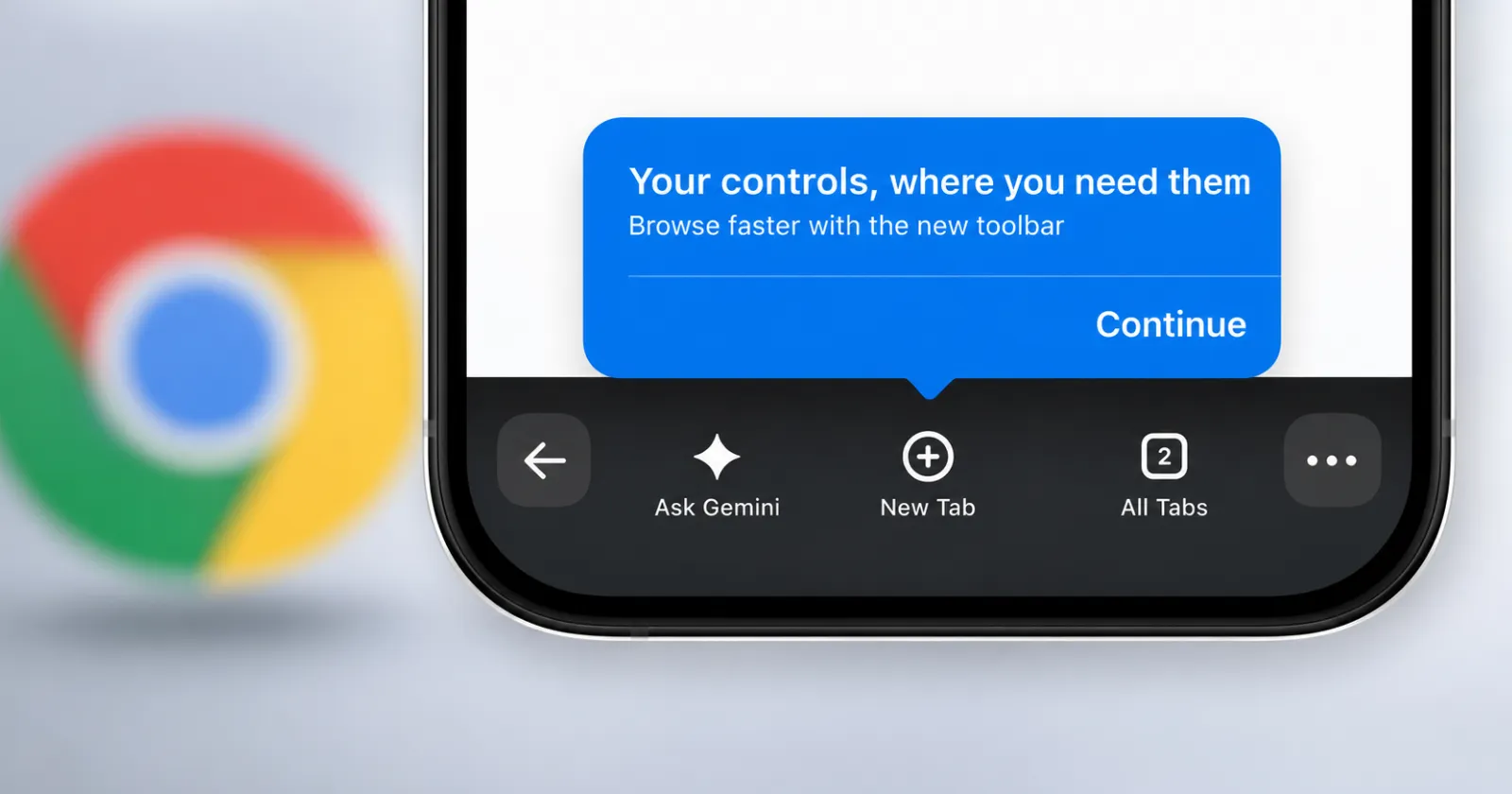
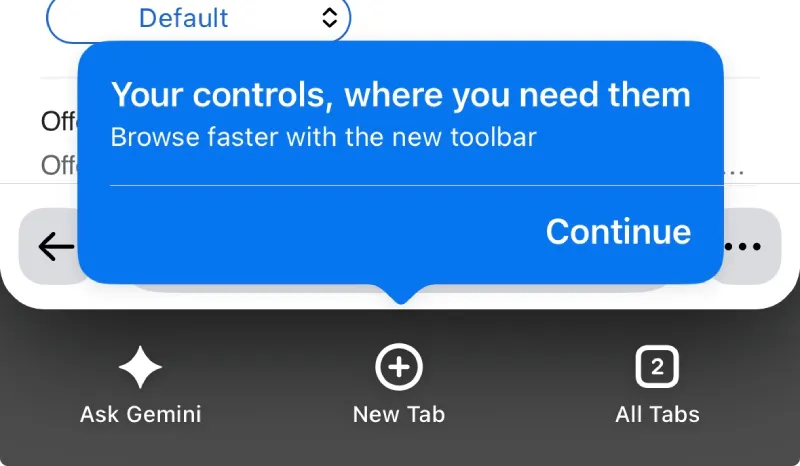
Google appears to be testing a redesigned bottom toolbar in Chrome for iPhone, and not everyone is a fan of it. The new interface replaces the familiar toolbar with a darker design that adds a permanent Ask Gemini button (when signed in) alongside New Tab and All Tabs.
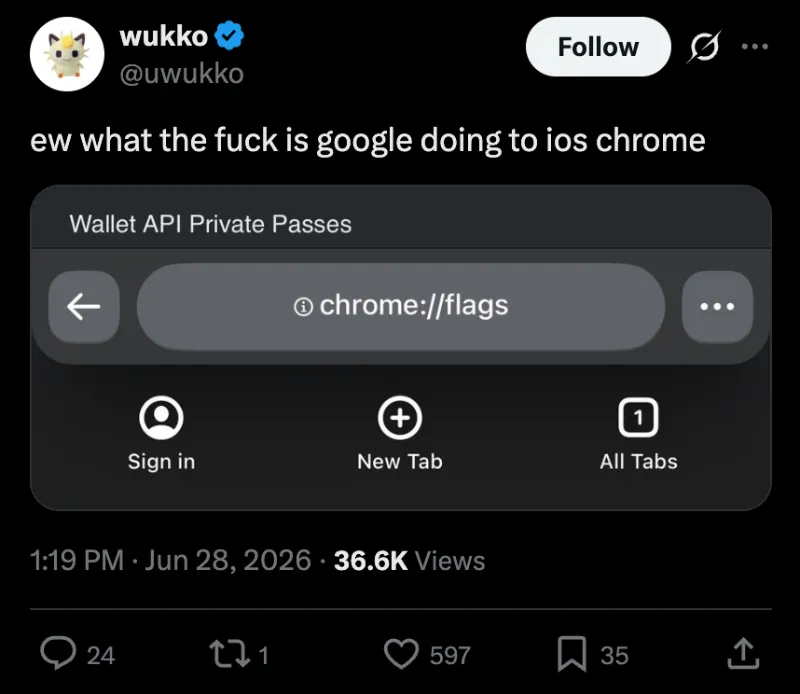
The change first caught my attention after I came across a post on X from the head of Helium Browser, who called the new interface “atrocious” and pointed out that it can be disabled through a hidden Chrome flag.
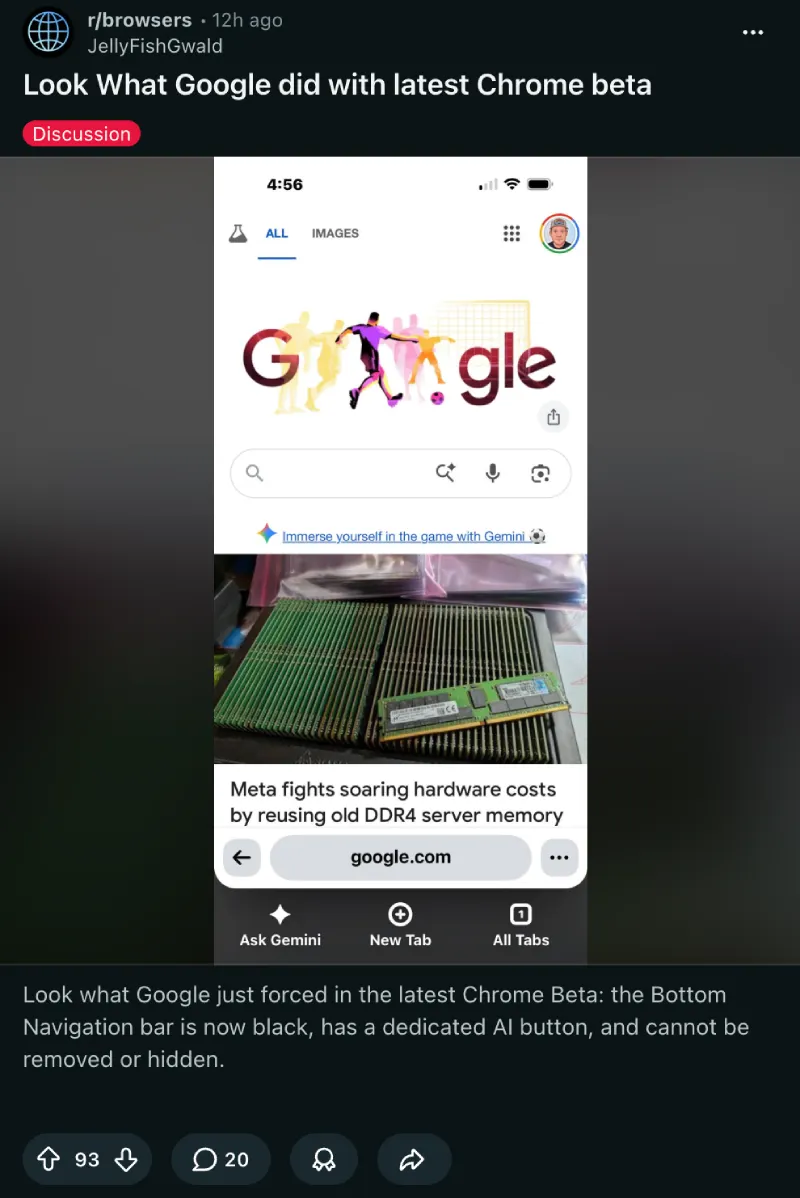
Following that, a Reddit user shared screenshots of the same redesign after updating to the latest Chrome Beta, suggesting this is either a beta experiment or an A/B test.
The redesigned toolbar also comes with a short onboarding message that says, “Your controls, where you need them,” introducing users to the new layout.
If you’ve ended up with the new interface and would rather stick with the old one, the good news is that there’s an easy way to switch back.
How to disable Chrome’s new bottom bar
Open Chrome on your iPhone and type the following into the address bar:
chrome://flags/#chrome-next-ia
You’ll be taken directly to a flag called ChromeNextIa. Change it from Default to Disabled, then relaunch Chrome when prompted. Once the browser restarts, the old bottom toolbar should be back.
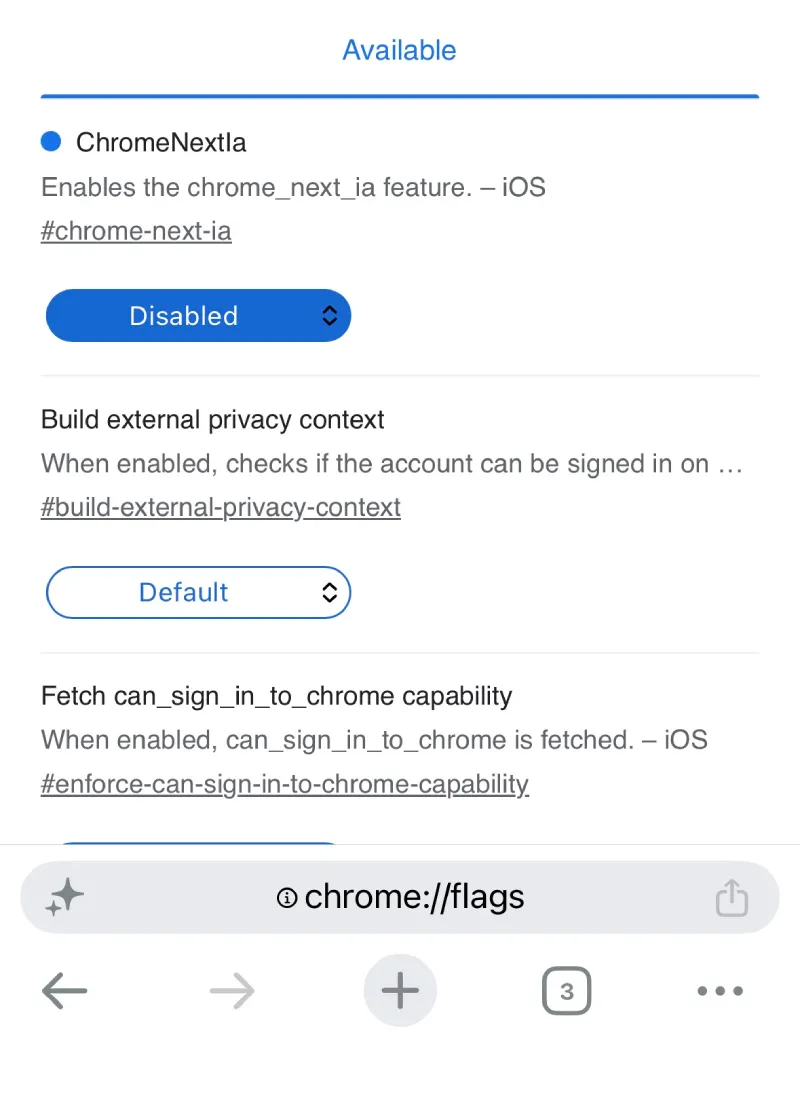
Interestingly, the same flag is also available on the current stable version of Chrome for iOS. That doesn’t necessarily mean the new interface is rolling out there yet, but it does let curious users try it out manually by setting the flag to Enabled instead.
I gave this a try on my own iPhone running the latest stable release of Chrome. The new interface wasn’t enabled by default, but after switching the flag to Enabled and relaunching the browser, the redesigned toolbar appeared immediately. Setting the flag back to Disabled restored the old layout just as quickly.
One thing worth noting is that Chrome’s beta program for iOS is currently full, so most users won’t be able to install the latest beta build to see whether the change is rolling out there by default. Based on the reports so far, it seems the redesign is currently limited to Chrome Beta or an experiment that Google is testing with a small group of users.
Google hasn’t announced the new interface publicly, so there’s no guarantee it’ll make its way to everyone. The company frequently tests new designs behind feature flags before deciding whether they’re ready for a wider rollout.
For now, if you stumble across the new bottom bar and don’t like it, you don’t have to live with it. The hidden flag lets you switch between the old and new designs in just a few seconds.


Dwayne Cubbins
3054 Posts
I cover fast-moving stories across apps, online platforms, and everyday tech — phones, wearables, consoles, and whatever else people are fighting with this week. Bugs, rollouts, scams, policy enforcement, and the occasional internet-culture rabbit hole are all fair game. My goal is simple — make confusing tech news readable. When I'm not working, I'm working out or chilling with my dog. Got a tip? You can find me on X @dcubbins.
Next article View Article