






The Android v1.93 update is rolling out now!
— Brave (@brave) August 3, 2026
Here's what it changes:
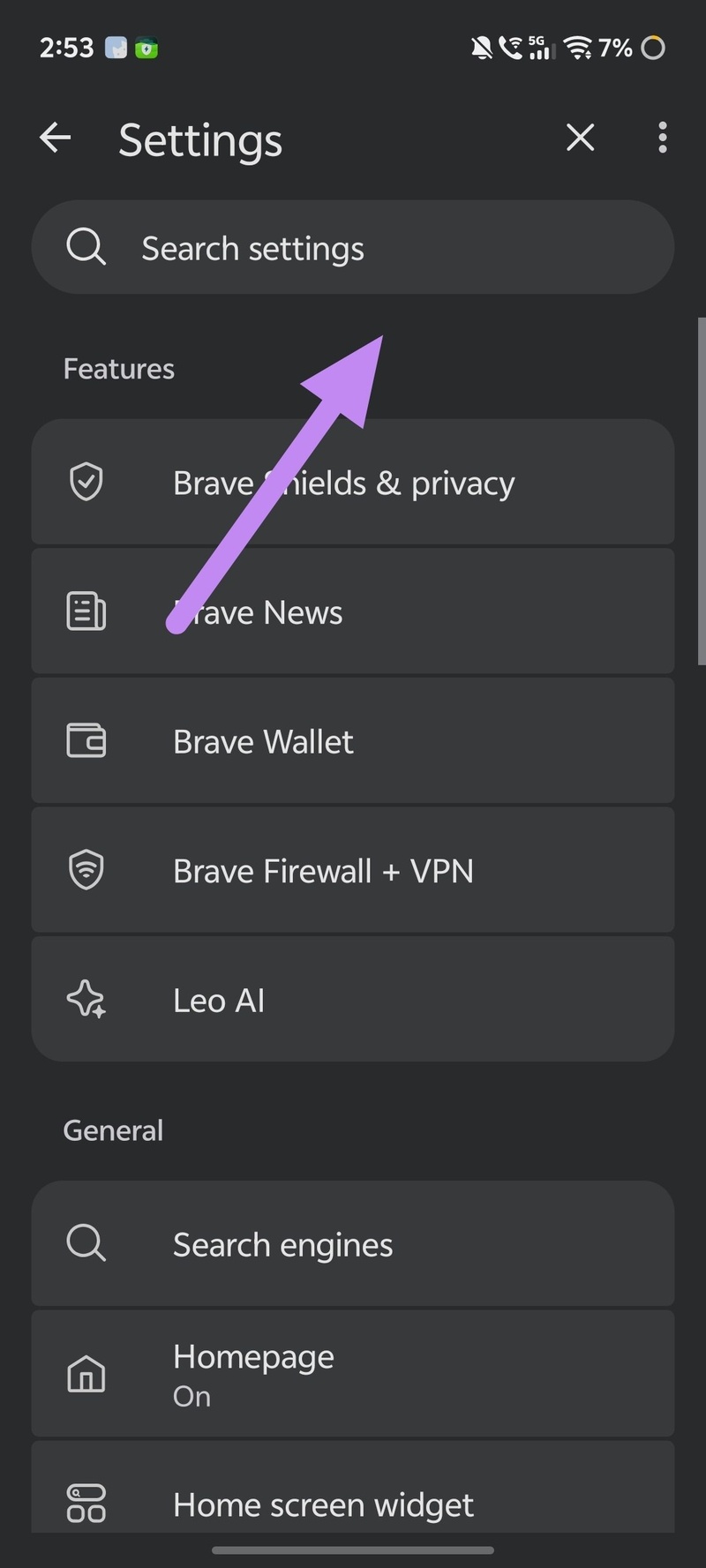
- Adds a search bar for settings.
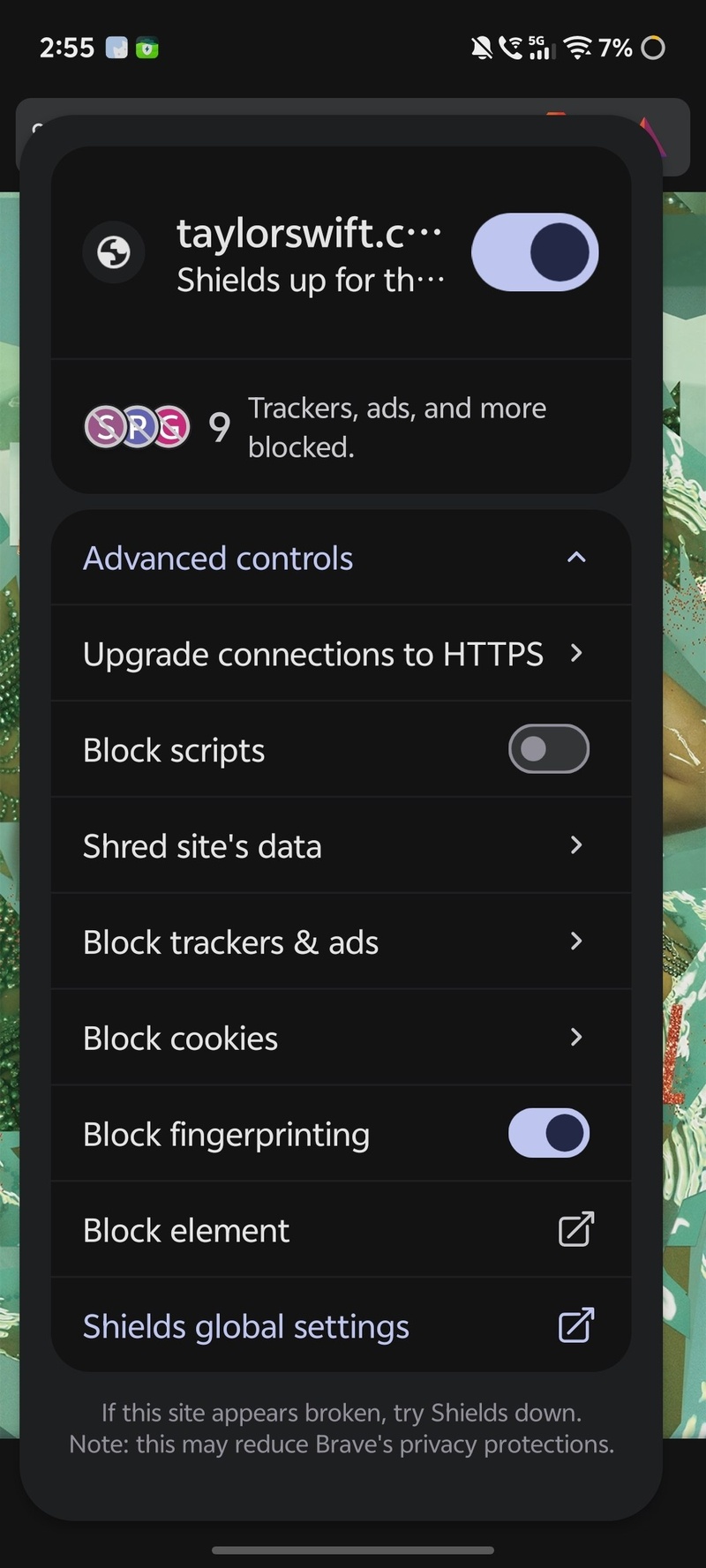
- Updates the Shields menu's design.
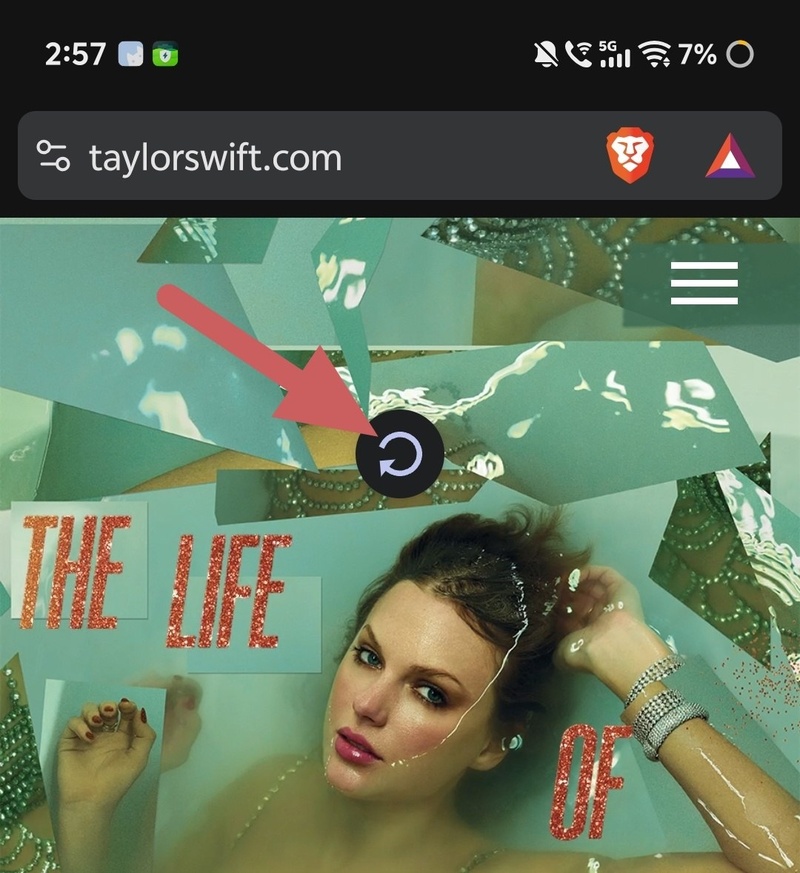
- Introduces a toggle for "pull to refresh" at Settings > Accessibility.
- Increases the maximum number of new tab page shortcuts to 15. pic.twitter.com/1zlWfIXsCn
Brave got a new update on Android, and it packs a lot of quality-of-life improvements. You can now search for specific settings through a search bar, toggle off “pull to refresh” if you want to, and more.
Brave’s official Release Notes have not yet logged the latest update, but the company’s X account posted about the v1.93 release on Android. You can view the post below.
On the Google Play Store, you’ll find a slightly expanded changelog. If Brave hasn’t automatically updated to the latest version on your device, I’d recommend doing it immediately because it also brings in security fixes from Chromium 151.
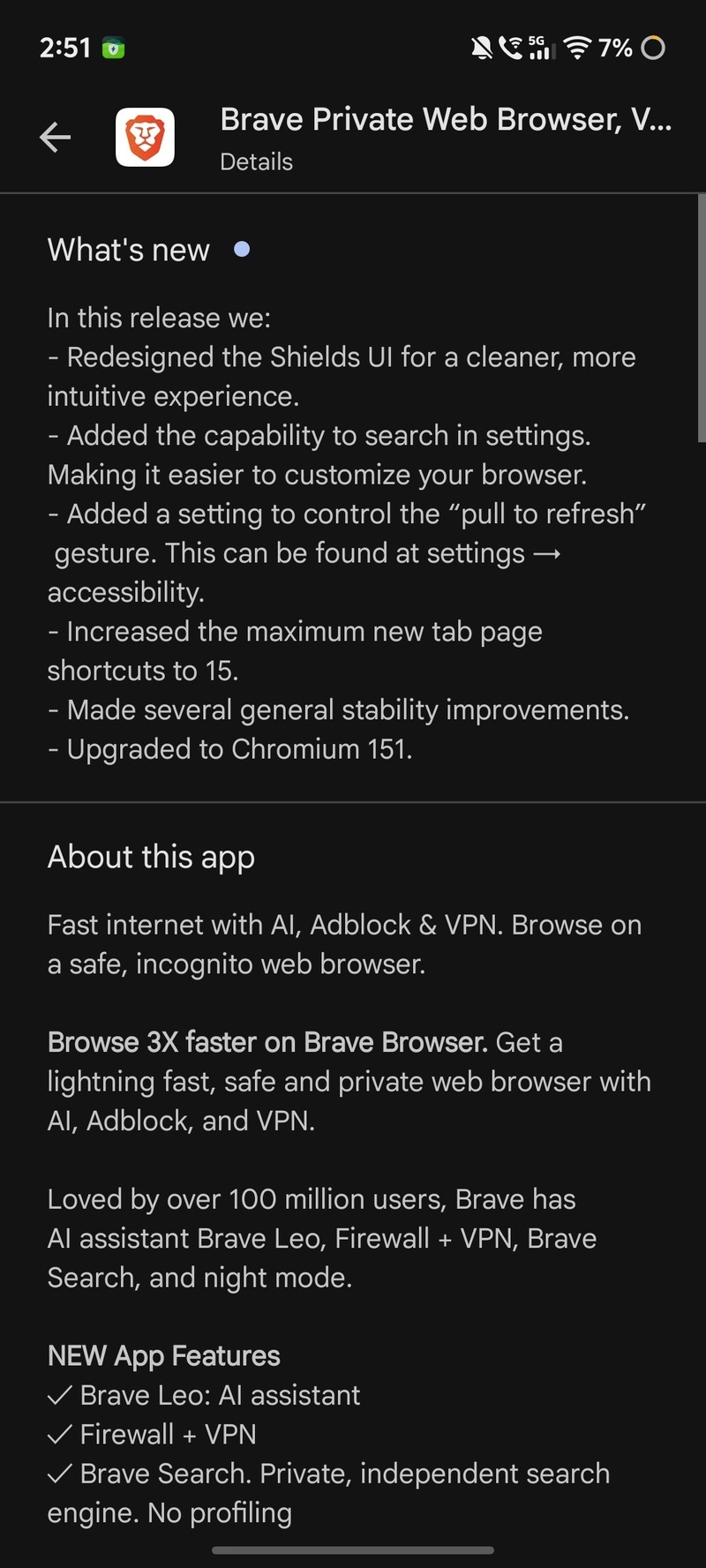
These are the major changes in the v1.93 Brave update on Android:
- The browser’s settings now have a Search bar at the top, making it much more convenient to look for a specific setting. You don’t have to scroll through endless menus and submenus just to find what you’re looking for. This should’ve always been there, but better late than never.
- Brave Shields UI refinement: Whenever you visit a specific webpage, Brave Shields blocks various trackers and ads. This feature works by default. Now, the UI has been updated.
- You can now control the “Pull to refresh” gesture from Settings (it’s under Accessibility).
- The maximum number of New Tab page shortcuts is now 15.
- Overall stability improvements and bug fixes, and an update to Chromium 151.
To install this update, you can head over to the Play Store page for Brave and tap on “Update.”
While these improvements are welcome, a lot of people have still asked about support for extensions. I don’t think it’s coming very soon, but Brave seems to have plans for it sometime later. A few years ago, the company said that extension support was “not planned,” but now it’s “TBD,” and we covered this in more detail here.

We stand out from the tech-media crowd because we break news stories; we mainly bring you stuff that you won’t find anywhere in the mainstream tech media. Our stories have been picked up by some of the world’s most popular websites and media outlets—more info is available here.

Sudhanshu K
328 Posts
I have been a consumer technology enthusiast for over 5 years. Thanks to my experience in software beta testing and product reviews, I've understood and learnt a lot about what bugs and issues bother people, and I spend time trying to simplify their solutions. I cover smartphones, software, social media, apps, AI, and most consumer tech gadgets. Actively pursuing a Computer Science bachelor’s degree. I'm mostly active on Twitter/X (@TechWhirlUlt), drop a DM or tag me if you want to share info or connect!
Next article View Article
Brave hits 51 million daily users, bucking the browser “summer slump”
Summer is usually a slow season for browsers. People are on vacation, kids are out of school, and web usage tends to dip across the board. But it looks like...
Aug 05, 2026 2 Min Read