






the latest version of @heliumbrowser offers installation of popular password managers during browser setup, promoting better online hygiene and browser independence, instead of locking people in :) pic.twitter.com/gq39h4kIyz
— wukko (@uwukko) August 2, 2026
The latest version of Helium has one notable user-facing change, and that’s the ability to install a password manager of your choice during setup. The rest of the update is largely bug fixes, so there aren’t many user-facing changes.
Information about the v0.15.1 update was posted on GitHub, and you can view a screenshot of the changelog below.
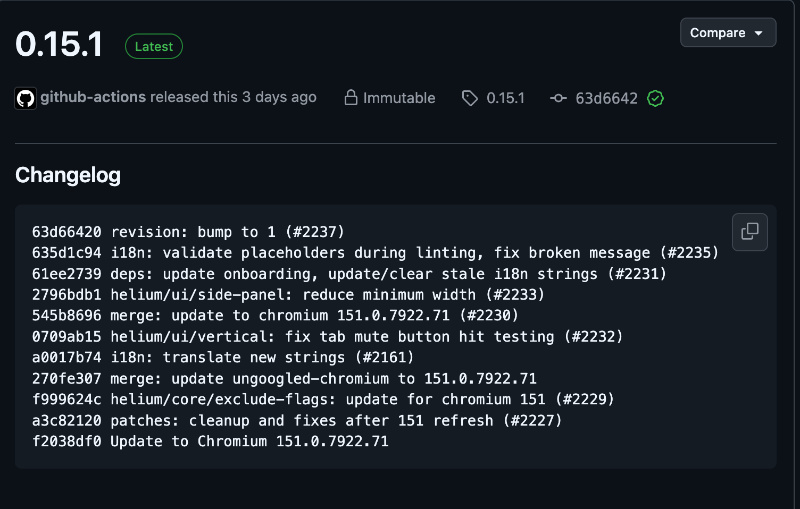
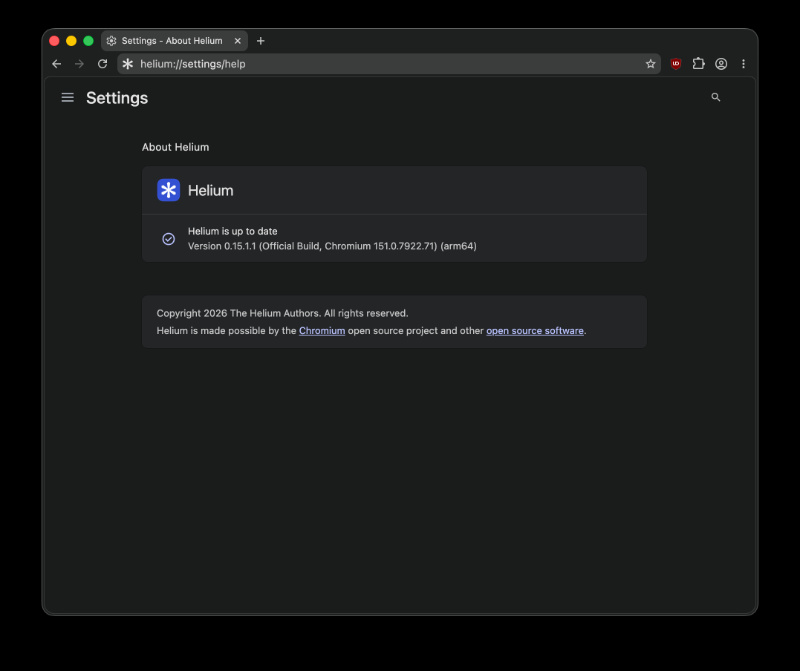
However, when I checked for the update, the latest version was v0.15.1.1. This suggests that a minor update came out after the previous release, though it’s likely not very noteworthy since there’s no available changelog.
The developer of the Helium browser, @uwukko, posted about the password manager installation on X. He explained how it promotes user choice and browser independence, without locking you in to proprietary password managers. Many browsers like Chrome aggressively push their first-party password managers, and Helium doesn’t do that. You can view the post below, which includes a video demo of the feature in action.
This password manager selection screen during setup is the major user-facing change. The rest of them are minor refinements to improve the experience. The important ones are:
- Chromium engine update to v151.0.7922.71, which brings all the Chromium security improvements.
- Helium’s custom patches have been cleaned up.
- The update adjusts the list of Chromium flags that Helium disables. This is for improved privacy and to remove Google services.
- Side panel width: The side panel can be made narrower than before, which would give you more space for webpages.
- Vertical tabs mute button: Earlier, there was a bug where the mute button had incorrect click detection. You no longer have to click the “wrong” spot, since it’ll respond properly now.
All in all, this update carries forward Helium’s trend of giving the user options. For example, one of the previous updates also expanded the search engine choice.

We stand out from the tech-media crowd because we break news stories; we mainly bring you stuff that you won’t find anywhere in the mainstream tech media. Our stories have been picked up by some of the world’s most popular websites and media outlets—more info is available here.

Sudhanshu K
356 Posts
I have been a consumer technology enthusiast for over 5 years. Thanks to my experience in software beta testing and product reviews, I've understood and learnt a lot about what bugs and issues bother people, and I spend time trying to simplify their solutions. I cover smartphones, software, social media, apps, AI, and most consumer tech gadgets. Actively pursuing a Computer Science bachelor’s degree. I'm mostly active on Twitter/X (@TechWhirlUlt), drop a DM or tag me if you want to share info or connect!
Next article View Article
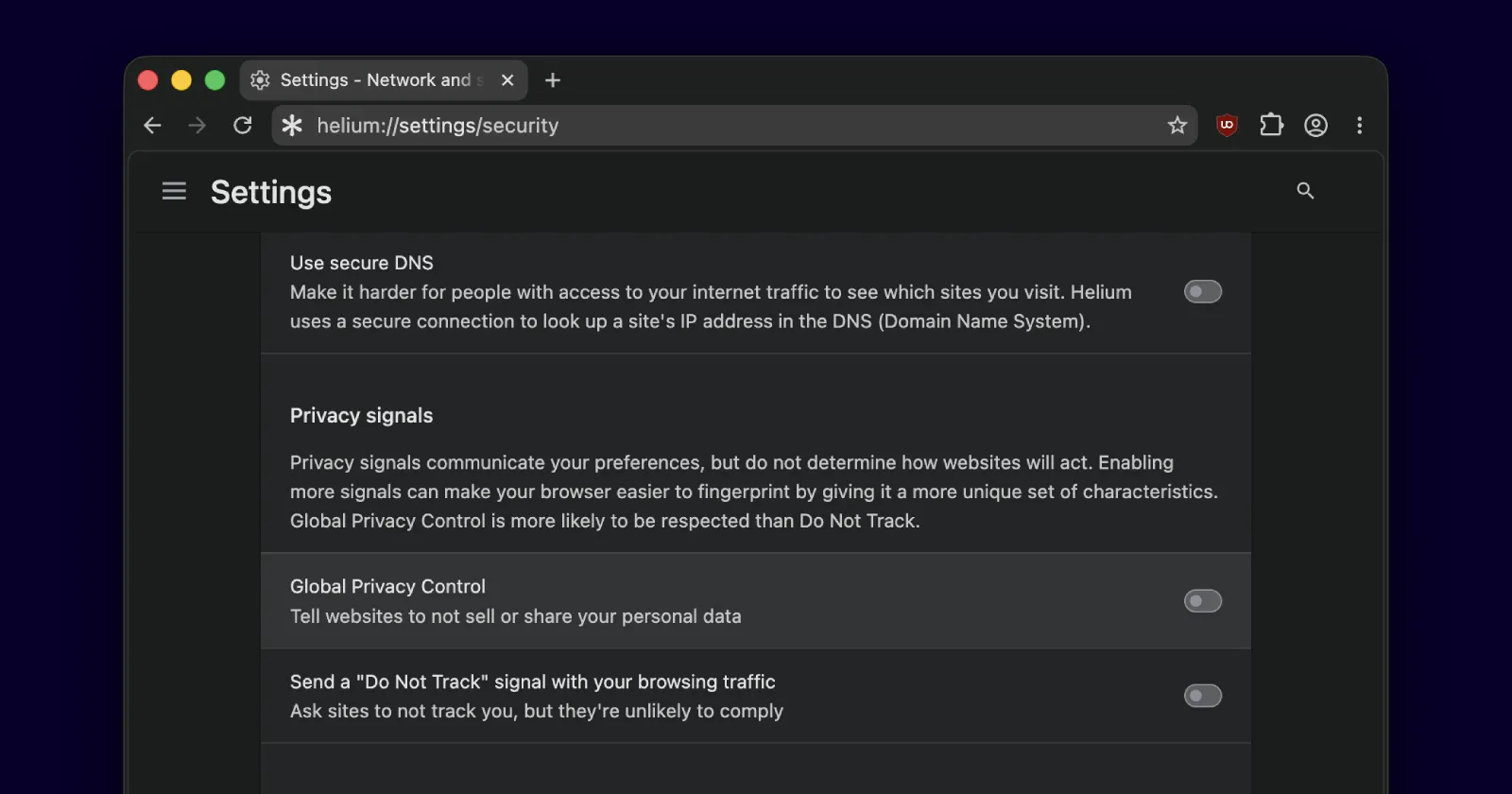
Helium browser adds Global Privacy Control in its latest update
Helium browser picked up a fresh update a couple of days ago, and the biggest change with this release is the added support for Global Privacy Control (GPC). The update...
Aug 10, 2026 1 Min Read