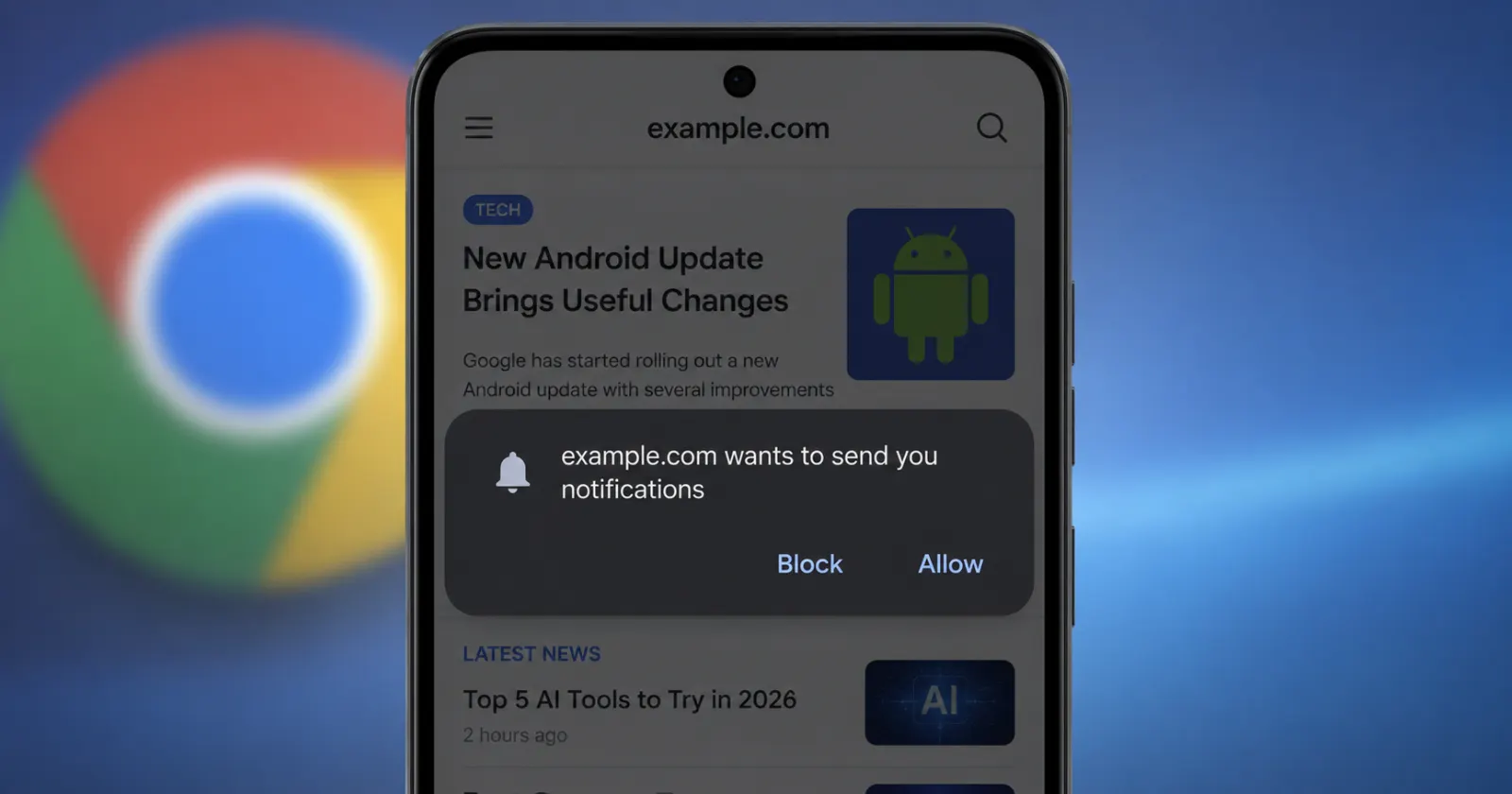
Chrome is changing how those “Allow notifications?” prompts work on Android, and if you find them as irritating as most people do, you’ll want to hear this.
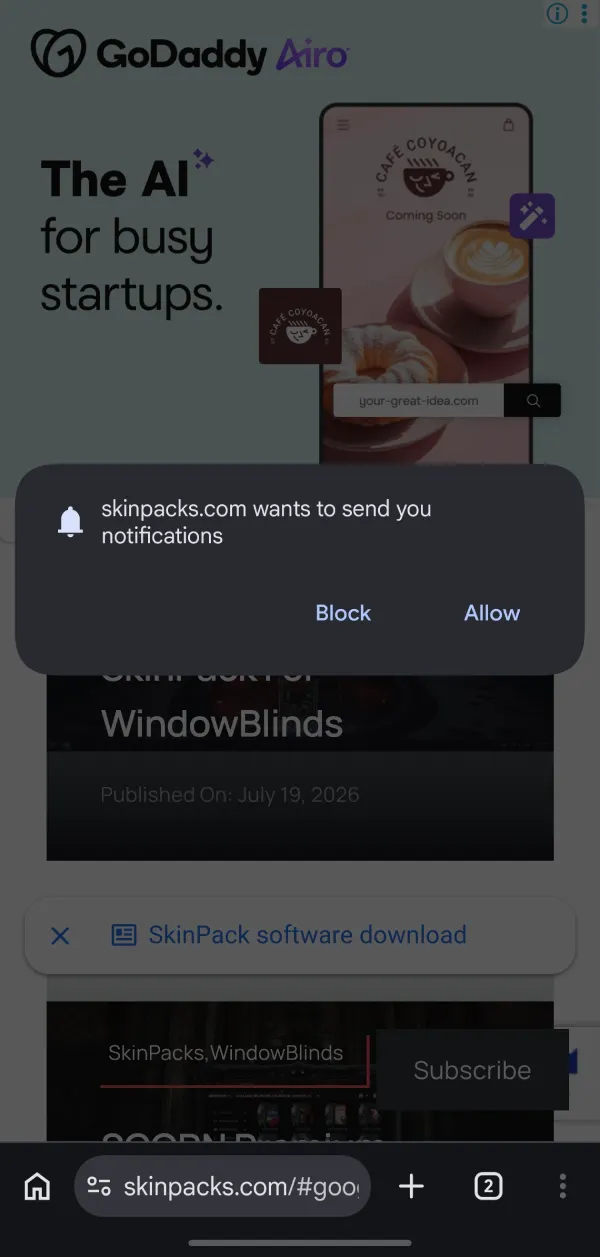
Right now, when you open a website on your phone, a lot of them fire off a full pop-up asking to send you notifications almost the second the page loads. It blocks the screen. You have to tap something to make it go away.
From Chrome 155, that stops. The prompt becomes a smaller thing that doesn’t take over the page, and if you don’t react to it, it just expires on its own.
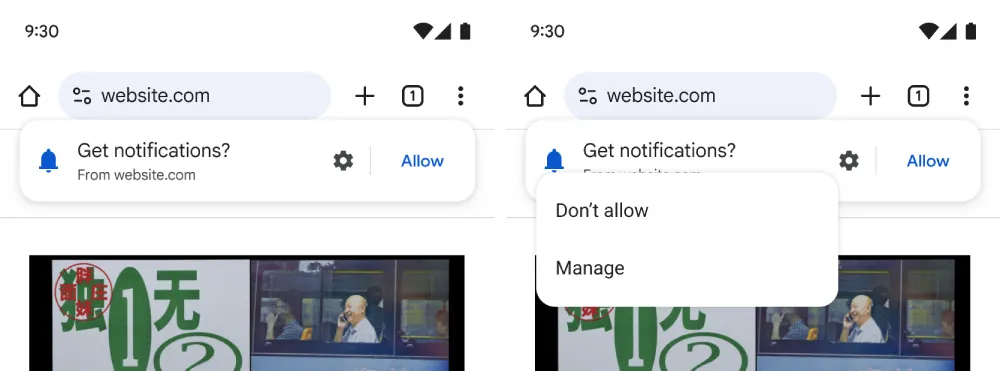
Google isn’t hiding why it’s doing this. It says the goal is “to address notification prompt fatigue when browsing the web.” It also ran tests and reckons the quieter prompt works about as well as the old one, with what it calls “significantly lower user friction.” Basically, people still got the message without feeling shoved.
There’s a second bit that’s easy to overlook but useful. If you ignore a prompt and later decide you do want that site’s notifications, you won’t have to wait around for it to ask again. You’ll be able to turn them on yourself from Chrome’s Site Controls whenever you feel like it.
For a bit of context, this is one of several things Google’s been doing to Chrome on Android recently. Some are far more noticeable, like the redesigned bottom navigation bar with Gemini built in, or the Gemini-powered autofill search that’s still in testing.
That said, there’s one important thing to note. Websites may need to update their code so that their notification requests continue to work properly with the new timing. That’s on them, not you, but it means a few sites could behave oddly until they catch up.


Dwayne Cubbins
3108 Posts
I cover fast-moving stories across apps, online platforms, and everyday tech — phones, wearables, consoles, and whatever else people are fighting with this week. Bugs, rollouts, scams, policy enforcement, and the occasional internet-culture rabbit hole are all fair game. My goal is simple — make confusing tech news readable. When I'm not working, I'm working out or chilling with my dog. Got a tip? You can find me on X @dcubbins.
Next article View Article