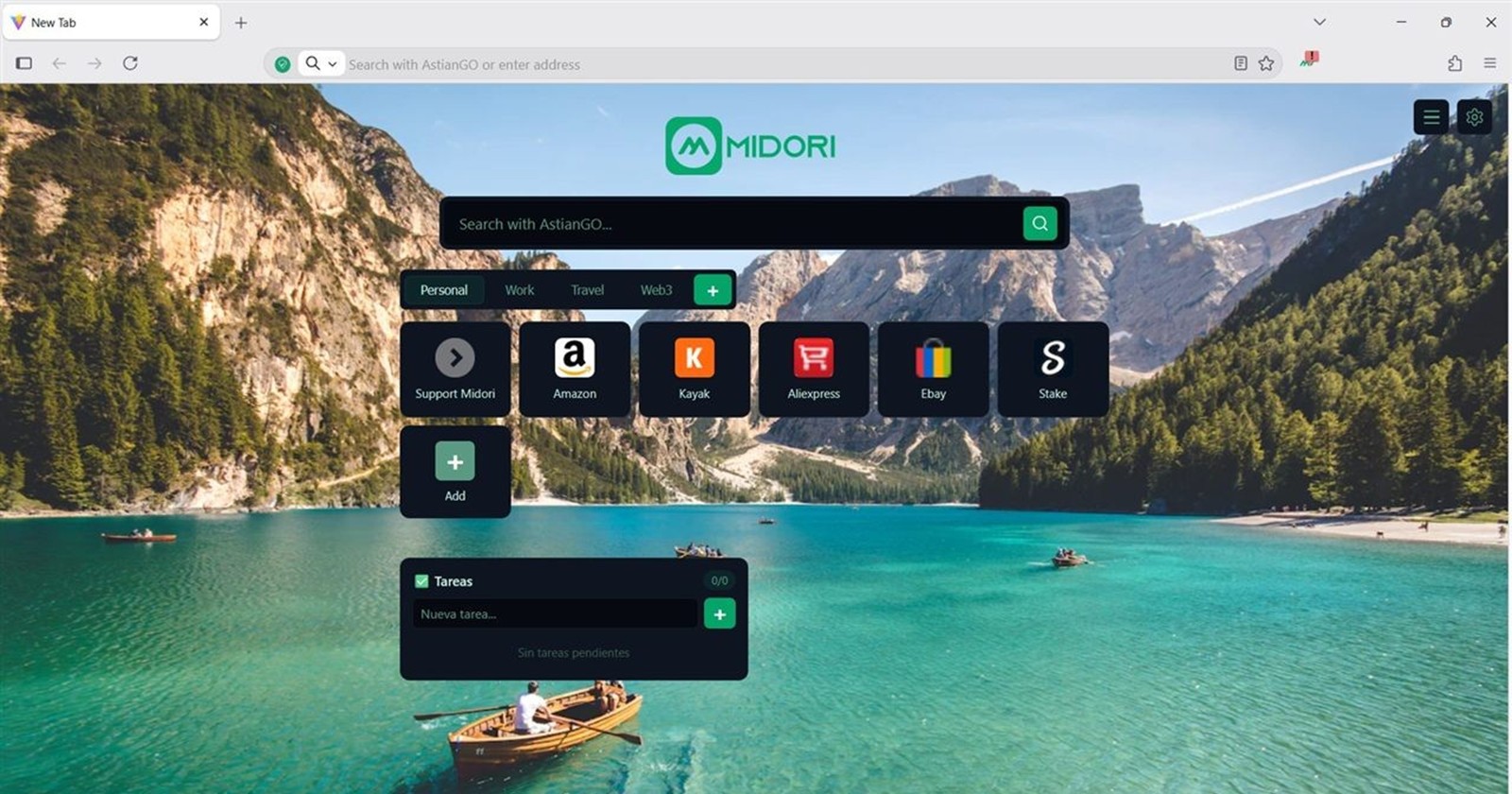
Astian has been on a serious roll lately. Just on the heels of the massive Midori 11.9 update and the recent introduction of bang shortcuts in AstianGO, the team is already pushing out another notable release. The new Midori 11.9.1 update is officially rolling out, serving as an incremental bridge and a crucial preparation step toward the highly anticipated version 12.0.
While point updates usually focus on minor bug swatting, Midori 11.9.1 is packed with additions that heavily emphasize performance and customization improvements.
What’s new in Midori 11.9.1 update?
One of the standout additions in this release is the new built-in assistant. By simply selecting text on a webpage, you can now get quick access to summarize, explain, and interact with the content directly. This should come in handy for researchers and heavy readers. Additionally, a new default smart window configuration has been added. However, the team has deliberately kept it disabled by default so you can toggle it on only if it suits your workflow.
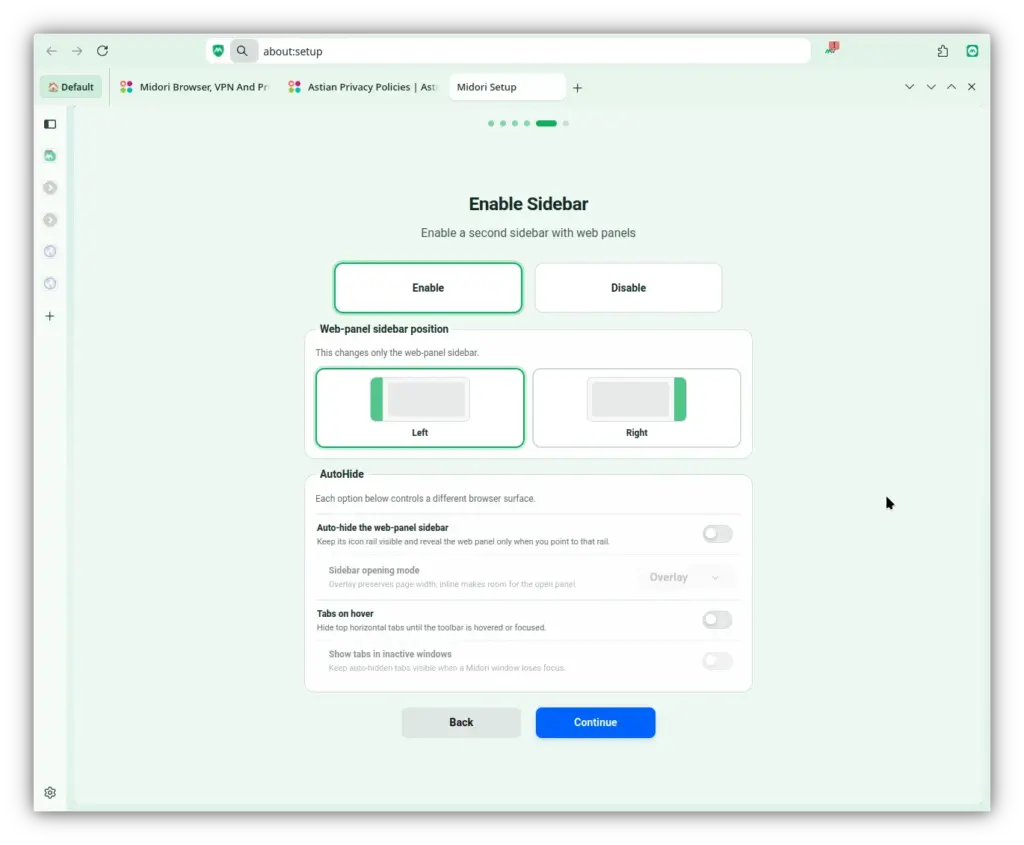
Beyond the shiny new tools, Midori has focused heavily on under-the-hood optimizations to keep the browser feeling snappy. Memory management is much tighter, and resource-heavy features like Tab Sleep, the Workspaces Sidebar, and Vertical Tabs have all received behavior improvements. The alternative language selector for languages like Spanish or Chinese that have multiple dialects has also been refined, alongside UI tweaks to context menus, favicons, new tab management, and the Windows 10/11 interface designs.
Squashing bugs and tightening privacy
Of course, it wouldn’t be an update without some crucial fixes. Midori 11.9.1 patches an annoying hang that could occur after using a file picker dialog on macOS 26. It also resolves a bug where the homepage wouldn’t load for certain enterprise setups using legacy autoconfig formats. If you were having trouble disabling email tracking protection on the recently redesigned Firefox Settings page, that issue has been completely resolved as well.
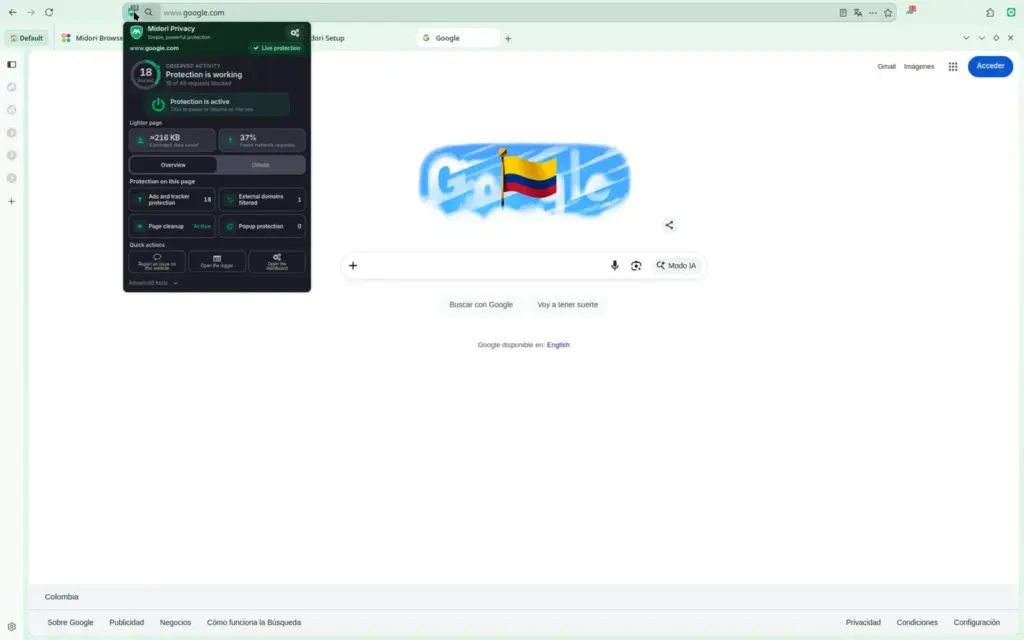
On the ad-blocking front, Astian continues to refine the built-in Midori Privacy engine. The company reiterated its commitment to a “clean browsing experience, without intrusive advertising or ad analytics,” making enhancements designed to prevent ads from causing long loading times.
However, users should note one major subtraction: Midori 11.9.1 officially removes the ability to browse using Tor. While it’s a loss for strict anonymity seekers, the browser’s core privacy and security features remain incredibly robust.
As Astian clears the runway for Midori 12.0, this 11.9.1 update ensures that users aren’t left waiting for meaningful performance and customization enhancements.


Hillary Keverenge
2723 Posts
Tech has been my playground for over a decade. While the Android journey began early, it truly took flight with the revolutionary Lollipop update. Since then, it's been a parade of Android devices (with a sprinkle of iOS), culminating in a mostly happy marriage with Google's smart home ecosystem. Expect insightful articles and explorations of the ever-evolving world of Android and Google products coupled with occasional rants on the Nest smart home ecosystem.
Next article View Article