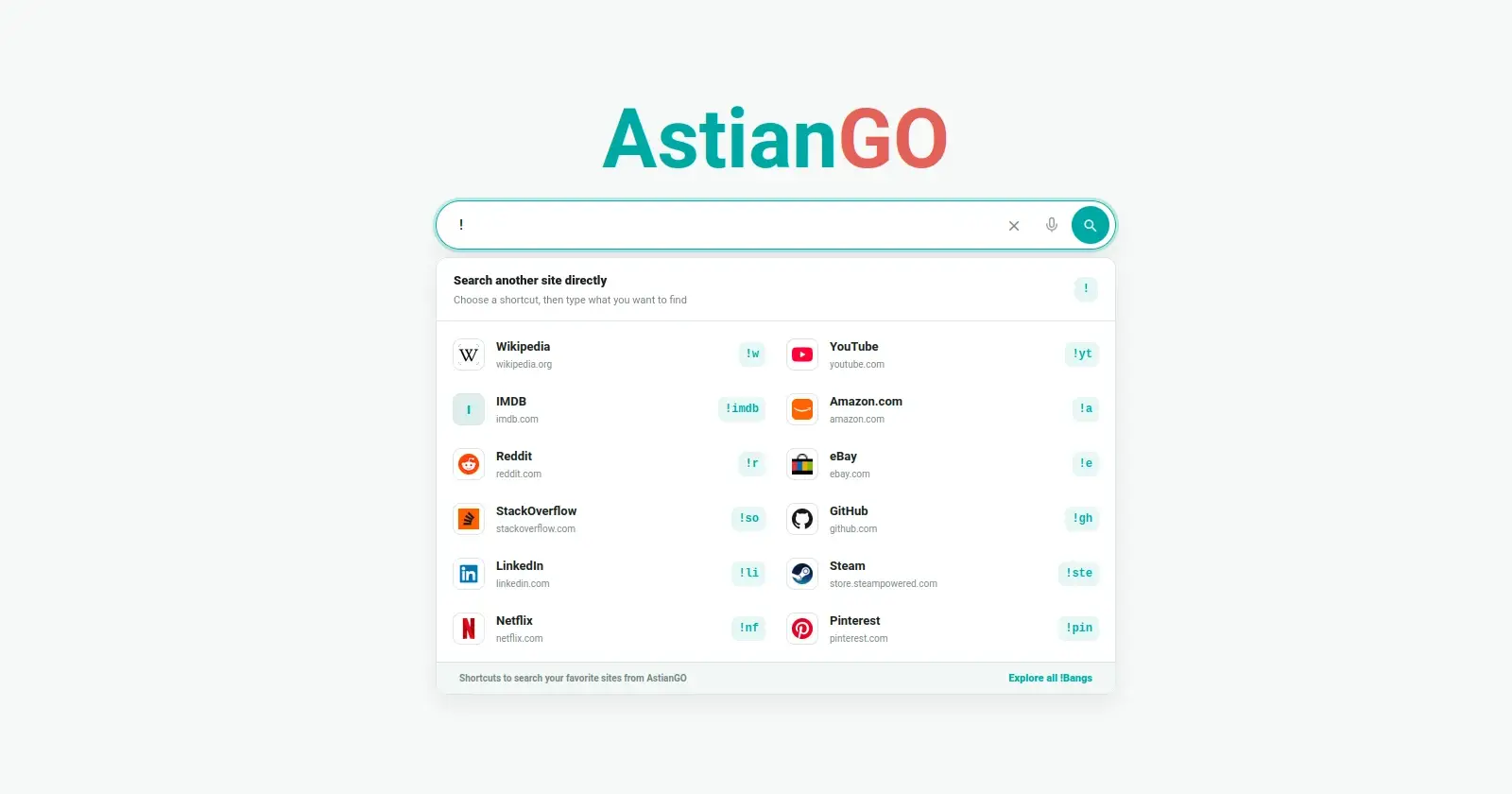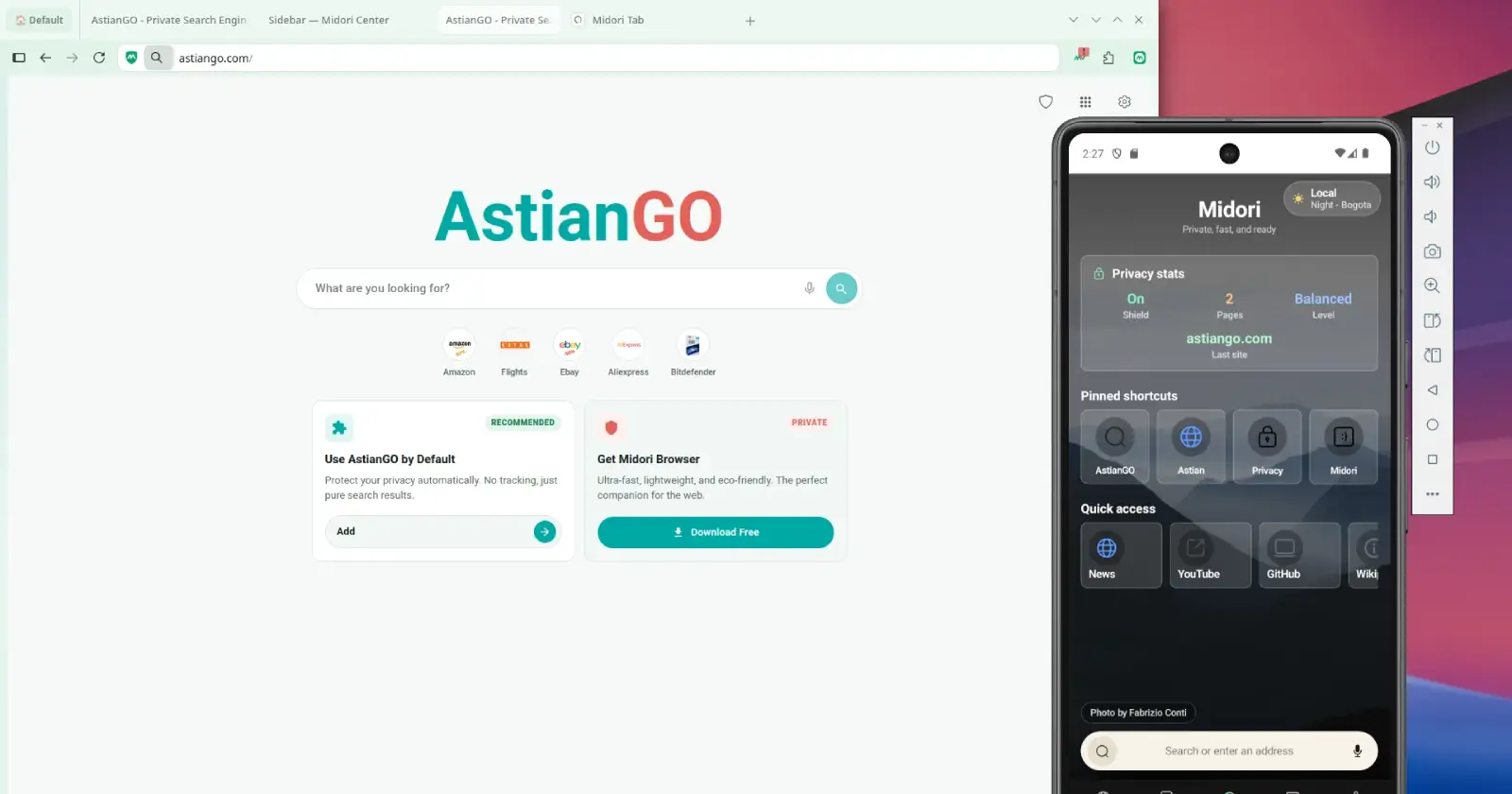
Midori has released version 11.9 of its browser, and this one goes beyond the usual bug fixes. The browser gets a redesigned settings area, a refreshed look with new themes, improvements to vertical tabs and workspaces, and a long list of changes to make everyday browsing feel smoother.
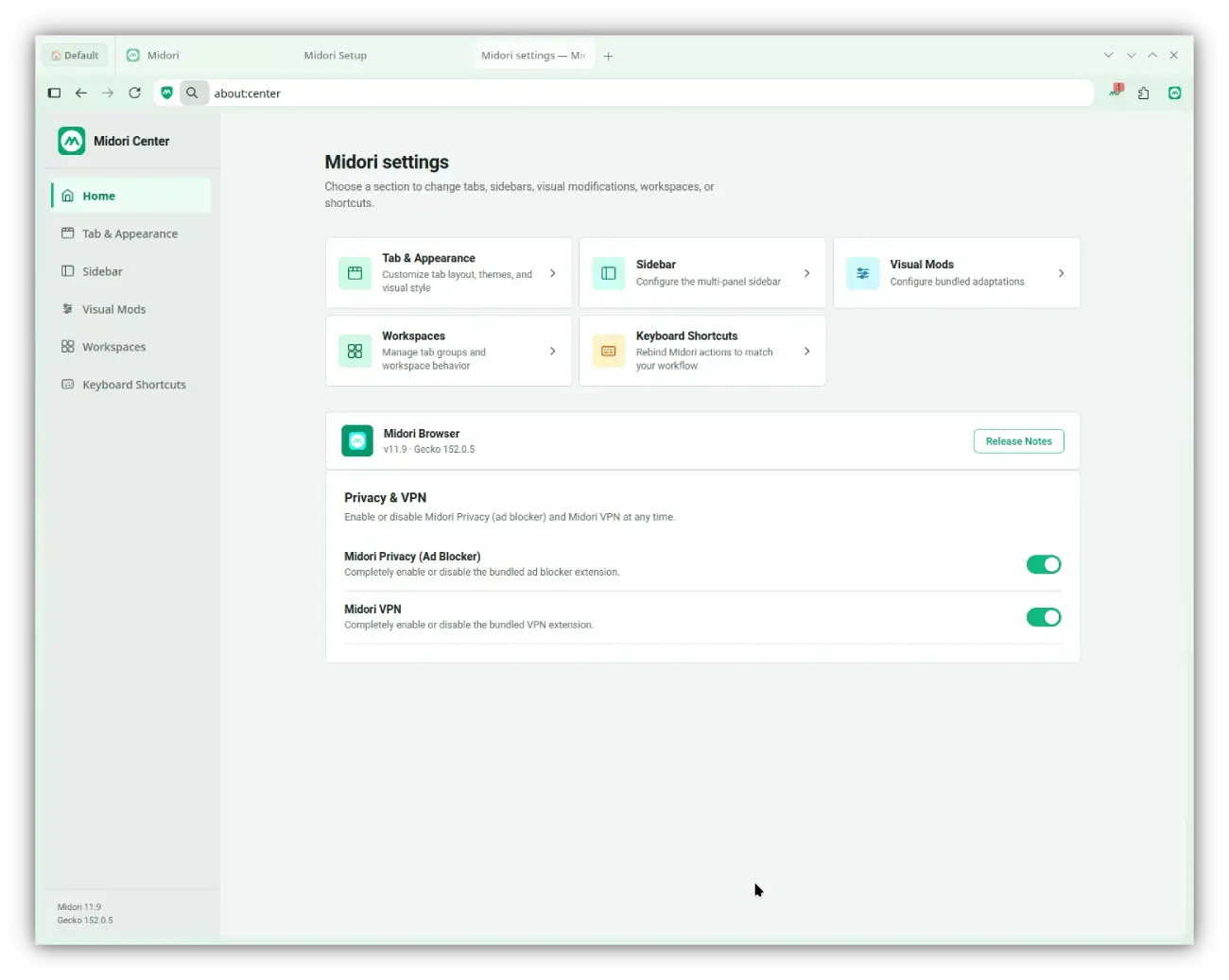
The first thing that stood out to me was the new Control Center. Midori has cleaned up its settings page so customization options are grouped in one place instead of being scattered around the browser. Appearance, workspaces, sidebars, visual tweaks, and keyboard shortcuts now each have their own section, which makes the browser feel easier to navigate if you like tweaking how it looks.
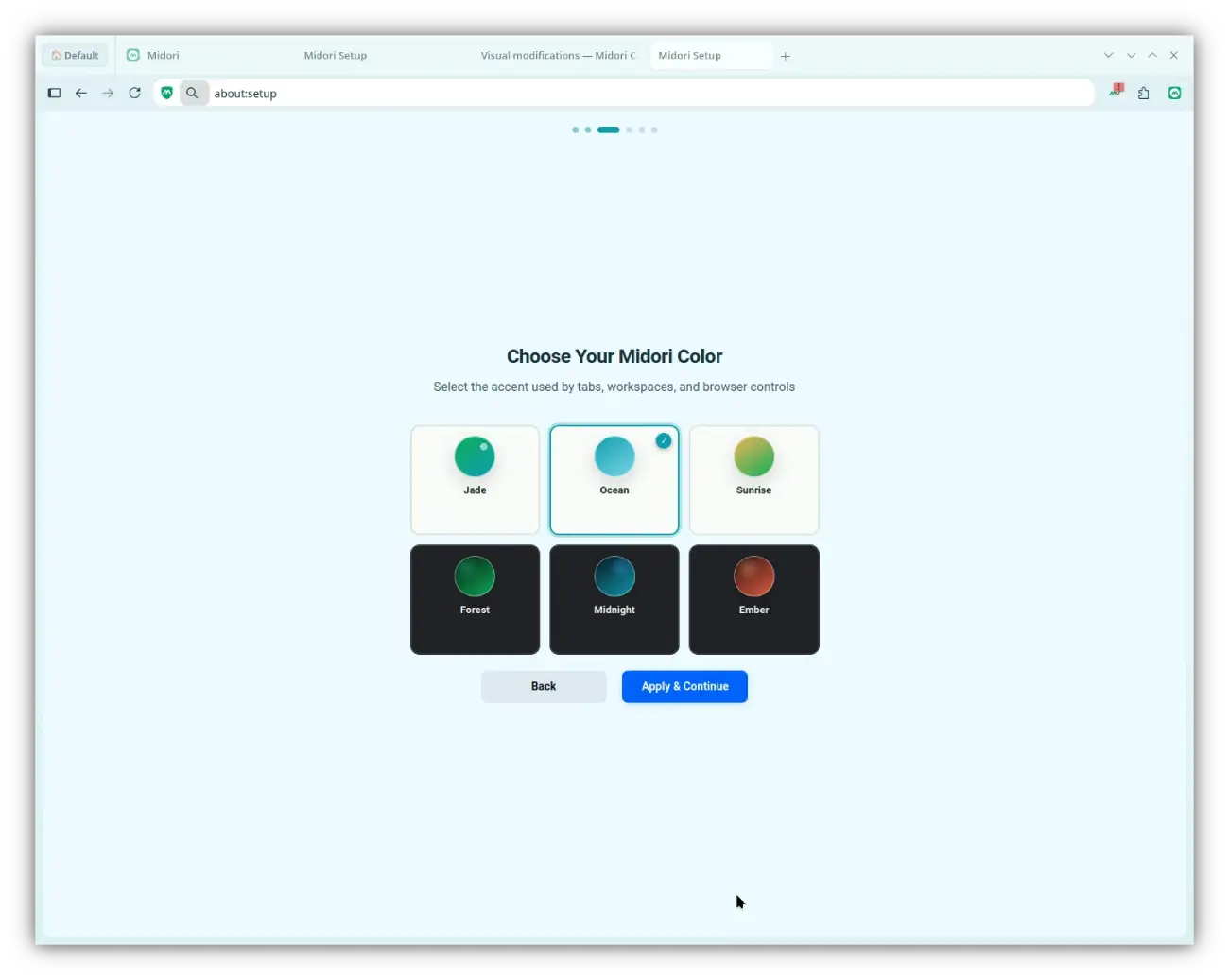
Alongside that redesign, Midori is introducing six built-in color styles, including Jade, Ocean, Sunrise, Forest, Midnight, and Ember. The theme you pick doesn’t just tint the toolbar anymore. It now carries over to places like the New Tab page and workspaces, so the whole browser keeps the same look instead of feeling like different pieces stitched together.
If you use vertical tabs, you’ll probably appreciate some of the smaller fixes here. Midori says it has sorted out several issues involving the sidebar, address bar, and auto-hide behavior that could make things feel awkward before. Workspaces have been cleaned up too, especially when you’re juggling lots of tabs. Inactive tabs are unloaded more intelligently now, which should help keep memory use under control.
A fair chunk of the release is devoted to things users won’t immediately notice. The developers have cut back on background processes, improved caching, and changed some parts of the browser so they load only when they’re needed instead of all at startup.
I actually like that Midori isn’t claiming some magical performance boost.
We don’t publish an artificial percentage without reproducible measurement. The actual benefit will depend on the system, the number of tabs, the sites visited, and the features enabled.
That’s a more grounded way of describing performance than the usual “30 percent faster” claims that rarely mean much in real-world browsing.
The browser’s built-in ad blocker, Midori Privacy, has also been updated. According to the team, it now processes filter lists more efficiently, improves cosmetic filtering that hides leftover ad spaces, and includes changes aimed at keeping up with sites like YouTube, where advertising methods tend to change frequently. Older lists and unnecessary dependencies have been removed as part of that cleanup.
There are dozens of smaller fixes mixed into the release as well. Some deal with visual glitches when tabs are placed at the bottom, others clean up web panels, Omni Search permissions, and theme inconsistencies.


Dwayne Cubbins
3167 Posts
I cover fast-moving stories across apps, online platforms, and everyday tech — phones, wearables, consoles, and whatever else people are fighting with this week. Bugs, rollouts, scams, policy enforcement, and the occasional internet-culture rabbit hole are all fair game. My goal is simple — make confusing tech news readable. When I'm not working, I'm working out or chilling with my dog. Got a tip? You can find me on X @dcubbins.
Next article View Article