Firefox users have been waiting a very long time for this one, even if most of them probably stopped expecting it to ever happen.
Bug 418144 was opened in 2008 after someone noticed that Firefox would not properly refresh a website’s favicon. The problem is easy to reproduce. Load a page with an icon, change that icon on the server, then hold Shift and click the refresh button. The page reloads, but Firefox can continue showing the old favicon.
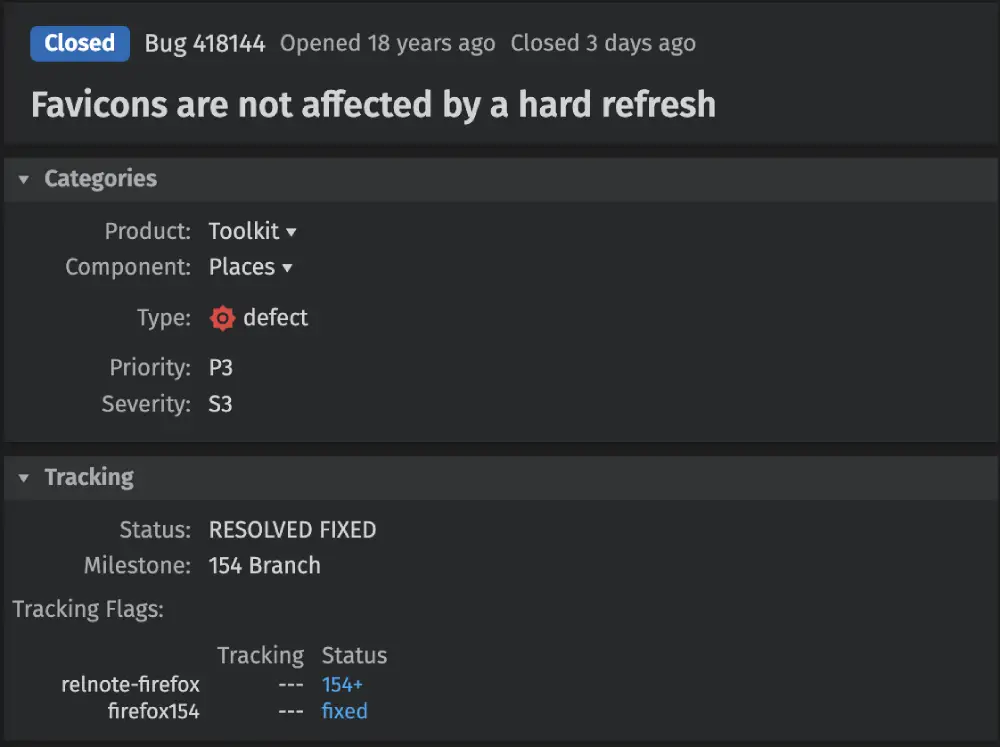
That was the case for years. Comments on the bug mention the issue in Firefox 3, Firefox 4, Firefox 5, Firefox 44 and Firefox 49. One user said they had to close and reopen the browser before Firefox would notice that a site’s favicon had changed.
Another commenter marked the bug’s 10th anniversary by calling it an “embarrassing favicon refresh bug.” That probably was not how anyone expected the report to reach its conclusion.
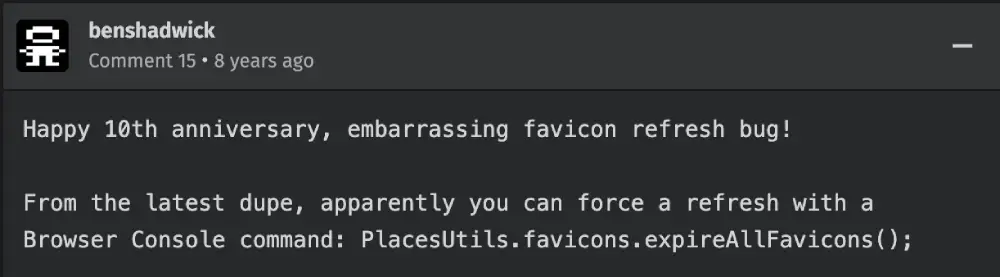
The bug is now closed as fixed, with the change targeted for Firefox 154. The fix makes a hard reload clear the cached favicon for the page being refreshed, so Firefox can request the current version instead of continuing to use the old one.
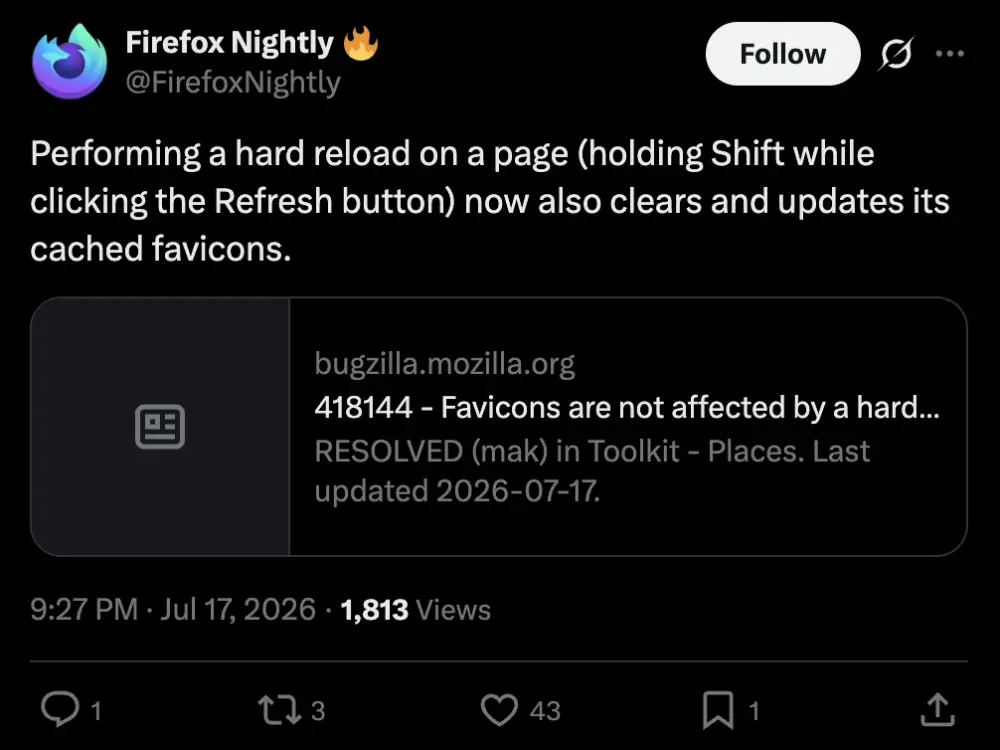
The Firefox Nightly account confirmed the change on X. “Performing a hard reload on a page (holding Shift while clicking the Refresh button) now also clears and updates its cached favicons,” Mozilla wrote.
This is useful for ordinary users when a website has a new logo or has stopped showing the correct icon. It should be even more welcome for web developers, who often change favicons while testing a site and then wonder why the browser is still displaying an old version.
Mozilla’s note on the bug points out that the old workaround was far more extreme. To properly refresh favicons, users sometimes had to delete Firefox’s entire favicon database. That is a lot of cleanup for one small image in a browser tab.
The update is being tested in Nightly, so it will take some time before it reaches the standard Firefox release. It also does not mean every favicon problem will disappear. A site can still have a missing icon, a bad file or a server that is sending the wrong image. Firefox should at least stop getting in the way when the icon has genuinely changed.
The fix comes during a busy stretch for Firefox Nightly. Mozilla recently added custom app icons for Windows, and it has been testing several privacy changes, including local network permission controls and stronger anti-fingerprinting protections. The browser also recently received two critical security fixes in version 152.0.6.
The favicon change is much smaller than those updates, but after 18 years, it is still nice to see this particular tab finally close.


Dwayne Cubbins
3155 Posts
I cover fast-moving stories across apps, online platforms, and everyday tech — phones, wearables, consoles, and whatever else people are fighting with this week. Bugs, rollouts, scams, policy enforcement, and the occasional internet-culture rabbit hole are all fair game. My goal is simple — make confusing tech news readable. When I'm not working, I'm working out or chilling with my dog. Got a tip? You can find me on X @dcubbins.
Next article View Article