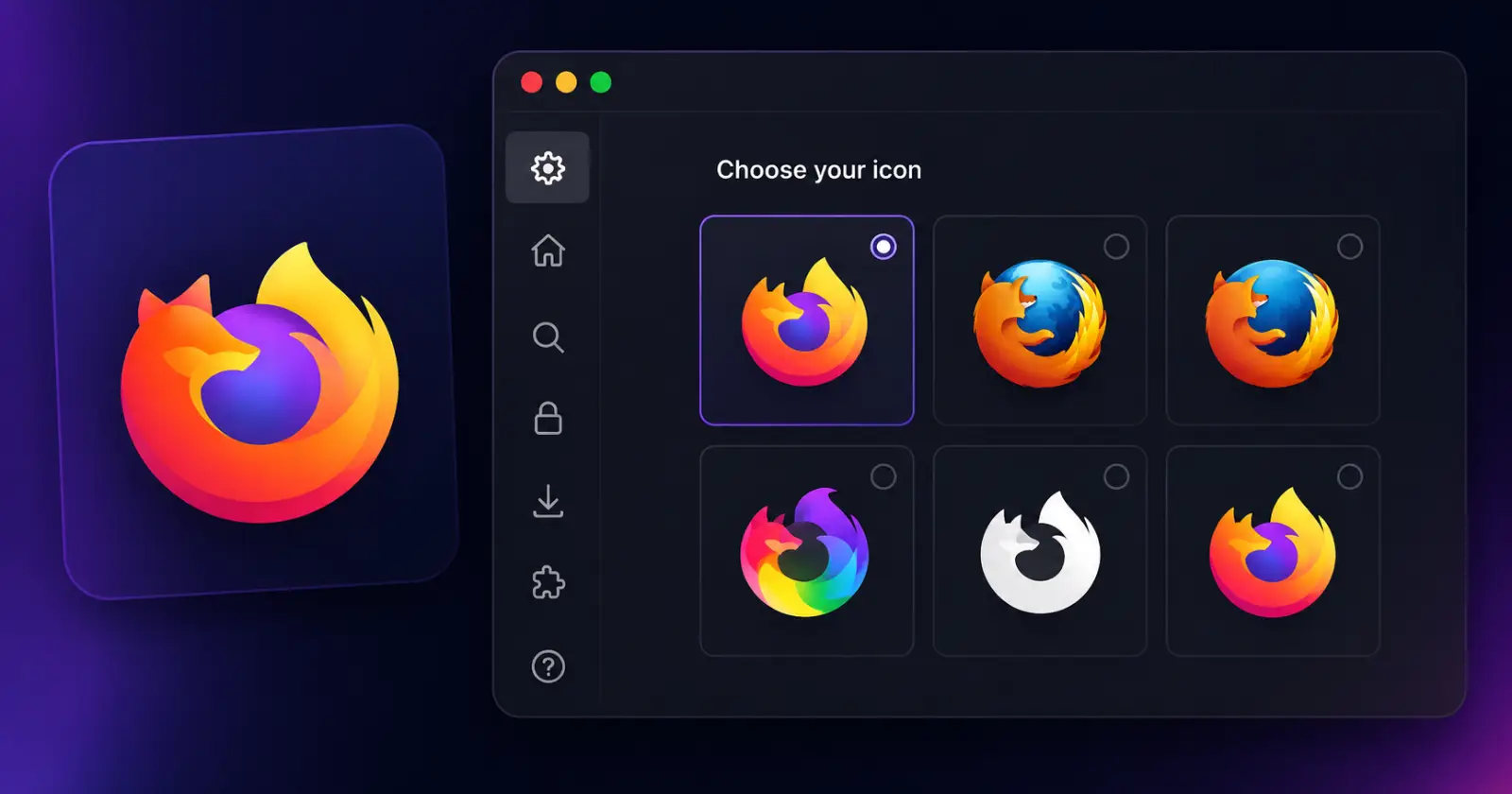
Mozilla is testing a feature that many Firefox users have probably wanted without ever asking for it out loud. The browser can now change its own app icon.
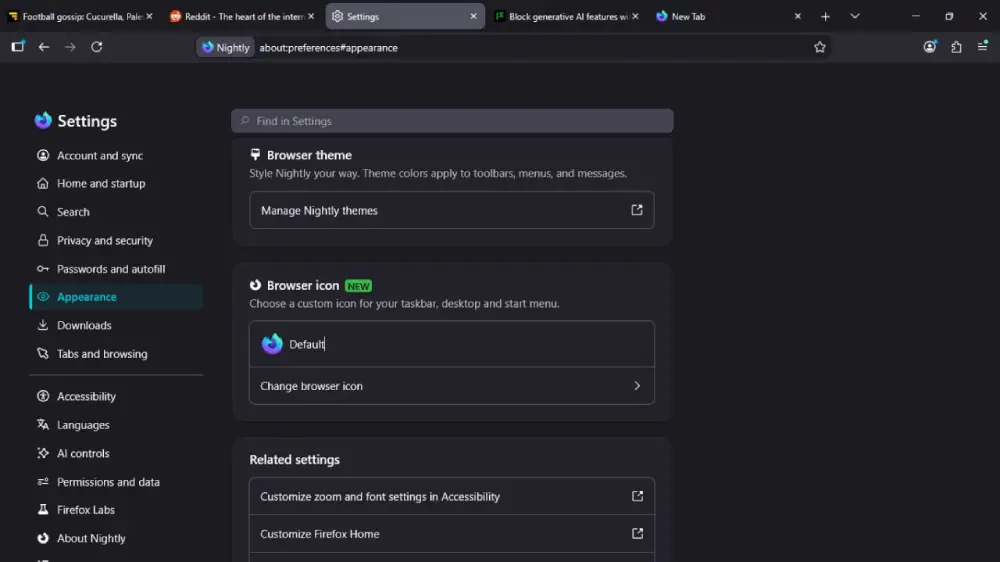
The option has quietly shown up in Firefox Nightly 154 and was first spotted by AskVG. As you might expect, it gives users a built-in way to swap the browser’s icon from the Settings page. Until now, changing the Firefox icon meant editing Windows shortcuts one by one or downloading custom icon packs. This does the same job without the extra work.
The new option sits under Appearance in Settings. Click Change browser icon, and Firefox opens a small gallery of icons you can choose from. Pick one, and Windows updates the browser’s icon wherever it’s pinned, whether that’s the taskbar, desktop, or Start menu.
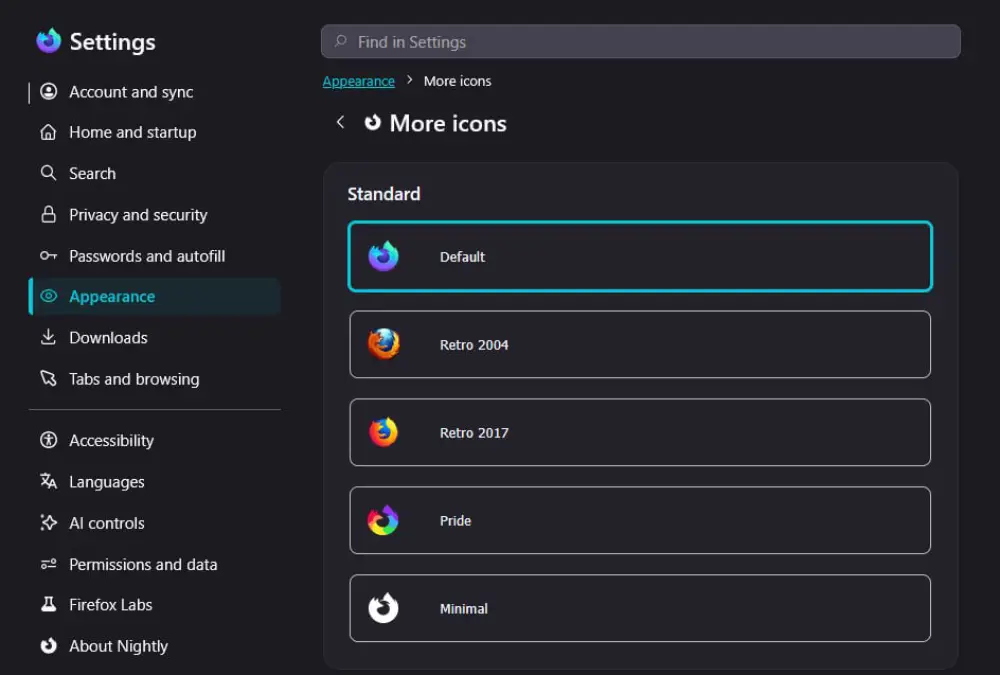
Mozilla isn’t trying to overwhelm anyone with choices. The first batch includes the regular Firefox logo, Retro 2004, Retro 2017, Pride, and a stripped-back Minimal version. The retro icons are likely to catch the attention of long-time Firefox users who remember the browser’s earlier branding.
There’s another little surprise hidden away.
A few extra icons stay locked the first time you open the picker. Firefox simply asks you to pin the browser to the Windows taskbar. Once that’s done, refreshing the page makes three more designs available. They include Kit, the browser’s fox mascot, along with Pixelated and Momo. It’s a slightly odd requirement for unlocking a cosmetic feature, but that’s how Mozilla has wired it up for now.
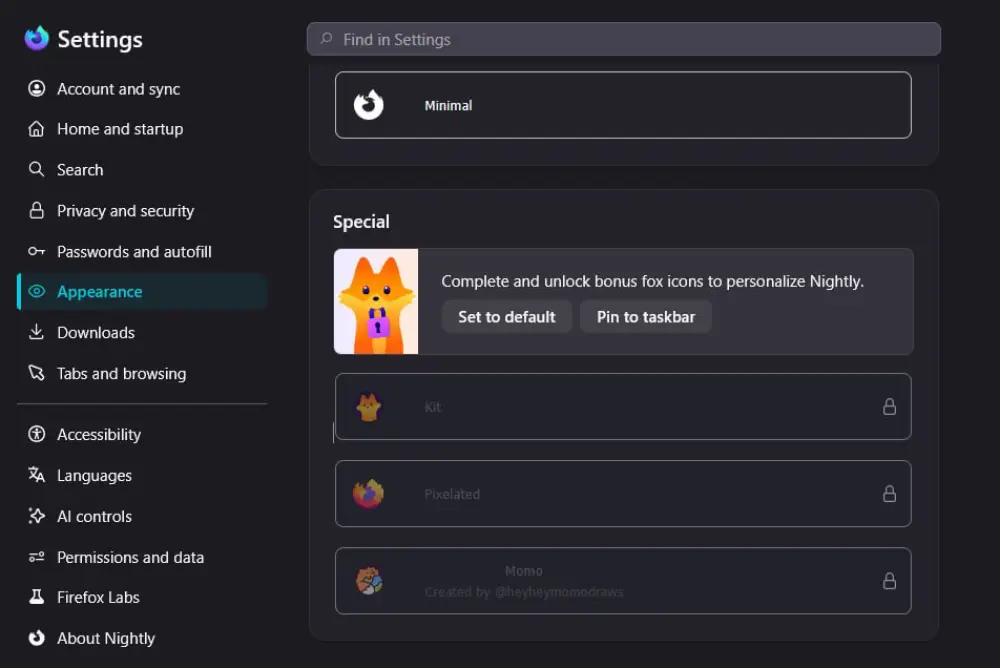
The feature is limited to Firefox Nightly at the moment, so most people won’t see it unless they’re running Mozilla’s testing build. Another thing we observed is that the feature is currently only available on Firefox Nightly for Windows. In our testing, we weren’t able to spot the option on Firefox Nightly for Linux and Mac.
Firefox has been seeing a steady stream of smaller updates lately. Earlier this week, Mozilla rolled out Firefox 152.0.6 to patch two critical security flaws. It also published a roundup of the browser’s latest privacy and security improvements, while another recent Nightly build introduced a cleaner tab context menu by trimming away options that don’t need to be front and center.
Custom icons fall into that same category of small improvements. They’re not flashy, but they do make things a tad bit interesting, especially for folks who love to tinker around with their browsers.


Dwayne Cubbins
3157 Posts
I cover fast-moving stories across apps, online platforms, and everyday tech — phones, wearables, consoles, and whatever else people are fighting with this week. Bugs, rollouts, scams, policy enforcement, and the occasional internet-culture rabbit hole are all fair game. My goal is simple — make confusing tech news readable. When I'm not working, I'm working out or chilling with my dog. Got a tip? You can find me on X @dcubbins.
Next article View Article