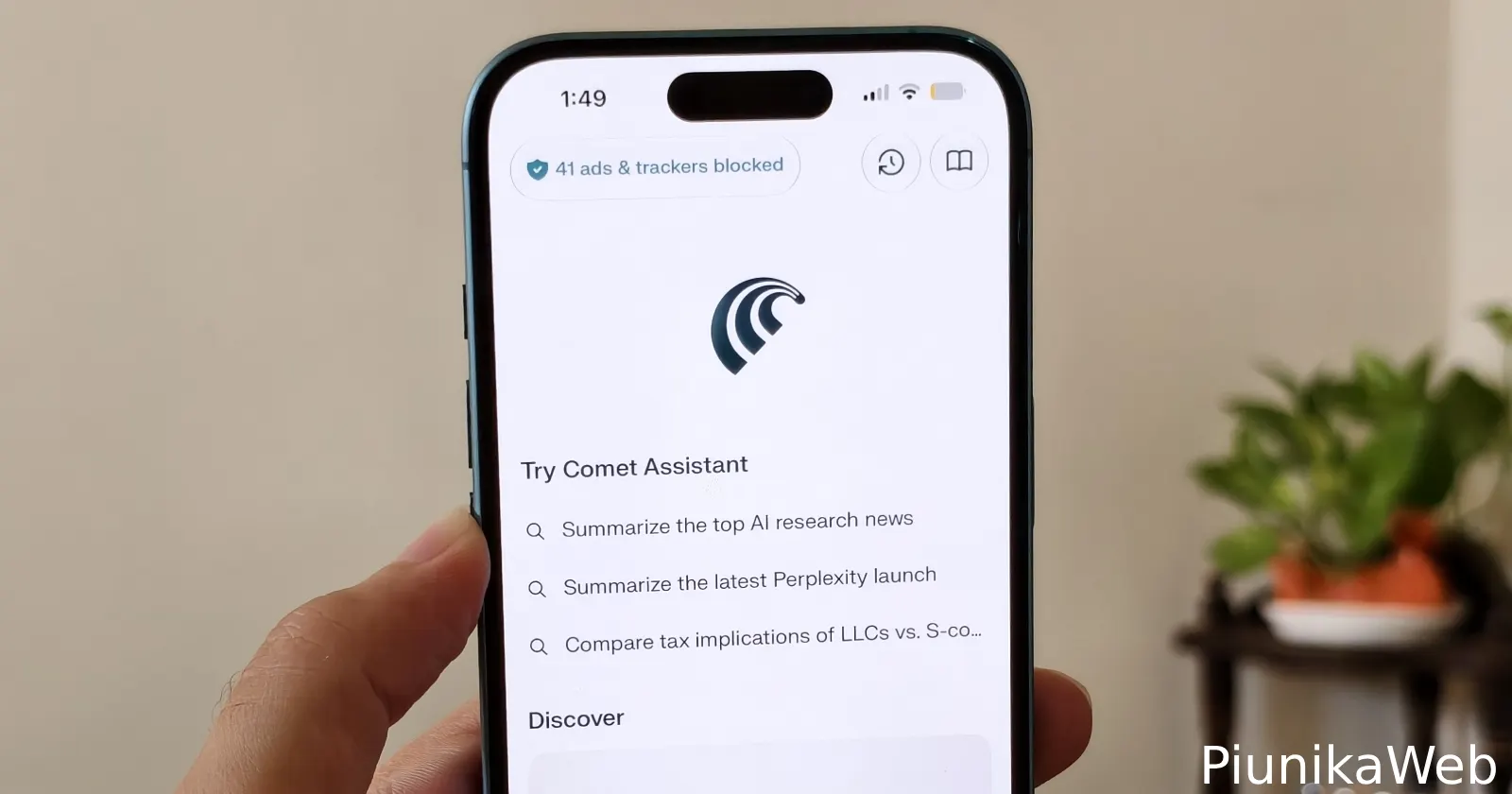
Perplexity has rolled out another update for its Comet browser on iPhone, but this one is much smaller than the last couple of releases. The main addition is a new Tab Settings section that gives users more control over how the browser handles open tabs.
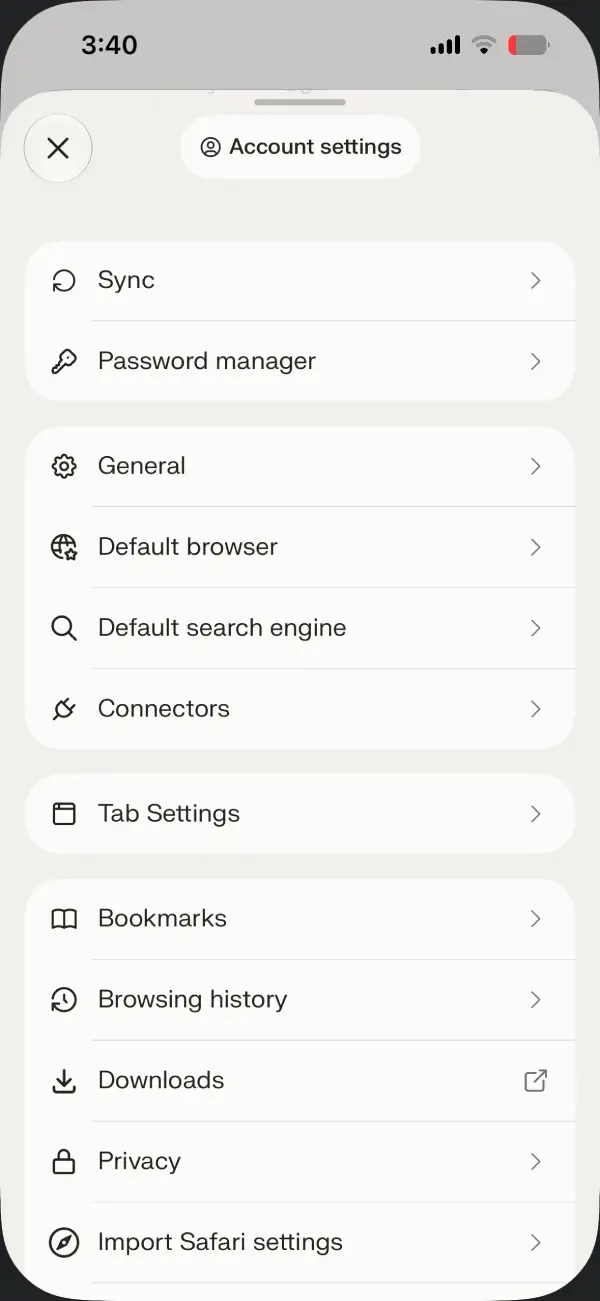
After installing version 26.27.0, I found a new Tab Settings menu inside Settings. From there, you can choose whether Comet should keep all tabs open indefinitely or automatically close inactive ones after a day, a week, or a month. According to the app, inactive tabs are removed the next time you reopen Comet.
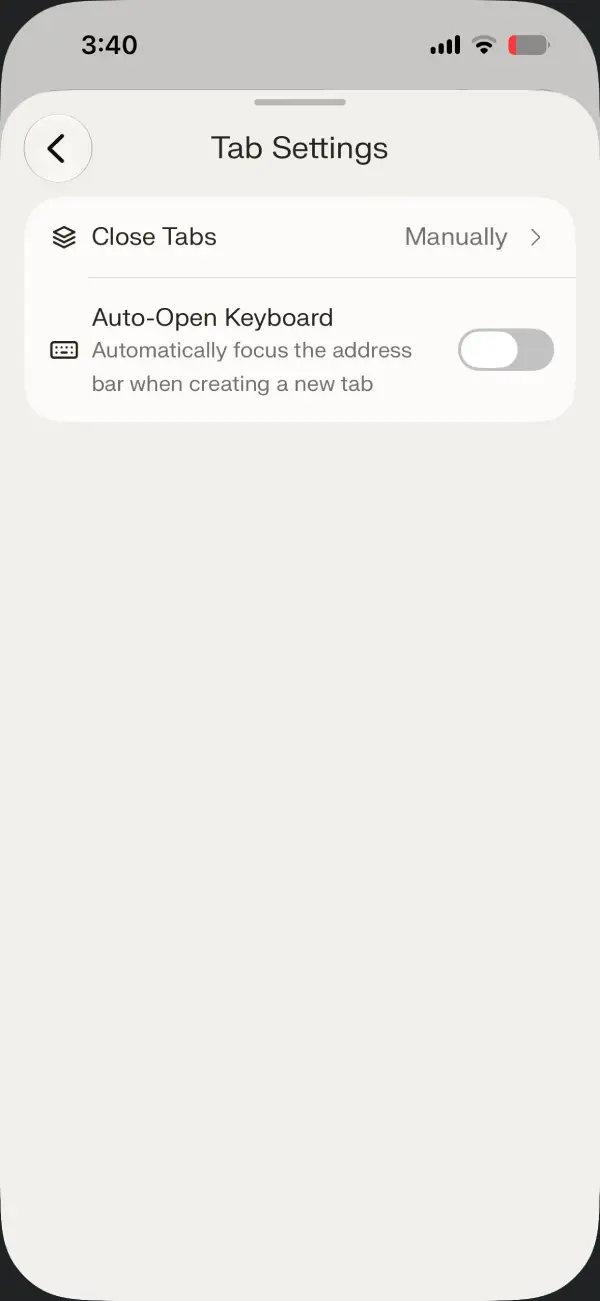
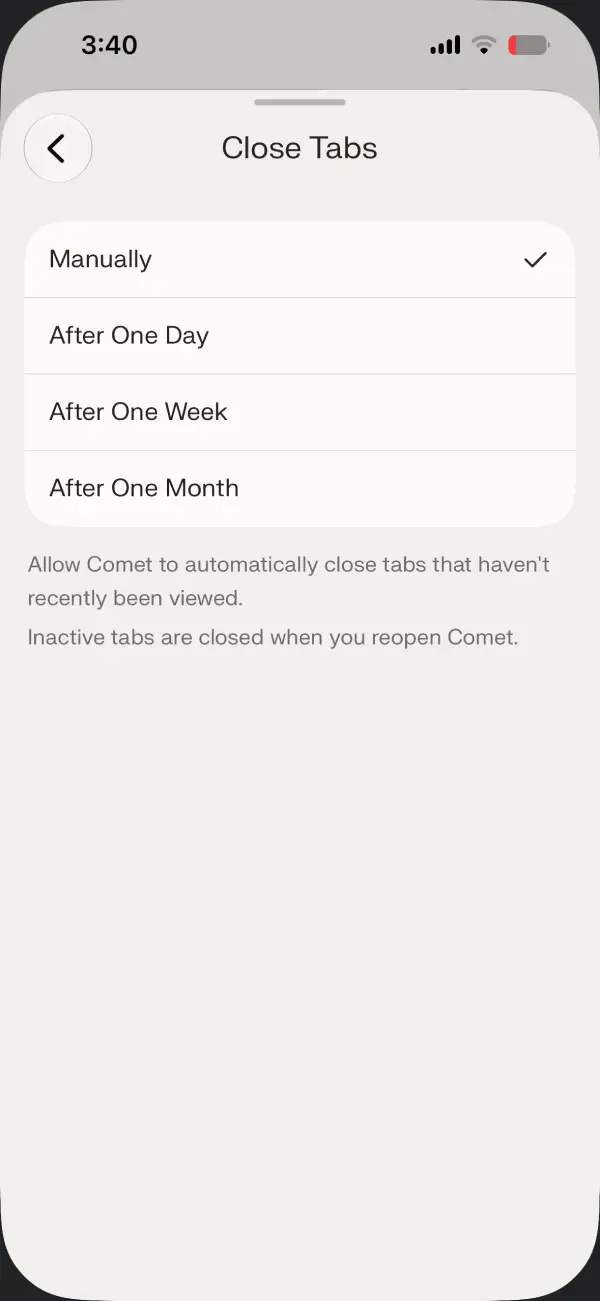
The new page also includes a toggle to automatically focus the address bar and open the keyboard whenever you create a new tab. It’s a small change, but it can shave off an extra tap if you usually open a new tab just to start searching.
This continues Perplexity’s recent trend of shipping practical quality-of-life improvements instead of chasing flashy AI features. Just last week, the company added a clutter-free Reader mode, customizable ad blocking, and the ability to mute noisy tabs.
The App Store release notes also mention tab muting and say that “The Assistant now sits right next to the address bar on any page and on the New Tab page.” After trying the update myself, though, I couldn’t confirm either of those as new additions.
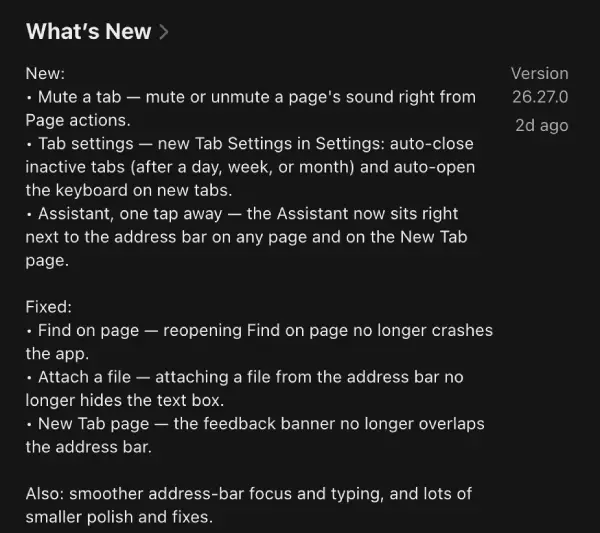
Tab muting was already introduced in the previous update, so it appears to have been carried over into this release’s changelog. As for the Assistant, I didn’t notice any obvious changes to its placement or behavior compared to earlier versions. It’s possible that tweak is rolling out gradually, or the release notes simply repeat an existing feature.
Alongside the new settings, Perplexity says it has fixed a handful of bugs. These include a crash when reopening Find on Page, an issue where attaching a file from the address bar hid the text box, and a layout problem that caused the feedback banner on the New Tab page to overlap the address bar. The company also says users should notice smoother address bar interactions along with “lots of smaller polish and fixes.”
This follows another recent update that added bookmark favicons, text zoom on iPad, and several interface refinements. If you missed that release, you can read our coverage here.


Dwayne Cubbins
3060 Posts
I cover fast-moving stories across apps, online platforms, and everyday tech — phones, wearables, consoles, and whatever else people are fighting with this week. Bugs, rollouts, scams, policy enforcement, and the occasional internet-culture rabbit hole are all fair game. My goal is simple — make confusing tech news readable. When I'm not working, I'm working out or chilling with my dog. Got a tip? You can find me on X @dcubbins.
Next article View Article