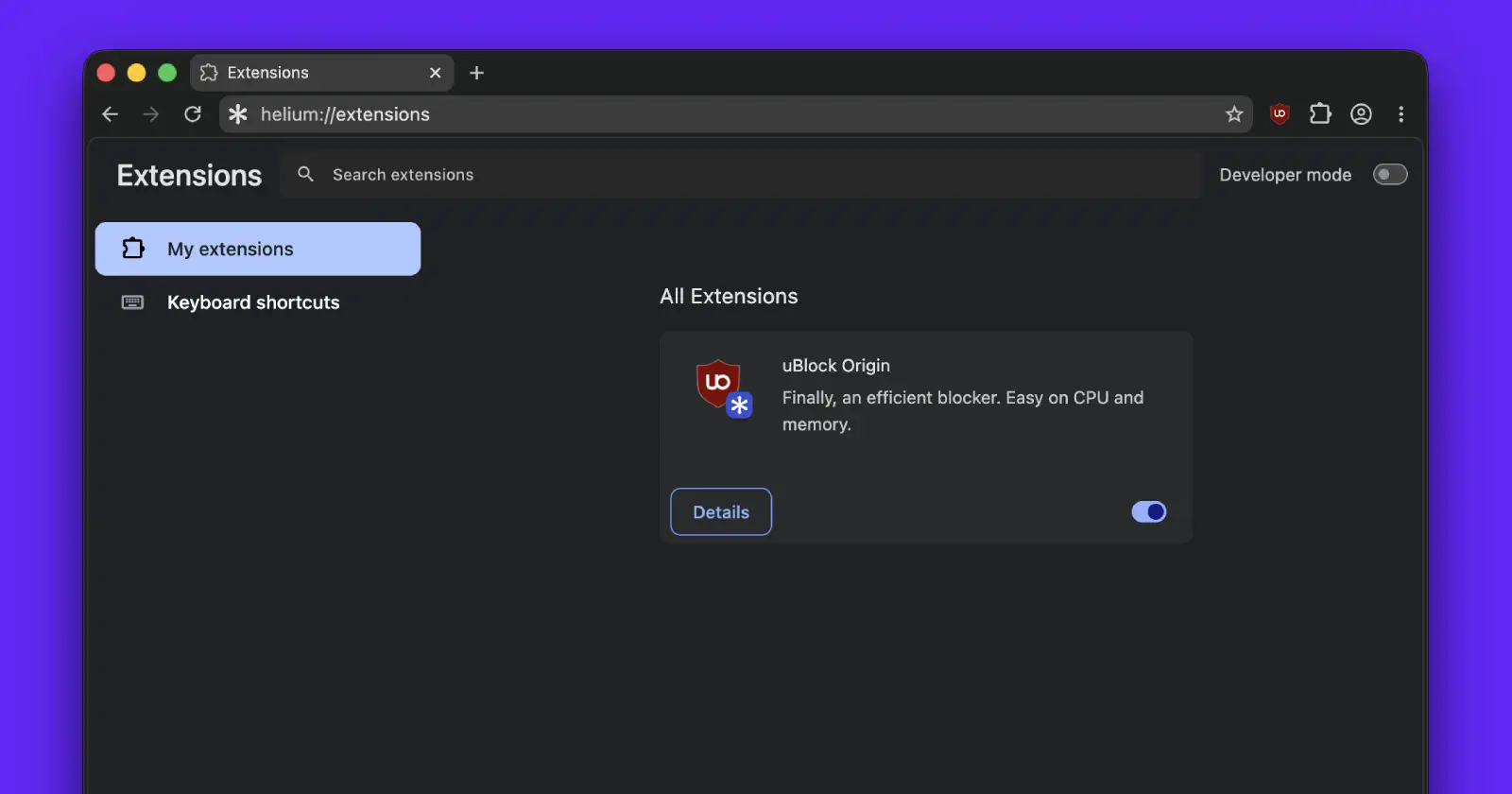
Updating Helium Browser should be a routine process. For some users, though, a recent build welcomed them with an unpleasant surprise.
Several people are reporting that after installing a recent update and restarting the browser, their extensions disappear. Some also say they lose saved logins, leaving them signed out of websites they use every day.
Reports have been showing up on GitHub as well as X over the past few days. One Windows user said everything was working normally before shutting down their PC, but after turning it back on the next day, every extension except uBlock Origin had disappeared.
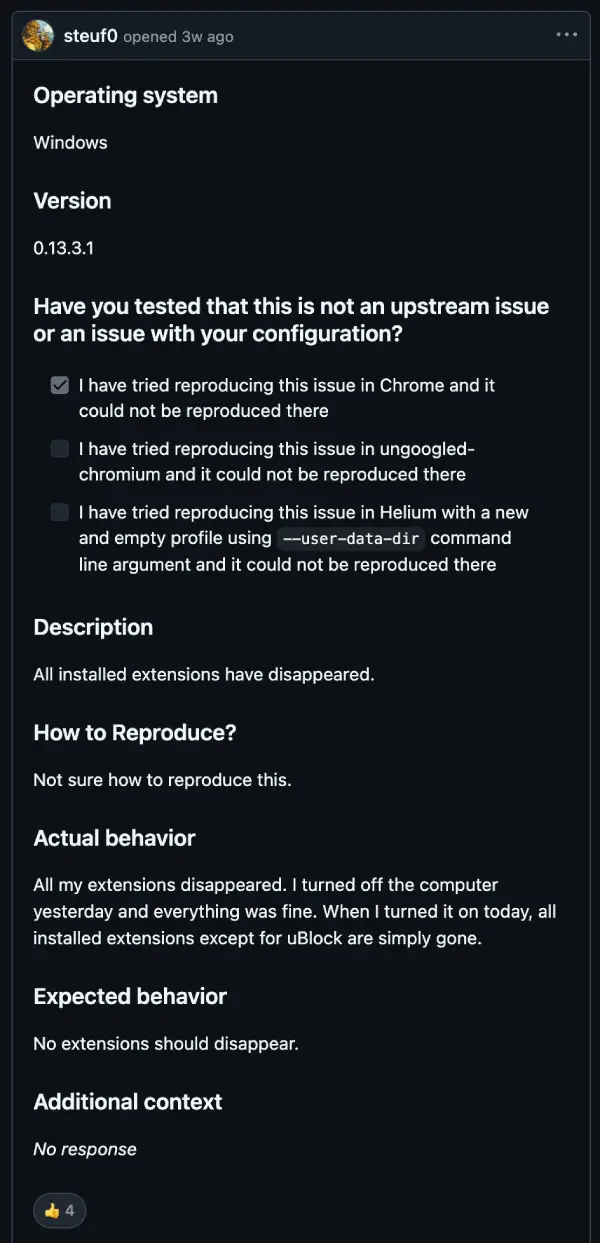
Others on macOS say they ran into the same problem immediately after updating to version 0.14.3.1.
What’s strange is that the data doesn’t always seem to be completely gone. A few users checked their browser profile folders and found that the extension settings were still there, but the folders containing the actual extension files had been emptied. In other words, Helium still had traces of the extensions, but nothing left to load.
Some users have also reported losing saved website sessions after updating. One person described losing more than 100 saved logins in a single restart.
That part is especially frustrating because Helium has already been dealing with login-related complaints for a while. We recently covered an issue where some users were being unexpectedly signed out of their Google accounts. For anyone who has already been dealing with that problem, losing saved sessions after an update only adds to the frustration.
The developers are aware of the reports, but tracking this one down hasn’t been easy. Wukko, one of the people behind Helium, has replied to multiple users saying they haven’t been able to reproduce the bug on their own systems. They’re asking affected users to share logs and crash traces so they have something concrete to investigate instead of trying to guess what’s happening.

According to the developer, the issue may be related to an upstream Chromium change rather than something introduced directly by Helium. That doesn’t make the problem any less real for affected users, but it does explain why the team hasn’t been able to pin down a fix yet.
I also spent a little time trying to reproduce the issue, but couldn’t get it to happen. My extensions and logins have stayed intact after every update. That obviously doesn’t invalidate the reports, but it does show why this has become such a head-scratcher. The bug appears to affect some setups while completely skipping others.
Until the developers figure out what’s going on, it may be worth making a backup of your browser profile before installing future Helium updates. Some users also recommend closing the browser manually instead of using the restart prompt after an update, although there’s no confirmation yet that this consistently avoids the problem.
We’ll keep an eye on the investigation and update this story if the developers identify the cause or release a fix.


Dwayne Cubbins
3101 Posts
I cover fast-moving stories across apps, online platforms, and everyday tech — phones, wearables, consoles, and whatever else people are fighting with this week. Bugs, rollouts, scams, policy enforcement, and the occasional internet-culture rabbit hole are all fair game. My goal is simple — make confusing tech news readable. When I'm not working, I'm working out or chilling with my dog. Got a tip? You can find me on X @dcubbins.
Next article View Article