Helium browser’s aggressive privacy controls and cookie restrictions are triggering frequent automatic logouts from Google accounts. This includes Gmail, Drive, and YouTube. The Chromium fork that Helium uses has strict cookie and site data management, which is likely conflicting with Google’s session requirements.
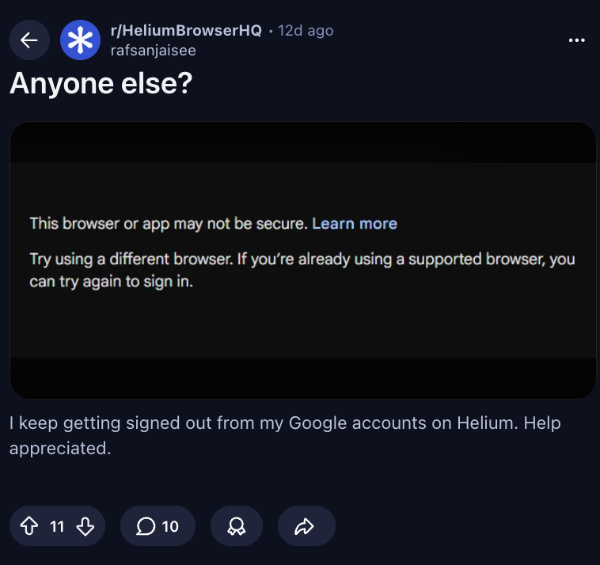
This often prompts re-authentication after restarting your browser, switching the profile, or short periods of inactivity. Some users even report facing warnings of “This browser or app may not be secure” when attempting to sign in. Google appears to be flagging Helium’s cookie blocking and other privacy features as anomalous activity.
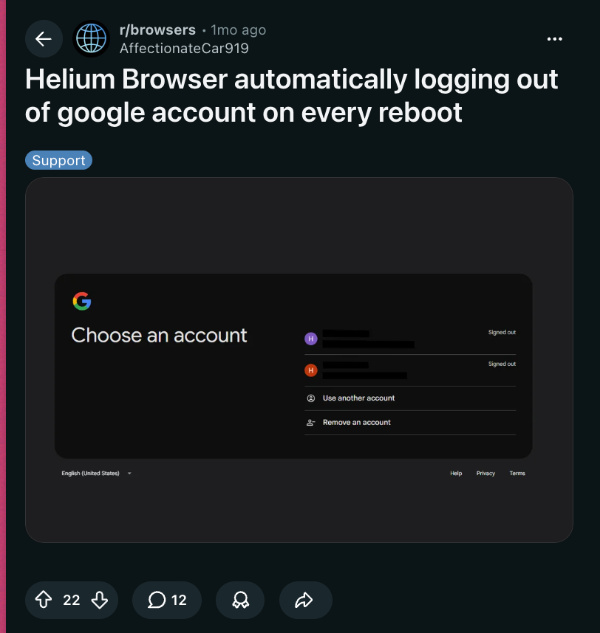
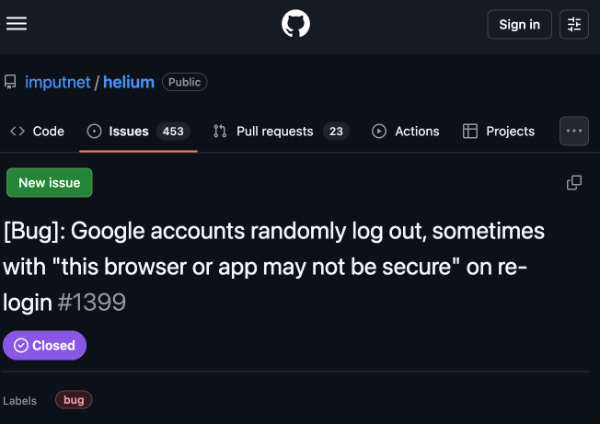
There are several reports of this issue across Reddit in r/browsers and r/HeliumBrowserHQ. Affected users report persistent sign-outs on every browser reboot or after minimal idle time. Reports of the issue date back several months, though there are many from recent weeks and days.
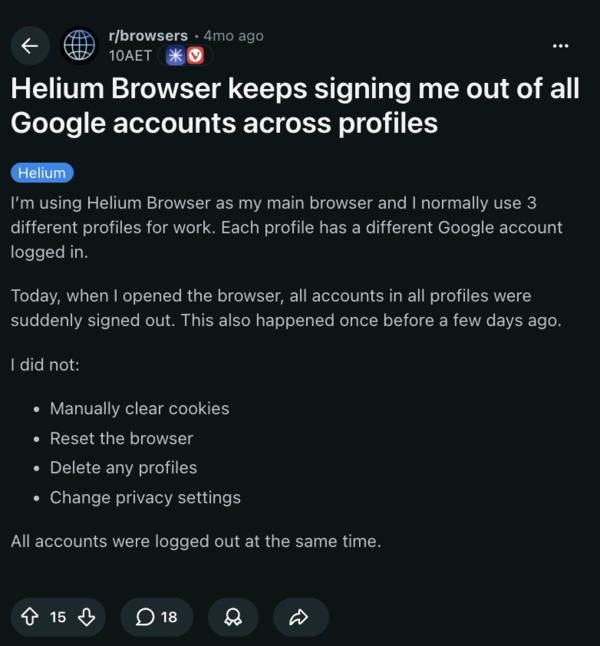
Thankfully, @uwukko on X (a developer at Helium and the co-founder of the company behind it) shared a direct workaround. He recommended allowing third-party cookies specifically for Google.com, and this adjustment automatically resolves the logout issues. Replies suggest that it has proven effective.

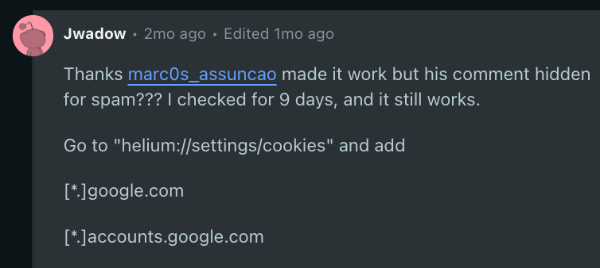
You can also try going to helium://settings/cookies and adding these websites as exceptions. This would permit third-party cookies. List of websites:
- google.com
- accounts.google.com
Additionally, initiating login through alternative Google domains, such as Gmail, Google Drive, Google Keep, etc., also works. Once one domain successfully authenticates, all of the linked services should also log in.
If you’re running Helium on Windows and these solutions still don’t resolve the issue, your user data is likely corrupted, as suggested by some comments online. You might need to completely uninstall the browser and reinstall it.

It’s unlikely for Helium to change this behavior, since it’s a privacy-centric browser that’s behaving as expected. It’s not very likely for them to alter their cookie isolation practises to give users more convenience. You just have to allow cookies manually.
In other Helium news, a recent update to the browser has added several new features. You can read about that here.


Sudhanshu K
351 Posts
I have been a consumer technology enthusiast for over 5 years. Thanks to my experience in software beta testing and product reviews, I've understood and learnt a lot about what bugs and issues bother people, and I spend time trying to simplify their solutions. I cover smartphones, software, social media, apps, AI, and most consumer tech gadgets. Actively pursuing a Computer Science bachelor’s degree. I'm mostly active on Twitter/X (@TechWhirlUlt), drop a DM or tag me if you want to share info or connect!
Next article View Article