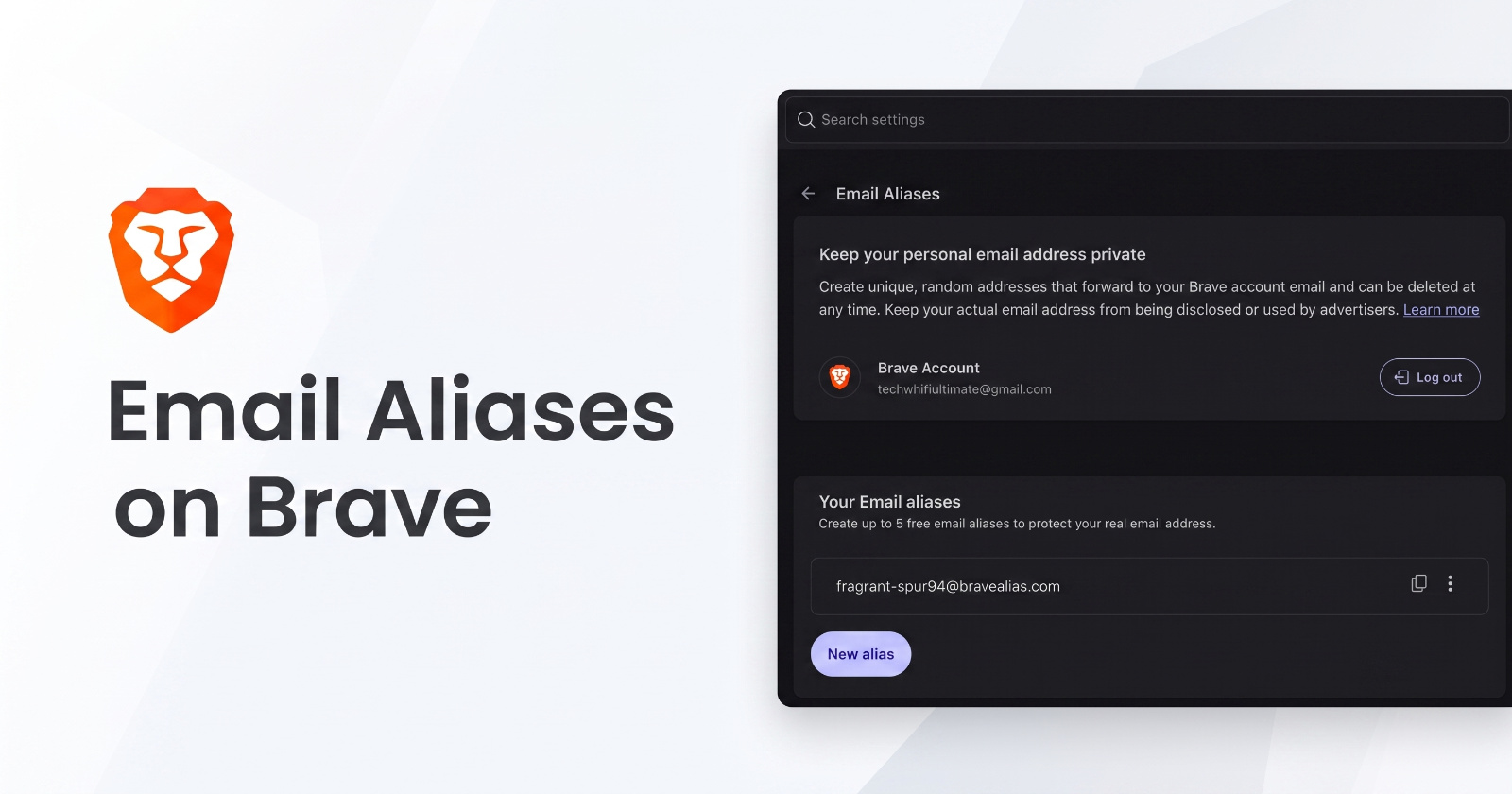
The Email Aliases feature was previously available in Brave Nightly versions, but it has now made its way to the stable version. You still can’t directly access it through Settings; you’ll need to enable a flag to use the feature.
If you want to try out this feature, follow these steps:
- Go to brave://flags/ and search for Email Aliases.
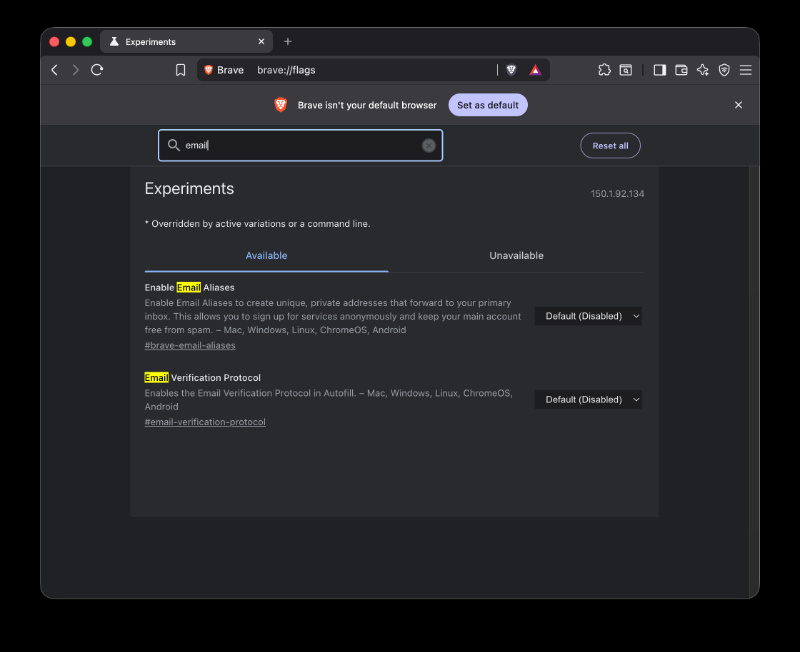
- Toggle it to “Enabled” and restart Brave.
- Navigate to Brave Settings and search for “Email Aliases” in the search bar.
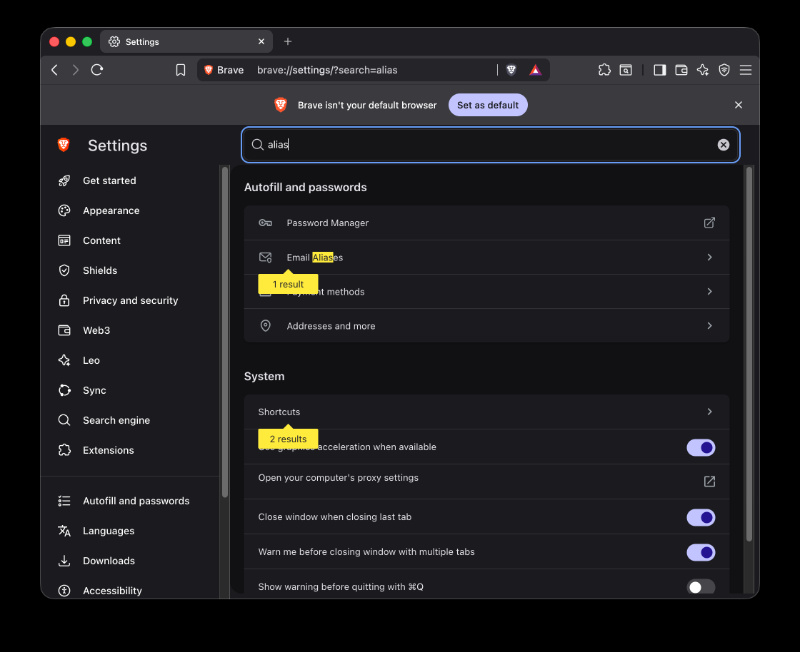
- Here, you’ll find a “Get Started” button. It’s worth noting that having a Brave account is mandatory to use email aliases. There’s no way to access it without having an account.
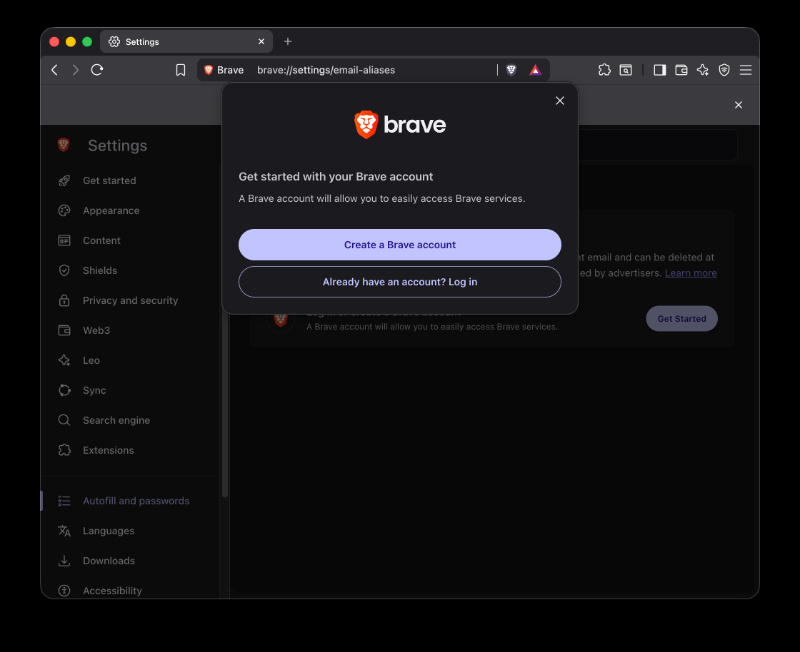
- Once you’ve created or signed in to your Brave account, you’ll find a section called “Your Email Aliases.”
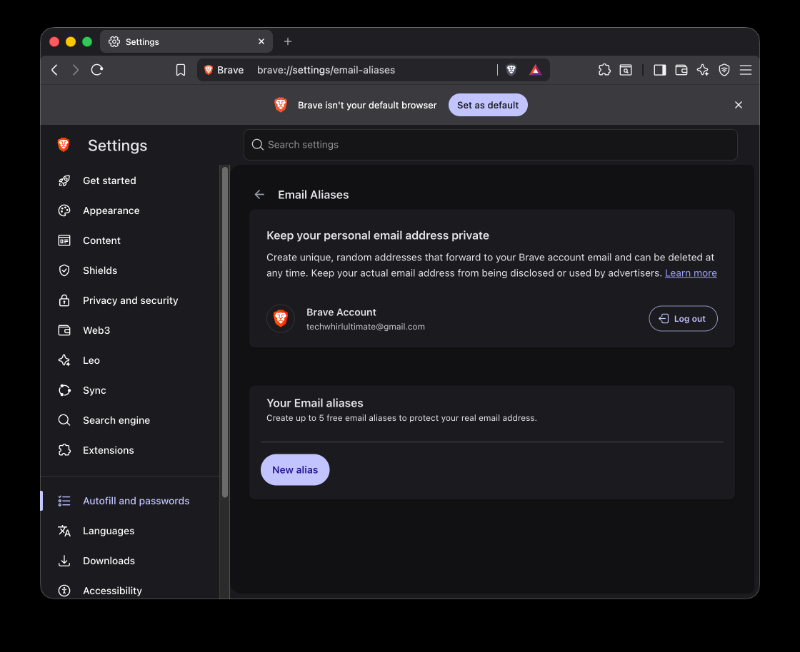
- Click on New Alias. (You can create up to 5 Aliases for free).
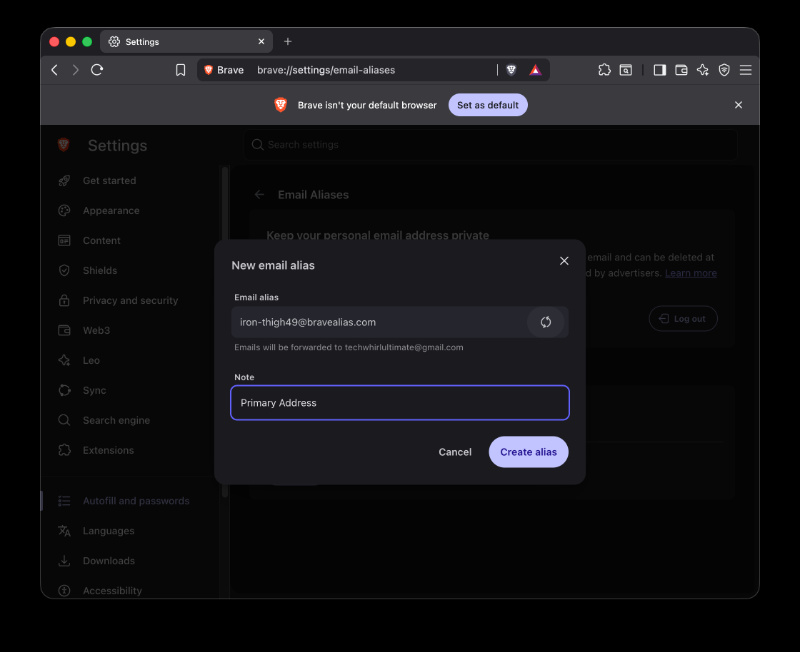
- From here, you can continue randomizing the addresses till you find one you want to use.
Note: The email that you’ve used for the registration of your Brave Account is the address that emails will get forwarded to.
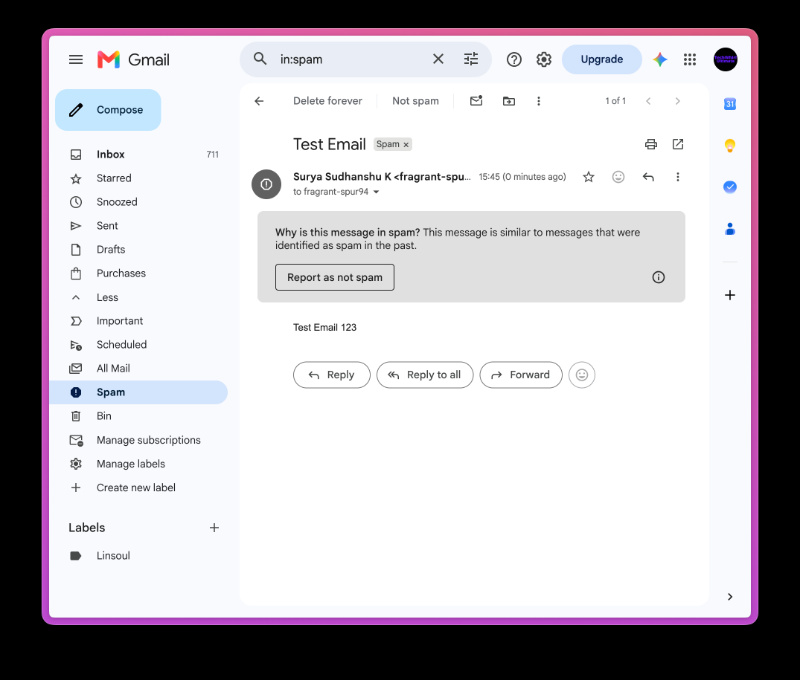
I have personally created an alias that forwards emails to my primary account, and the feature is fully functional. However, there’s one issue I’ve observed: The emails get forwarded to the spam folder, and not the primary email inbox. It could take some time for this to change since the feature is still under testing, or you have to specifically continue whitelisting emails or checking your spam folder, which is inconvenient.
For those unaware, an email alias works like an alternate email address, but all of the incoming messages are still forwarded to your primary inbox. This alternate address doesn’t have its own inbox or login credentials, and just acts like a doorway. It basically lets you receive emails without actually sharing your real email address, and this helps massively in combating spam and improving privacy.
Were you ever annoyed at certain websites being stubborn with copying and pasting? Brave has a neat trick for this, and we covered that here.
Disclaimer: The Featured image was generated with AI.


Sudhanshu K
328 Posts
I have been a consumer technology enthusiast for over 5 years. Thanks to my experience in software beta testing and product reviews, I've understood and learnt a lot about what bugs and issues bother people, and I spend time trying to simplify their solutions. I cover smartphones, software, social media, apps, AI, and most consumer tech gadgets. Actively pursuing a Computer Science bachelor’s degree. I'm mostly active on Twitter/X (@TechWhirlUlt), drop a DM or tag me if you want to share info or connect!
Next article View Article