Brave has quietly added another handy feature for people who run into websites that try to control how they use their browser. The latest addition lets users force the right-click context menu to appear even on pages that deliberately block it.
It’s pretty straightforward in how it works. If a website disables the right-click menu, you can now hold Shift while right-clicking anywhere on the page. Brave will ignore the site’s restriction and open the browser’s normal context menu instead.
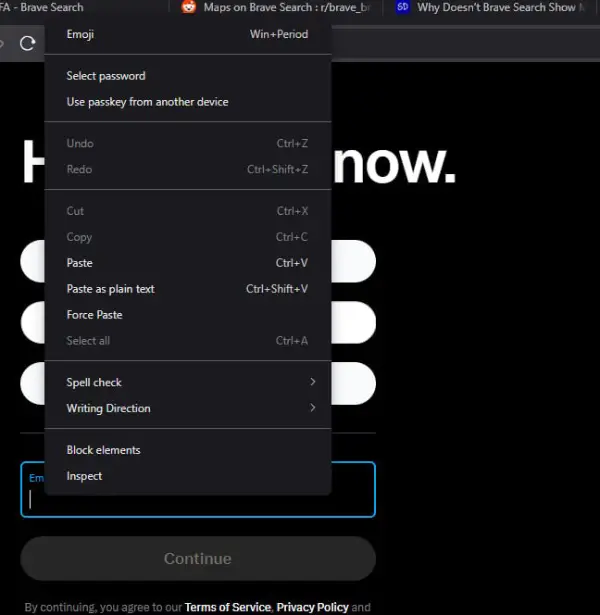
That might sound like a small change, but it solves a surprisingly common annoyance. Some websites disable right-click to stop users from copying text, opening images, inspecting elements, or even accessing browser features that normally appear in the context menu. In many cases, it just ends up making the browsing experience more frustrating.
The new shortcut also works nicely with another feature Brave introduced last month. As I covered in our previous report, Brave added Force Paste, which lets users paste information into text fields even when a website tries to block it.
Typically, sites that prevent pasting also block users from opening up the right-click menu to begin with. Hence, both of these additions pair nicely.
In a post on X, the company explained that users can simply press Shift + Right Click to force the context menu open on websites that try to suppress it. Once the menu appears, options like Force Paste become available again.
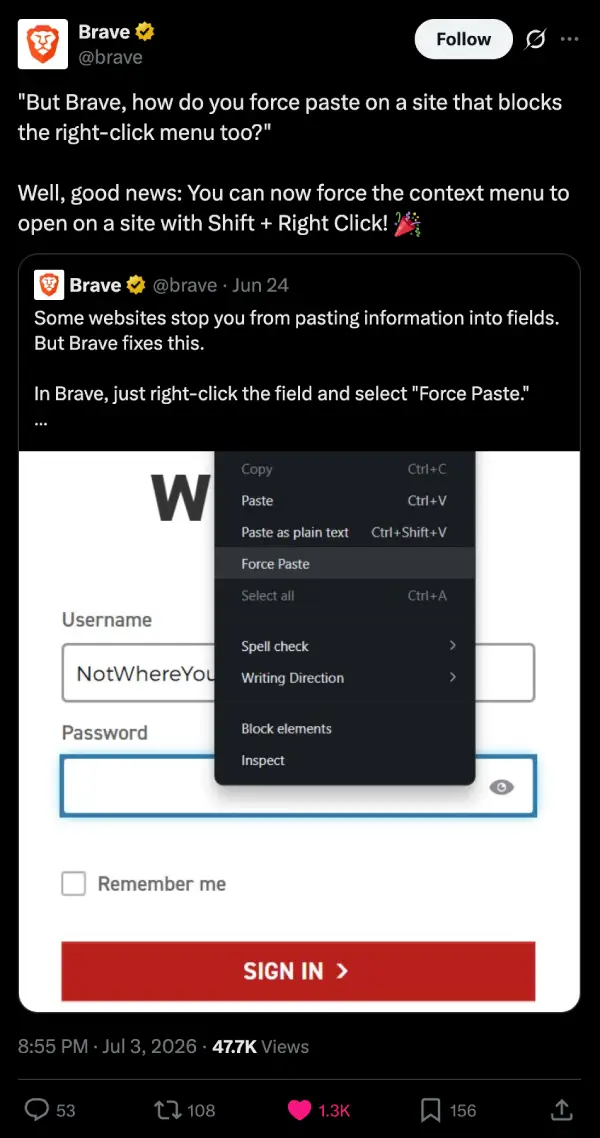
The company shared the tip in case users wondered how they were supposed to use Force Paste on sites that disabled right-click entirely. Brave confirmed that the new keyboard trick is the answer. That said, I noticed that there isn’t a dedicated keyboard shortcut for Force Paste itself. Users still need to open the context menu and choose the option manually.
With Force Paste and the new Shift + Right Click shortcut, Brave is making it a little easier to browse the web on your own terms.


Dwayne Cubbins
3065 Posts
I cover fast-moving stories across apps, online platforms, and everyday tech — phones, wearables, consoles, and whatever else people are fighting with this week. Bugs, rollouts, scams, policy enforcement, and the occasional internet-culture rabbit hole are all fair game. My goal is simple — make confusing tech news readable. When I'm not working, I'm working out or chilling with my dog. Got a tip? You can find me on X @dcubbins.
Next article View Article