If you use a password manager, you’ve probably run into this at least once.
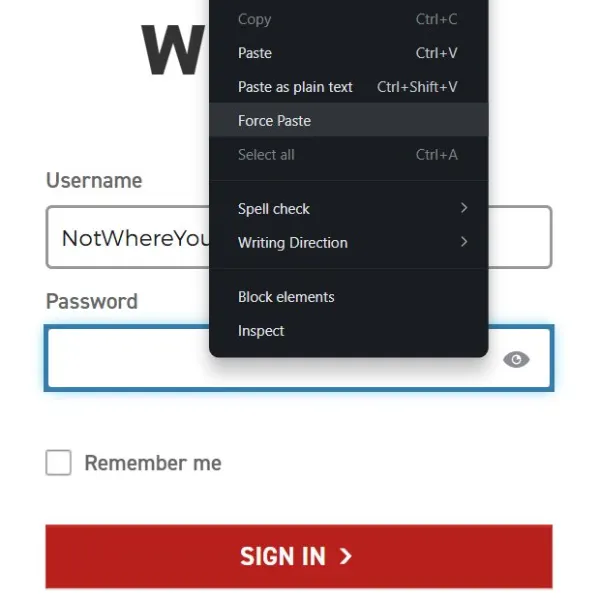
You generate a long, random password, copy it, head over to a login page, press Cmd+V… and absolutely nothing happens. The website simply refuses to let you paste.
It’s a surprisingly common restriction. Some sites block pasting because they believe it makes login forms more secure. Others do it on email fields in an attempt to stop people from accidentally entering the wrong address twice.
Brave has decided users shouldn’t have to put up with it anymore.
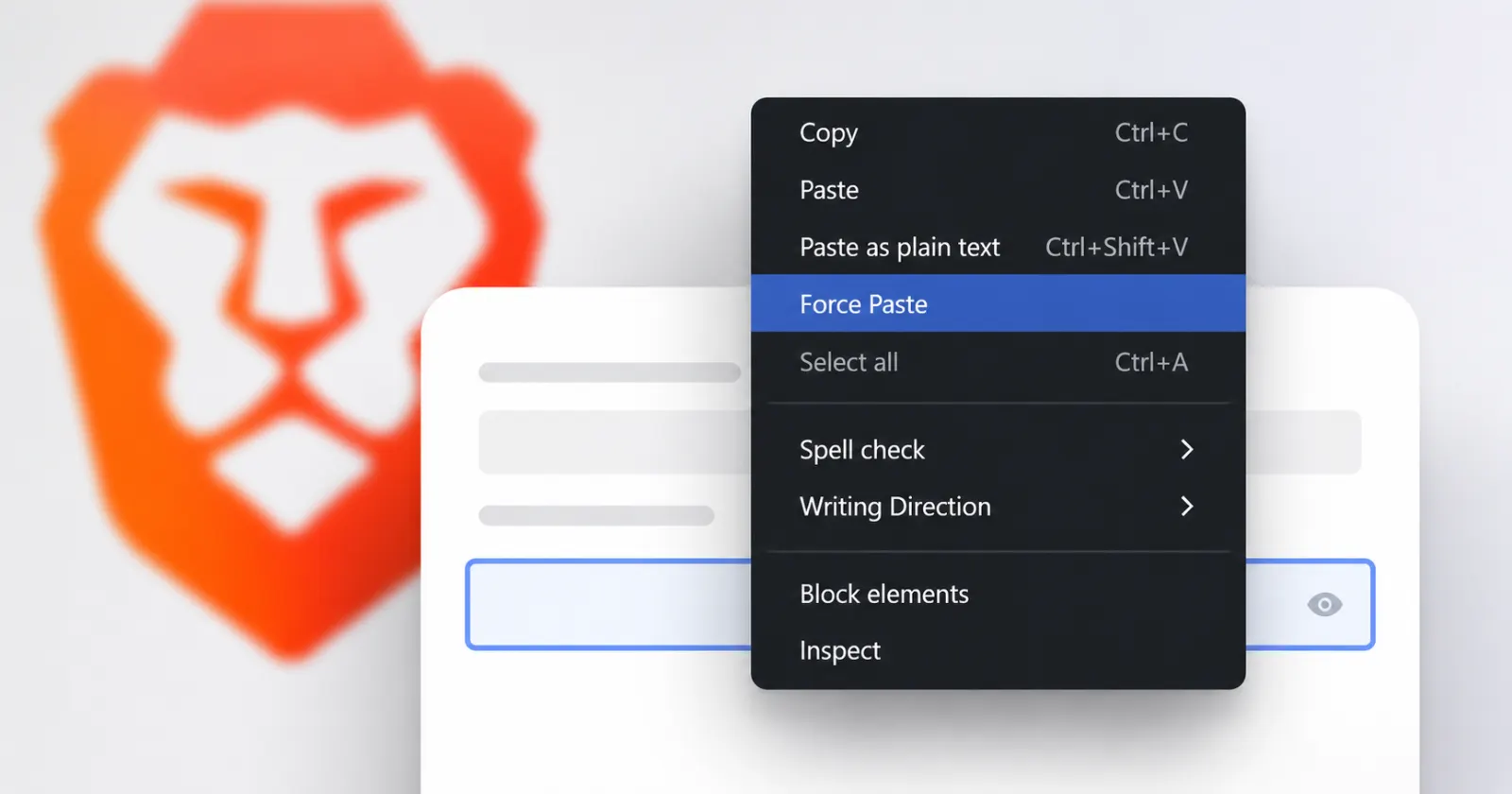
The browser now includes a feature called **Force Paste**. If a website blocks pasted text, just right-click the field and choose the option. Brave ignores the restriction and inserts whatever you’ve copied, whether it’s a password, an email address, or something else.
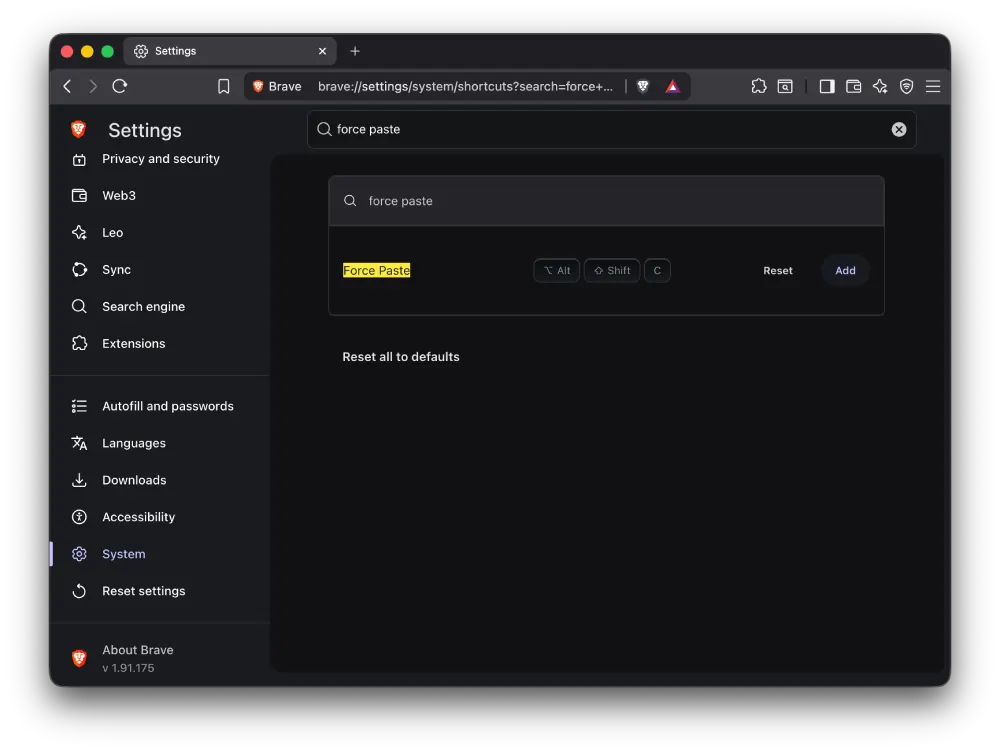
If you’d rather not dig through the context menu every time, there’s another option. Open **Settings > System > Shortcuts**, assign Force Paste to a keyboard shortcut, and it’ll be available whenever you need it.
The feature exists because Brave fundamentally disagrees with the idea that blocking paste improves security.
In practice, it often creates the opposite outcome. Password managers are designed to generate long, unique passwords that people don’t have to memorize. Prevent pasting, and many users fall back to shorter passwords they can type from memory instead.
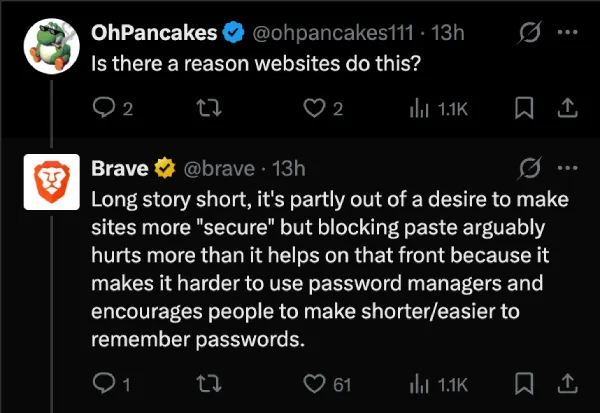
Brave made exactly that argument while announcing the feature on X, saying that paste restrictions discourage the use of strong, randomly generated passwords rather than improving account security.
Force Paste is already available in Brave on desktop, and iOS users can use it as well.
In our tests, we didn’t spot the feature on Brave for Android, so let’s hope the team shows some love for the platform too.


Dwayne Cubbins
3060 Posts
I cover fast-moving stories across apps, online platforms, and everyday tech — phones, wearables, consoles, and whatever else people are fighting with this week. Bugs, rollouts, scams, policy enforcement, and the occasional internet-culture rabbit hole are all fair game. My goal is simple — make confusing tech news readable. When I'm not working, I'm working out or chilling with my dog. Got a tip? You can find me on X @dcubbins.
Next article View Article