Apple is making it easier for AI coding assistants to understand what is happening inside Safari.
The company has released a new Model Context Protocol (MCP) server for Safari as part of Safari Technology Preview 247. It gives AI tools such as Claude, Codex, and other MCP-compatible clients direct access to a live Safari tab, so they can inspect web pages while you’re building them instead of relying on screenshots or lengthy explanations.
Tim Sneath highlighted the release on X, noting that coding agents can now actually “see” what they’re creating in Safari on macOS. That removes one of the biggest frustrations of AI-assisted web development. Instead of describing a broken layout or copying error messages into a chat window, developers can let the agent inspect the page on its own and work from there.
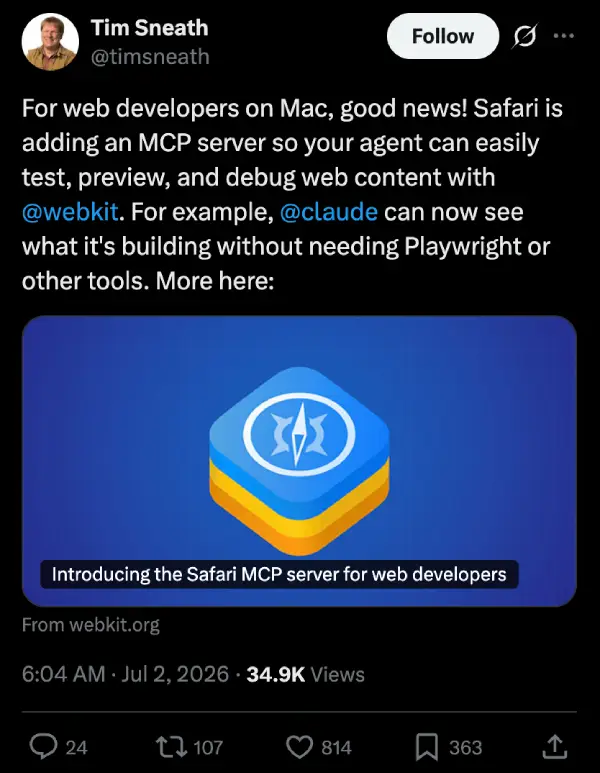
Apple says the MCP server includes 16 built-in tools that let agents interact with a webpage in several ways. They can capture screenshots, inspect the DOM, execute JavaScript, read console output, monitor network activity, emulate different CSS media modes, and even perform accessibility checks. The idea is to let an AI assistant investigate problems much like a developer would inside Safari’s own developer tools.
That also opens the door to more practical workflows. A developer could ask an AI assistant to check whether a form behaves correctly, identify a visual bug, or explain why a page isn’t rendering as expected. The assistant can inspect the page directly before suggesting a fix, rather than making an educated guess from a text description.
Apple isn’t the only company moving in this direction. Browser vendors have been steadily adding AI-focused features aimed at developers. Microsoft has been experimenting with an AI-powered diagnostic tool in Edge Canary that analyzes browser data to help troubleshoot problems. Brave also recently introduced its own MCP server, allowing Claude to search the web through Brave Search without leaving the conversation.
The new MCP server also ties into the broader push Apple made with Safari 27 to improve the developer experience. With a steady stream of new web platform features and tooling updates, this addition further strengthens Safari’s appeal for developers who are increasingly relying on AI assistants in their daily workflows.
Setting it up is fairly straightforward. After installing Safari Technology Preview 247 on macOS, developers need to enable Developer features along with Remote Automation in Safari’s settings. From there, the MCP server can be added to a supported AI client with a single Terminal command.
Apple says the server runs entirely on the local machine and doesn’t make its own network requests. It also cannot access sensitive information, such as browsing history or AutoFill data. Any information collected while debugging is sent directly to the AI client the developer chooses to use rather than to Apple.
The Safari MCP server is available now through Safari Technology Preview 247 for macOS.


Dwayne Cubbins
3054 Posts
I cover fast-moving stories across apps, online platforms, and everyday tech — phones, wearables, consoles, and whatever else people are fighting with this week. Bugs, rollouts, scams, policy enforcement, and the occasional internet-culture rabbit hole are all fair game. My goal is simple — make confusing tech news readable. When I'm not working, I'm working out or chilling with my dog. Got a tip? You can find me on X @dcubbins.
Next article View Article