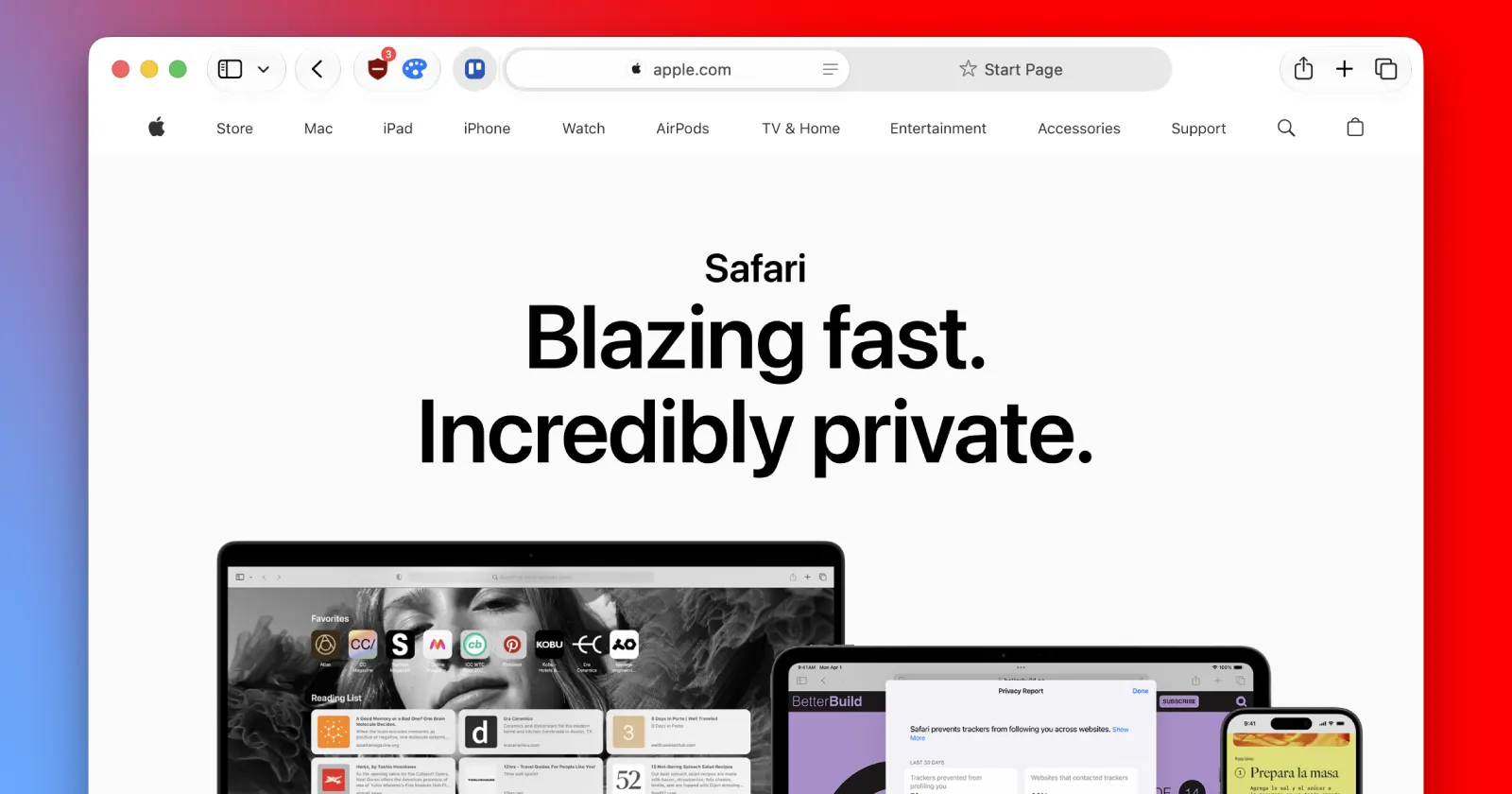
Apple showed off Safari 27 at WWDC 2026 with a massive injection of Apple Intelligence features designed to clean up your messy tabs and automate password changes. The update will arrive on iPhones, iPads, and Macs this fall when the stable versions of iOS 27, iPadOS 27, and macOS 27 go live. There’s not much to unpack, but the new features and improvements seem pretty useful. So let’s start with the main highlight.
Cleaning up your messy tabs with AI
The browser analyzes your open pages and groups similar ones together so you don’t have to sort through dozens of random links. In my brief testing, I could not get the feature to work. Still, it’s a neat idea, and I look forward to testing it out more.

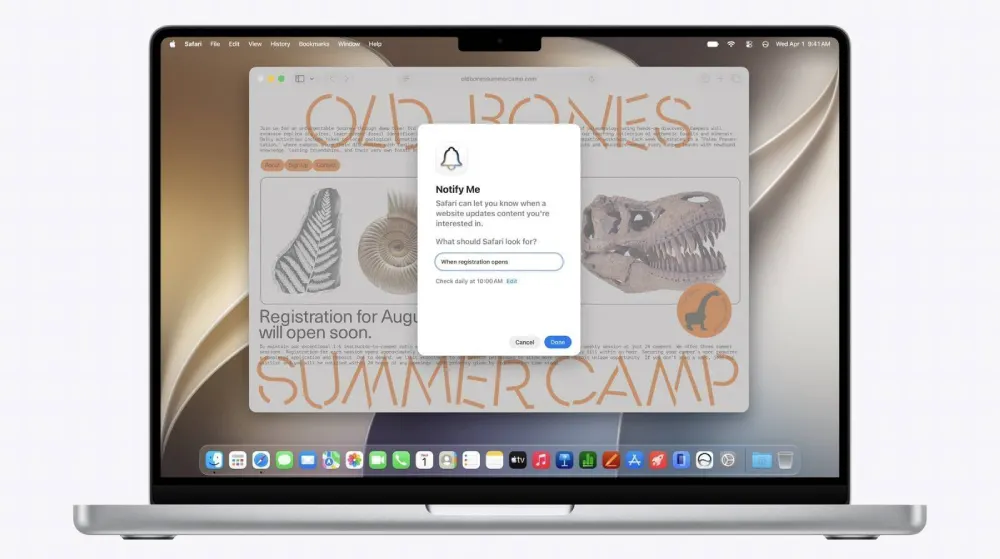
Apple is also adding a tool called Notify Me. You can type a natural language command telling Safari to watch a specific webpage for changes. Safari monitors the page in the background after you close the tab and sends a notification when something updates.
Build your own extension
This is the feature I’m most excited about. I’ve already experimented with building my own extensions in Google AI Studio and plugging them into Chrome manually. But this Safari 27 feature makes the whole process a lot easier. You can type what you want in plain English, and Safari will build a custom extension on the fly to change how web pages look or behave. Apple says this will make modifying websites accessible to everyone.
Indeed. I tested it out and whipped up an extension to change the colors of web pages. It’s not perfect, but it’s a start. Here are some screenshots of the extension in action.
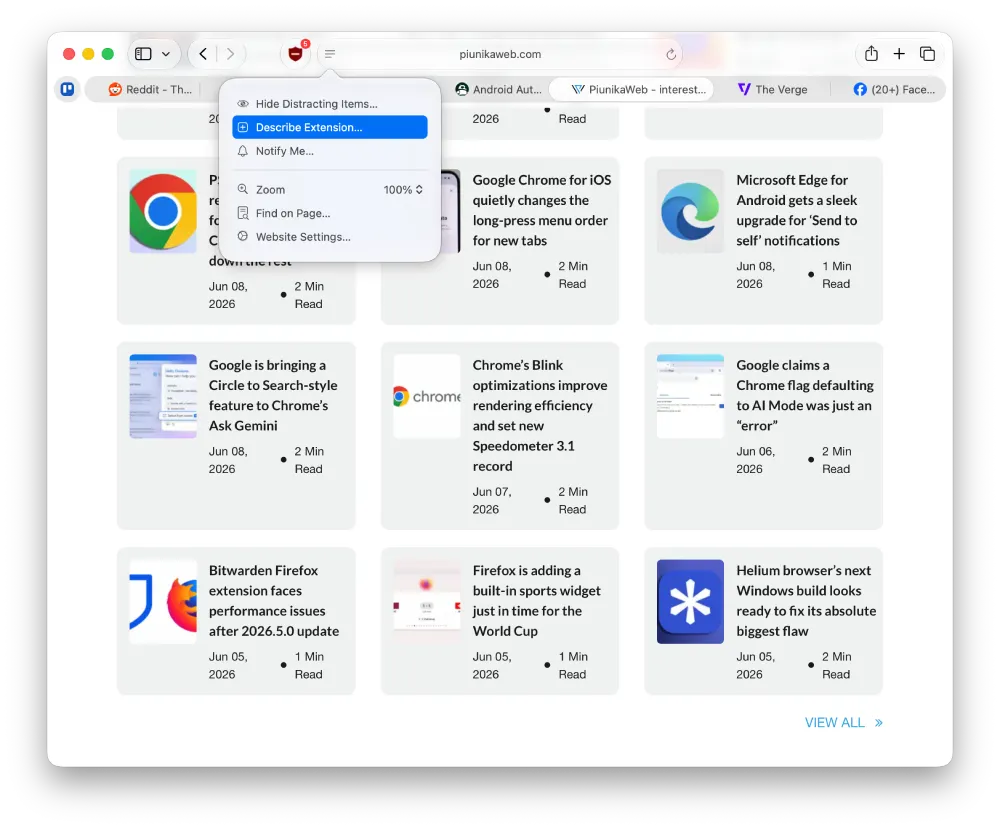
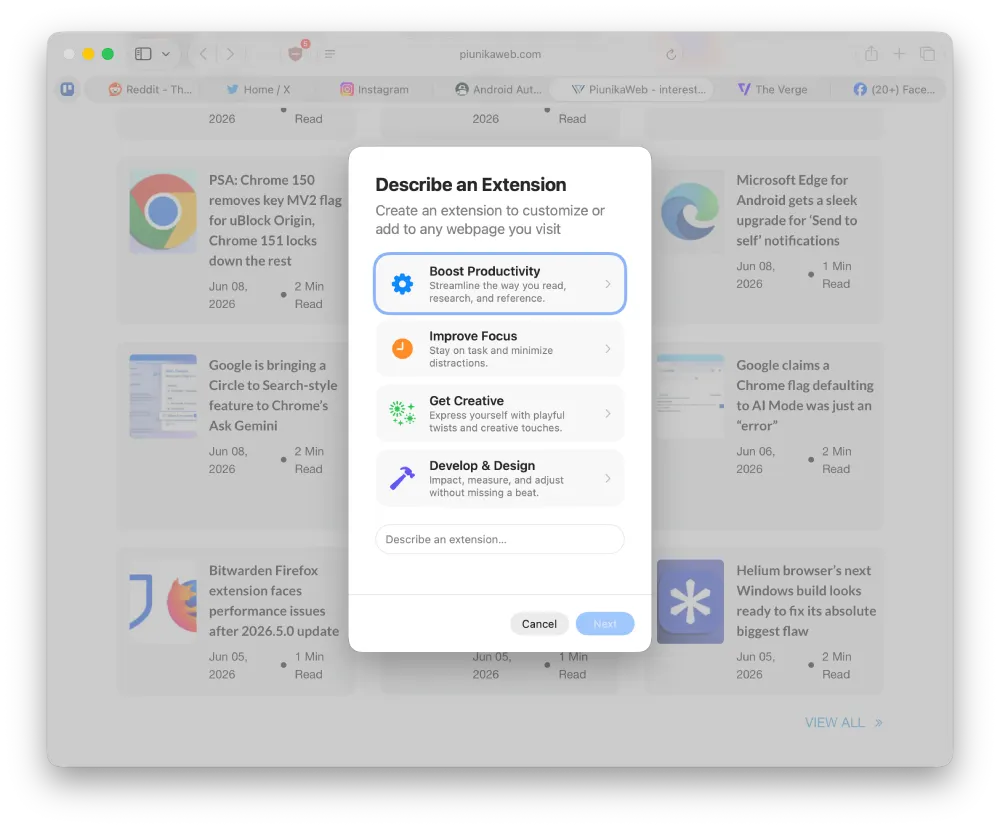
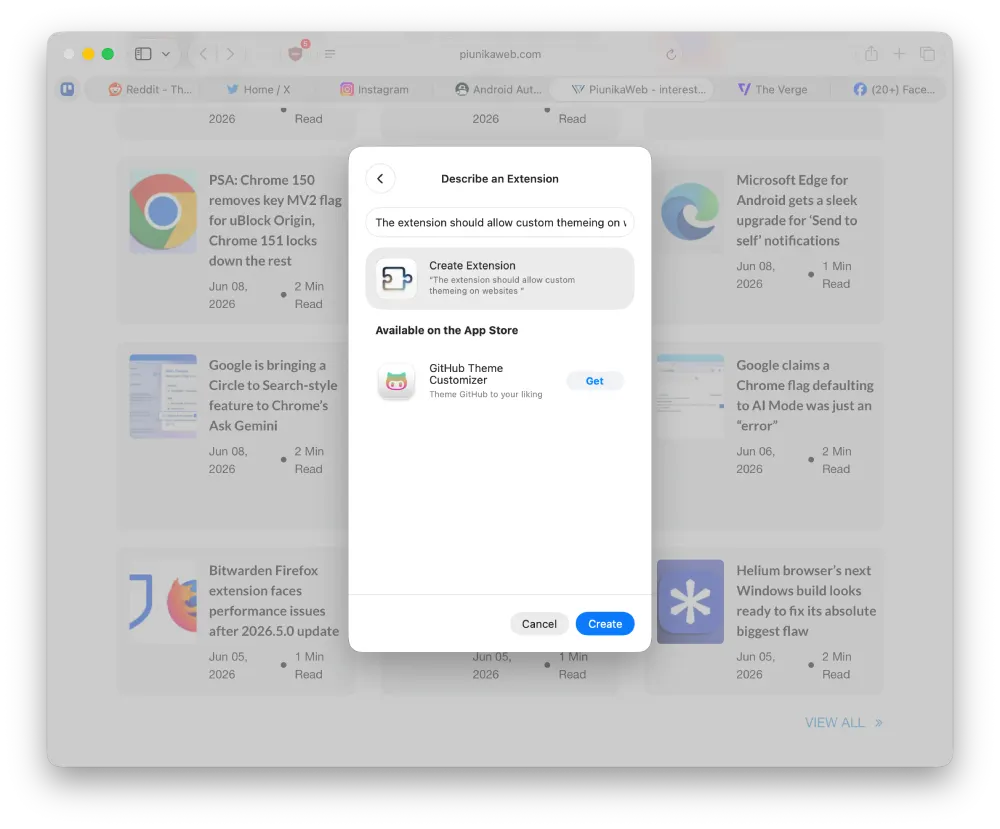
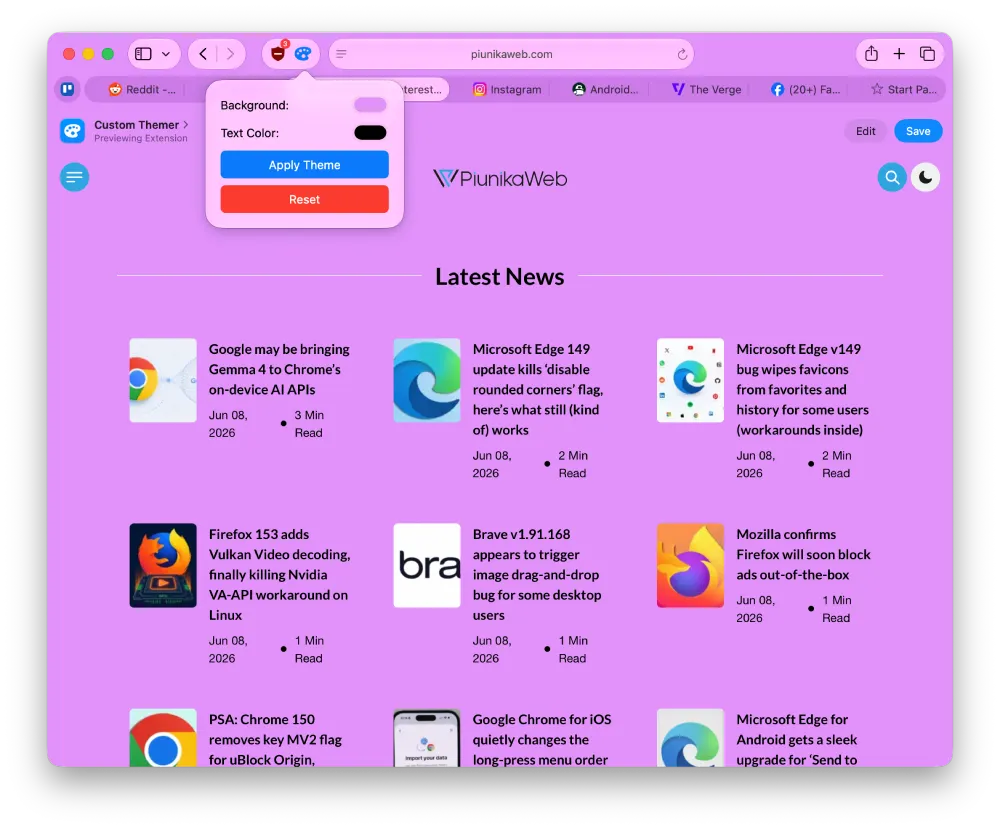
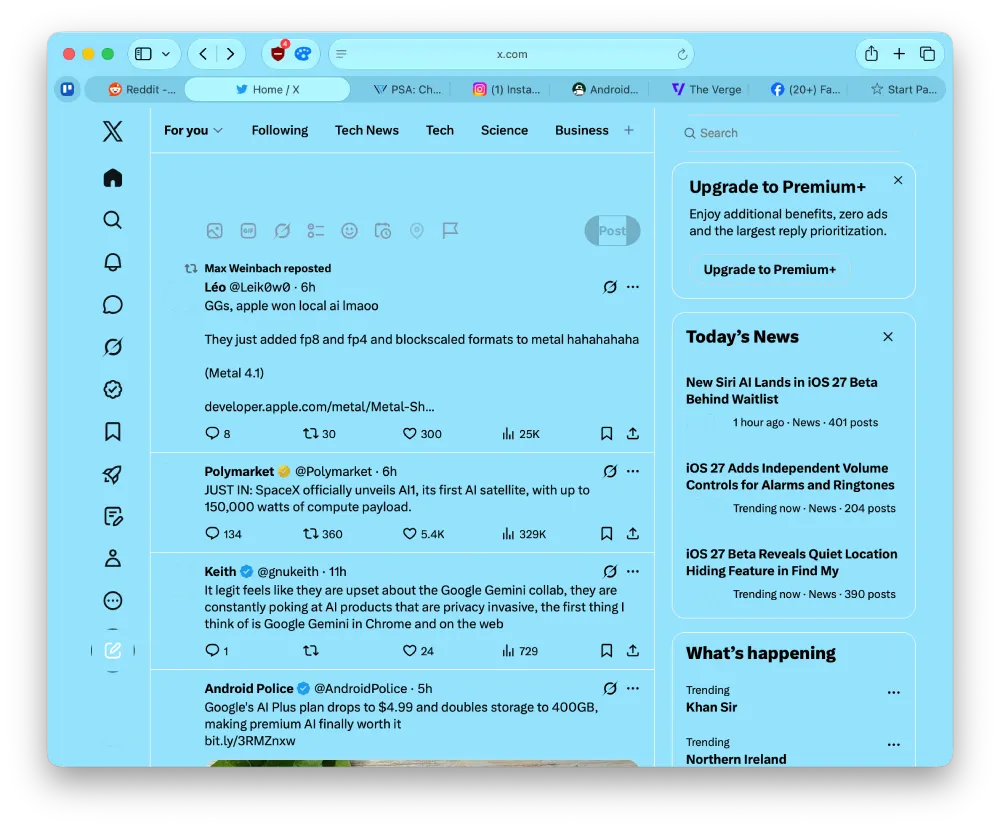
If you see the last screenshot, you can see that the extension changes the color on X, but it breaks a lot of other elements. You can, however, still refine the extension or use a better, more detailed prompt to get the desired result.
And in case you’re wondering, it took about 3 minutes to build the extension from start to finish. Also worth noting is that you can even build and sync extensions on Safari for iOS.
Apart from this, the update also brings a new tool for developers to package and distribute their web extensions from any operating system using a browser without needing Xcode.
Automatic password upgrades
Safari 27 also integrates directly with Apple’s new Passwords app to handle security upgrades automatically. You can update weak or compromised account credentials with a single tap. Apple Intelligence takes over the browser to log into the website, navigate the settings pages, and change the password securely on your behalf. This eliminates the usual hassle of manually digging through account settings menus.
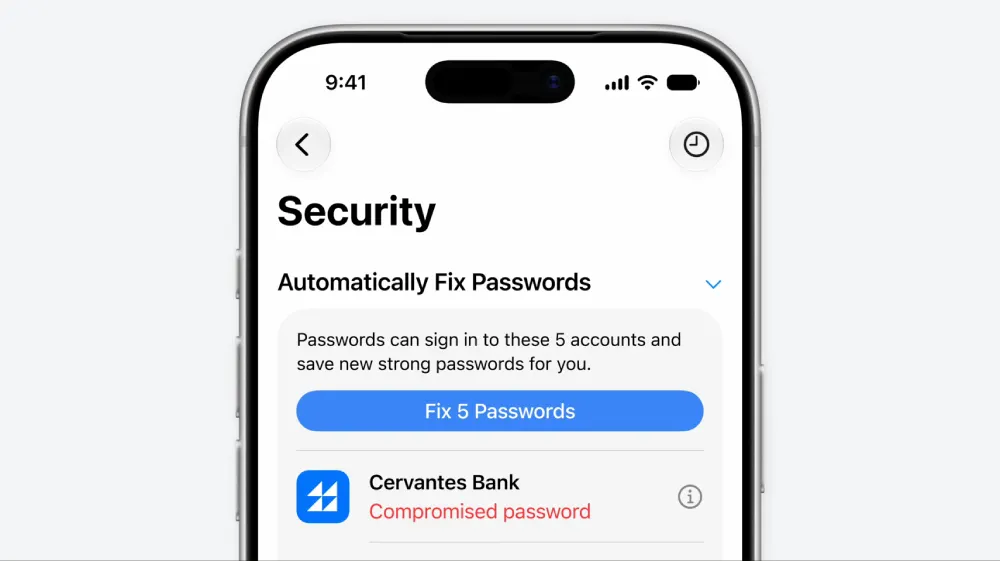
If this works as advertised, it’s a great addition to the Passwords app.
New controls for kids
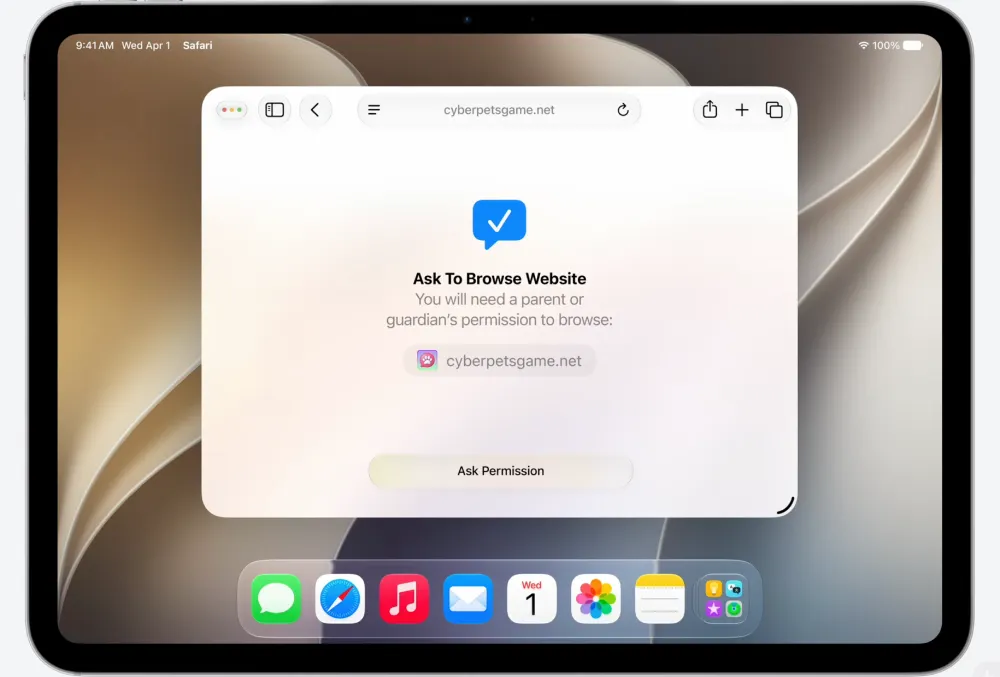
Parents get more oversight with a feature called Ask to Browse. Children must request permission before they can open any new website. Parents receive a notification on their own iPhone or Mac to review the page before granting access. This pairs with updated communication safety tools that block violent content and gore in shared images across the system.
3D models in your browser
Websites can now display interactive 3D models natively on iPhones, iPads, and Macs. Apple moved the HTML model element out of Vision Pro exclusivity and onto standard devices. Users can spin products around or preview objects directly in their physical space using augmented reality. Vision Pro users get an upgraded experience where they can step inside these web models as fully immersive environments like virtual theater seats.

Better layouts and bug fixes
Developers get a highly requested feature called CSS grid lanes. This allows websites to build classic masonry layouts natively without relying on heavy JavaScript code. Apple says its engineering team focused heavily on core browser stability this year instead of just chasing new features. They rewrote 20-year-old layout code from scratch and pushed out over 1,000 bug fixes since last autumn. One specific fix stops websites from breaking when users type newer emojis that require extra data bits. Safari now sends those emojis as direct text instead of a data number to prevent truncation errors.
For everything new with WebKit for Safari 27, you can watch the full WWDC 2026 video below:


Dwayne Cubbins
3060 Posts
I cover fast-moving stories across apps, online platforms, and everyday tech — phones, wearables, consoles, and whatever else people are fighting with this week. Bugs, rollouts, scams, policy enforcement, and the occasional internet-culture rabbit hole are all fair game. My goal is simple — make confusing tech news readable. When I'm not working, I'm working out or chilling with my dog. Got a tip? You can find me on X @dcubbins.
Next article View Article