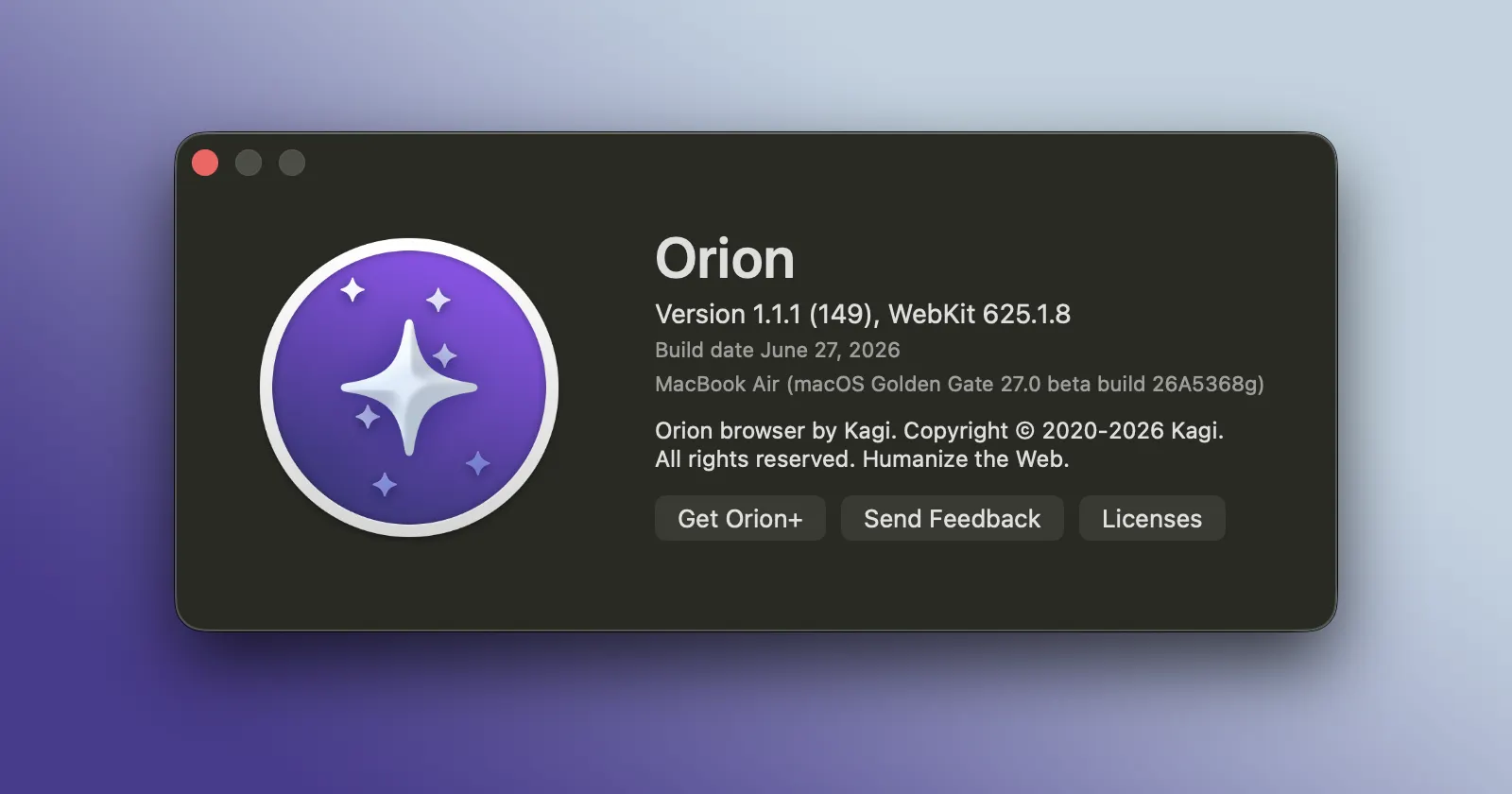
Orion Browser’s big 1.1 update only landed a few days ago, but the team is already back with a smaller follow-up release. Version 1.1.1 is now out for macOS, and while it is not another feature-heavy drop, it does clean up a few rough edges that showed up after the major update.
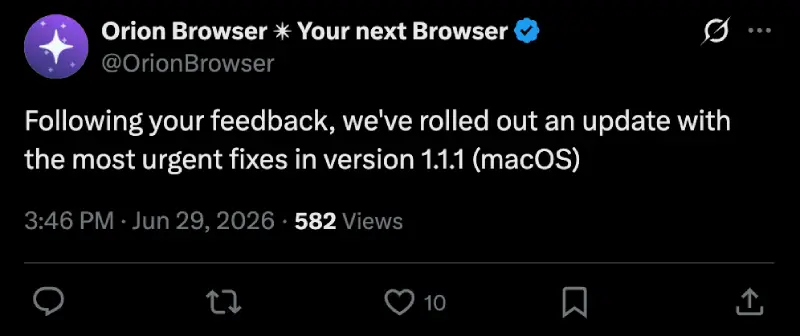
The team also announced the release on X.
In case you missed it, Orion 1.1 was a pretty packed release, adding native containers, built-in page translation, a refreshed interface, and custom window borders for Orion+ users. We covered that update in more detail here. With that much changing at once, a quick bug-fix build was always likely.
Orion 1.1.1 focuses mostly on things that would have been immediately annoying for daily users. One of the more notable fixes addresses extensions becoming unclickable after a while. That is the kind of bug that can make a browser feel broken even if the rest of it is running fine, especially for anyone relying on password managers, blockers, or productivity add-ons throughout the day.
Bookmarks also get some attention in this release. The changelog mentions a fix for the broken Bookmarks Bar display in Orion 1.1, along with another issue where bookmark colors would not update correctly on macOS 15 when colored browser chrome was enabled.
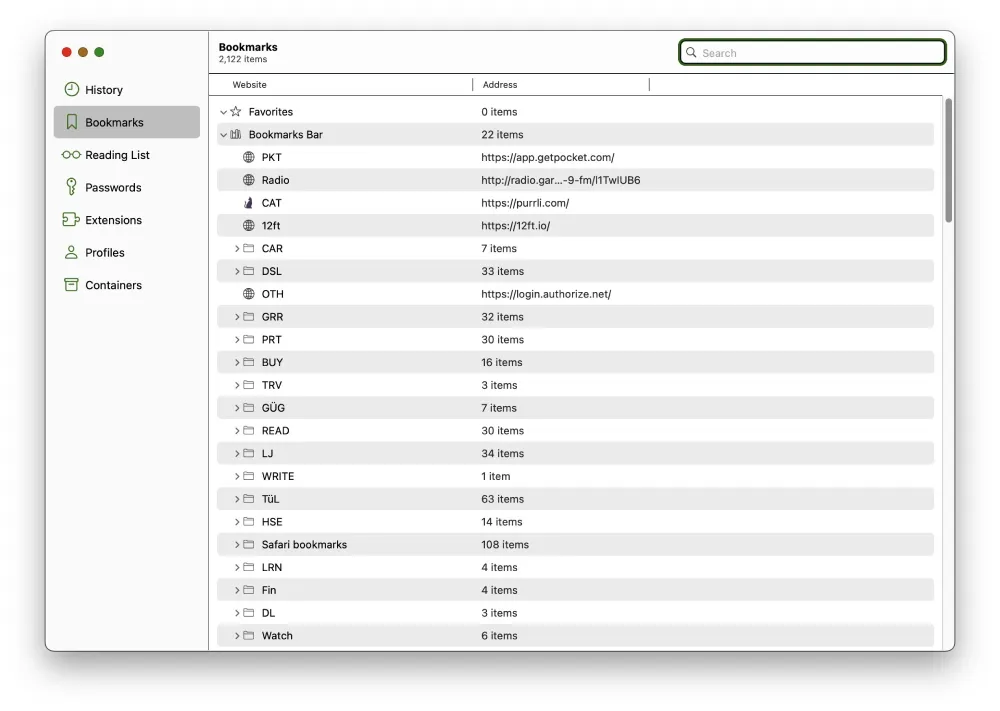
These are not headline features, but they do matter when the 1.1 update put so much emphasis on visual polish and UI cleanup.
There are also fixes for crashes, container counts, compact tabs, sidebar state, and a couple of extension-specific issues. Orion 1.1.1 resolves compatibility problems with LibRedirect and fixes a problem that could stop uBlock Origin from working properly on YouTube. Proton Pass users should also see an improvement, as the update fixes passkey authentication requests getting stuck in a loading state.
So this is very much a maintenance release, but it is a useful one. Orion 1.1 brought the bigger ideas. Orion 1.1.1 is about making sure those changes behave properly in normal use.
Full Orion 1.1.1 changelog
- Container count doesn’t change live #14103 by @oplos
- Manage Containers not showing on macOS Big Sur #14119 by @tpss
- Polish UI strings not present in UI #13905 by @byte
- Bookmarks Bar Display is Broken in Orion 1.1 #14093 by @isocat
- Orion 1.1 URL input left icon covered when focused #14092 by @pn320
- Extensions become unclickable after a while #14085 by @FourKneez
- Orion 1.1 hard crashes upon launch #14096 by @averageorionusernumber22
- Fixed an issue where extension permissions could be reset after restarting the browser following an update.
- Resolved an issue that could cause Proton Pass passkey authentication requests to remain indefinitely in a loading state.
- Improved the focus ring appearance of the standard and vertical location bar on macOS 27 by adjusting horizontal padding.
- Fixed an issue on macOS 15 where bookmark colors on Bookmarks Bar would not update correctly when using colored browser chrome.
- Resolved an issue preventing rapid tab closure in Compact Tabs mode when closing the currently selected tab.
- Fixed an issue where browser windows would not restore the previous sidebar open/closed state on launch.
- Resolved a visual issue where rapidly opening new tabs in Compact Tabs mode could cause the location bar placeholder text to disappear.
- Fixed an issue in Tab Overview where switching to Compact Tabs from another tab layout could incorrectly display tabs using the previous layout.
- Fixed compatibility issues affecting the LibRedirect extension.
- Resolved an issue that could prevent uBlock Origin from functioning correctly on YouTube.


Dwayne Cubbins
3020 Posts
I cover fast-moving stories across apps, online platforms, and everyday tech — phones, wearables, consoles, and whatever else people are fighting with this week. Bugs, rollouts, scams, policy enforcement, and the occasional internet-culture rabbit hole are all fair game. My goal is simple — make confusing tech news readable. When I'm not working, I'm working out or chilling with my dog. Got a tip? You can find me on X @dcubbins.
Next article View Article