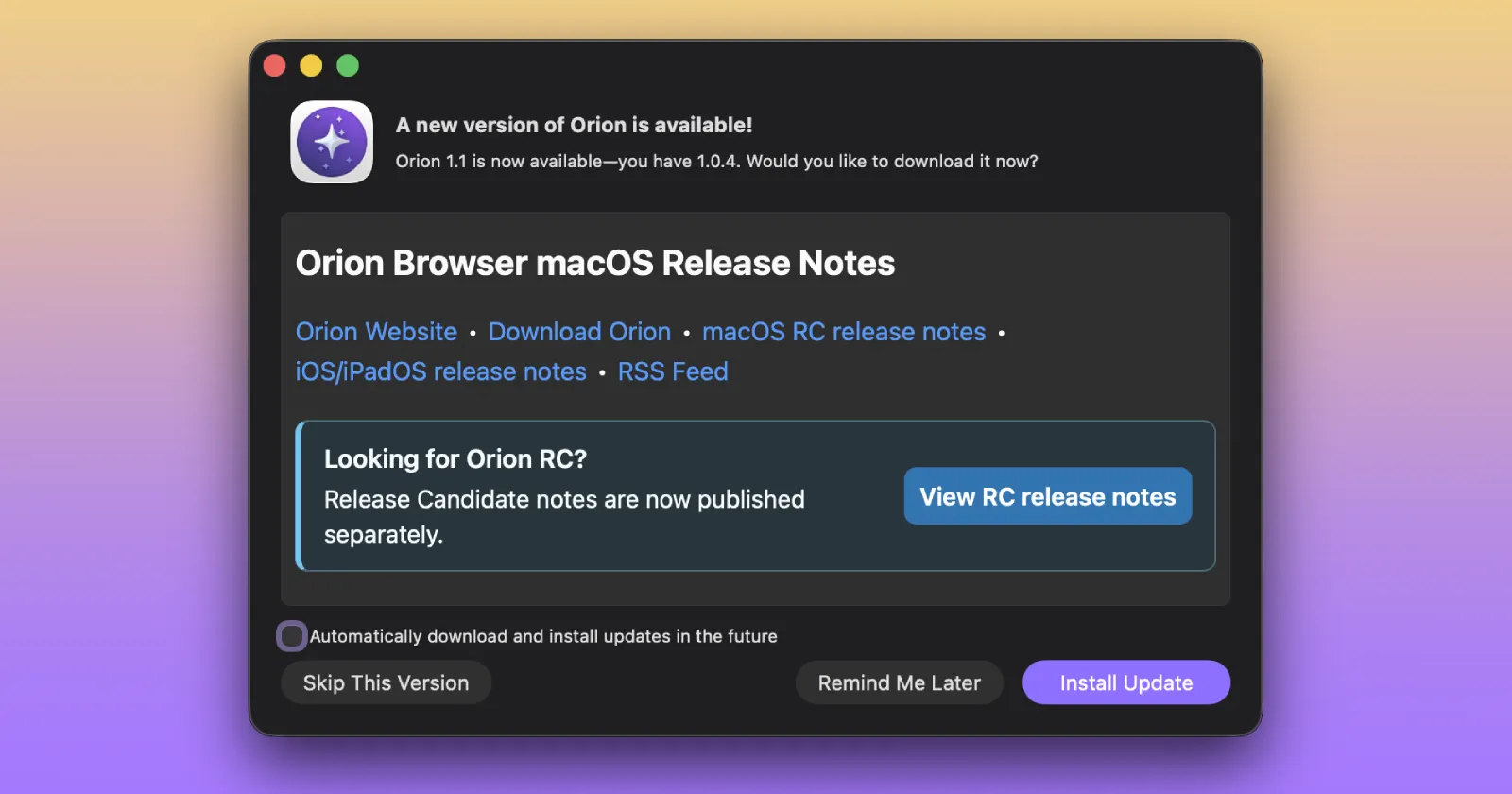
Kagi just dropped version 1.1 of the Orion browser for Mac. And it’s a massive release with a changelog that lists over 170 fixes. That said, you only really need to care about two things: native containers and the interface tweaks.
Containers are the big one. If you’ve ever used Firefox, you know exactly what this is. You can isolate cookies and active sessions on a per-tab basis. This means you can open three tabs, load X or Mastodon in all of them, and log into a different account in each one. They just sit there side-by-side. You don’t need to juggle separate browser profiles or launch an incognito window just to check a work email.
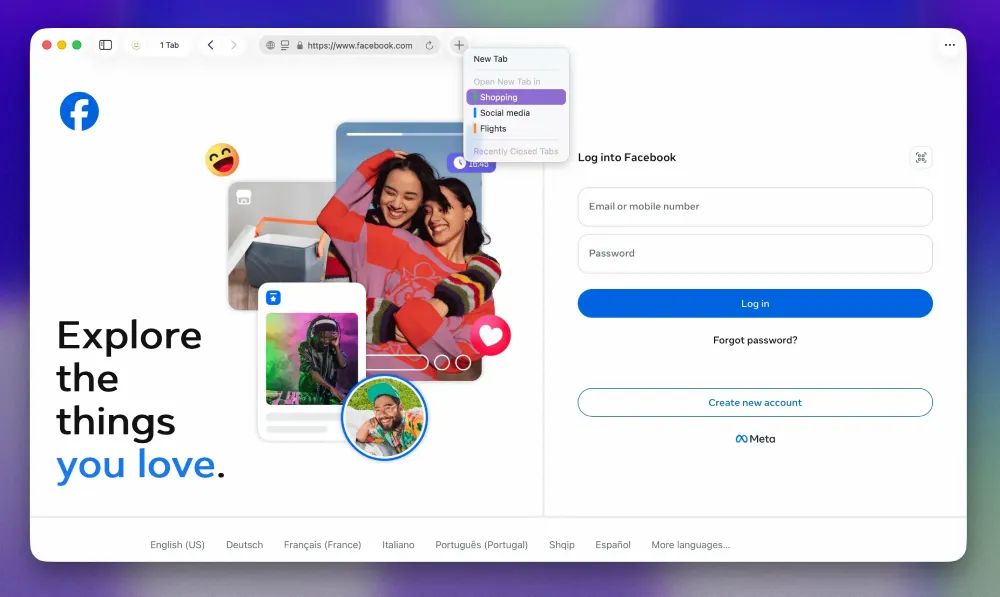
Orion+ subscribers will apparently get an option soon to force every single new tab into its own isolated container by default.
We caught a glimpse of the new visual updates earlier this month. The colored window borders are now live, though they remain an exclusive perk for paying Orion+ users. If you try selecting a border style and hit the ‘Done’ button, the system will prompt you to ‘Get Orion+’.
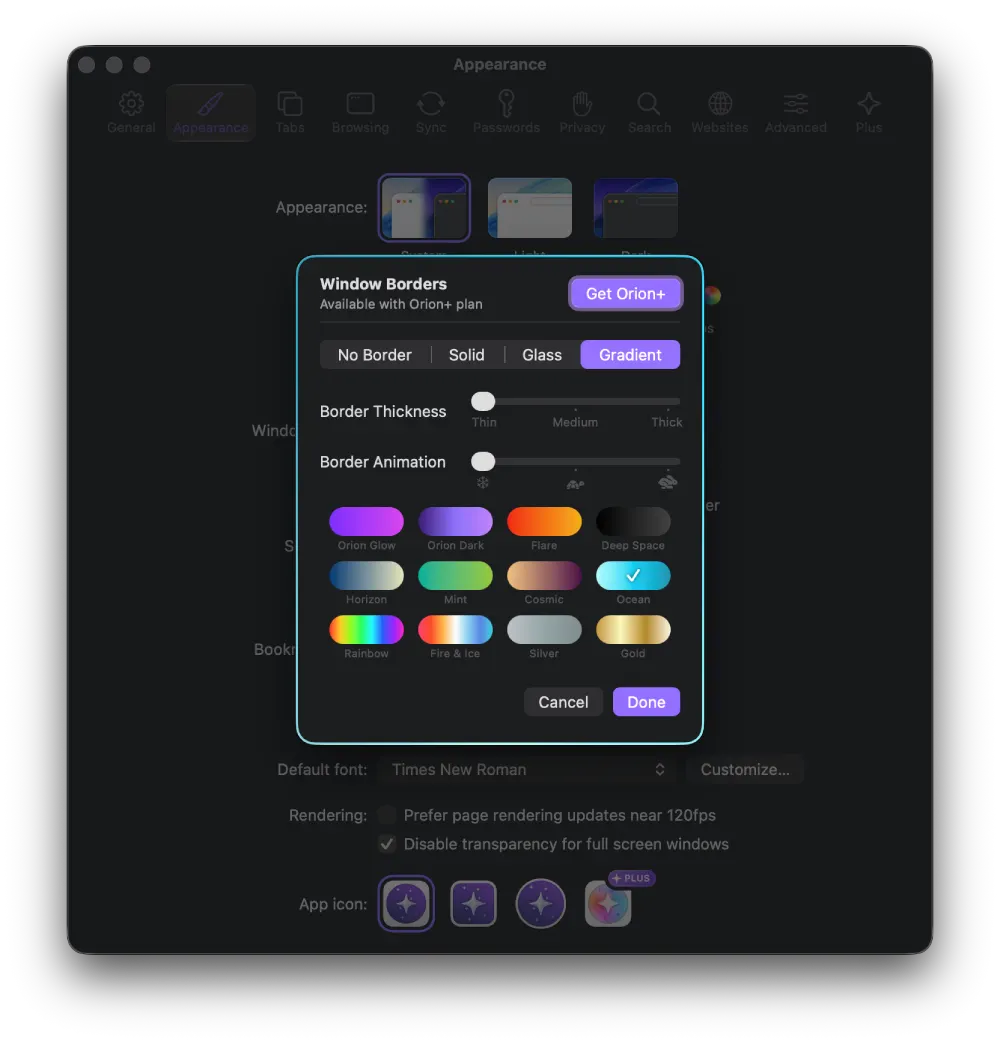
The feature is here just for the aesthetics. You pick a color or gradient, and it frames the browser window. Turn on Focus Mode to hide the toolbar and tabs, and you’re left with just the web page wrapped in a colored line.
The team shared a screenshot of the UI with custom borders, and I must admit that it’s eye candy.
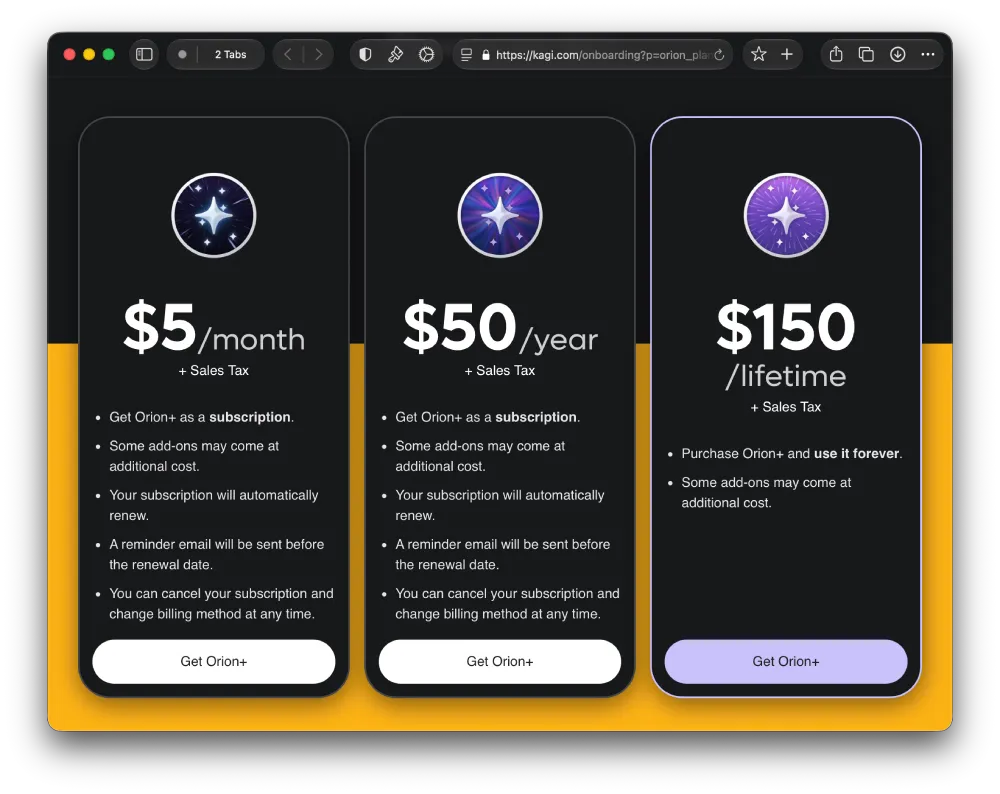
It’s a shame that it’s paid, but Orion+ starts at $5 + sales tax per month, or you can opt to pay $150 for a lifetime subscription.
The rest of the interface changes are actually a rollback.
The development team had been trying to build a custom “Liquid Glass” UI. They scrapped it. According to the release notes, it caused too many UX issues. Instead, version 1.1 cleans up the compact mode and collapses a bunch of separate location bar icons into a single indicator. It feels a lot less cluttered now.
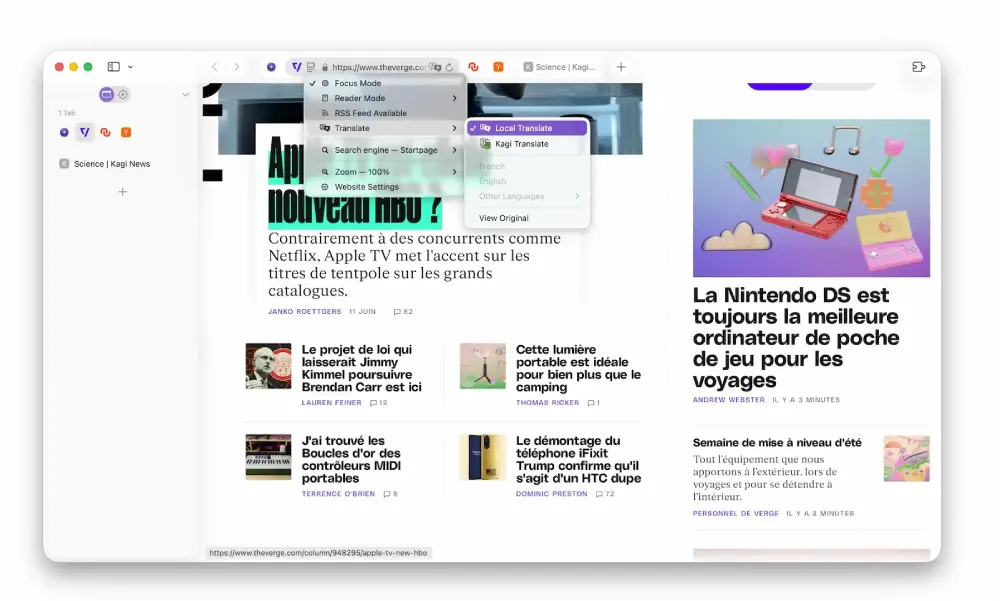
One other quiet addition is offline page translation. So instead of bumping you out to a new tab when you hit translate, it now happens in-place on the page. If you’re running macOS 26 or newer, the browser hooks into Apple’s local translation framework to do this entirely offline. This means that the text never leaves your machine and remains private.
Windows and Linux versions are still in the pipeline. And the footnote mentions that it’s “coming soon to Windows, and very soon to Linux.”


Dwayne Cubbins
3101 Posts
I cover fast-moving stories across apps, online platforms, and everyday tech — phones, wearables, consoles, and whatever else people are fighting with this week. Bugs, rollouts, scams, policy enforcement, and the occasional internet-culture rabbit hole are all fair game. My goal is simple — make confusing tech news readable. When I'm not working, I'm working out or chilling with my dog. Got a tip? You can find me on X @dcubbins.
Next article View Article