





Never has a #browser offered such an immersive browsing experience. Stay tuned for the 1.1 launch. pic.twitter.com/ccGIGLF69D
— Orion Browser • macOS, iOS, iPadOS, Linux, Windows (@OrionBrowser) June 12, 2026
The Orion browser is getting a pleasing new design tweak with version 1.1. The browser will automatically assign a separate color for the borders, based on the current tab you’re in; this is the headline feature.
The update was officially announced through a post on X, which said that Orion+ subscribers would soon get access to colored borders. At the time of writing, no other new features were teased for this update.
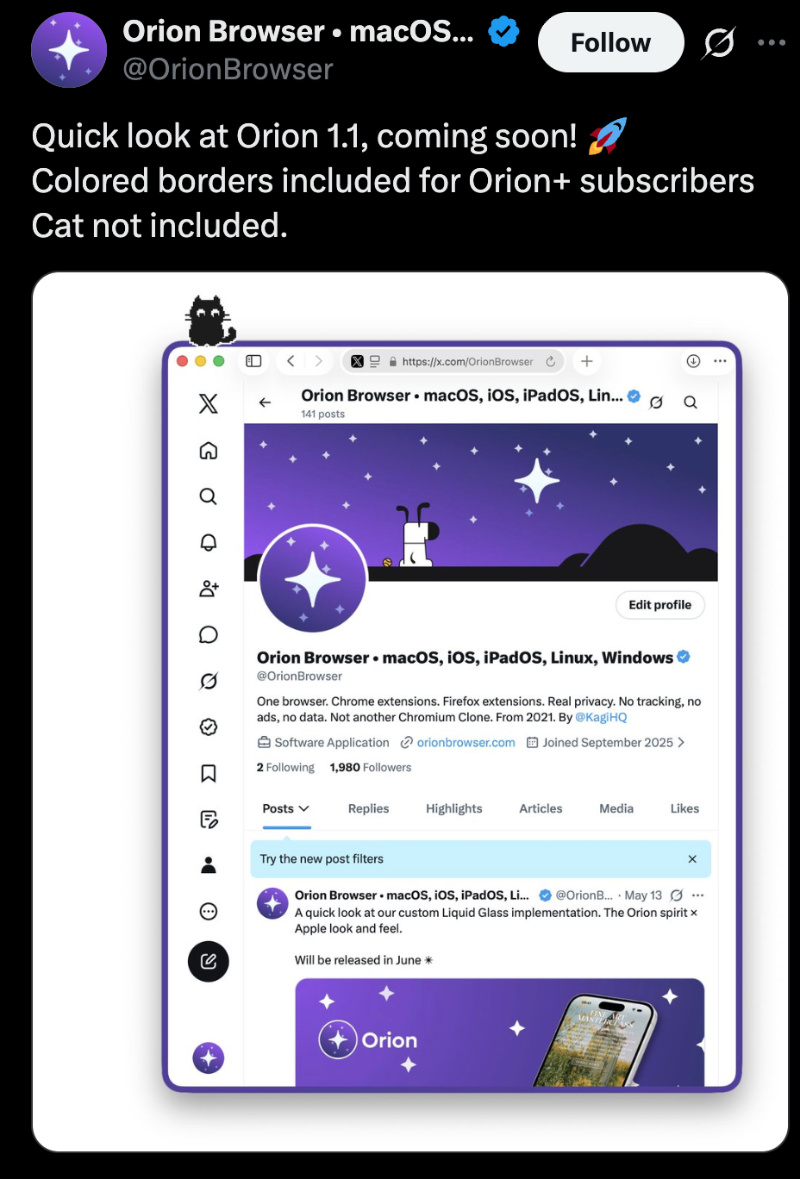
In a follow-up post, the company also teased an “immersive browsing experience” that’s coming soon with version 1.1. You can view the clip below.
In the video, switching from one tab to another dynamically adjusts the color of the borders. The process is automatic, and it looks like the tab color is assigned based on page content or browser theme. For instance, the colors move from orange on the Orion feedback website to purple on another website, ending with black.
The borders of the entire browser (and possibly the header area) also change to the same color scheme. However, since the main announcement post mentions that borders are exclusive to subscribers, users of the free version will likely not get access to it.
Marketing dynamic border colors as the headline feature for the Orion 1.1 update and locking that behind a paywall might not be well received.
Speaking of Orion+, you’ll get access to nightly builds, custom app icons, colored borders… and that’s all at the moment. It’s a “growing list” of perks, and the main reason for paying is to support the project itself, and not necessarily for major features or aesthetic benefits at the moment, since most of these mentioned features already exist for free on several other browsers.
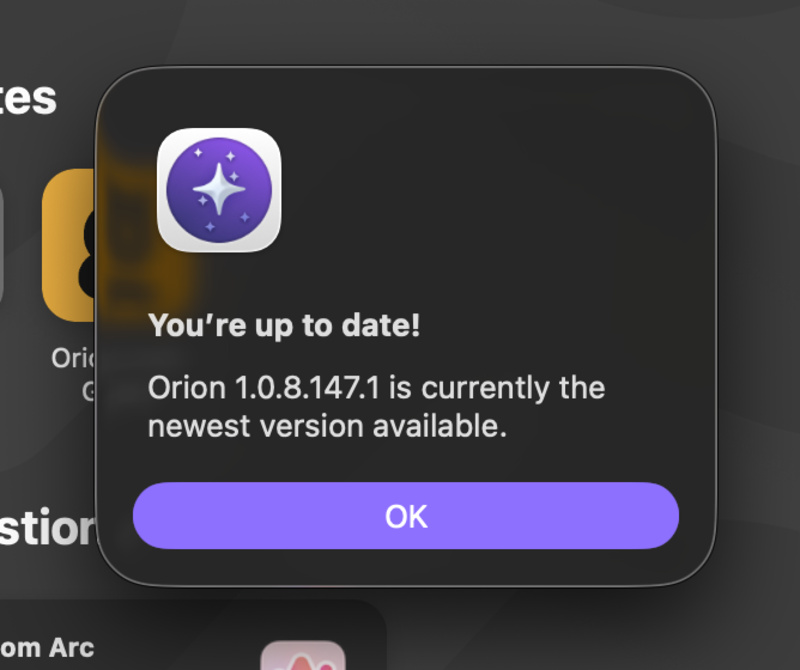
I’ve checked for this update, but it’s not live yet. Version 1.0.8.147.1 is the latest one at the time of writing. No exact dates or timeline of release have been officially shared yet.
On this version, opening the Orion feedback tracker does make the header and the right side orange in color, but only when vertical tabs are activated.
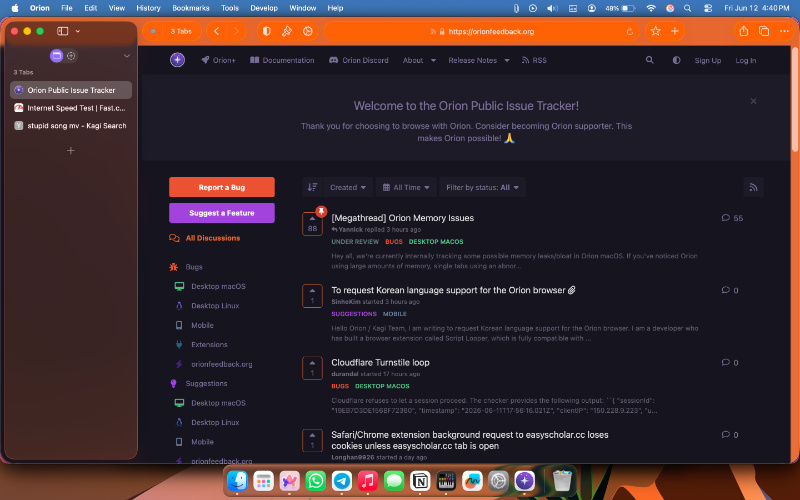
It doesn’t change the header color for any website when using regular tab view for some reason.
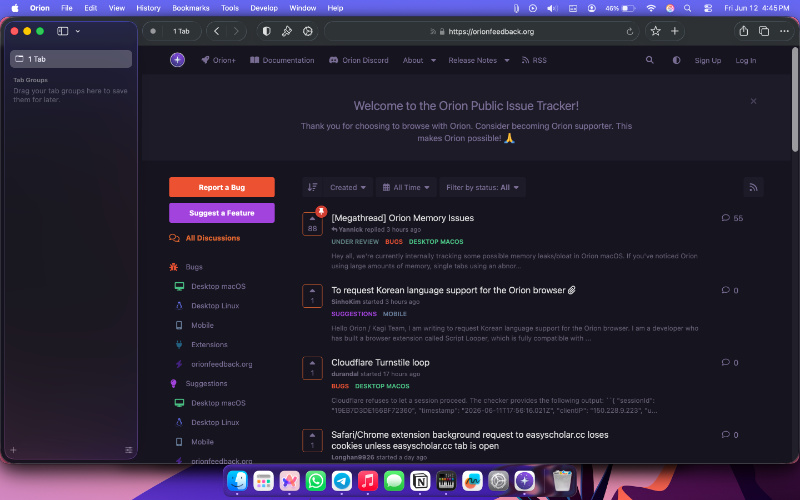
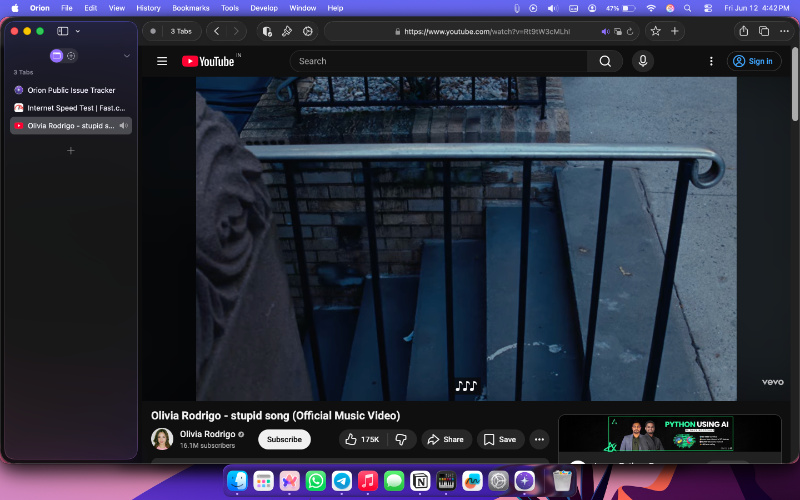
Other regular websites, such as YouTube, don’t change the header color in any tab position.
The new features aside, the Orion browser account has also confirmed that issues with the Biwarden extension and memory leak on macOS are both being looked into. I’ve experienced extremely high memory use myself, so I’m hoping the company fixes that as a priority.
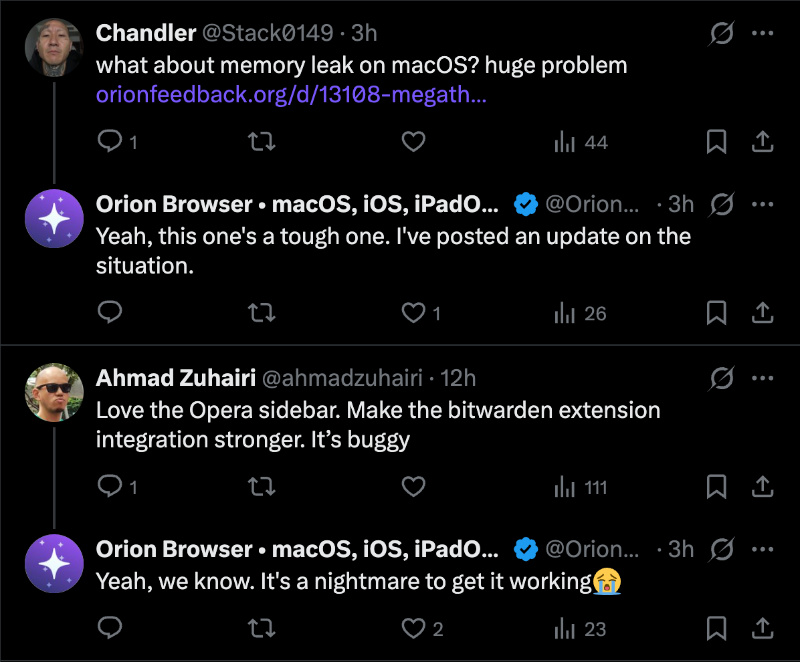
Additionally, the admin is right about Bitwarden being a “nightmare.” Chromium-based browsers such as Brave are also facing issues with this extension, as we covered here. Firefox, a non-Chromium-based browser, is also not free of issues with Bitwarden.

We stand out from the tech-media crowd because we break news stories; we mainly bring you stuff that you won’t find anywhere in the mainstream tech media. Our stories have been picked up by some of the world’s most popular websites and media outlets—more info is available here.

Sudhanshu K
320 Posts
I have been a consumer technology enthusiast for over 5 years. Thanks to my experience in software beta testing and product reviews, I've understood and learnt a lot about what bugs and issues bother people, and I spend time trying to simplify their solutions. I cover smartphones, software, social media, apps, AI, and most consumer tech gadgets. Actively pursuing a Computer Science bachelor’s degree. I'm mostly active on Twitter/X (@TechWhirlUlt), drop a DM or tag me if you want to share info or connect!
Next article View Article
Opera GX celebrates 7-year browser anniversary with popular "67" internet trend
Opera GX has now turned seven. To celebrate, the company has introduced a mod that lets you... "67" on any website that you visit.
The official Opera GX account on...
Jun 12, 2026 1 Min Read