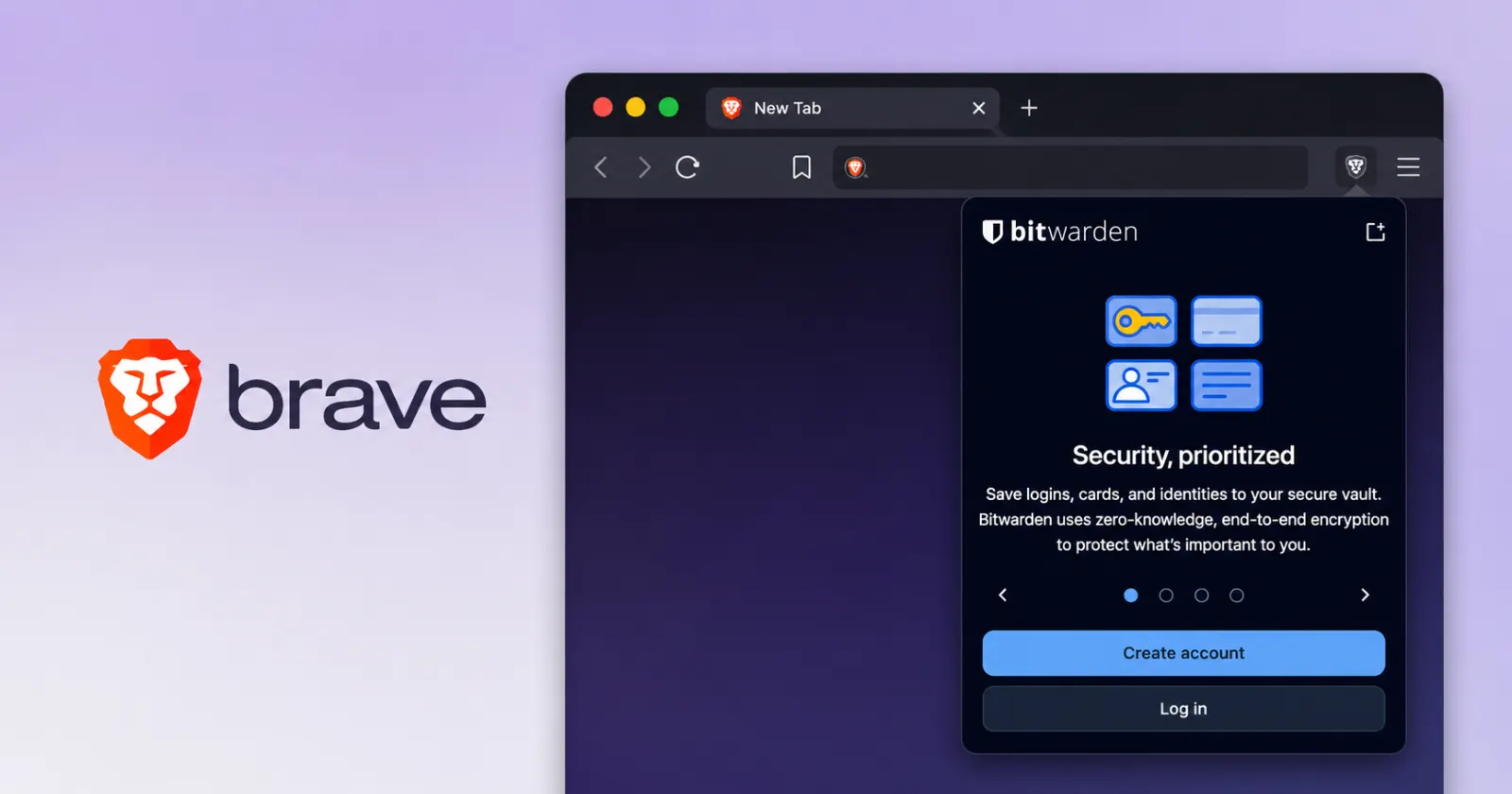
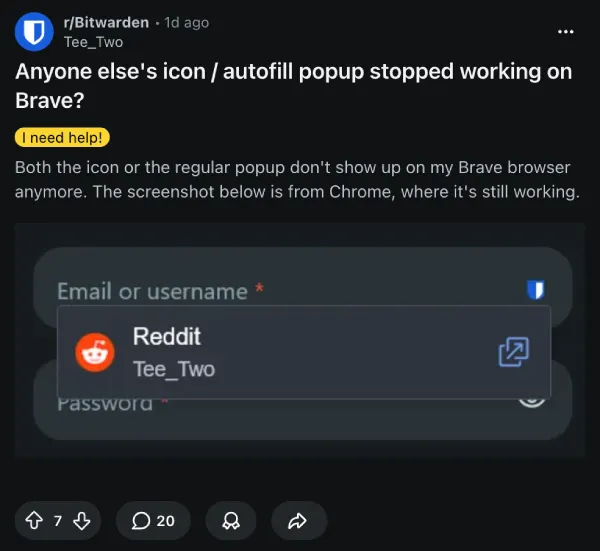
Brave users running the latest browser update are finding their Bitwarden inline autofill menus completely missing. The small pop-up that usually appears right inside login fields to suggest saved passwords just stopped showing up. Bitwarden developers confirmed the bug and escalated it to their engineering team for a fix.
The problem seems to have popped up following the v.91.171 update that went live recently. People on Windows, macOS, and Linux started reporting the exact same broken behavior at the exact same time. The Bitwarden vault still opens normally if you click the main extension icon. The software is actively running in the background and syncing data perfectly fine, but the actual visual overlay just fails to inject into the web page.
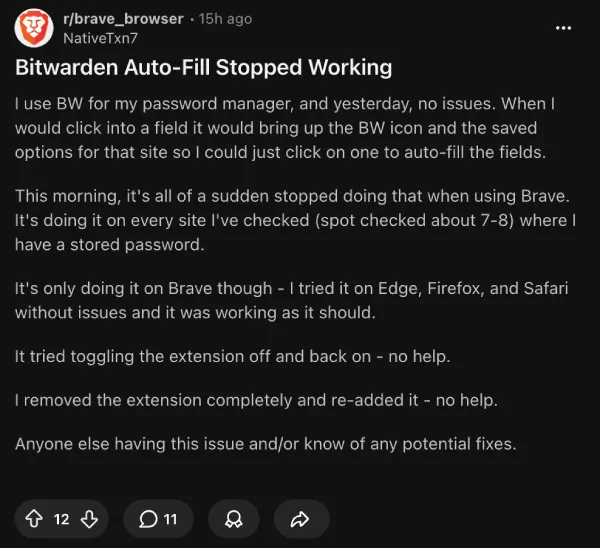
Users confirm that generic troubleshooting steps like uninstalling and reinstalling the extension don’t help. Creating a fresh browser profile also fails to bring the menu back. The issue specifically targets Brave and its recent integration of Chromium 149.
Google Chrome and Microsoft Edge users running the exact same Bitwarden extension version 2026.5.1 are not experiencing any missing popups.
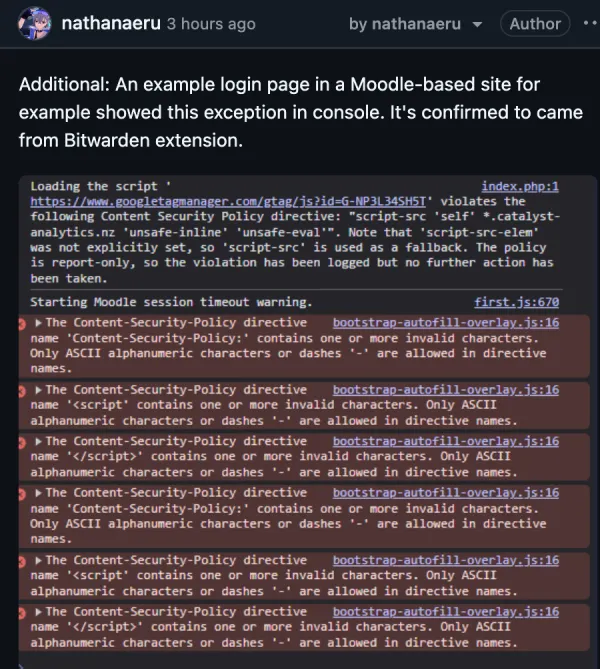
Users digging into the browser console found a possible clue. The extension tries to load its scripts but hits an error about a duplicate script ID related to FIDO2 registration. Other people spotted content security policy warnings blocking the specific autofill overlay script. These backend code conflicts basically stop the visual menu from showing up on the screen.
But there’s still some good news for users who don’t want to wait for a patch. The manual keyboard shortcut still works flawlessly because it bypasses the broken visual menu entirely.
Pressing Ctrl+Shift+L on Windows or Cmd+Shift+L on a Mac will instantly drop your credentials into the empty boxes. You can just tap the shortcut and log in as usual. It takes a little muscle memory adjustment, but it gets the job done.
A Bitwarden employee responded to threads on the Bitwarden subreddit to assure users the team is actively tracking the defect.
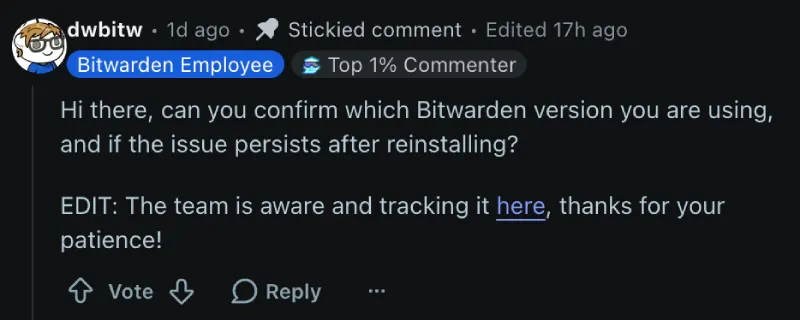
They linked to an official GitHub issue tracker where the developers are logging the ongoing technical details. The bug is tagged and currently assigned an internal tracking ID. Brave users will just have to rely on their keyboards and wait patiently until an official bug fix rolls out to the extension store.


Dwayne Cubbins
3088 Posts
I cover fast-moving stories across apps, online platforms, and everyday tech — phones, wearables, consoles, and whatever else people are fighting with this week. Bugs, rollouts, scams, policy enforcement, and the occasional internet-culture rabbit hole are all fair game. My goal is simple — make confusing tech news readable. When I'm not working, I'm working out or chilling with my dog. Got a tip? You can find me on X @dcubbins.
Next article View Article