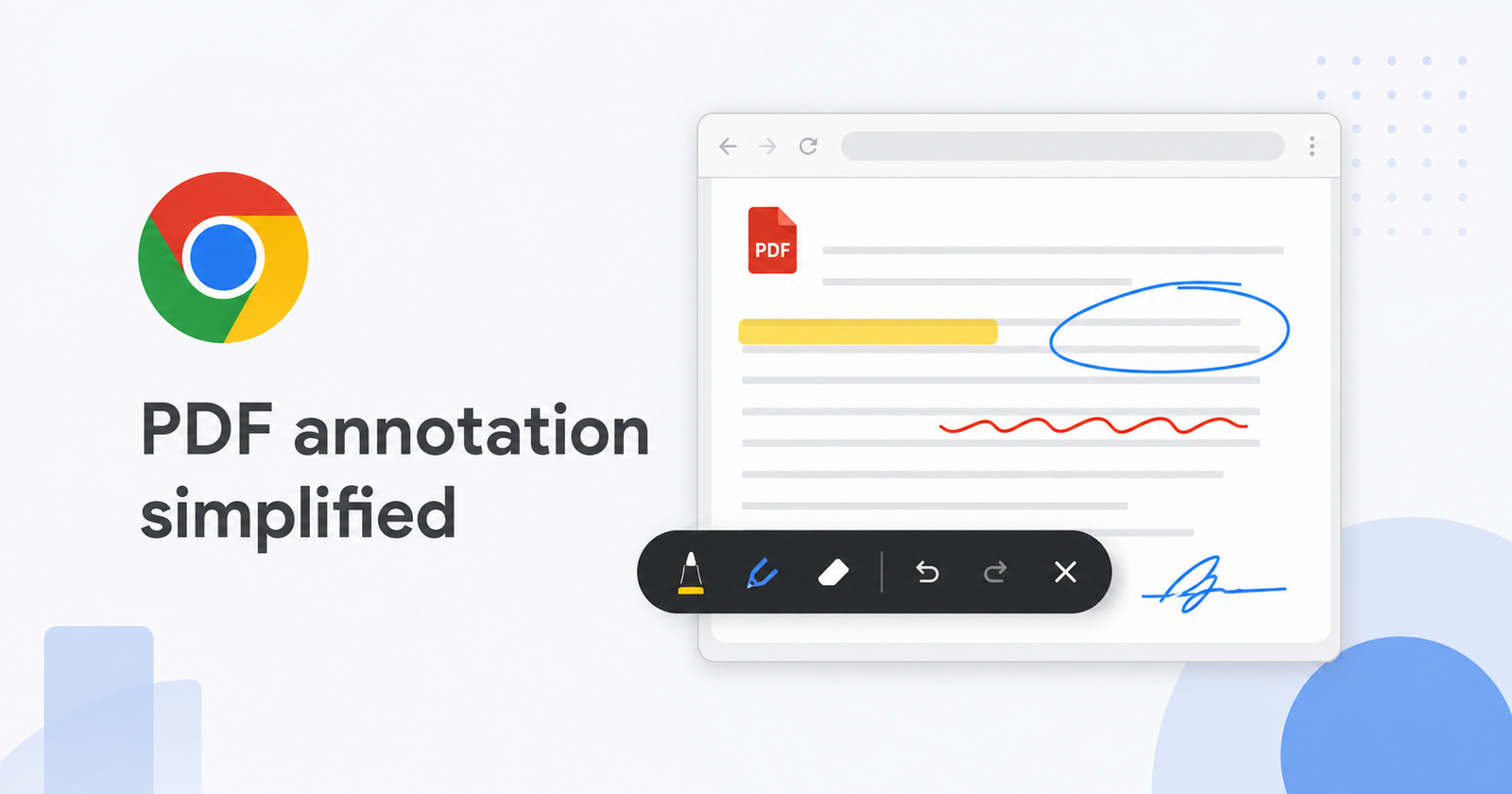
In upcoming updates, Google Chrome will no longer redirect you to the Drive PDF Viewer if you want to annotate (highlight/draw) a PDF.
In the Canary build, Google has introduced a new PDF editing toolbar, and it doesn’t leave the Chrome browser. The options include highlighting tools and writing tools.
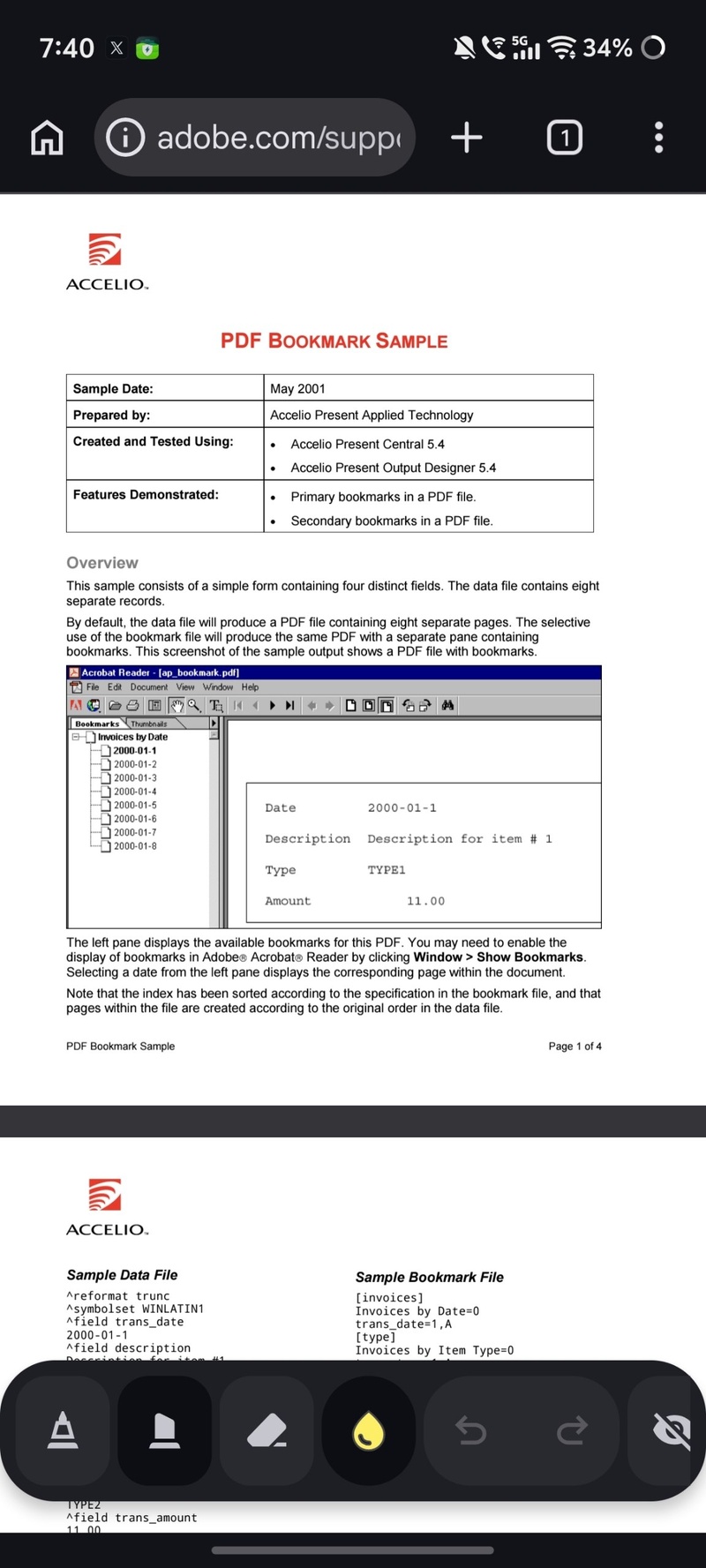
You can also change the position of the floating toolbar by long-pressing on it.
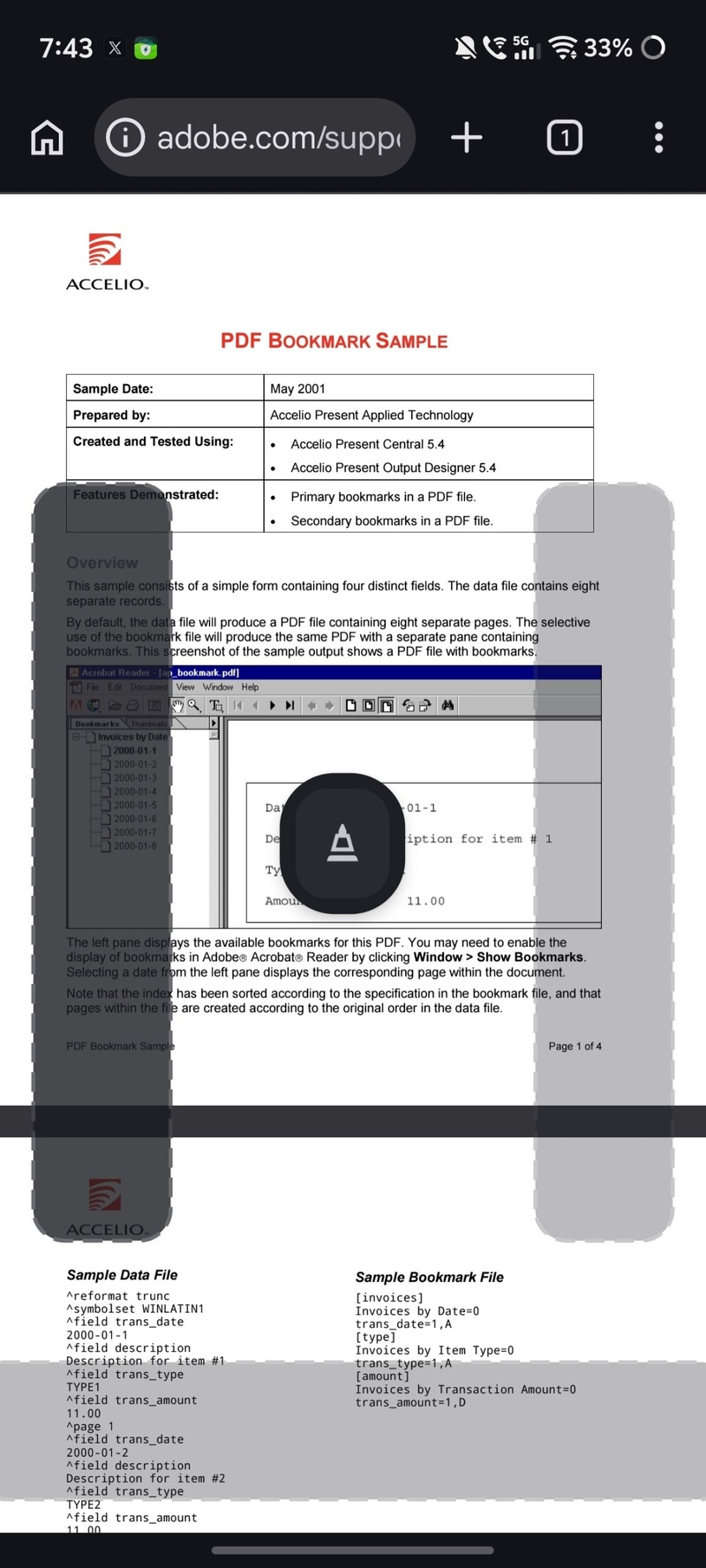
On my devices, the option doesn’t appear yet on the stable version of Chrome at the moment. Instead, it gives you the option to choose a PDF viewer. I’ve attached the reference image below.
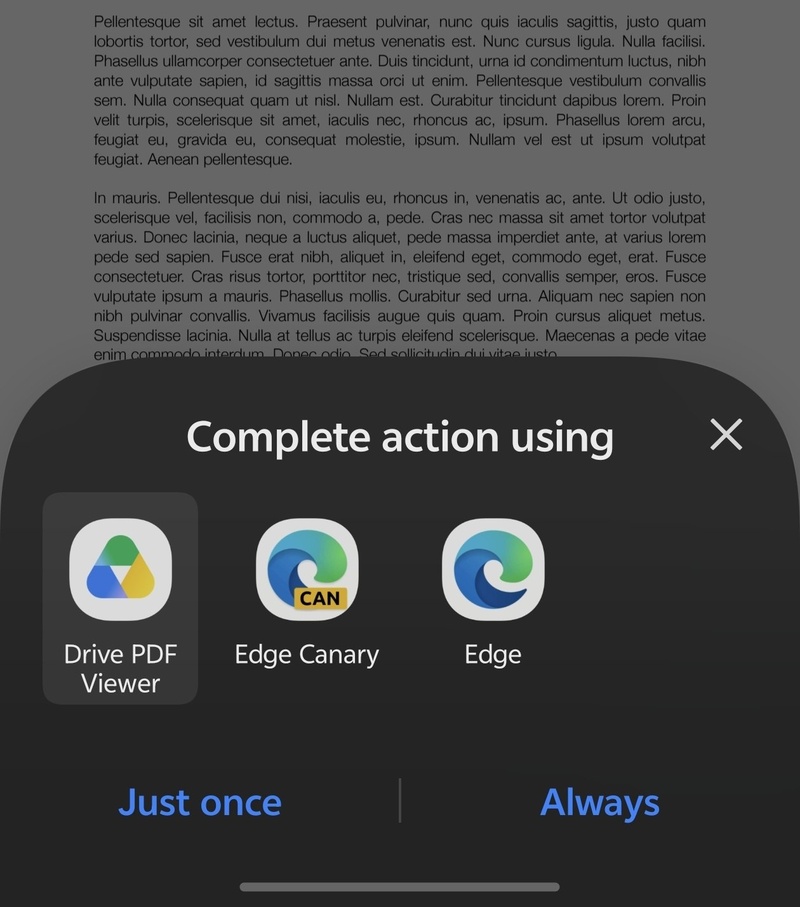
If the Drive PDF Viewer is set as the default viewer, it automatically kicks you into Drive’s editor, with an option that says “Save to Drive.” This actually isn’t happening within Chrome. You’re being kicked into an external viewer.
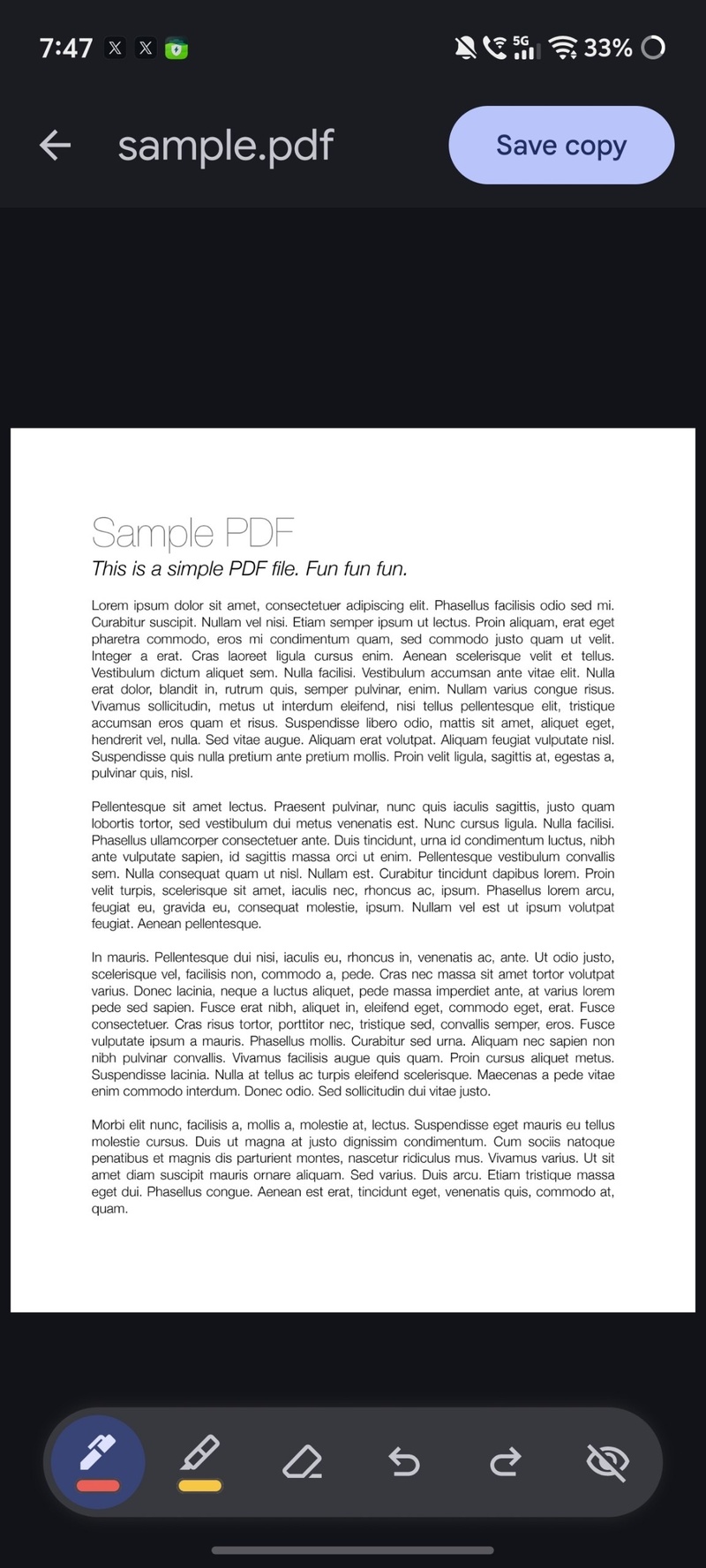
Once this change rolls out, you don’t have to use the Drive editor. You can just annotate directly within the main Chrome app itself.
If you want to try this feature, you’ll need to install Chrome Canary from the Play Store. Since Canary is an unstable/experimental version that gets the latest features first, it’s not recommended to use it as your primary browser, as it’s intended for testers and developers.
In-browser PDF annotation is currently available in Chrome 151 (Canary), so it’ll presumably take a while before it makes it to the stable version. If Google doesn’t tie the feature to a specific app version and releases it directly (via the server-side), then you can expect it much sooner. Which route Google will take with this feature is presently unclear.
We just got the Chrome 150 version a few days ago (more on that here); the 151 version is still under testing. All in all, this PDF annotation is a neat feature since Chrome doesn’t redirect to another app anymore for this basic task.
PS: If you use iOS, there’s no native PDF annotation tool on the browser at all.
Disclaimer: The Featured image was generated with AI.


Sudhanshu K
305 Posts
I have been a consumer technology enthusiast for over 5 years. Thanks to my experience in software beta testing and product reviews, I've understood and learnt a lot about what bugs and issues bother people, and I spend time trying to simplify their solutions. I cover smartphones, software, social media, apps, AI, and most consumer tech gadgets. Actively pursuing a Computer Science bachelor’s degree. I'm mostly active on Twitter/X (@TechWhirlUlt), drop a DM or tag me if you want to share info or connect!
Next article View Article