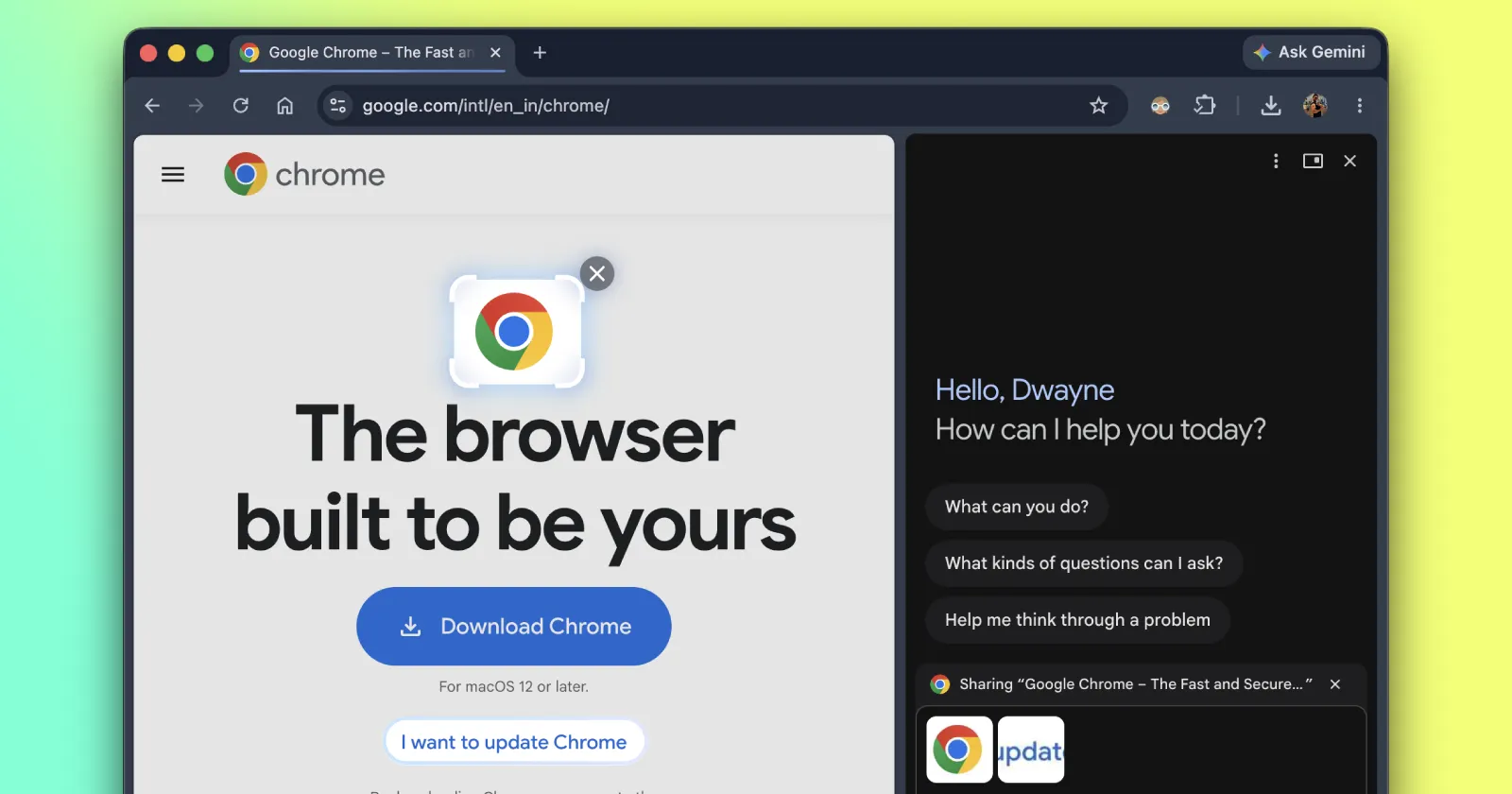
Earlier this month, we reported that Google is preparing to bring a Circle to Search-like experience to Chrome on desktops. Back then, the feature was being tested in Canary builds. Now, that same feature has made its way to Chrome on the stable channel.
Instead of feeding the AI an entire webpage, you just grab what matters. You click Ask Gemini in your browser toolbar, open the Add attachments menu, and hit Select from screen.
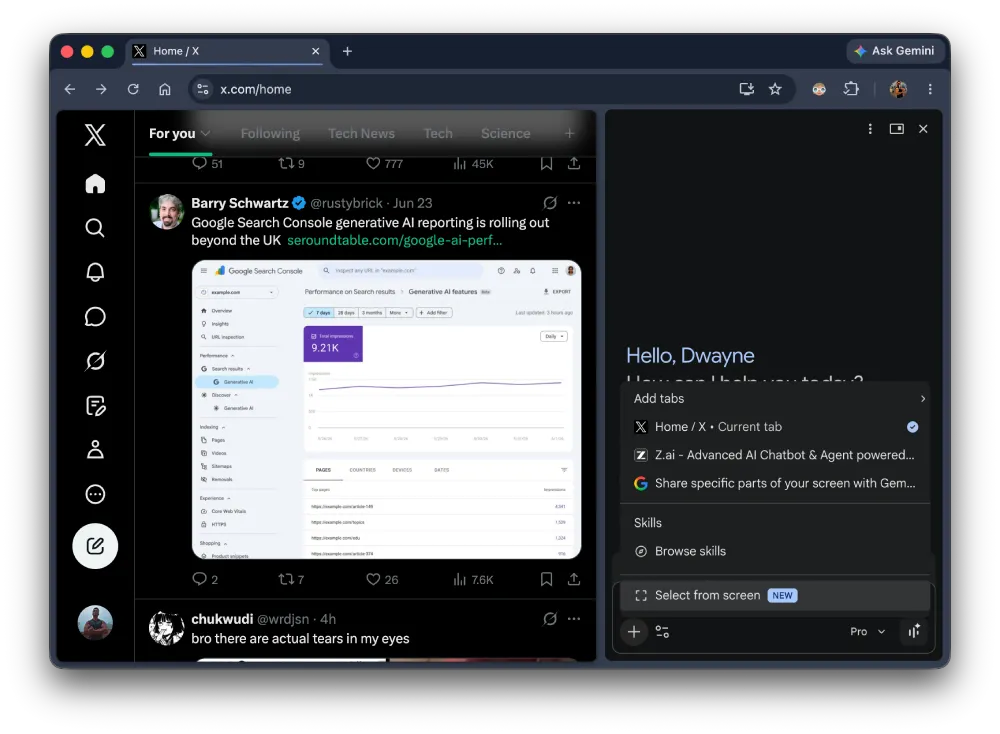
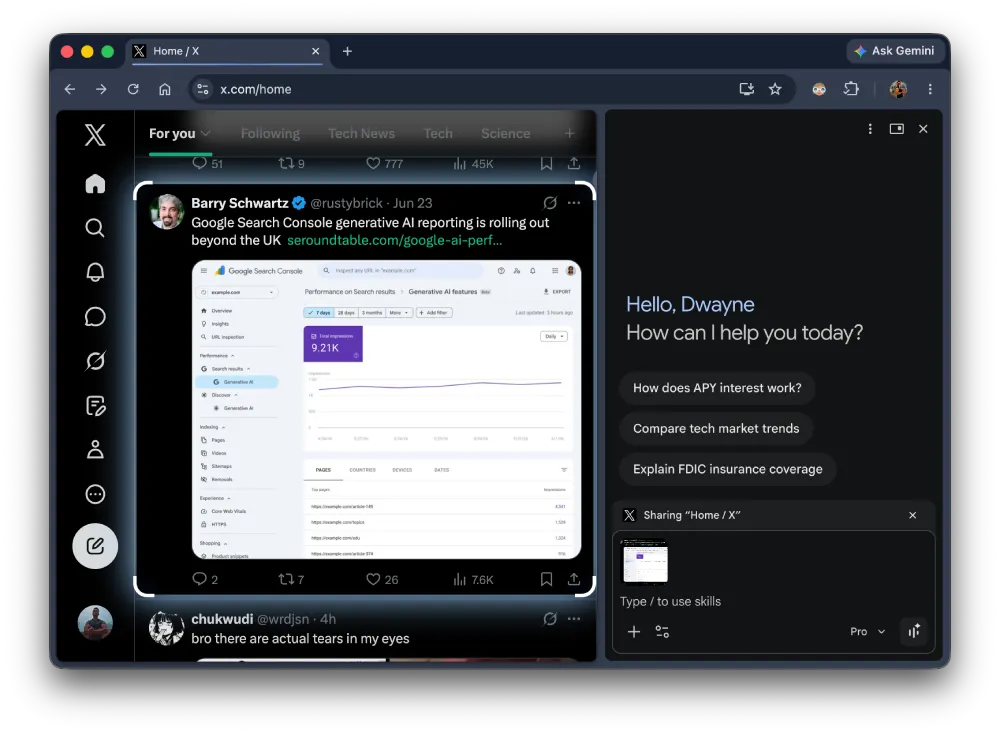
You can draw boxes around images or text on the page. The selected content goes straight into your prompt. Google suggests using it to compare a few pairs of sneakers or capture part of a diagram for a focused explanation. But of course, there are endless possibilities with this.
I just updated my browser and I see it live on Chrome version 149.0.7827.197. The cursor turns into a crosshair when you activate it. You just drag to draw your box and wait for a second for the image to load into the Ask Gemini side panel. Note that you can select multiple parts of the screen.
Google recently updated the official documentation on their support page for the feature. This is currently available for users 13 and older in supported countries. You need a Chromebook Plus, Mac, or Windows computer to run it. It does not work on Linux right now.
This screen-selection tool is just the latest in a series of AI-focused enhancements we’ve been tracking for the browser. For instance, we recently covered how Chrome is testing a quicker way to search highlighted text with Gemini. That experiment aims to cut out the middleman by introducing a floating toolbar that passes your selected text directly to the AI side panel, saving you from the usual copy-and-paste routine.
Beyond these visible interface additions, Google is also pushing some significant under-the-hood improvements. If you regularly cast tabs or mirror your display to a larger screen, you’ll be glad to know that Chrome’s AV1 Cast Streaming upgrade is getting closer.


Dwayne Cubbins
2896 Posts
I cover fast-moving stories across apps, online platforms, and everyday tech — phones, wearables, consoles, and whatever else people are fighting with this week. Bugs, rollouts, scams, policy enforcement, and the occasional internet-culture rabbit hole are all fair game. My goal is simple — make confusing tech news readable. When I'm not working, I'm working out or chilling with my dog. Got a tip? You can find me on X @dcubbins.
Next article View Article