Opera has introduced a new customization interface for themes in its Opera One browser and it vastly improves the overall personalization experience. The interface is a lot more user-friendly now, so users who are new to the browser can easily get the hang of it and create a setup that matches their style.
These changes come directly from user feedback on the previous theme editor, and Opera announced them officially in a blog post. There are several practical improvements now, which are already live in Opera One; I’ve checked for all of them myself. You can find a demonstration of all the changes in the paragraphs written below.
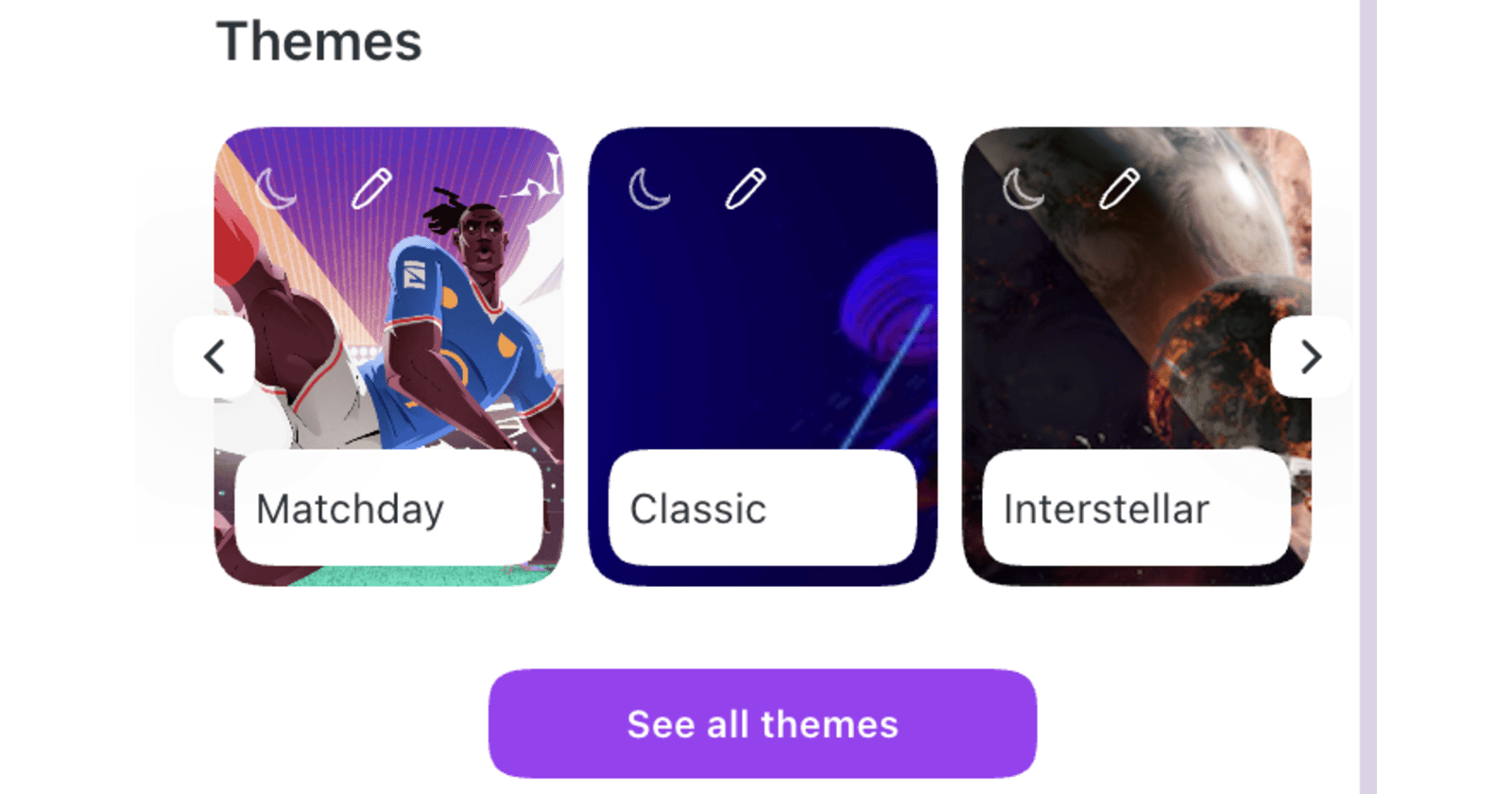
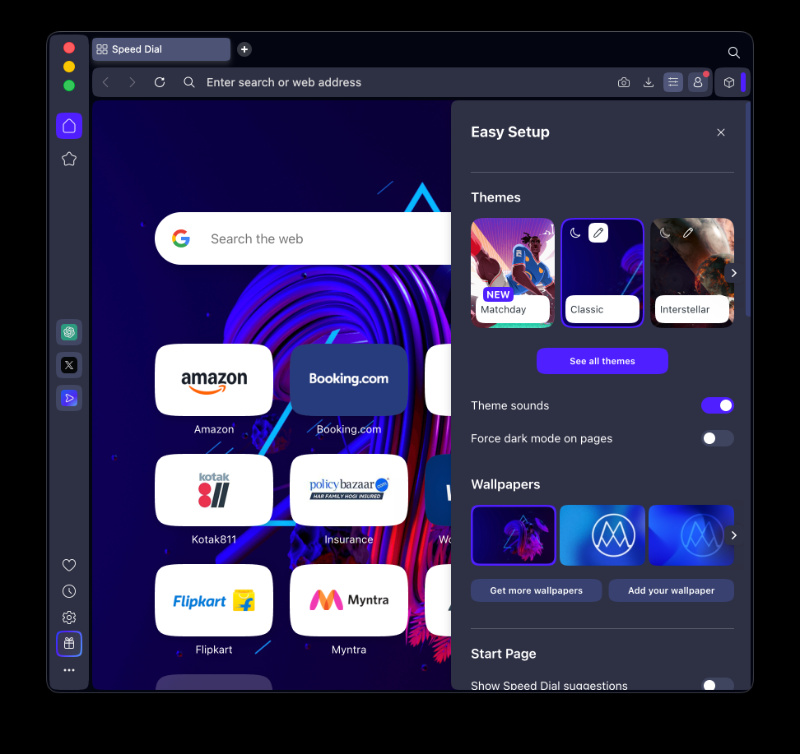
The biggest change to the UX: Themes are now visible in the Easy Setup menu, so navigating to a separate theme gallery isn’t needed anymore. You can click in to view more themes in an expanded view, but you can directly change them now.
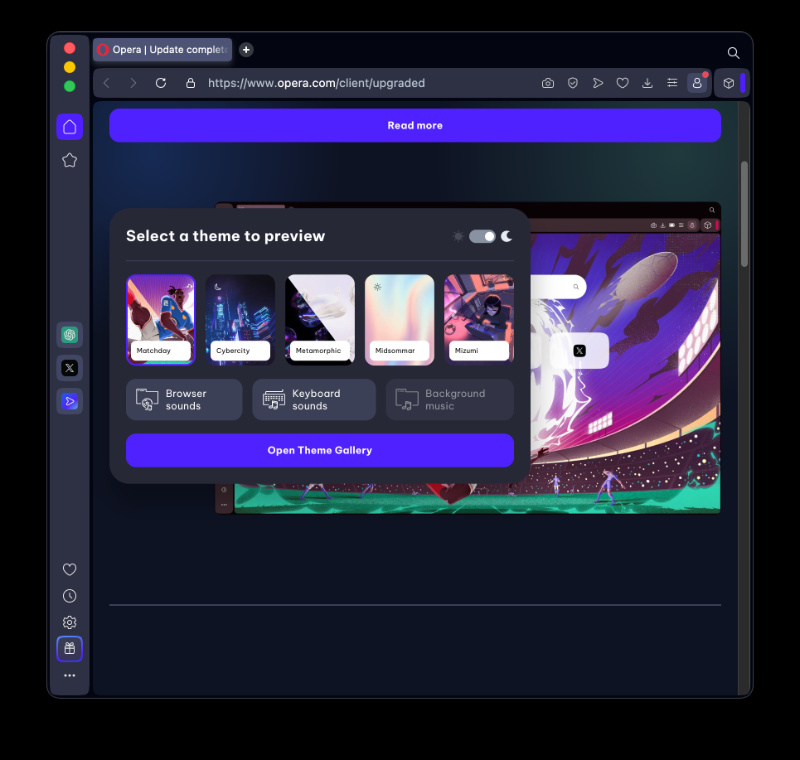
While you select a theme, the browser shows exactly how these changes will look. You don’t have to do trial-and-error adjustments now to see if a theme looks good, since it basically applies instantly and you can switch with a simple click. The previews are instant.
The customization itself is more straightforward, since users can pick colors easily and adjust the saturation with a simple slider. You can also control the animation speed.
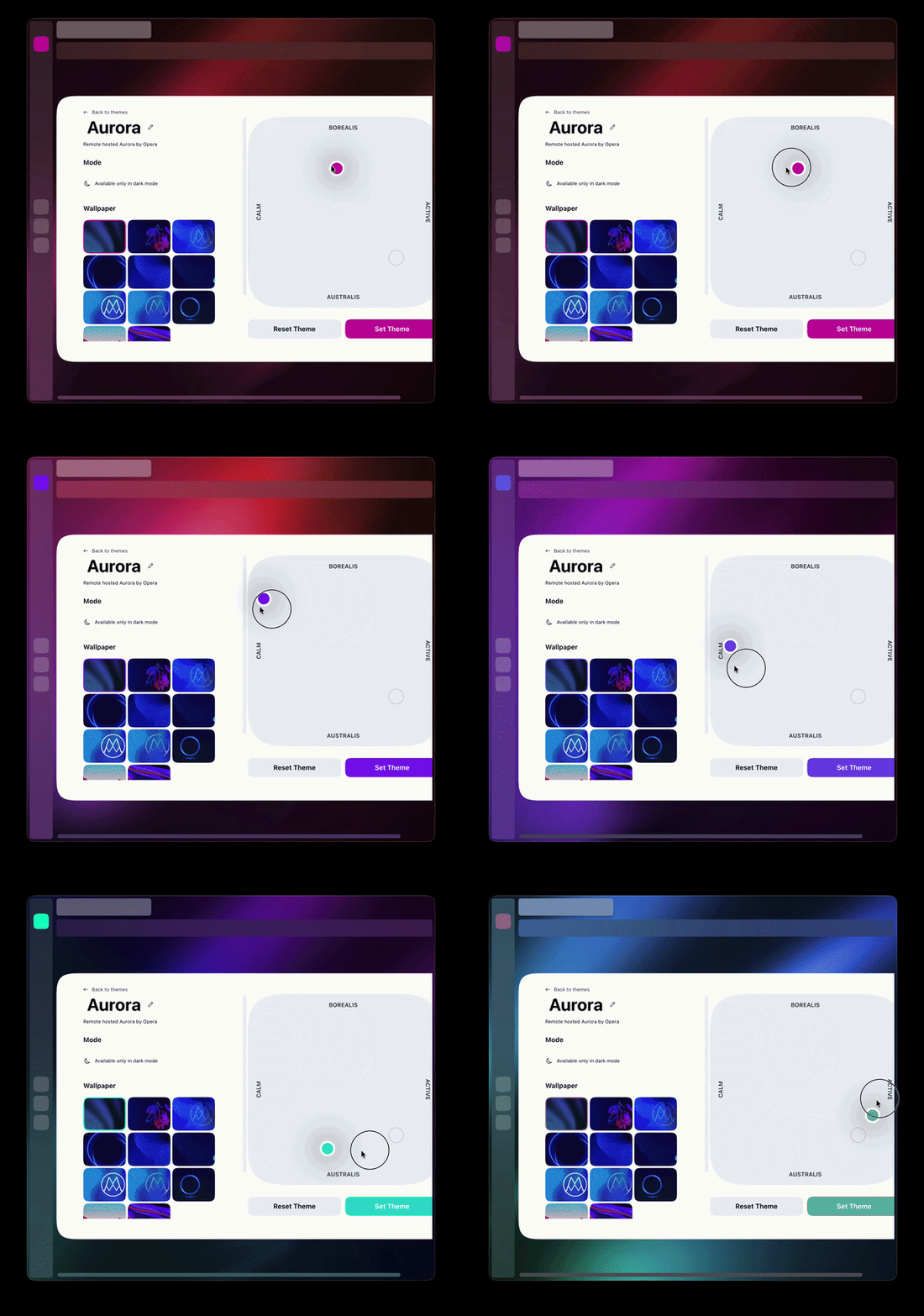
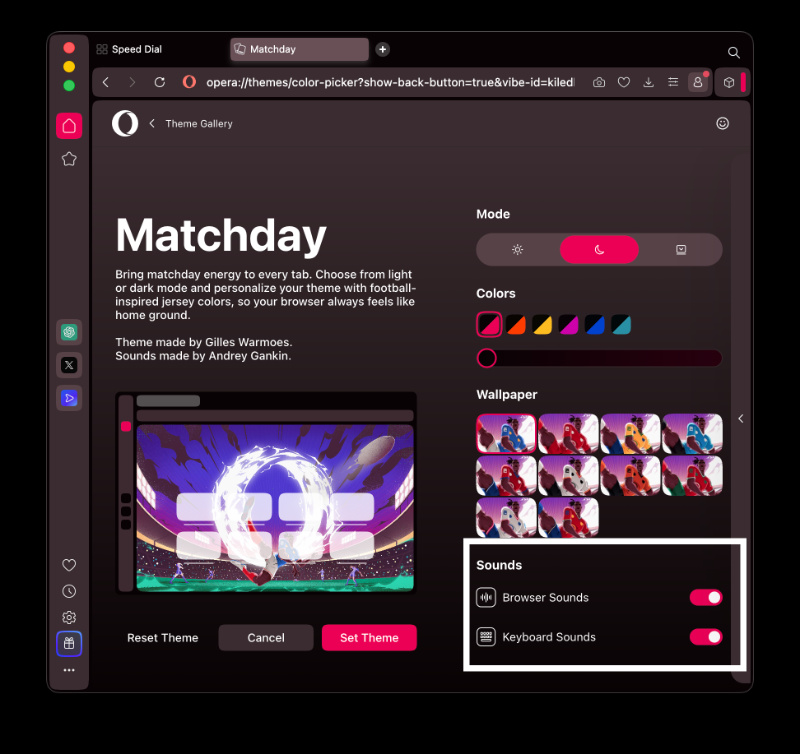
Themes that include background music or keyboard sounds now display a clear indicator within the customization page. You can directly turn off keyboard sounds and the overall background music with just a toggle.
Additionally, Opera has added a football theme for the 2026 World Cup. It includes matching browser and keyboard sounds as well, and is named “Matchday.” It includes the color customization slider, Day/Night modes, and also the options to turn sounds on or off.
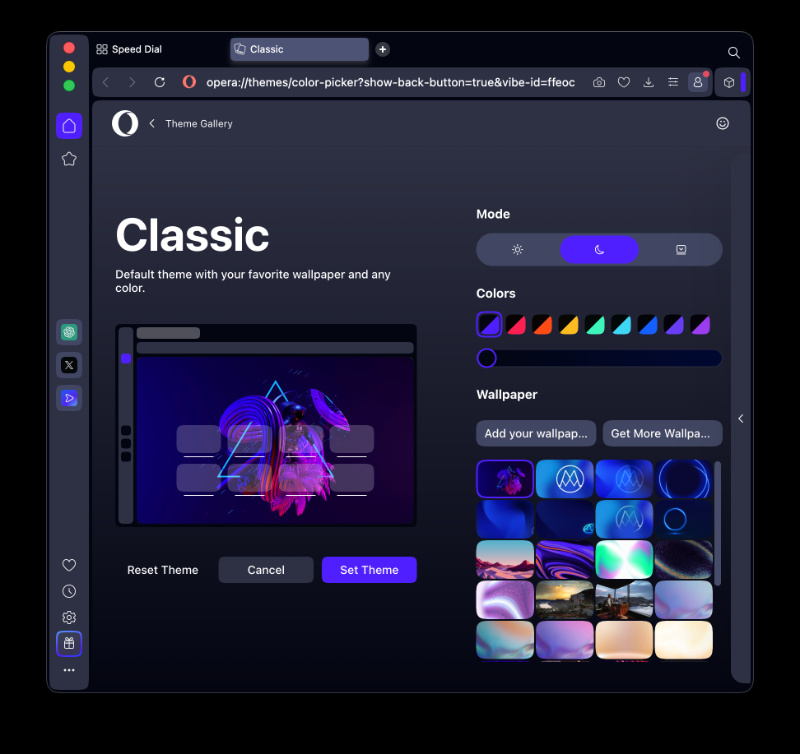
Furthermore, if you’re someone who uses the Classic theme, you can now add any image from your computer as a wallpaper. Just select the “Add your wallpaper” option. You can also customize the browser’s UI colors for the theme from here.
All you have to do to try these features is enter the Easy Setup menu on the top-right, choose from the available themes, and select one of them to modify.
So far, these are really good changes. Live preview, sound toggles, more wallpaper customization. Opera One is a lot better now for those who value personalization in a browser, and it’s good to see the company taking feedback and actively working on it.
In other Opera news, the company recently commented on the MV2 extension drama. We covered that here.


Sudhanshu K
317 Posts
I have been a consumer technology enthusiast for over 5 years. Thanks to my experience in software beta testing and product reviews, I've understood and learnt a lot about what bugs and issues bother people, and I spend time trying to simplify their solutions. I cover smartphones, software, social media, apps, AI, and most consumer tech gadgets. Actively pursuing a Computer Science bachelor’s degree. I'm mostly active on Twitter/X (@TechWhirlUlt), drop a DM or tag me if you want to share info or connect!
Next article View Article