
Vivaldi has released two updates that bring security and usability improvements to its desktop and Android browsers.
The first is a stable update for the desktop version. Vivaldi 8.0 is the current main release, and this is its seventh small incremental improvement, called “Minor Update 7.” It updates the browser’s core engine, which includes important security fixes
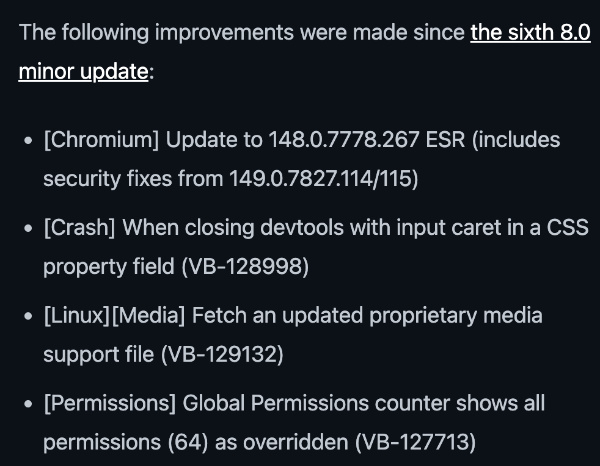
This update fixes a few specific problems. It stops a crash that used to happen when closing developer tools while editing CSS properties, updates media support files on Linux, and corrects a permissions counter. On desktop, users are recommended to apply this update right away for better security.
Meanwhile, the second release is an Android Snapshot (4074.4). Snapshots are preview versions meant for testing changes before they reach the stable version. It’s worth noting that snapshot versions are only for developers and testers, and regular users are advised to stick with the stable Vivaldi Android app.
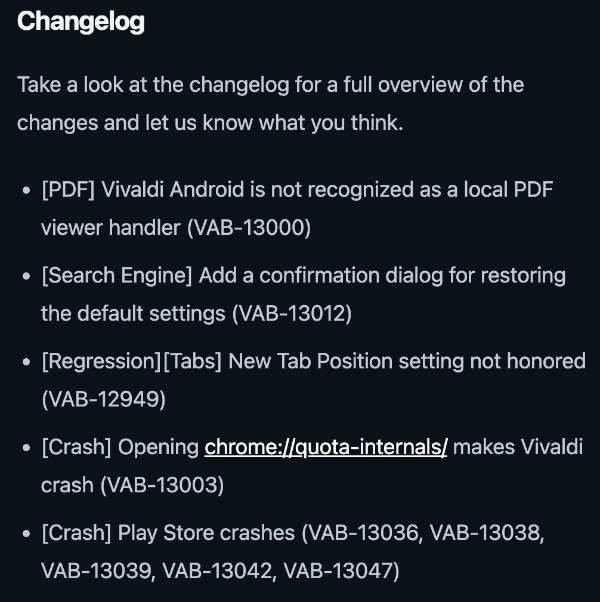
This snapshot improves PDF viewing, since Android now properly recognizes Vivaldi as a PDF handler. It also adds a confirmation pop-up when resetting search engine settings to the default options. Additionally, it fixes a bug with the New Tab Position setting and resolves several crashes.
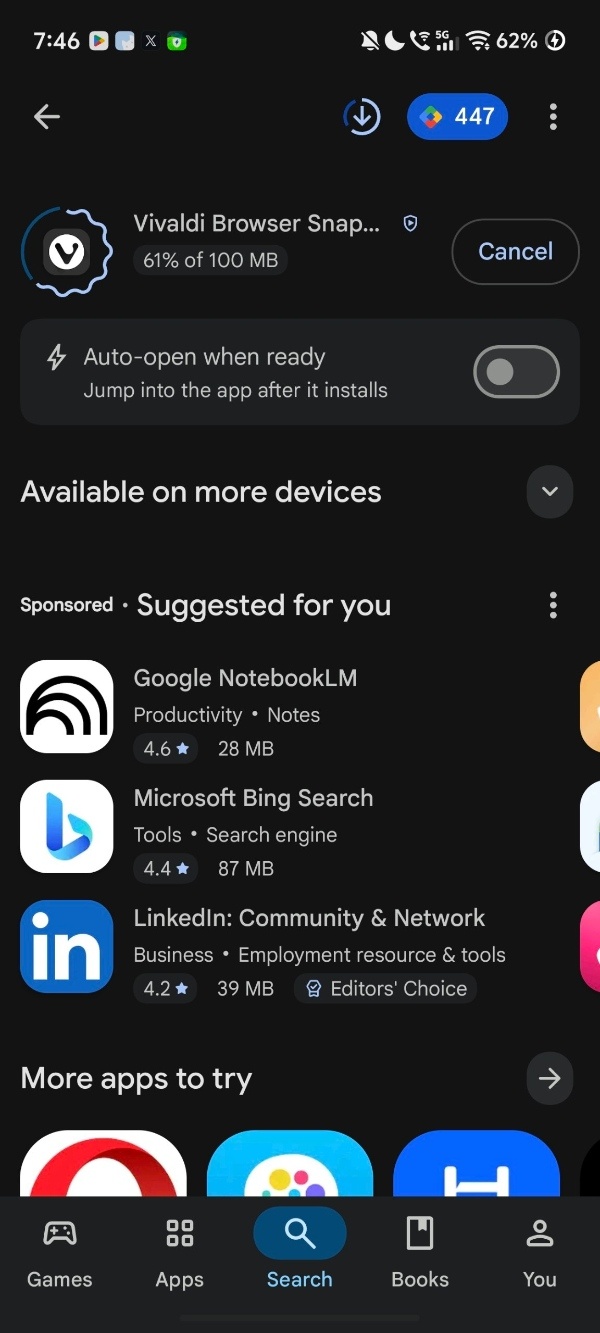
You can get the Vivaldi Snapshot for Android via the dedicated app on the Google Play Store or by manually installing the APK files from Vivaldi’s website.
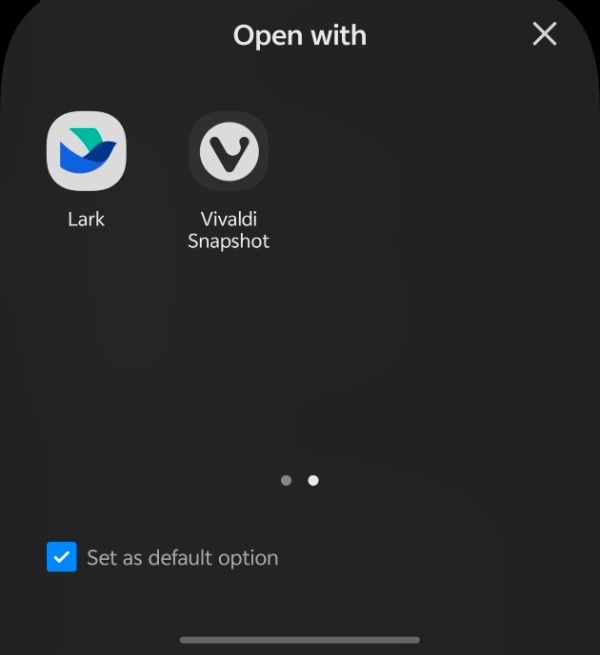
I’ve installed the Snapshot on Android, and sure enough, Android now recognizes the browser as a proper PDF handler. It’s present among the available choices when you open a PDF.
In other Vivaldi news, the broken ad blocker on YouTube is finally getting a fix. We covered that here.


Sudhanshu K
301 Posts
I have been a consumer technology enthusiast for over 5 years. Thanks to my experience in software beta testing and product reviews, I've understood and learnt a lot about what bugs and issues bother people, and I spend time trying to simplify their solutions. I cover smartphones, software, social media, apps, AI, and most consumer tech gadgets. Actively pursuing a Computer Science bachelor’s degree. I'm mostly active on Twitter/X (@TechWhirlUlt), drop a DM or tag me if you want to share info or connect!
Next article View Article