
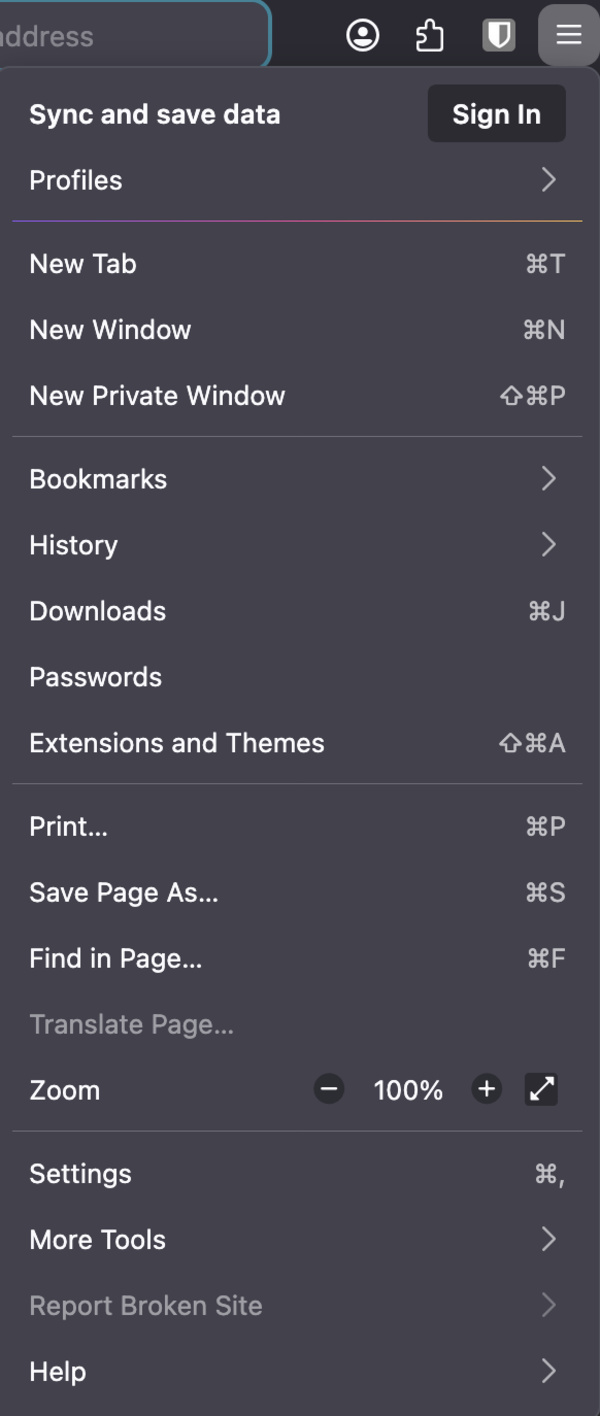
In the latest version of Firefox Nightly, the company is testing moving the familiar hamburger menu (which contains various essential options such as Settings, Bookmarks, Downloads, Passwords, Help, and others) one section higher up into the tab controls area.
Nightly testers have posted about this change on Reddit, with screenshots. The extensions button has now moved to the far right, replacing the hamburger menu. Instead of appearing alongside extensions (in the address bar area), it’s now in the same place as the Minimize, Maximize, and Close buttons (the tabs section above it).
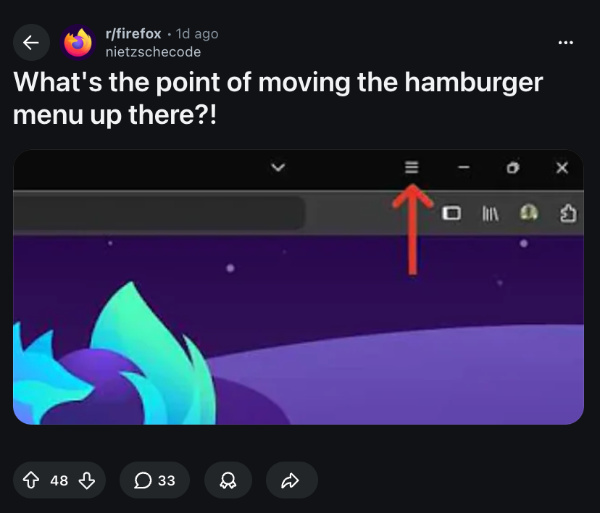
You can find a video demonstration below from BrenTech on YouTube, which compares the stable version of Firefox with the Nightly version, and the hamburger menu has been relocated.
I’ve checked on Firefox Nightly (version 153.0a1) myself, but the menu is in the same place as the stable version. The position hasn’t changed.
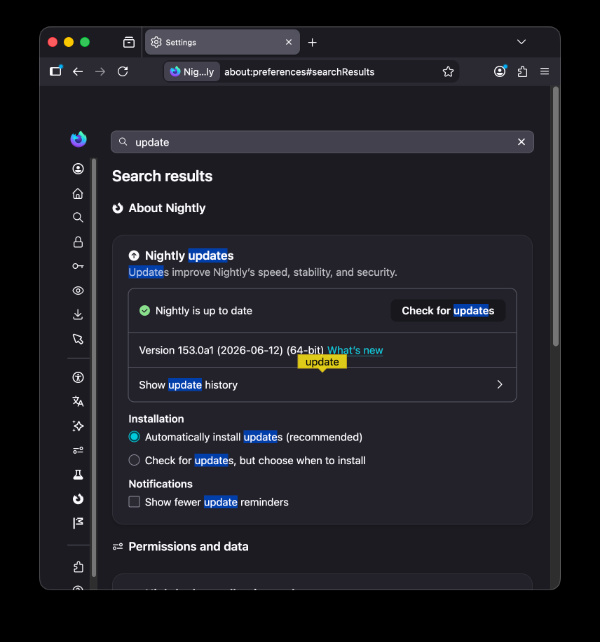
However, I’ve also observed that the posts online about this change have Windows as the common platform. Windows positions the three window options at the right, and window controls for macOS (traffic lights) are on the left, which is probably why the change hasn’t made it to the macOS version of Firefox Nightly.
It’s worth noting that a change appearing in the Nightly version doesn’t confirm that it’ll show up in stable, and it’s still under testing. Since expanding the menu reveals several crucial browser features, Firefox will not let you disable it directly, though some people have been asking for it.
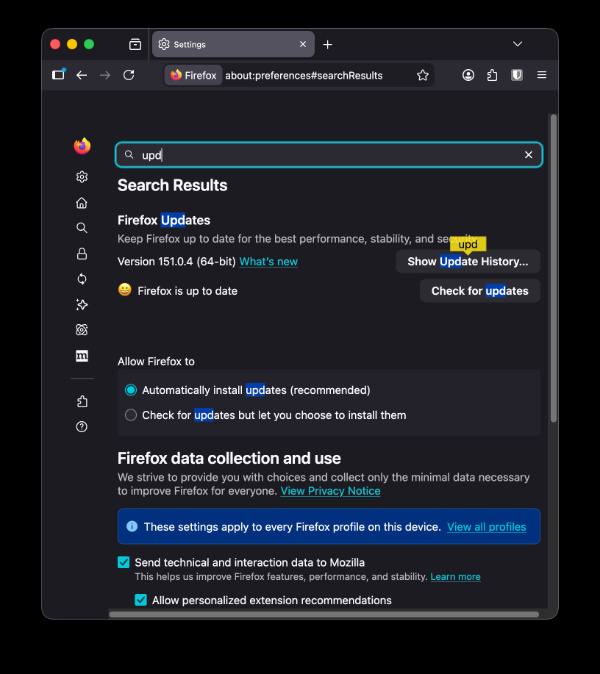
Additionally, these changes were likely spotted on Firefox v153, so it’ll take a while if they add it to the stable version. Only 5% of users have begun receiving v152 on Android (more on that here), and the stable version is still in v151.0.4.
In other Firefox news, you can soon pin different user profiles directly to the taskbar. We covered that here.


Sudhanshu K
190 Posts
I have been a consumer technology enthusiast for over 5 years. Thanks to my experience in software beta testing and product reviews, I've understood and learnt a lot about what bugs and issues bother people, and I spend time trying to simplify their solutions. I cover smartphones, software, social media, apps, AI, and most consumer tech gadgets. Actively pursuing a Computer Science bachelor’s degree. I'm mostly active on Twitter/X (@TechWhirlUlt), drop a DM or tag me if you want to share info or connect!
Next article View Article