Google recently released Chrome 149 and completely overhauled the hidden tools developers use to build websites.
These changes happen behind the scenes, but they directly improve your daily internet browsing. The new version packs a smarter built-in AI assistant that looks at an entire website and tells creators exactly how to fix broken parts or speed up load times.
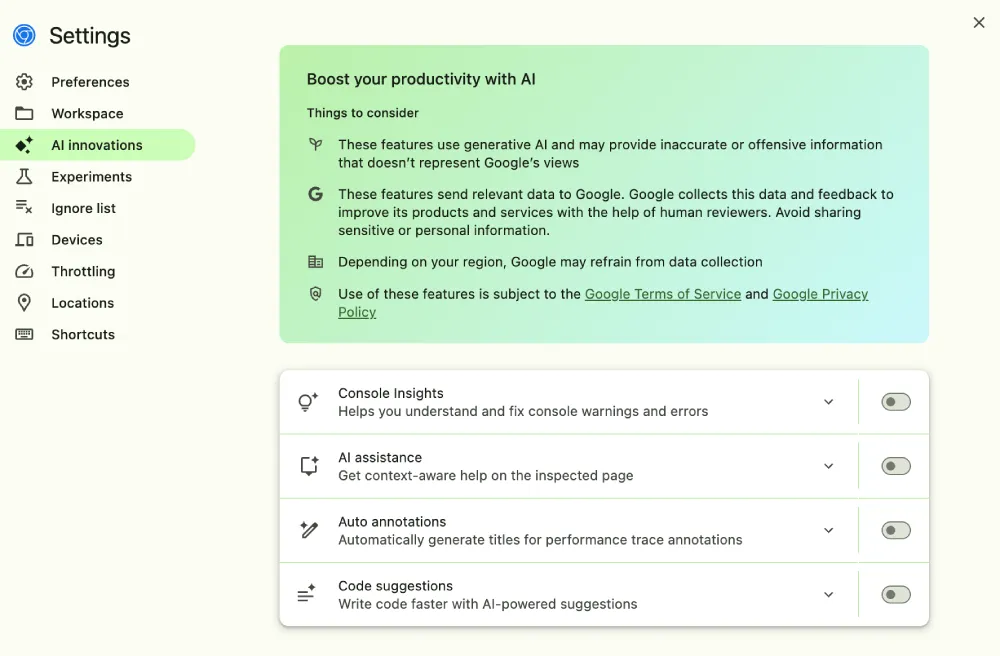
Faster websites mean less waiting around for you. Google notes the upgraded AI uses Gemini 3 and “gives more concise, and more actionable answers” to the people building your favorite pages. The assistant also displays website performance stats in neat visual widgets instead of spitting out walls of text.
This push for smarter browser tools fits right in with Google’s recent tests to run Gemma 4 locally on your device without sending private data to the cloud.
You’ll run into fewer frustrating errors or broken buttons when trying to buy something online. Chrome now includes experimental tools that let automated bots test websites for bugs. Developers can watch these AI helpers click around their pages and fill out forms to see if anything breaks before real people ever visit. The bots handle the tedious testing work. Creators get to spend their time building better features for everyday users.
But it’s not just desktop users that will benefit. Browsing on your phone is about to get much smoother too. The old browser tools used a fake mobile simulator from over a decade ago, which caused modern websites to load strangely or show fake warning messages.
Chrome 149 replaces that old system with a dynamic tool that auto-updates based on the current calendar year. Developers see exactly what you see on your modern smartphone. They can spot mobile visual glitches instantly and fix them before publishing the page.
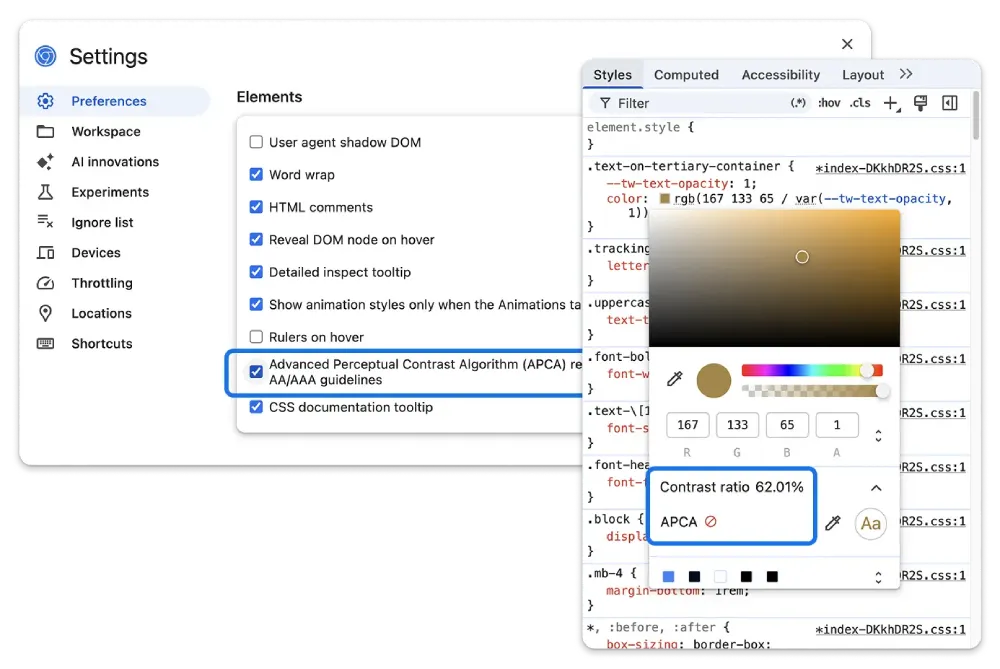
Reading text on screens is getting easier on the eyes. Chrome tossed out a very old color calculation system today and replaced it with a modern perceptual contrast model. Google says this new tool is “optimized for modern displays and text rendering” because it mimics how the human eye actually perceives color. Website designers can quickly ensure their fonts and backgrounds perfectly contrast with each other. You won’t have to squint to read light gray text on a white background ever again.
Designing beautiful layouts takes less effort now thanks to an AI that writes styling code alongside the developer. People building your favorite sites just type out what they want a layout to look like. The browser guesses the rest of the complicated code instantly while a small loading spinner shows the AI thinking. They spend less time memorizing exact coding formulas and more time making the website look great.
So overall, if developers make use of the new DevTools with 149, you’ll start seeing improvements to your browsing experience soon.


Dwayne Cubbins
3085 Posts
I cover fast-moving stories across apps, online platforms, and everyday tech — phones, wearables, consoles, and whatever else people are fighting with this week. Bugs, rollouts, scams, policy enforcement, and the occasional internet-culture rabbit hole are all fair game. My goal is simple — make confusing tech news readable. When I'm not working, I'm working out or chilling with my dog. Got a tip? You can find me on X @dcubbins.
Next article View Article