In an effort to keep design consistent on Edge, Microsoft has been polishing the UI with rounded corners to various elements in the browser, which appear a lot more modern. However, some people still prefer the older UI with sharp corners. Earlier, they had a choice to disable the new design, but the flag that was used to disable it has now been removed.
As a result, many users expressed frustration online about not having granular control over their browser. Since the rounded corners are available by default, people argue that removing the choice to disable them via experimental flags (that only power users would find) doesn’t make sense.
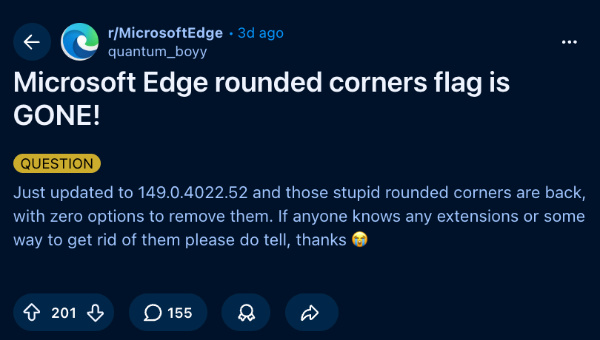
On the latest Microsoft Edge version (v149.0.4022.52), rounded corners now appear across several UI elements, including the address bar, news cards, and the Copilot search bar on the home page. This behavior is present on both Windows and macOS.
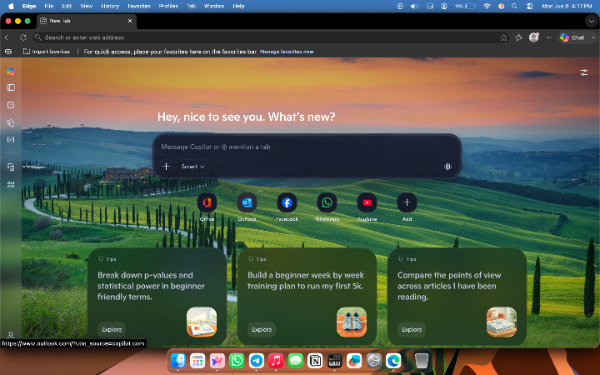
The flag to turn it off still exists on the macOS version of Edge, but disabling rounded corners does absolutely nothing. I’ve turned off rounded corners and restarted the browser, but the flag appears to be completely non-functional since the UI didn’t change one bit. On Windows, the entire flag was removed, and searching for “Rounded corners” doesn’t even yield any results.
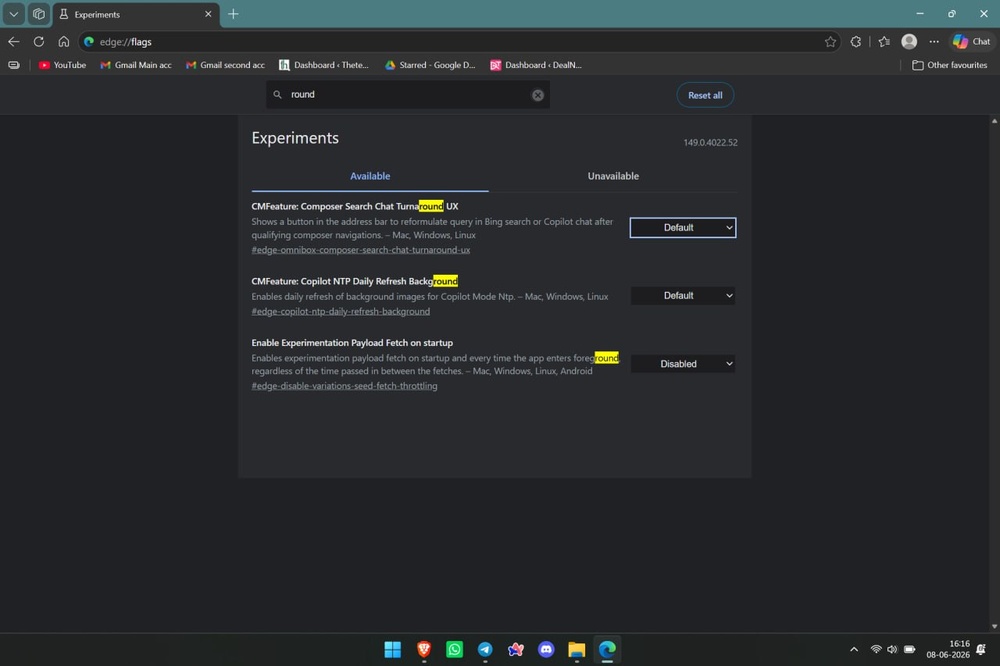
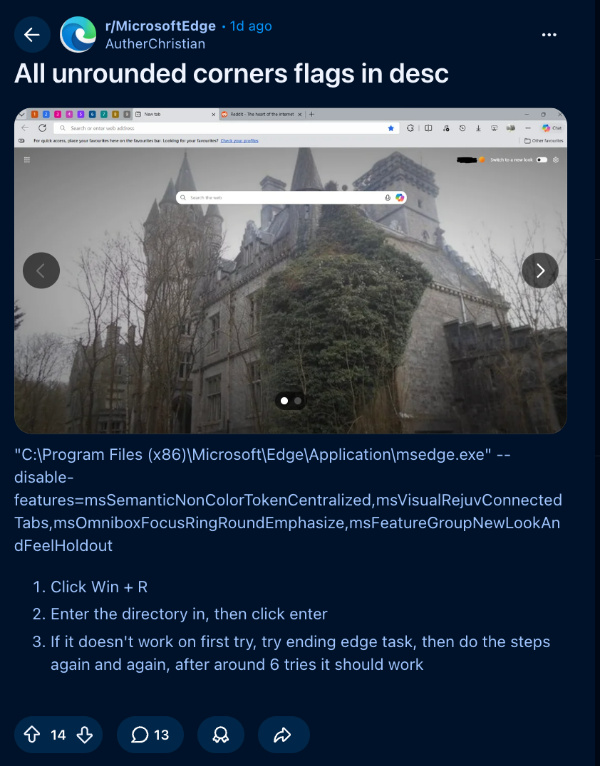
If rounded corners for browser elements bother you a lot, there are some workarounds that you can try. Both of them involve typing custom code/commands for a specific shortcut. These are the steps for one of the solutions, suggested by u/willianwadn20 on Reddit.
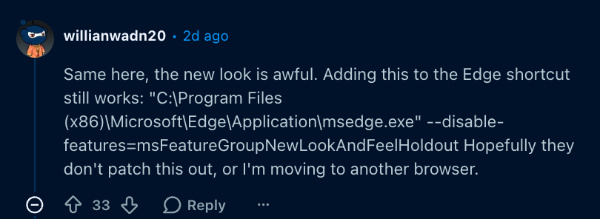
- Choose an Edge shortcut you want to apply this to. Usually, it’s the Taskbar or Desktop shortcut. Right-click it and select properties.
- Under “Target,” you’ll find “C:\Program Files…” Add a space here.
- Paste this: –disable-features=msFeatureGroupNewLookAndFeelHoldout
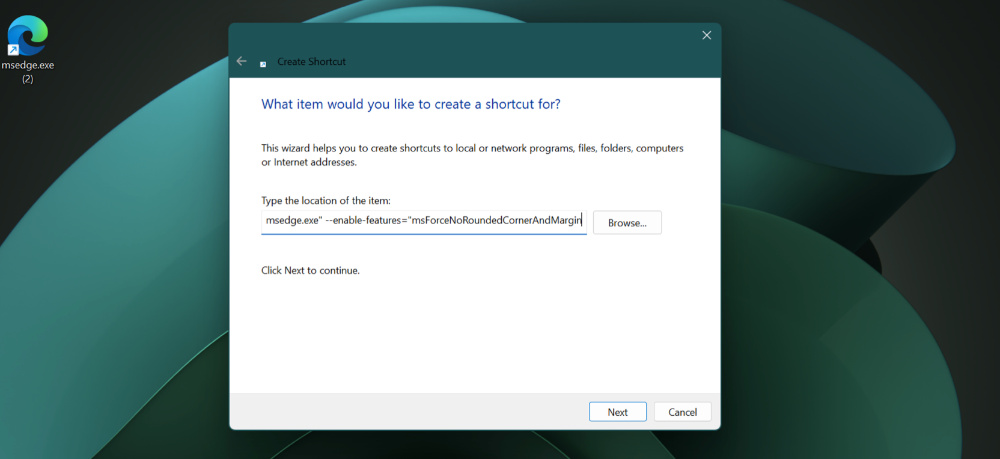
- Completely close the browser from the task manager, and restart it using the exact shortcut you’ve modified.
If this code doesn’t work, there’s another one you can try, suggested by u/skullstrife (Reddit). Repeat the steps above, but paste this: –enable-features=”msForceNoRoundedCornerAndMargin
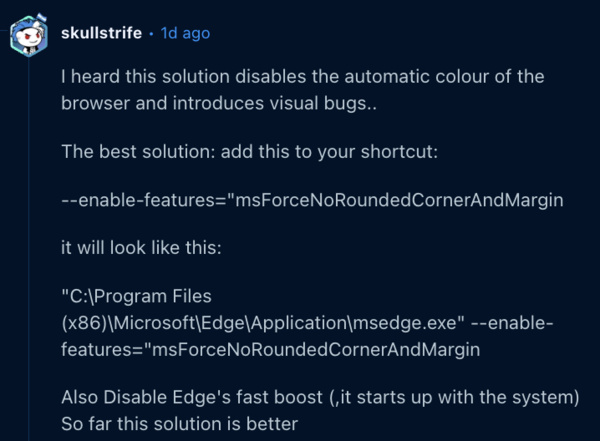
Unfortunately, we’ve tried pasting both of these into the shortcut multiple times, and it simply refuses to work. If it’s not patched, it’s very inconsistent and only works for some users; these workarounds don’t guarantee results. Some have suggested turning off Edge Startup boost, but that doesn’t work for us either.
There’s one final workaround you can try, and that’s tweaking some files in the Windows Registry. You can view the steps from the image below.
In other Microsoft Edge news, the Android app is getting an update to the notifications feature. You can read about that here.


Sudhanshu K
295 Posts
I have been a consumer technology enthusiast for over 5 years. Thanks to my experience in software beta testing and product reviews, I've understood and learnt a lot about what bugs and issues bother people, and I spend time trying to simplify their solutions. I cover smartphones, software, social media, apps, AI, and most consumer tech gadgets. Actively pursuing a Computer Science bachelor’s degree. I'm mostly active on Twitter/X (@TechWhirlUlt), drop a DM or tag me if you want to share info or connect!
Next article View Article