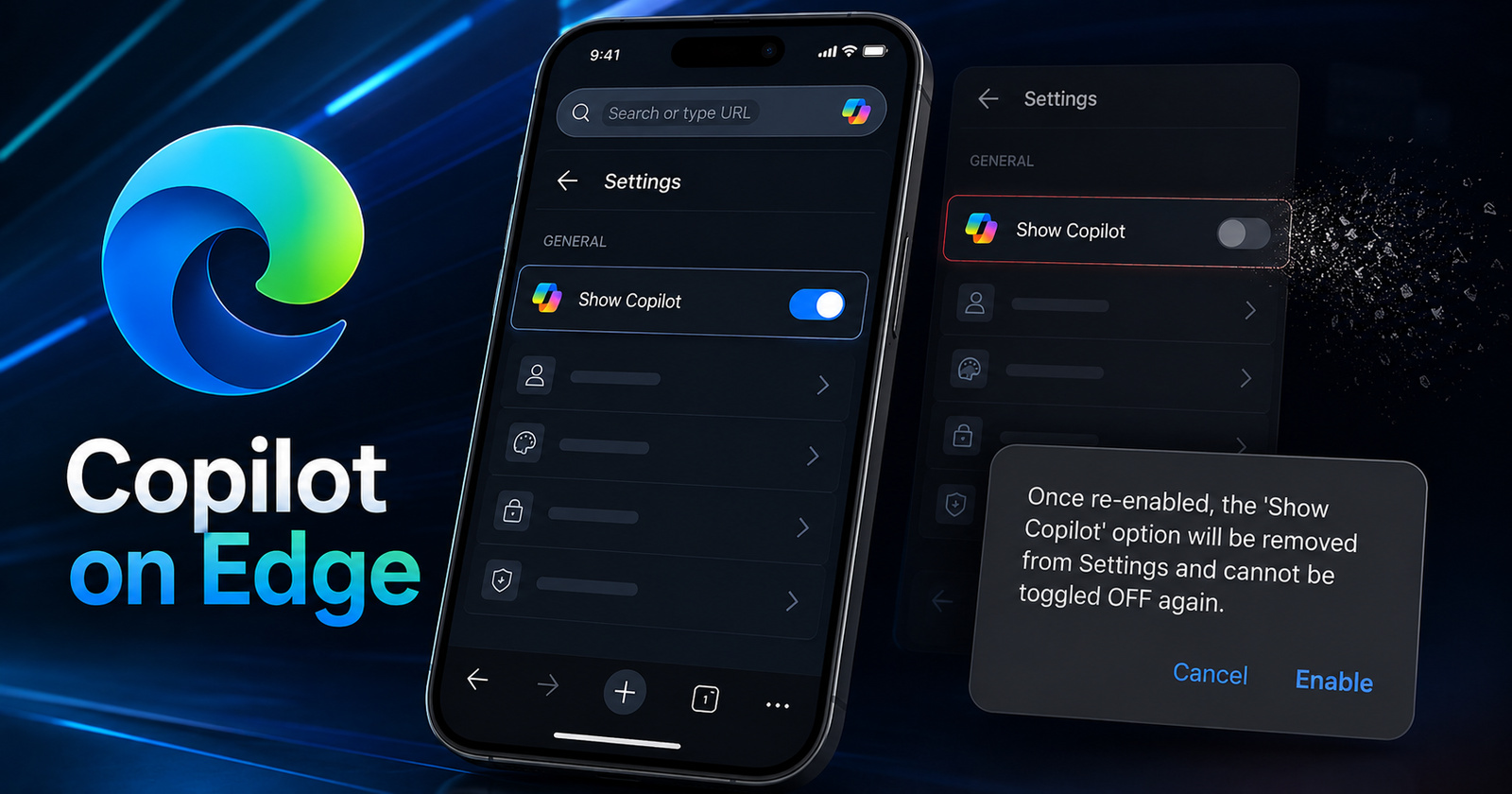
Despite online backlash about Copilot integration on Edge, Microsoft is only increasing how much “Copilot” you see on the browser.
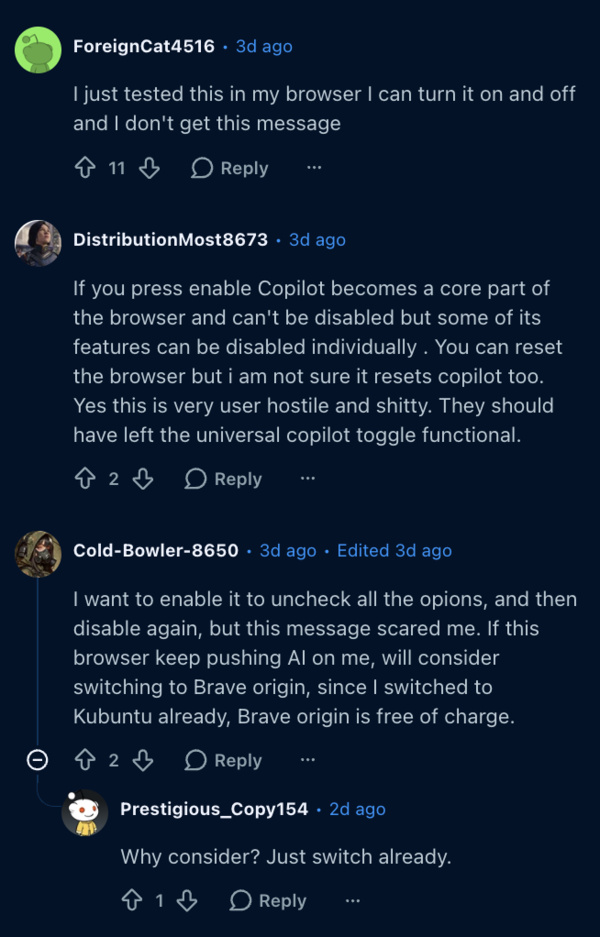
Some posts on r/MicrosoftEdge show screenshots of a pop-up that was described as “hostile.”
Speaking of the pop-up, a post on Reddit from u/Richy456 shows something rather alarming. If you re-enable Copilot after you’ve turned it off, the “Show Copilot” option would be removed from settings entirely. You wouldn’t be able to turn it off again. At the moment, it’s only for a few users, and not a full-blown rollout.
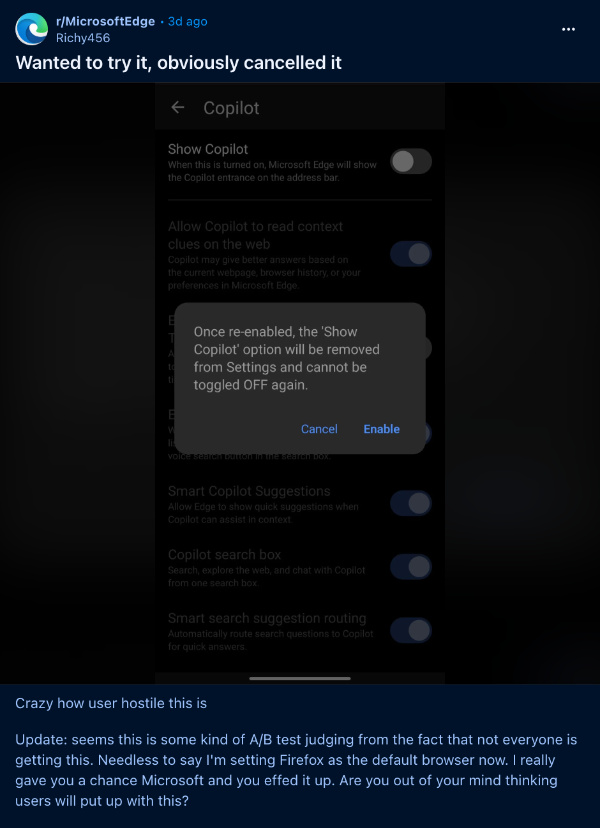
We’ve reported earlier about Microsoft Edge forcing the Copilot icon in the search bar. When this change was implemented, users were unable to directly turn Copilot off as well. It’s worth noting that these changes affect both the Android and iOS apps.
The new development here is that the “Show Copilot” button wasn’t removed for everyone at the same time, in the same way. Instead, some users still had the button, where they could turn off Copilot from the search bar. For others, the button itself disappeared entirely.
Since the button completely vanished in my case, I was unable to reproduce these findings. However, I can still turn all Copilot-related settings off, and there’s no pop-up warning me that I can’t turn off those Copilot settings.
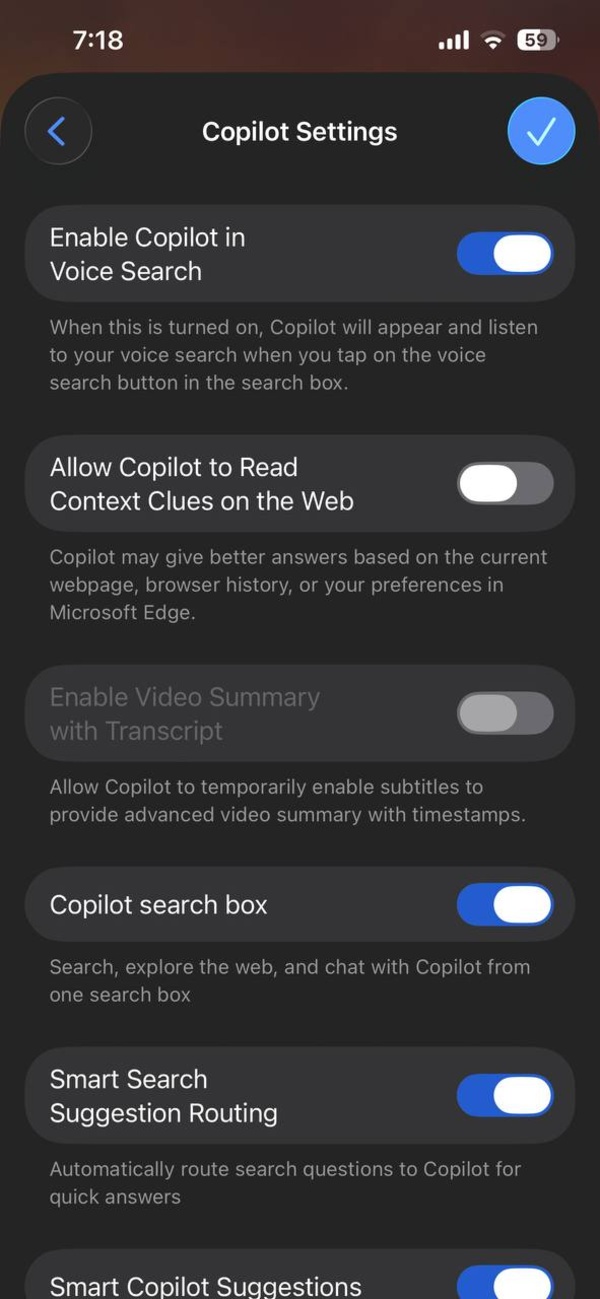
I’ve checked for this on the Android app as well, and got the same result.
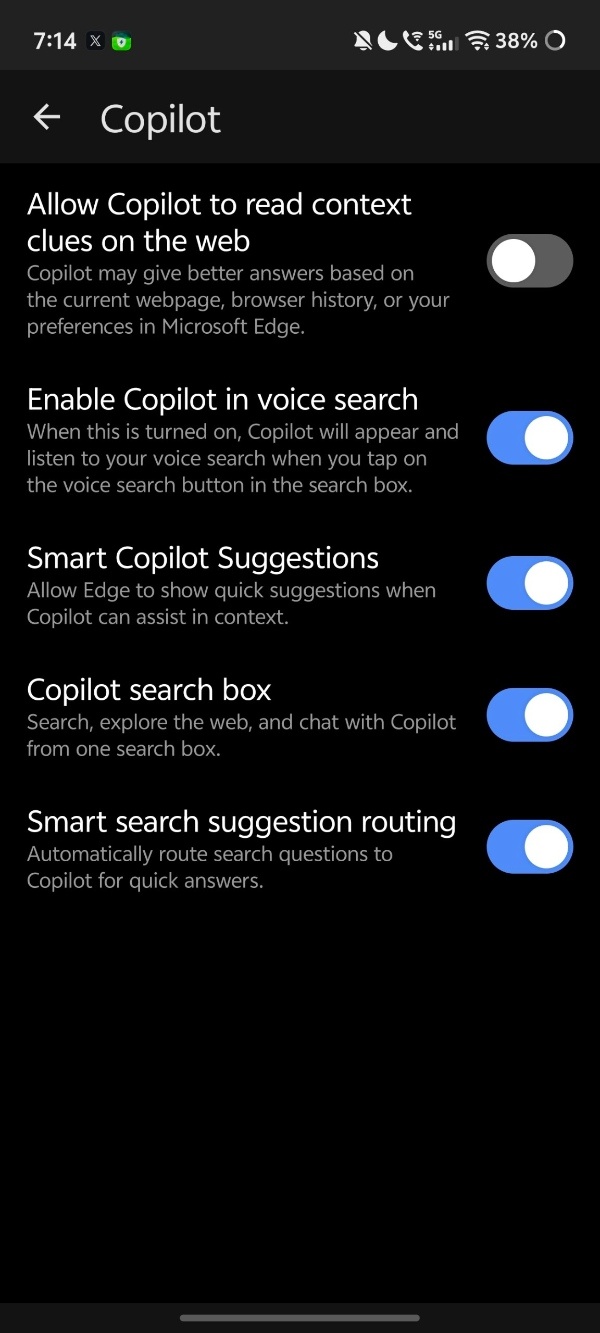
As some comments have emphasized, you can only turn off specific parts of Copilot features now, individually, but there’s no master toggle to remove it from the address bar like before.
If this change really bothers you, downloading the APK of an older version of Edge (from a trusted website such as APKMirror) will restore the “Show Copilot” button. iOS users are out of luck. However, using older versions of browsers comes with security risks, so I wouldn’t recommend it.
Disclaimer: The Featured image was generated with AI.


Sudhanshu K
305 Posts
I have been a consumer technology enthusiast for over 5 years. Thanks to my experience in software beta testing and product reviews, I've understood and learnt a lot about what bugs and issues bother people, and I spend time trying to simplify their solutions. I cover smartphones, software, social media, apps, AI, and most consumer tech gadgets. Actively pursuing a Computer Science bachelor’s degree. I'm mostly active on Twitter/X (@TechWhirlUlt), drop a DM or tag me if you want to share info or connect!
Next article View Article